Johdanto
This instruction manual provides essential information for the safe and efficient operation of your Skyworth 60Q6600H 60-Inch QLED+ 4K Google TV. Please read this manual thoroughly before using the television and retain it for future reference. It covers setup, operation, maintenance, and troubleshooting to ensure you get the best experience from your new TV.
Tärkeitä turvallisuustietoja
To reduce the risk of electric shock, fire, or damage, always follow these basic safety precautions:
- Virtalähde: Liitä televisio ainoastaan 100–240 V:n vaihtovirtalähteeseen, jonka taajuus on 50/60 Hz.
- Ilmanvaihto: Ensure adequate ventilation. Do not block ventilation openings. Maintain a minimum distance of 10 cm (4 inches) around the TV for proper airflow.
- Vesi ja kosteus: Älä altista televisiota sateelle tai kosteudelle. Älä aseta television päälle nesteitä sisältäviä esineitä, kuten maljakoita.
- Lämmönlähteet: Pidä televisio poissa lämmönlähteistä, kuten pattereista, lämmittimistä, liesistä tai muista laitteista (mukaan lukien ampnostimet), jotka tuottavat lämpöä.
- Puhdistus: Irrota televisio pistorasiasta ennen puhdistamista. Käytä pehmeää, kuivaa liinaa. Älä käytä nestemäisiä puhdistusaineita tai aerosolipuhdistusaineita.
- Huolto: Älä yritä huoltaa tätä tuotetta itse. Anna kaikki huoltotoimenpiteet pätevän huoltohenkilöstön tehtäväksi.
- Lapset: Valvo lapsia varmistaaksesi, etteivät he leiki televisiolla.
Pakkauksen sisältö
Varmista, että pakkauksessasi on kaikki alla luetellut tuotteet:
- Skyworth 60Q6600H 60-Inch QLED+ 4K Google TV
- Kaukosäädin
- TV-taso (jalusta)
- Käyttöopas (tämä asiakirja)
- Takuukortti
- Virtajohto
- Jalustan kokoonpanon ruuvit
Asennusopas
1. Television purkaminen pakkauksesta
Poista televisio varovasti pakkauksestaan. Television koon ja painon vuoksi on suositeltavaa, että tähän prosessiin osallistuu kaksi henkilöä. Aseta televisio näyttö alaspäin pehmeälle, tasaiselle alustalle (kuten huovalle tai vaahtomuoville), jotta näyttö ei vaurioidu jalustan asennuksen aikana.
2. Jalustan kiinnittäminen
Jos et aio kiinnittää televisiota seinään, kiinnitä mukana tuleva jalusta:
- Kohdista jalustan pohjat television pohjassa oleviin vastaaviin uriin.
- Secure each stand base with the provided screws using a screwdriver. Ensure the stands are firmly attached.
- Nosta televisio varovasti pystyasentoon ja aseta se vakaalle, tasaiselle alustalle.
Seinäasennus: The Skyworth 60Q6600H is wall-mountable. If you choose to wall-mount, please refer to the instructions provided with your wall-mount bracket (sold separately) and ensure professional installation for safety.
3. Oheislaitteiden liittäminen
Liitä ulkoiset laitteet television portteihin. Televisiossa on useita liitäntävaihtoehtoja:
- HDMI (HDMI 2.1): For high-definition devices like Blu-ray players, gaming consoles, and set-top boxes.
- USB: USB-tallennuslaitteiden liittämiseen median toistamista varten files.
- Lähiverkko (Ethernet): Kiinteää internetyhteyttä varten.
- Antenni-/kaapelitulo: Antenni- tai kaapelitelevisiosignaalin kytkemistä varten.
- Äänilähtö: Ulkoisten äänentoistojärjestelmien liittämiseen.
4. Ensimmäinen käynnistys ja ensimmäinen asennus
- Liitä virtajohto televisioon ja sitten pistorasiaan.
- Paina kaukosäätimen tai itse television virtapainiketta.
- Suorita alkuasetukset noudattamalla näytön ohjeita. Asennus sisältää seuraavat toimenpiteet:
- Kielen valinta.
- Connecting to a Wi-Fi network (or using a wired LAN connection).
- Kirjaudu sisään Google-tililläsi käyttääksesi Google TV:n ominaisuuksia, sovelluksia ja Google Assistantia.
- Scanning for available TV channels (if using an antenna).
Television käyttö
1. Kaukosäätimen toiminnot
The included remote control allows you to navigate the TV's interface and control various functions. Familiarize yourself with the buttons for power, volume, channel, input selection, Google Assistant, and app shortcuts.
2. Navigating Google TV Interface
Google TV organizes your content from various streaming services and live TV into a personalized home screen. Use the directional pad and OK button on your remote to browse recommendations, access your apps, and manage settings.
3. Using Smart Features
- Google Assistant: Paina kaukosäätimen Google Assistant -painiketta ja puhu mikrofoniin hakeaksesi sisältöä, hallitaksesi älykodin laitteita, saadaksesi vastauksia ja paljon muuta.
- Sisäänrakennettu Chromecast: Cast content (videos, photos, music) directly from your compatible smartphone, tablet, or computer to the TV. Look for the Cast icon in supported apps.
- Sovellukset: Access pre-installed apps like Netflix, YouTube, and Prime Video. Download thousands more from the Google Play Store.
4. Kuva-asetukset
Your Skyworth 60Q6600H features advanced display technologies. Adjust picture settings via the TV's menu to optimize your viewkokemusta.
- QLED+ Display: Enjoy vibrant colors and enhanced brightness.
- HDR10+: Tarjoaa erinomaisen kontrastin ja värien tarkkuuden yhteensopivalle sisällölle.
- Silmienhoito 5.0: Vähentää sinisen valon säteilyä ja minimoi silmien rasitusta pitkäaikaisessa käytössä. viewing.
- 120 Hz:n Turbo Motion ja MEMC: Enhances motion clarity, reducing blur and judder in fast-paced scenes.
- Elokuvantekijätila: Preserves the original aspect ratio, colors, and frame rates of films as intended by the director.
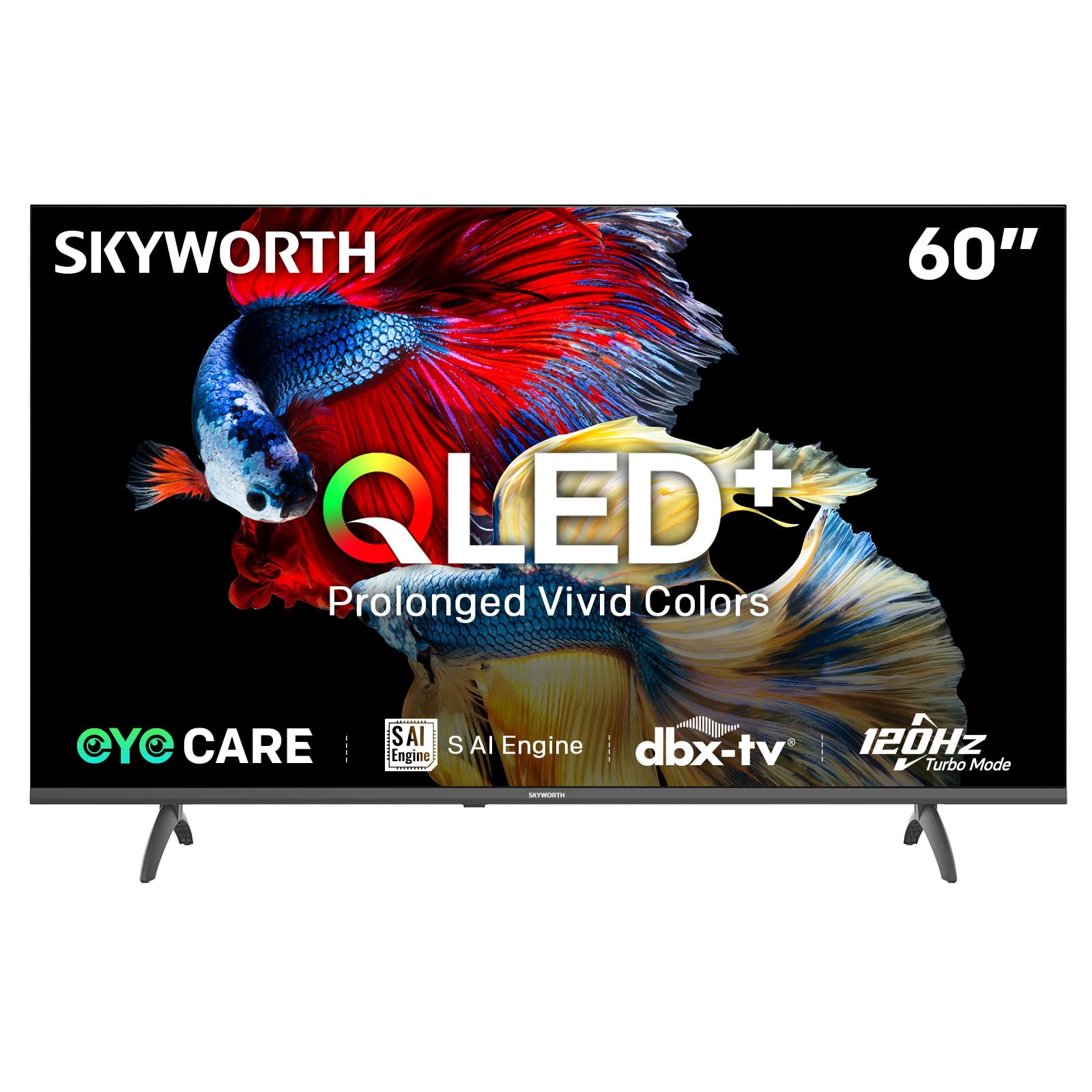
Image: A diagram illustrating the "No-Fading Extended Watching" feature, comparing Skyworth's stable and eco-friendly quantum dot performance over 10 years against conventional quantum dots.

Image: A graphic explaining the QLED+ technology, emphasizing its vivid, eco-friendly, brilliant, and prolonged color performance.

Image: An illustration of the 120Hz Turbo Motion feature, depicting a motocross rider with multiple frames to show enhanced motion clarity compared to 60Hz.
5. Ääniasetukset
The TV is equipped with 2x15W speakers and supports Dolby Digital/DBX audio processing for clear and powerful sound. Adjust sound modes (e.g., Standard, Music, Movie) and equalizer settings in the audio menu.

Image: A visual highlighting Skyworth's collaboration with Total Sonics for enhanced audio quality, featuring a sound wave graphic and a person associated with audio engineering.
6. Pelitila
Activate Game Mode for reduced input lag and optimized picture settings when connecting gaming consoles, providing a more responsive gaming experience.
7. DVB-T2 Tuner
The integrated DVB-T2 tuner allows you to receive digital terrestrial television broadcasts. Perform a channel scan in the TV settings to find available channels.
Huolto
1. Television puhdistaminen
- Näyttö: Pyyhi näyttö varovasti pehmeällä, nukkaamattomalla liinalla. Pinttyneisiin tahroihin pyyhi kevyestiampen the cloth with water or a specialized screen cleaner (ensure it's safe for TV screens) and wipe gently. Never spray liquid directly onto the screen.
- TV-runko: Use a soft, dry cloth to wipe dust from the TV's frame and stand.
- Tärkeää: Irrota aina television virtajohto pistorasiasta ennen puhdistamista.
2. Ohjelmistopäivitykset
Your Google TV may receive automatic software updates to improve performance and add new features. Ensure your TV is connected to the internet for these updates. You can also manually check for updates in the TV's settings menu.
3. Varastointi ja käsittely
If storing the TV for an extended period, keep it in a cool, dry place, preferably in its original packaging. When moving the TV, always lift it with at least two people and avoid putting pressure on the screen.
Vianetsintä
Ennen kuin otat yhteyttä asiakastukeen, kokeile seuraavia ratkaisuja yleisiin ongelmiin:
| Ongelma | Mahdollinen ratkaisu |
|---|---|
| Ei Virtaa |
|
| Ei kuvaa, mutta ääni kuuluu |
|
| Ei ääntä, mutta kuva näkyy |
|
| Kaukosäädin ei toimi |
|
| Verkkoyhteysongelmat |
|
Tehdasasetusten palautus
If problems persist, a factory reset may resolve them. This will erase all personal settings and installed apps, returning the TV to its original factory state. Navigate to Asetukset > Järjestelmä > Tietoja > Nollaa > Tehdasasetusten palautus ja vahvista valintasi.
Tekniset tiedot
Detailed technical specifications for the Skyworth 60Q6600H TV:
| Ominaisuus | Yksityiskohta |
|---|---|
| Malli | 60Q6600H |
| Näytön koko | 60 tuumaa |
| Näyttötekniikka | QLED+ |
| Resoluutio | 3840 x 2160 (4K UHD) |
| Päivitystaajuus | 120Hz Turbo Motion |
| HDR-tuki | HDR10+ |
| Kirkkaus | 300 nittiä |
| Värivalikoima | 90 % DCI-P3 |
| Silmänhoitotekniikka | Eye Care 5.0 |
| Käyttöjärjestelmä | Google TV |
| Äänilähtö | 2 x 15 W kaiuttimet |
| Äänitekniikka | Dolby Digital, DBX |
| Yhteydet | HDMI 2.1, USB, LAN, Bluetooth 5.1, Dual-band WiFi |
| Viritin | DVB-T2 |
| Tuotteen mitat (jalustan kanssa) | 134.5L x 29.9S x 85.8K cm |
| Tuotteen mitat (ilman jalustaa) | 134.5L x 8.8S x 78.5K cm |
| Paino (jalustalla) | 15.9 kg |
| Paino (ilman telinettä) | 12.1 kg |
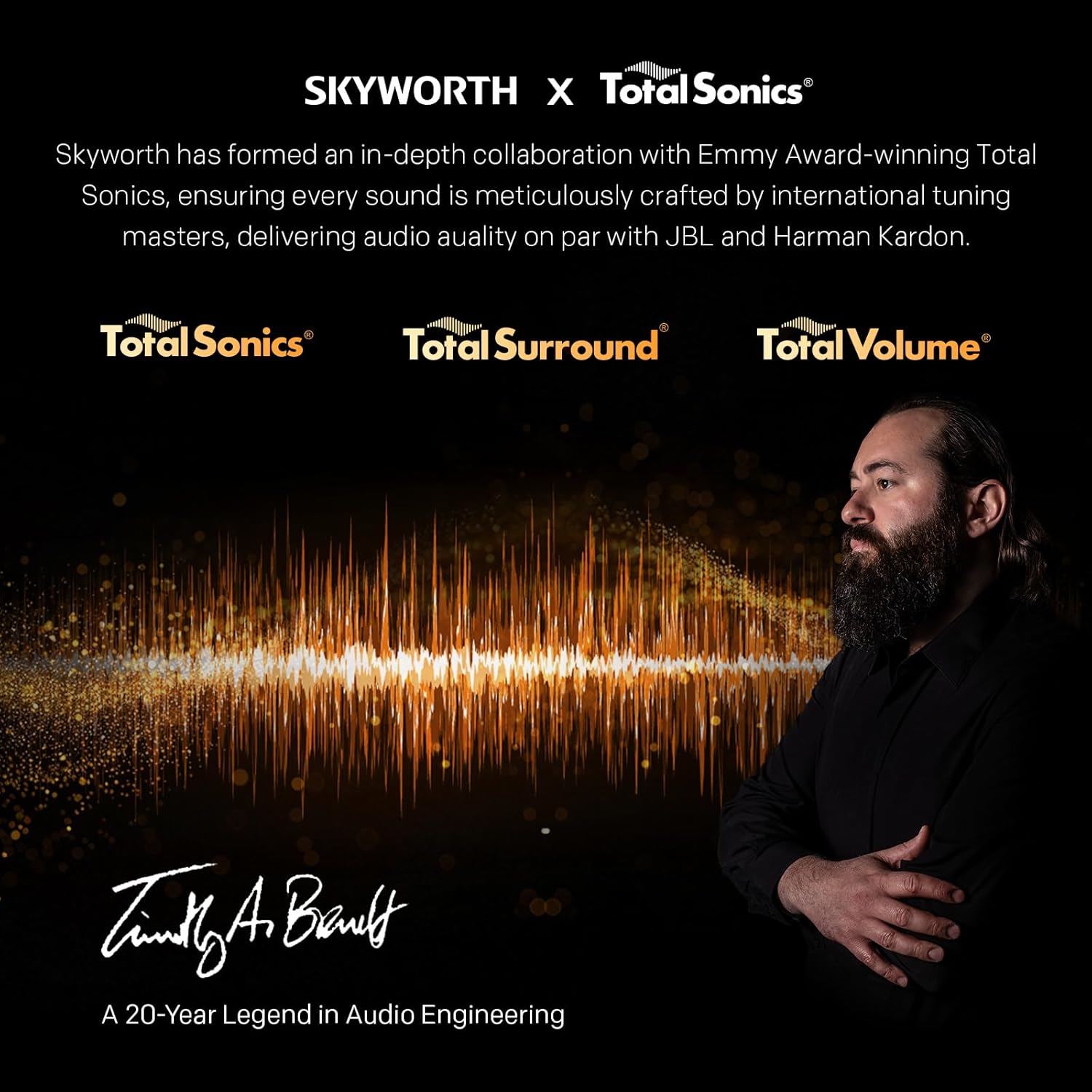
Image: A detailed diagram illustrating the width, depth, and height dimensions of the Skyworth Q6600H 60-inch TV, both with and without its stand.
Takuu ja tuki
Takuutiedot
Your Skyworth 60Q6600H TV comes with a 3 vuoden valmistajan takuu. This warranty covers defects in materials and workmanship under normal use. Please retain your proof of purchase for warranty claims. For full terms and conditions, refer to the included Warranty Card.
Spare part availability information is not available or provided.
Asiakastuki
If you encounter issues that cannot be resolved using the troubleshooting guide, or for any other inquiries, please contact Skyworth customer support. Refer to your Warranty Card or the official Skyworth websivustolta ajantasaisimmat yhteystiedot.
Verkkoresurssit: Visit the official Skyworth websivusto, josta löydät usein kysyttyjä kysymyksiä, ohjelmistolatauksia ja muita tukiresursseja.


