1. Johdanto
This manual provides essential information for the safe and efficient use of your realme 14 Pro Lite Smartphone. Please read it carefully before using your device.
Paketin sisältö:
Pura pakkausta pakkauksesta ja varmista, että kaikki osat ovat mukana:
- realme 14 Pro Lite Smartphone
- USB-kaapeli
- 45 W: n sovitin
- Suojakotelo
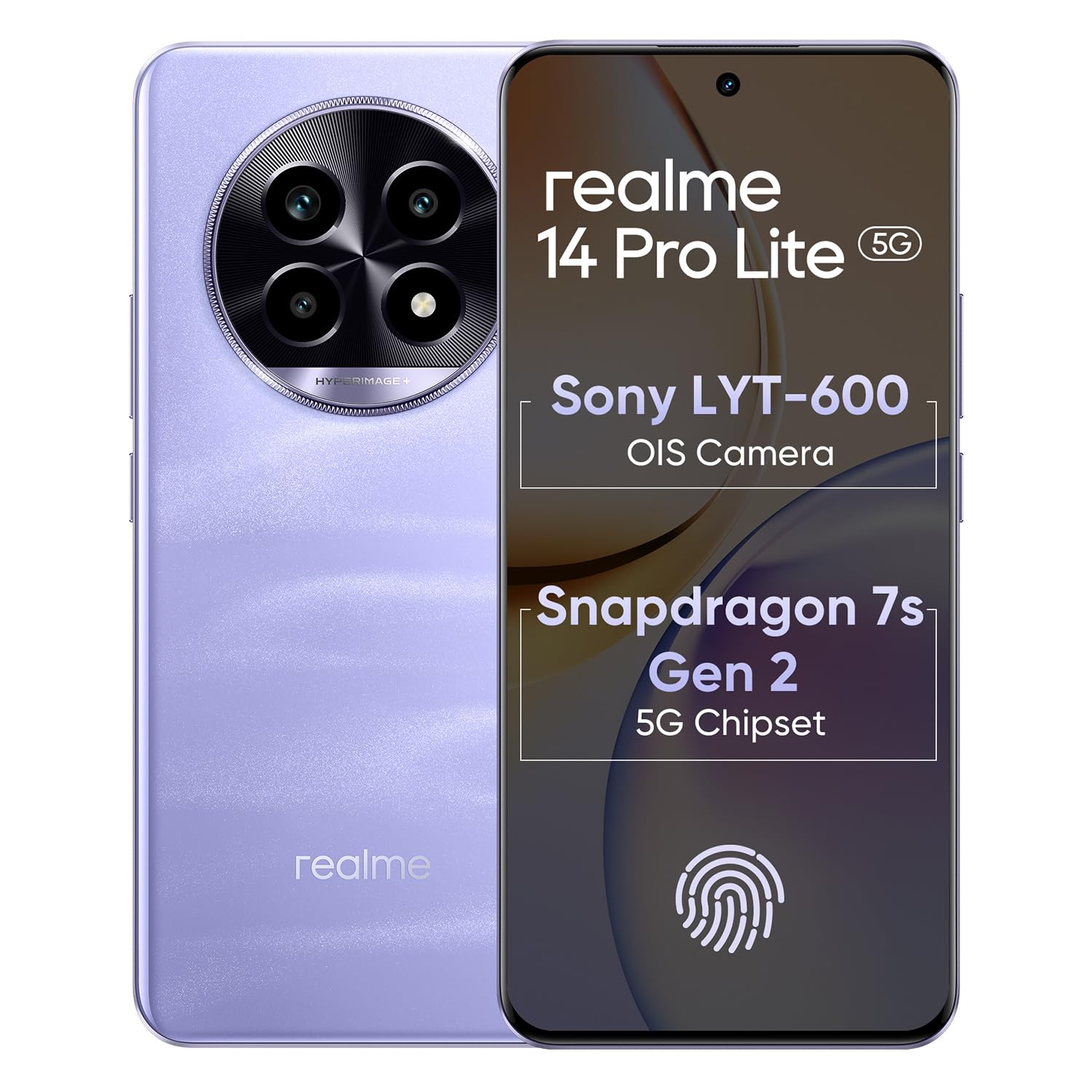
Image 1.1: The realme 14 Pro Lite Smartphone, showcasinsen suunnittelu.
2. Asennus
2.1. SIM-kortin ja microSD-kortin asentaminen
- Etsi SIM-kortin alusta laitteen sivusta.
- Aseta SIM-kortin poistotyökalu pieneen reikään alustan vieressä ja paina varovasti, kunnes alusta ponnahtaa ulos.
- Aseta Nano-SIM-kortit (enintään kaksi) ja/tai microSD-kortti korttikelkan niille tarkoitettuihin paikkoihin. Varmista, että kultaiset koskettimet osoittavat alaspäin.
- Aseta pidike varovasti takaisin puhelimeen, kunnes se napsahtaa paikalleen.
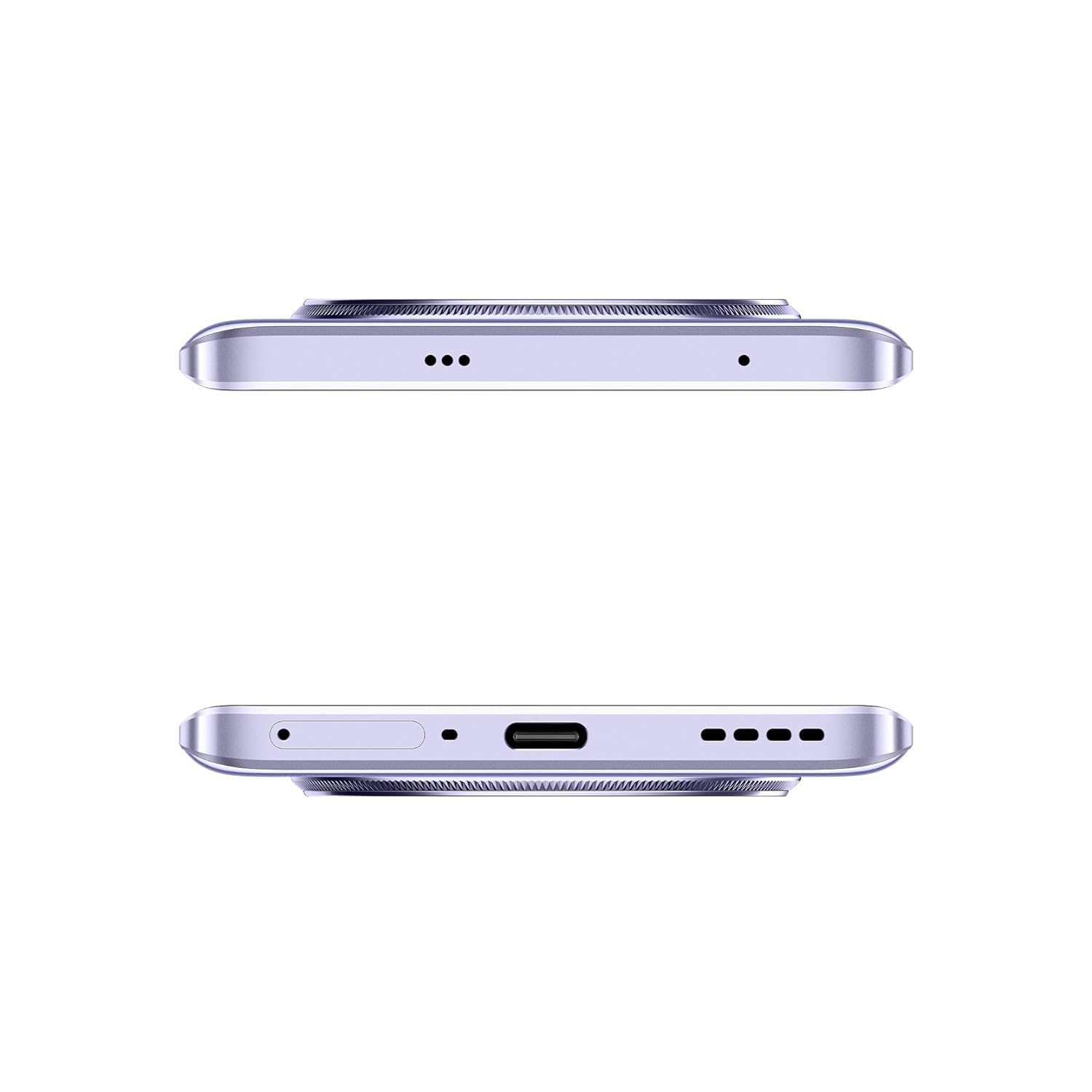
Kuva 2.1: Sivu view of the realme 14 Pro Lite, indicating the SIM card tray position.
2.2. Laitteen lataaminen
Connect the 45W adapter to a power outlet and the USB cable to the phone's charging port. The device supports 45W SuperVOOC fast charging. It is recommended to fully charge the device before first use.
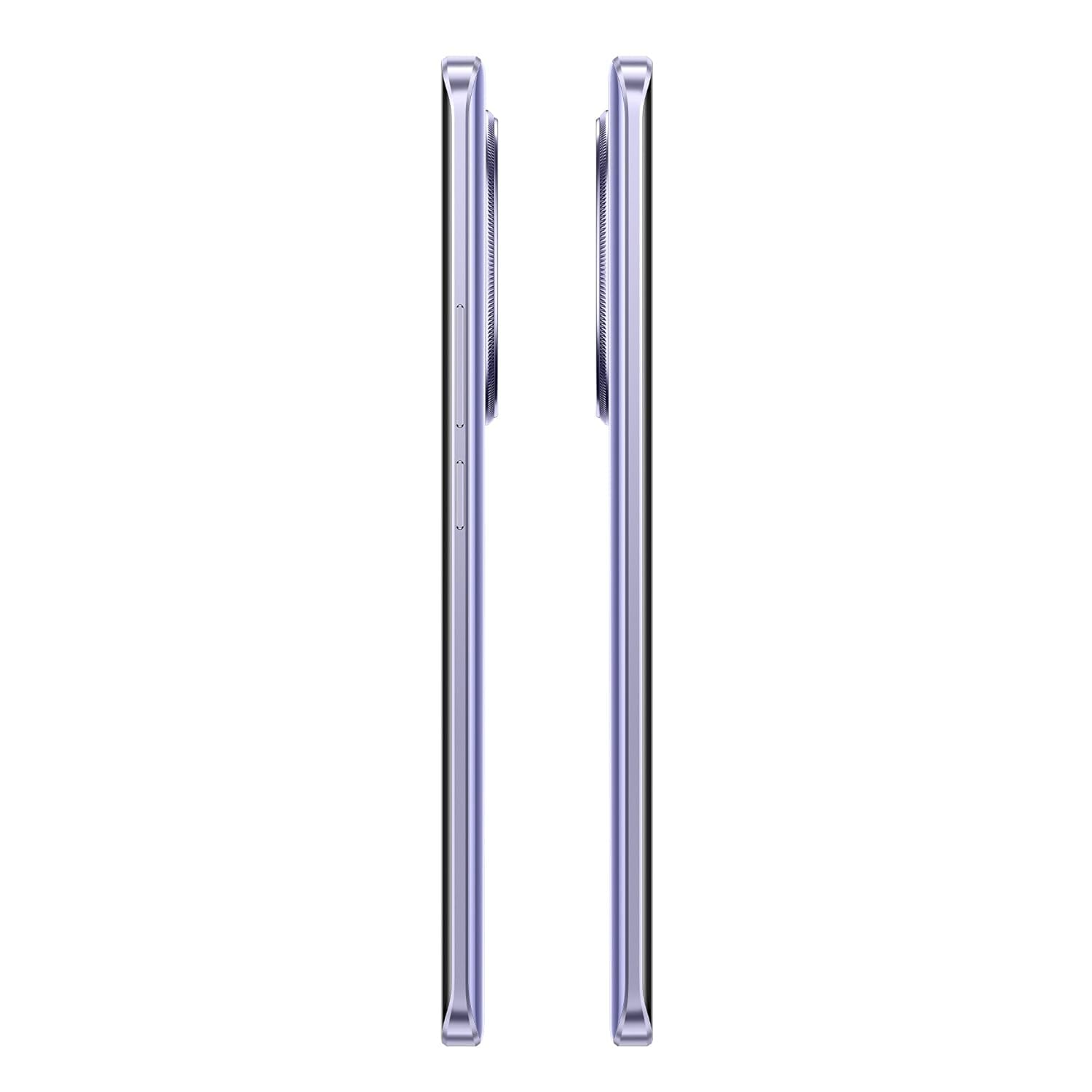
Kuva 2.2: Pohja view of the realme 14 Pro Lite, highlighting the USB-C charging port.
2.3. Käynnistäminen ja alkuasetukset
Press and hold the Power button located on the side of the device until the realme logo appears. Follow the on-screen instructions to select your language, connect to Wi-Fi, and set up your Google account.
3. Käyttöohjeet
3.1. Näyttö ja navigointi
Your realme 14 Pro Lite features a 6.7-inch OLED Flow Display with a 120Hz refresh rate for smooth visuals and a 2000Hz instant touch sampling rate for responsive interaction. Navigate the Android 14 operating system with realme UI 5.0 using gestures or on-screen buttons.
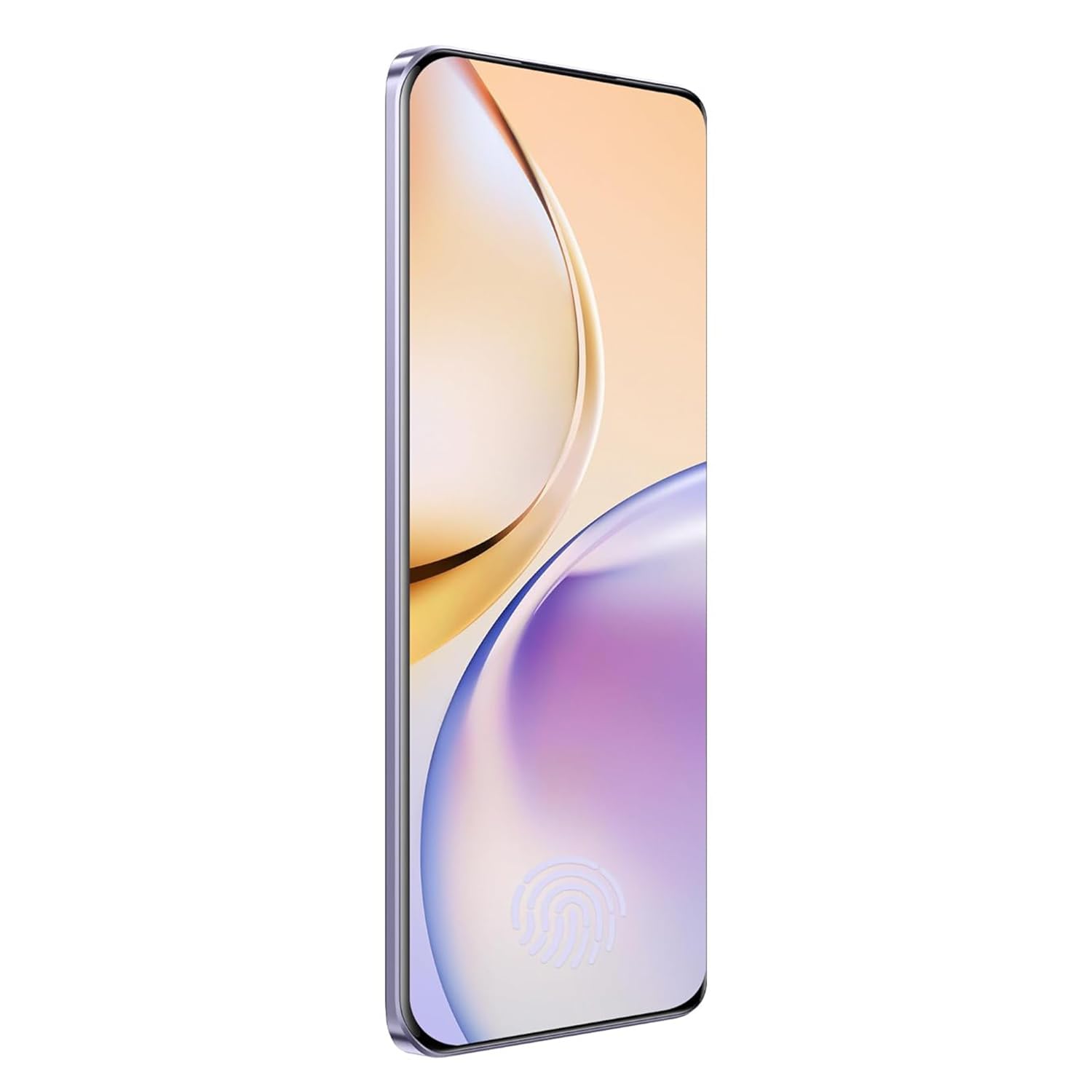
Kuva 3.1: Edessä view of the realme 14 Pro Lite, showcasinsen näyttöä.
3.2. Suorituskyky ja liitettävyys
The device is powered by a Snapdragon 7s Gen 2 4nm 5G Chipset, ensuring efficient performance for various tasks. Connectivity options include Bluetooth, USB, and Wi-Fi. For 5G network access, ensure you have a compatible SIM card and service plan.
3.3. Kameran käyttö
Utilize the integrated camera system for photography and videography. Open the Camera application from your home screen or app drawer. Select modes such as Photo, Video, Portrait, or Night mode as desired. Tap the shutter button to capture images or start/stop video recording.

Kuva 3.2: Takaosa view of the realme 14 Pro Lite, highlighting the camera module.
4. Huolto
4.1. Akun hoito
- Vältä altistamasta laitetta äärimmäisille lämpötiloille.
- Use only the provided 45W adapter and USB cable for charging.
- Älä jätä laitetta latautumaan pitkäksi aikaa sen jälkeen, kun se on saavuttanut 100 %:n latauksen.
4.2. Ohjelmistopäivitykset
Tarkista säännöllisesti ohjelmistopäivitykset ja asenna ne varmistaaksesi optimaalisen suorituskyvyn, suojauksen ja uusien ominaisuuksien käytön. Siirry osoitteeseen Settings > About device > realme UI version tarkistaaksesi päivitykset.
4.3. Laitteen puhdistaminen
Use a soft, lint-free cloth to clean the screen and body of the phone. Avoid using harsh chemicals or abrasive materials. Do not immerse the device in water.
5. Vianmääritys
5.1. Laite ei käynnisty
- Varmista, että akku on ladattu. Kytke laturi ja odota muutama minuutti ennen kuin yrität käynnistää laitteen uudelleen.
- Pakota uudelleenkäynnistys painamalla virtapainiketta vähintään 10–15 sekuntia.
5.2. Yhteysongelmat (Wi-Fi/Bluetooth)
- Toggle Wi-Fi or Bluetooth off and on again.
- Käynnistä laite uudelleen.
- Unohda verkko/laite ja yritä muodostaa yhteys uudelleen.
5.3. Sovellusten kaatuminen tai jumiutuminen
- Tyhjennä ongelmallisen sovelluksen välimuisti ja tiedot seuraavasti: Asetukset > Sovellukset > [Sovelluksen nimi] > Tallennustila.
- Poista ja asenna sovellus uudelleen.
- Varmista, että laitteesi ohjelmisto on ajan tasalla.
6. Tekniset tiedot
| Ominaisuus | Yksityiskohta |
|---|---|
| Mallin nimi | realme 14 Pro Lite |
| Käyttöjärjestelmä | Android 14 (with realme UI 5.0) |
| Prosessori | Snapdragon 7s Gen 2 4nm 5G Chipset |
| Näyttö | 6.7-inch OLED Flow Display, 120Hz Refresh Rate, 2412x1080 Resolution |
| RAM | 8GB |
| Sisäinen tallennustila | 128GB (expandable up to 1TB with microSD) |
| Akun kapasiteetti | 5200 mAh |
| Lataus | 45W SuperVOOC Charge |
| Yhteydet | 5G, Bluetooth, USB, Wi-Fi, GPS |
| Mitat (PxLxK) | 16.13 x 7.39 x 0.82 cm |
| Paino | 183 g |
7. Takuu ja tuki
7.1. Takuutiedot
Your realme 14 Pro Lite Smartphone comes with a standard manufacturer's warranty. Please refer to the warranty card included in your package or visit the official realme websivustolta löydät tarkemmat ehdot takuun kattavuudesta ja kestosta.
7.2. Asiakastuki
For technical assistance, service, or further inquiries, please contact realme customer support. You can find contact details, FAQs, and support resources on the official realme websivusto:
8. Viralliset tuotevideot
No official product videos from the seller were found in the provided data. Please visit the official realme website or authorized channels for any available video guides or demonstrations.


