Johdanto
Kiitos ostoksestasiasing the Redragon M995 LIT Wireless Gaming Mouse. This manual provides essential information for the proper setup, operation, and maintenance of your device. Please read it thoroughly before use to ensure optimal performance and longevity.
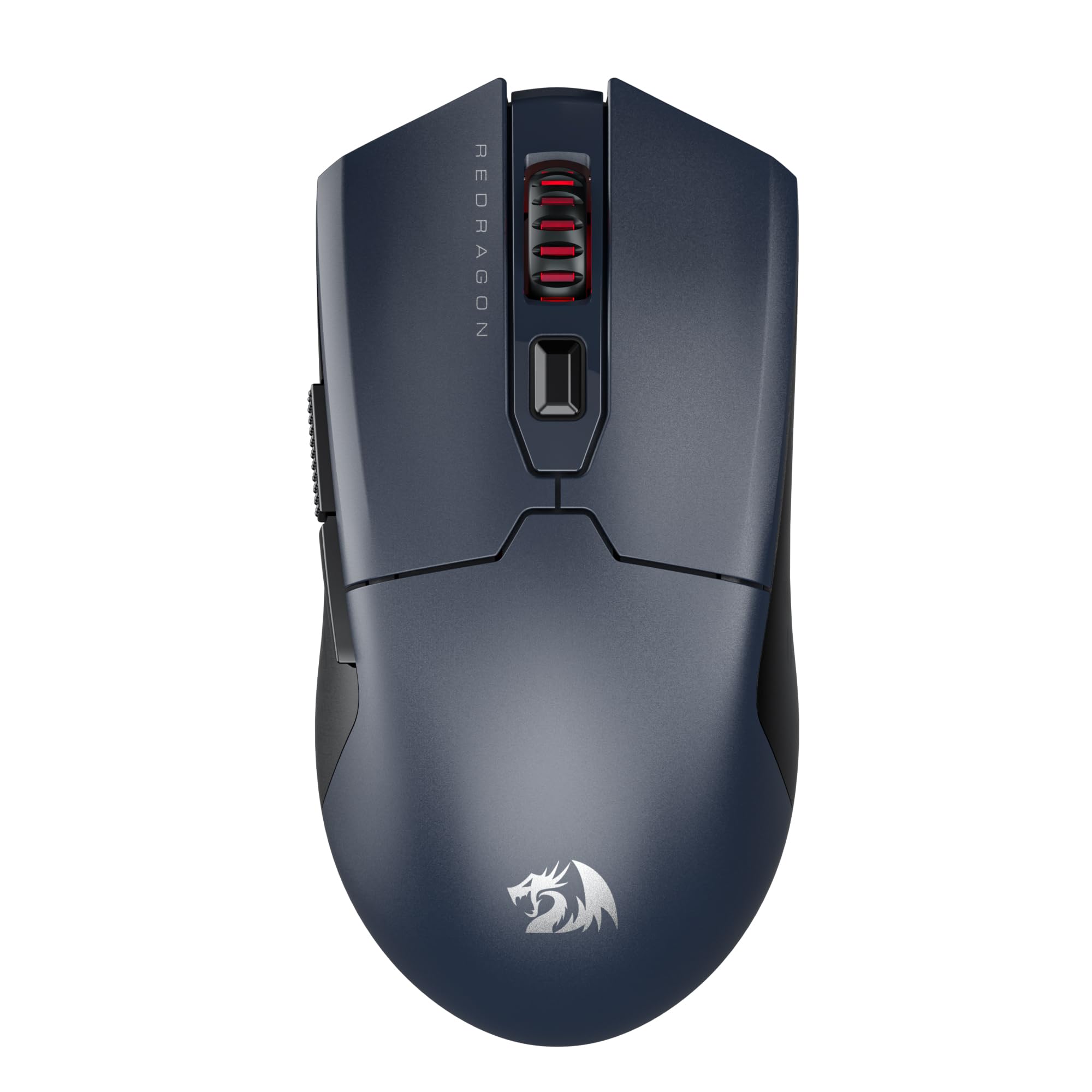
Image: The Redragon M995 LIT Wireless Gaming Mouse, showcasinsen ergonominen muotoilu ja tärkeimmät ominaisuudet.
Asennus
Pakkauksen sisältö
- Redragon M995 LIT Wireless Gaming Mouse
- 2.4 GHz: n USB-vastaanotin
- USB-C latauskaapeli
- Käyttöopas
Yhteystilat
The M995 LIT mouse supports three connection modes: 2.4GHz Wireless, Bluetooth (BT), and Wired (USB-C).
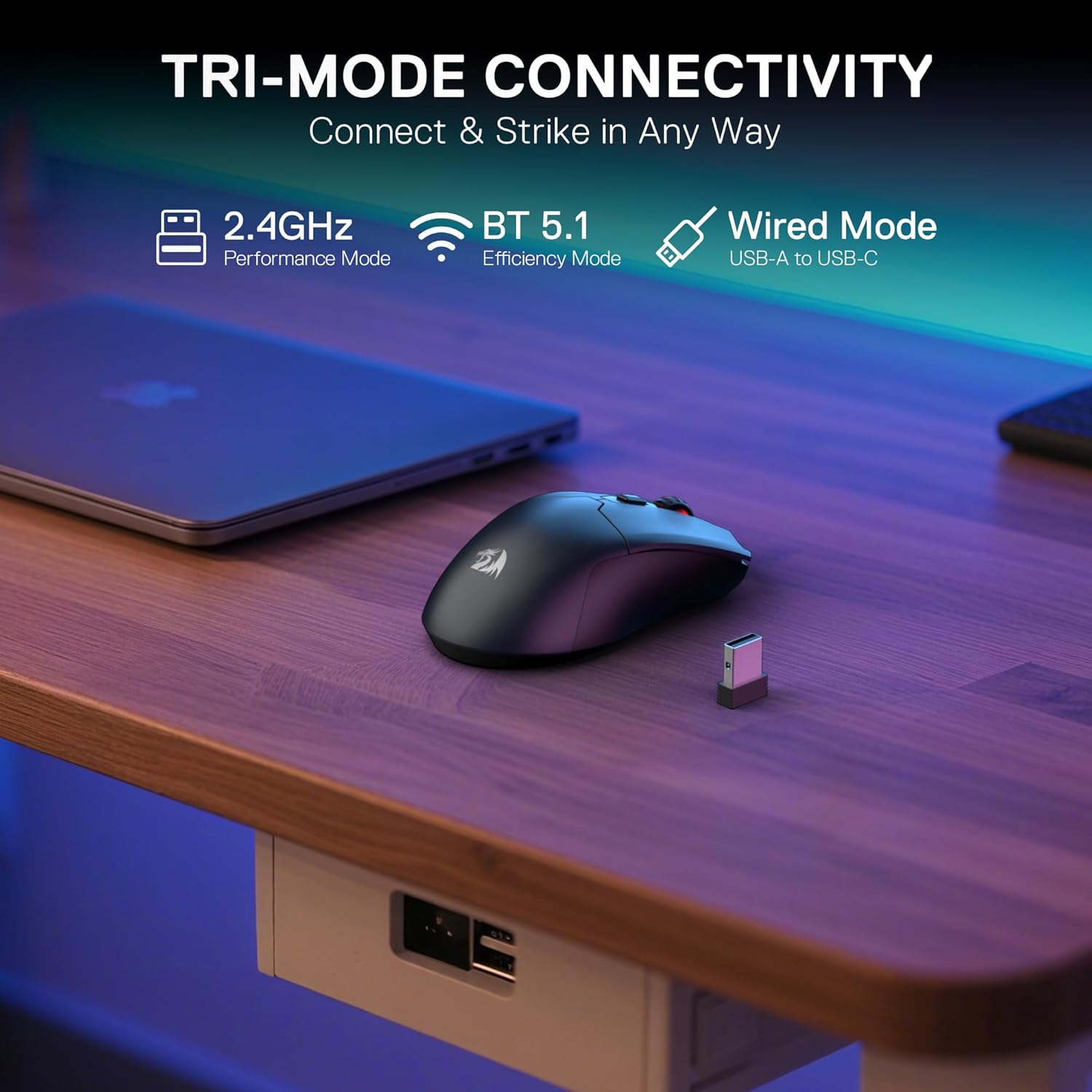
Image: Illustration of the mouse's tri-mode connectivity options: 2.4GHz, Bluetooth, and Wired via USB-C.
2.4 GHz: n langaton yhteys
- Locate the 2.4GHz USB receiver. It is typically stored in a compartment on the underside of the mouse.
- Liitä USB-vastaanotin tietokoneesi vapaaseen USB-porttiin.
- Turn on the mouse using the switch on the bottom. Select the 2.4G mode.
- The mouse should automatically connect. If not, press the pairing button on the underside of the mouse.
Bluetooth-yhteys
- Turn on the mouse using the switch on the bottom. Select the BT mode.
- Siirry tietokoneellasi tai laitteellasi Bluetooth-asetuksiin ja hae uusia laitteita.
- Select "Redragon M995 LIT" from the list of available devices to pair.
Langallinen yhteys
- Liitä latauskaapelin USB-C-pää hiireen.
- Liitä latauskaapelin USB-A-pää tietokoneen vapaaseen USB-porttiin.
- Hiiri toimii langallisena hiirenä ja latautuu samanaikaisesti.
Ohjelmiston asennus
To unlock the full customization potential of your M995 LIT mouse, including DPI settings, macro programming, and lighting effects, download the Redragon Pro driver software from the official Redragon websivusto. Noudata näytön ohjeita asennuksen suorittamiseksi.
Käyttöohjeet
DPI-säätö
The mouse features 5 on-board DPI levels (400/800/1600/2400/4000) which can be cycled through using the dedicated DPI button, usually located behind the scroll wheel. These levels are indicated by different LED colors.

Image: Visual representation of the 5 adjustable DPI levels and their corresponding LED colors.
For advanced customization, including setting DPI up to 10000 and defining custom DPI steps, use the Redragon Pro driver software.

Image: Screenshot of the Redragon Pro driver software interface, showing DPI settings and customization options.
Ohjelmoitavat painikkeet
The M995 LIT mouse is equipped with 6 programmable buttons. These buttons can be assigned custom functions, macros, or keybinds using the Redragon Pro driver software.

Image: Diagram highlighting the 6 customizable buttons on the Redragon M995 LIT mouse.
To program buttons:
- Open the Redragon Pro driver software.
- Navigate to the "Key Settings" or "Button Settings" section.
- Select the button you wish to customize.
- Choose a predefined function or create a new macro.
- Save your changes to apply them to the mouse.
Akun hallinta
The mouse features a built-in 400mAh battery. To conserve power, the mouse will automatically enter sleep mode if not used for 3 minutes. Move the mouse or click any button to wake it up.

Image: Visual of the mouse highlighting its 400mAh battery capacity and estimated 44 hours of usage in BT mode.
Huolto
Puhdistus
- Regularly clean the mouse surface with a soft, dry cloth.
- Käytä vanupuikkoa kevyesti dampened with isopropyl alcohol to clean the optical sensor and mouse feet.
- Avoid using harsh chemicals or abrasive materials, as these can damage the mouse.
Akun hoito
- Lataa hiiri mukana toimitetulla USB-C-kaapelilla.
- Vältä akun usein tapahtuvaa täydellistä tyhjentymistä sen käyttöiän pidentämiseksi.
- Säilytä hiirtä viileässä ja kuivassa paikassa, kun sitä ei käytetä pitkään aikaan.
Vianetsintä
Hiiri ei vastaa
- Tarkista teho: Varmista, että hiiri on päällä ja sen akussa on riittävästi virtaa.
- Kiinteä yhteys: If using wireless, try connecting the mouse directly with the USB-C cable to rule out wireless interference or battery issues.
- USB-portti: Try plugging the USB receiver or cable into a different USB port on your computer.
Wireless Connectivity Issues
- 2.4 GHz:n pariliitos: Ensure the mouse is in 2.4G mode and the USB receiver is properly connected. Press the pairing button on the mouse if necessary.
- Bluetooth-pariliitos: Ensure the mouse is in BT mode and your device's Bluetooth is enabled. Re-pair the mouse if it's not connecting.
- Häiriöt: Move the mouse closer to the receiver/device and away from other wireless devices (e.g., Wi-Fi routers, other wireless peripherals) that might cause interference.
DPI or Button Customization Not Working
- Ohjelmiston asennus: Verify that the Redragon Pro driver software is correctly installed.
- Ohjelmistopäivitykset: Check for any available software or firmware updates for your mouse.
- Käytä asetuksia: Ensure you have clicked "Apply" or "Save" within the software after making changes.
Tekniset tiedot
| Ominaisuus | Yksityiskohta |
|---|---|
| Malli | M995 LIT |
| Yhteystekniikka | BT, 2.4G, USB-C |
| Liiketunnistustekniikka | Optical (SG8925 sensor) |
| Max DPI | 10000 (säädettävä) |
| Ohjelmoitavat painikkeet | 6 |
| Äänestysprosentti | Jopa 1000 Hz |
| Akun kapasiteetti | 400 mAh |
| Tuotteen paino | 7 unssia |
| Mitat | 6.18 x 3.46 x 1.93 tuumaa |
| Erikoisominaisuus | Lightweight, Auto-sleep mode |
Takuu ja tuki
Redragonin tuotteilla on yleensä valmistajan takuu. Katso tuotteen mukana toimitettu takuukortti tai käy Redragonin virallisella verkkosivustolla. websivustolta tarkat takuutiedot ja ehdot.
Jos tarvitset teknistä tukea, vianmääritysapua tai muita tuotteisiin liittyviä kysymyksiä, ota yhteyttä Redragonin asiakaspalveluun heidän virallisen yhteystietonsa kautta. websivusto: www.redragonzone.com