1. Tuote ohiview
The HP OmniDesk M02 Tower Desktop is a high-performance personal computer designed for business and productivity. It features an AMD Ryzen 7 8700G processor, ample DDR5 RAM, and fast SSD storage, running on Windows 11 Home. This manual provides essential information for setting up, operating, maintaining, and troubleshooting your device.
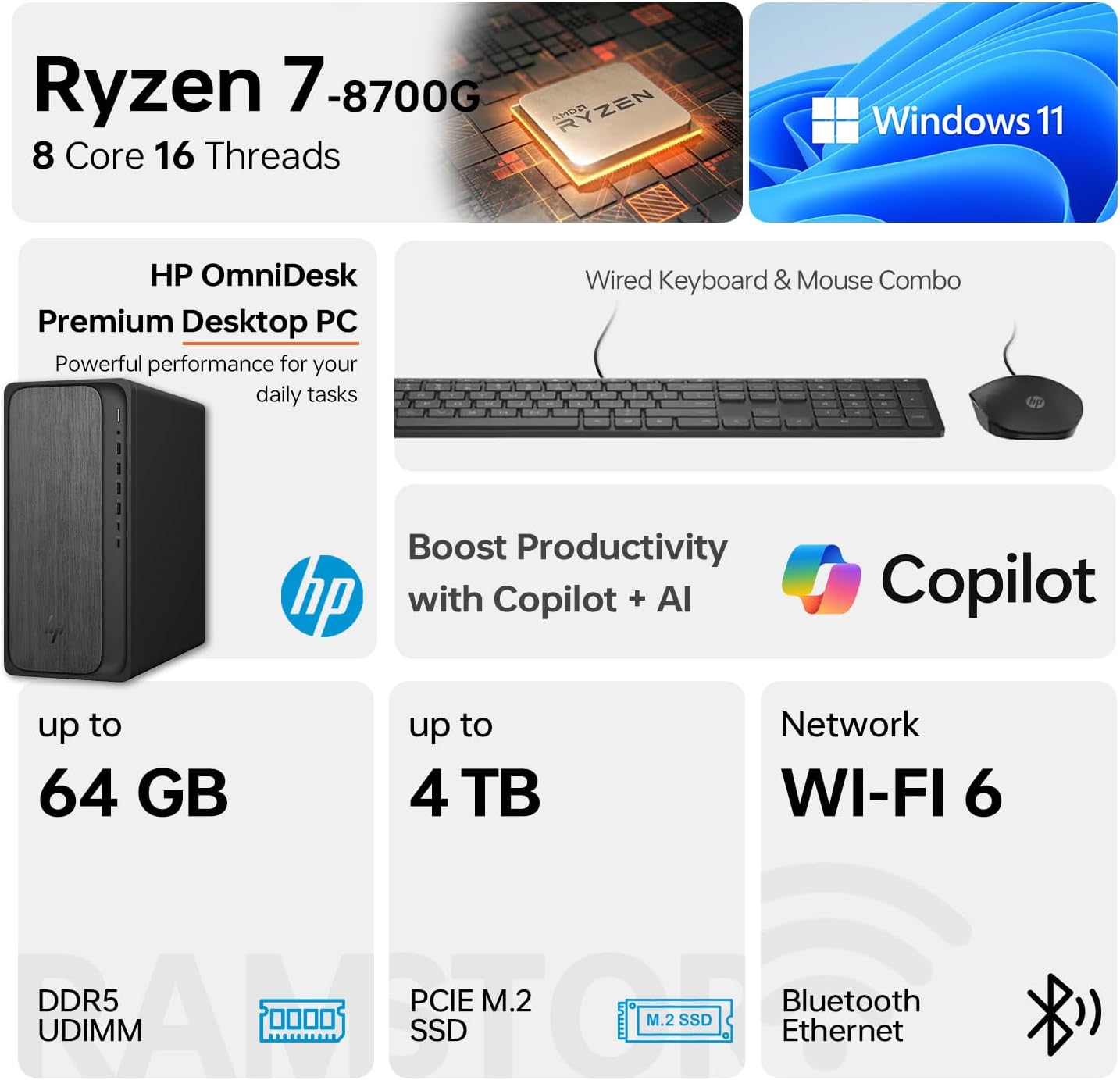
Image 1.1: HP OmniDesk M02 Tower Desktop highlighting its AMD Ryzen 7 8700G processor, Windows 11 operating system, Wi-Fi 6 connectivity, and memory/storage capabilities.
Tärkeimmät ominaisuudet:
- Prosessori: AMD Ryzen 7 8700G (8 Cores, 16 Threads, up to 5.1GHz Max Boost)
- Muisti: 16 Gt DDR5 RAM-muistia (laajennettavissa jopa 64 Gt:iin)
- Varastointi: 1TB PCIe M.2 SSD, bundled with ADATA 512GB External SSD
- Käyttöjärjestelmä: Windows 11 Home
- Grafiikka: Integroitu AMD Radeon -näytönohjain
- Liitettävyys: Wi-Fi 6, Bluetooth, Ethernet (RJ-45)
- Portit: Multiple USB Type-A and Type-C ports, HDMI, DisplayPort, audio jacks
- Mukana tulevat oheislaitteet: Langallinen näppäimistö ja hiiri
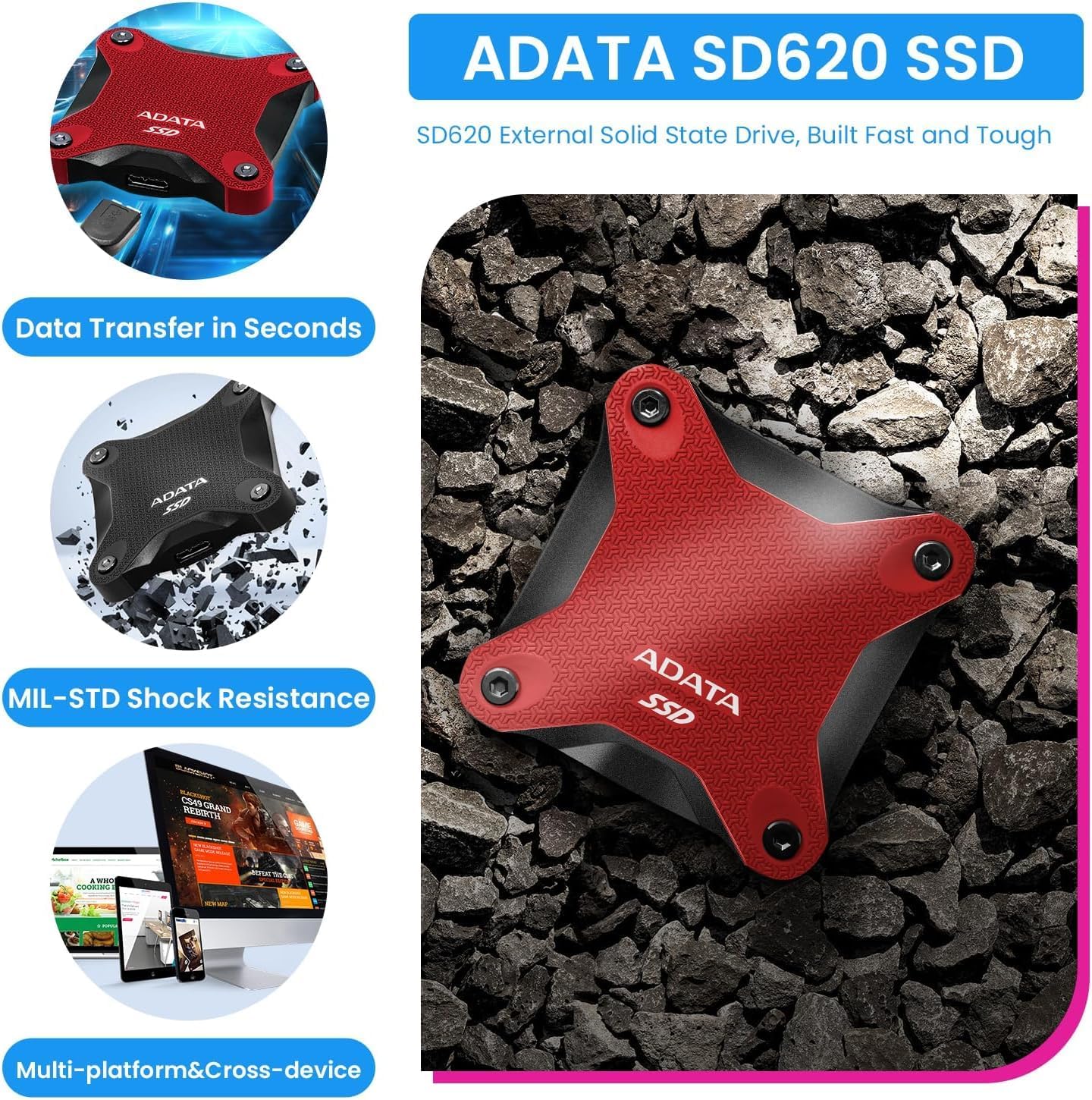
Image 1.2: The ADATA SD620 External SSD, included with the HP OmniDesk M02, highlighting its data transfer speed and MIL-STD shock resistance.
2. Asennusohjeet
Follow these steps to set up your HP OmniDesk M02 Tower Desktop.
2.1 Pakkauksesta purkaminen
- Poista kaikki osat varovasti pakkauksesta.
- Verify that all items are present: HP OmniDesk M02 Tower Desktop, Wired Keyboard, Wired Mouse, Power Cable, and ADATA 512GB External SSD.
- Säilytä pakkausmateriaalit tulevaa kuljetusta tai huoltoa varten.
2.2 Oheislaitteiden liittäminen
Connect your monitor, keyboard, mouse, and other devices to the appropriate ports on the desktop.

Kuva 2.1: Yksityiskohtainen view of the front and rear ports on the HP OmniDesk M02 Tower Desktop, indicating their types and functions.
- Monitori: Connect your monitor to either the HDMI or DisplayPort on the rear of the desktop.
- Näppäimistö ja hiiri: Connect the wired keyboard and mouse to any available USB Type-A ports.
- Teho: Kytke virtajohto pöytätietokoneen virtalähteeseen ja sitten pistorasiaan.
- Ulkoinen SSD-levy: Connect the ADATA 512GB External SSD to an available USB port.
- Verkko (valinnainen): For a wired internet connection, connect an Ethernet cable to the RJ-45 port.
2.3 Ensimmäinen käynnistys
- Paina pöytätietokoneen etuosassa olevaa virtapainiketta.
- Follow the on-screen instructions to complete the Windows 11 Home setup. This typically involves selecting your region, language, and creating a user account.
- Ensure an internet connection is established during setup for updates and account synchronization.
3. Käyttöohjeet
This section covers basic operation of your HP OmniDesk M02.
3.1 Virta päälle/pois ja uudelleenkäynnistys
- Virta päälle: Paina pöytätietokoneen etuosassa olevaa virtapainiketta.
- Sammuta: Napsauta Windows 11:n Käynnistä-painiketta ja valitse sitten Virta > Sammuta.
- Käynnistä uudelleen: Napsauta Käynnistä-painiketta ja valitse sitten Virta > Käynnistä uudelleen.
3.2 Yhdistäminen Wi-Fi- ja Bluetooth-verkkoon
- Wi-Fi: Click the Network icon in the taskbar, select your desired Wi-Fi network, enter the password, and click Connect.
- Bluetooth: Go to Settings > Bluetooth & devices, ensure Bluetooth is turned on, and then click "Add device" to pair new Bluetooth devices.
3.3 Using Windows 11 and AI Features
Your HP OmniDesk M02 comes with Windows 11 Home, offering a modern interface and integrated AI capabilities through Copilot.
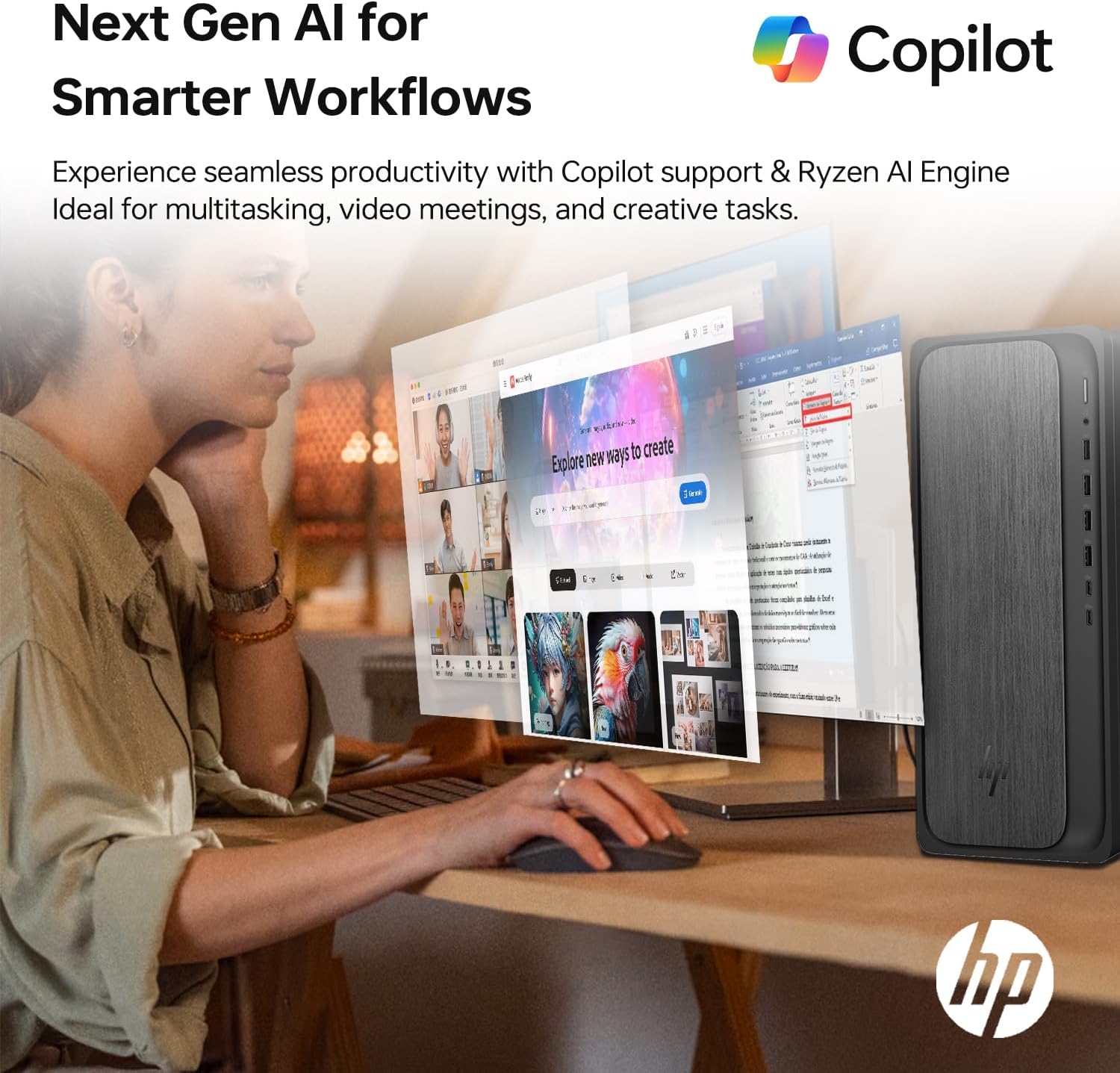
Image 3.1: A user interacting with the HP OmniDesk M02, demonstrating the integration of Copilot for enhanced productivity and AI-driven workflows.
- Käynnistä-valikko: Access applications, settings, and power options from the centered Start menu.
- widgetit: Personalize your desktop with widgets for news, weather, and more.
- Lentoperämies: Utilize the integrated Copilot AI for assistance with tasks, content creation, and system navigation. Access it via the taskbar icon.
4. Huolto
Asianmukainen huolto varmistaa pöytäkoneesi pitkän käyttöiän ja optimaalisen suorituskyvyn.
4.1 Puhdistus
- Ulkopuoli: Käytä pehmeää, nukkaamatonta liinaa hieman dampvedellä tai miedolla puhdistusliuoksella. Vältä voimakkaita kemikaaleja.
- Vents: Periodically clean dust from the ventilation grilles using compressed air to prevent overheating. Ensure the desktop is powered off before cleaning vents.
4.2 Ohjelmistopäivitykset
Päivitä käyttöjärjestelmäsi ja ajurit säännöllisesti varmistaaksesi tietoturvan ja suorituskyvyn.
- Windows-päivitykset: Go to Settings > Windows Update and check for available updates.
- Ohjaimen päivitykset: Käy HP:n virallisella tukisivustolla website for your model to download the latest drivers for components like graphics and chipset.
4.3 Laitteistopäivitykset
The HP OmniDesk M02 supports upgrades for RAM and internal storage.
- RAM: The system supports up to 64GB DDR5 UDIMM RAM.
- Sisäinen SSD: The system supports up to 4TB PCIe M.2 SSD.
- Tärkeää: Opening the chassis for upgrades may affect the original manufacturer's warranty. Consult the warranty section for details.
5. Vianmääritys
Tässä osiossa käsitellään yleisiä ongelmia, joita saatat kohdata.
5.1 Ei virtaa
- Ensure the power cable is securely connected to both the desktop and a working power outlet.
- Tarkista pistorasian toiminta kytkemällä siihen toinen laite.
- Varmista, että virtalähteen kytkin (jos sellainen on) on ON-asennossa.
5.2 Ei näyttöä näytöllä
- Confirm the monitor is powered on and its input source is correctly selected (HDMI/DisplayPort).
- Check that the video cable is securely connected to both the desktop and the monitor.
- Try connecting the monitor to a different video port on the desktop if available.
5.3 Verkkoyhteysongelmat
- Langallinen: Ensure the Ethernet cable is properly connected and your router/modem is working.
- Wi-Fi: Verify Wi-Fi is enabled in Windows settings and you are connected to the correct network with the correct password. Restart your router/modem.
6. Tekniset tiedot
Detailed technical specifications for the HP OmniDesk M02 Tower Desktop.

Kuva 6.1: Lähikuva view of the AMD Ryzen 7 8700G processor, highlighting its core count, thread count, clock speed, and L3 cache.
| Komponentti | Erittely |
|---|---|
| Mallinumero | TPC-F134-MT |
| Prosessori | AMD Ryzen 7 8700G (8 Cores, 16 Threads, 4.2GHz base, up to 5.1GHz max turbo) |
| RAM | 16GB DDR5 UDIMM (4800 MHz), expandable to 64GB |
| Sisäinen tallennustila | 1TB PCIe M.2 SSD, expandable to 4TB |
| Ulkoinen tallennustila | ADATA 512GB External SSD (bundled) |
| Grafiikka | Integroitu AMD Radeon -näytönohjain |
| Käyttöjärjestelmä | Windows 11 Home |
| Langaton yhteys | Wi-Fi 6 (802.11ax), Bluetooth |
| Etuportit | 1 x USB Type-C 10 Gbps, 1 x USB Type-C 5 Gbps, 2 x USB Type-A 10 Gbps, 2 x USB Type-A 5 Gbps, 1 x kuuloke-/mikrofoniyhdistelmä |
| Takaportit | 4 x USB 2.0 Type-A, 1 x RJ-45 (Ethernet), 3 x 3.5 mm:n ääniliitäntä, 1 x HDMI, 1 x DisplayPort |
| Mitat (PxLxK) | 6.10" x 13.27" x 12.40" (15.5 x 33.7 x 31.5 cm) |
| Paino | 12.72 lbs (5.77 kg) |
| Väri | Harmaa |
7. Takuu ja tuki
7.1 Takuutiedot
The HP OmniDesk M02 Tower Desktop comes with a manufacturer's warranty. For this specific configuration, a 1-year warranty on the upgraded RAM and SSD is provided by PCOnline US. All other original components retain the standard 1-year manufacturer's warranty from HP.
Säilytä ostokuitti takuuvaatimuksia varten.
7.2 Tekninen tuki
For technical assistance, please refer to the official HP support website or contact their customer service. For issues related to the upgraded RAM or SSD, please contact PCOnline US directly.
HP:n tuki: www.hp.com/support