1. Johdanto
Welcome to the user manual for your new SKYWORTH 86X8700G 86 Inch Google TV. This television is designed to provide an exceptional visual and audio experience, featuring advanced MiniLED display technology, a high 144Hz variable refresh rate, and a powerful 2.1.2 channel audio system with Dolby Atmos. Powered by Google TV, it offers seamless access to streaming services, integrated Chromecast, and hands-free voice control. This manual will guide you through the setup, operation, maintenance, and troubleshooting of your television to ensure optimal performance and enjoyment.

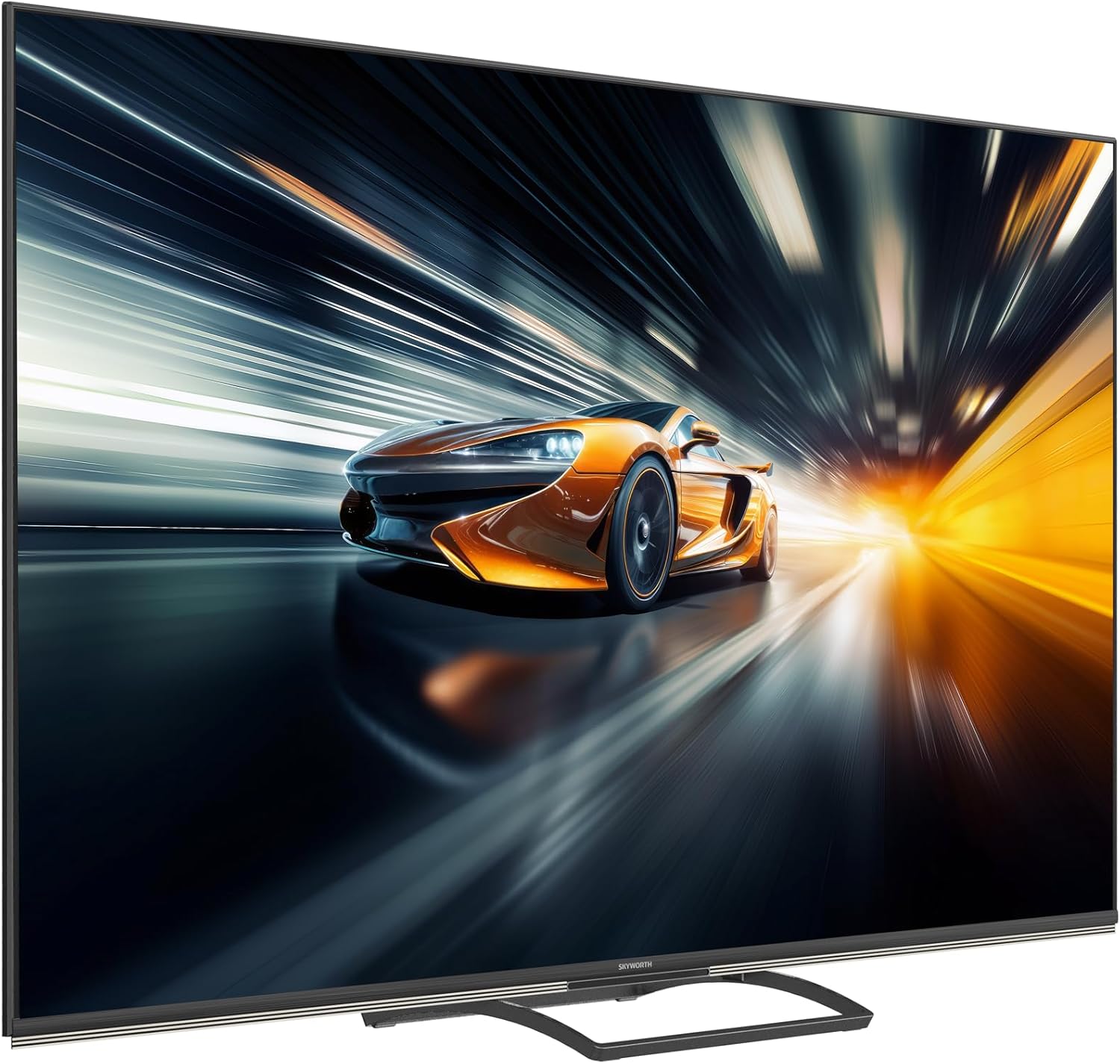
Yliview of the SKYWORTH 86X8700G 86 Inch Google TV's key features.
2. Turvallisuustiedot
Lue kaikki turvallisuusohjeet huolellisesti ennen television käyttöä. Säilytä tämä käyttöohje myöhempää tarvetta varten.
- Virtalähde: Varmista virtalähteen voltage matches the rating label on the TV.
- Ilmanvaihto: Älä tuki tuuletusaukkoja. Jätä television ympärille riittävästi tilaa asianmukaisen ilmankierron varmistamiseksi.
- Vesi ja kosteus: Älä altista televisiota sateelle tai kosteudelle. Älä aseta nesteillä täytettyjä esineitä television päälle.
- Lämmönlähteet: Pidä televisio poissa lämmönlähteistä, kuten pattereista, lämmittimistä, liesistä tai muista lämpöä tuottavista laitteista.
- Puhdistus: Irrota televisio pistorasiasta ennen puhdistamista. Käytä pehmeää, kuivaa liinaa. Älä käytä nestemäisiä puhdistusaineita tai aerosolipuhdistusaineita.
- Asennus: If wall-mounting, ensure the wall mount is suitable for the TV's weight and installed by qualified personnel.
- Lapset: Supervise children to ensure they do not climb on the TV or stand.
3. Pakkauksen sisältö
Varmista, että pakkauksessa on kaikki tarvittavat osat:
- SKYWORTH 86X8700G 86 Inch Google TV
- Kaukosäädin
- TV-taso (jalusta)
- Virtajohto
- Käyttöopas (tämä asiakirja)
- Pika-aloitusopas
- Jalustan kokoonpanon ruuvit
4. Asennus
4.1 Physical Setup (Stand Assembly)
- Aseta televisio varovasti kuvaruutu alaspäin pehmeälle ja tasaiselle alustalle, jotta näyttö ei vaurioidu.
- Attach the stand base to the TV using the provided screws. Ensure the stand is securely fastened.
- With assistance, carefully lift the TV to an upright position and place it on a stable, level surface.
4.2 Liitännät
Connect your devices to the TV using the appropriate ports. The TV supports multiple HDMI 2.1 ports for high-speed connectivity.
Takaosa view television liitäntäportit.
- Teho: Liitä virtajohto televisioon ja sitten pistorasiaan.
- HDMI: Connect external devices (e.g., gaming consoles, Blu-ray players) to the HDMI 2.1 ports.
- Antenni/kaapeli: Connect your antenna or cable TV signal to the DVB tuner input.
- Ethernet (LAN): Vakaan internetyhteyden saamiseksi liitä Ethernet-kaapeli LAN-porttiin.
- USB: Liitä USB-tallennuslaitteet median toistoa varten.
- Äänilähtö: Use optical or HDMI eARC for external sound systems.
4.3 Ensimmäinen käynnistys
After connecting all necessary cables, plug in the TV. Follow the on-screen instructions to complete the initial setup, including network connection (Wi-Fi or Ethernet), Google account login, and channel scanning.
5. Television käyttäminen
5.1 Kaukosäädinview
The remote control allows you to navigate the Google TV interface, adjust settings, and control playback. Familiarize yourself with the button layout for easy operation.
5.2 Google TV -käyttöliittymä
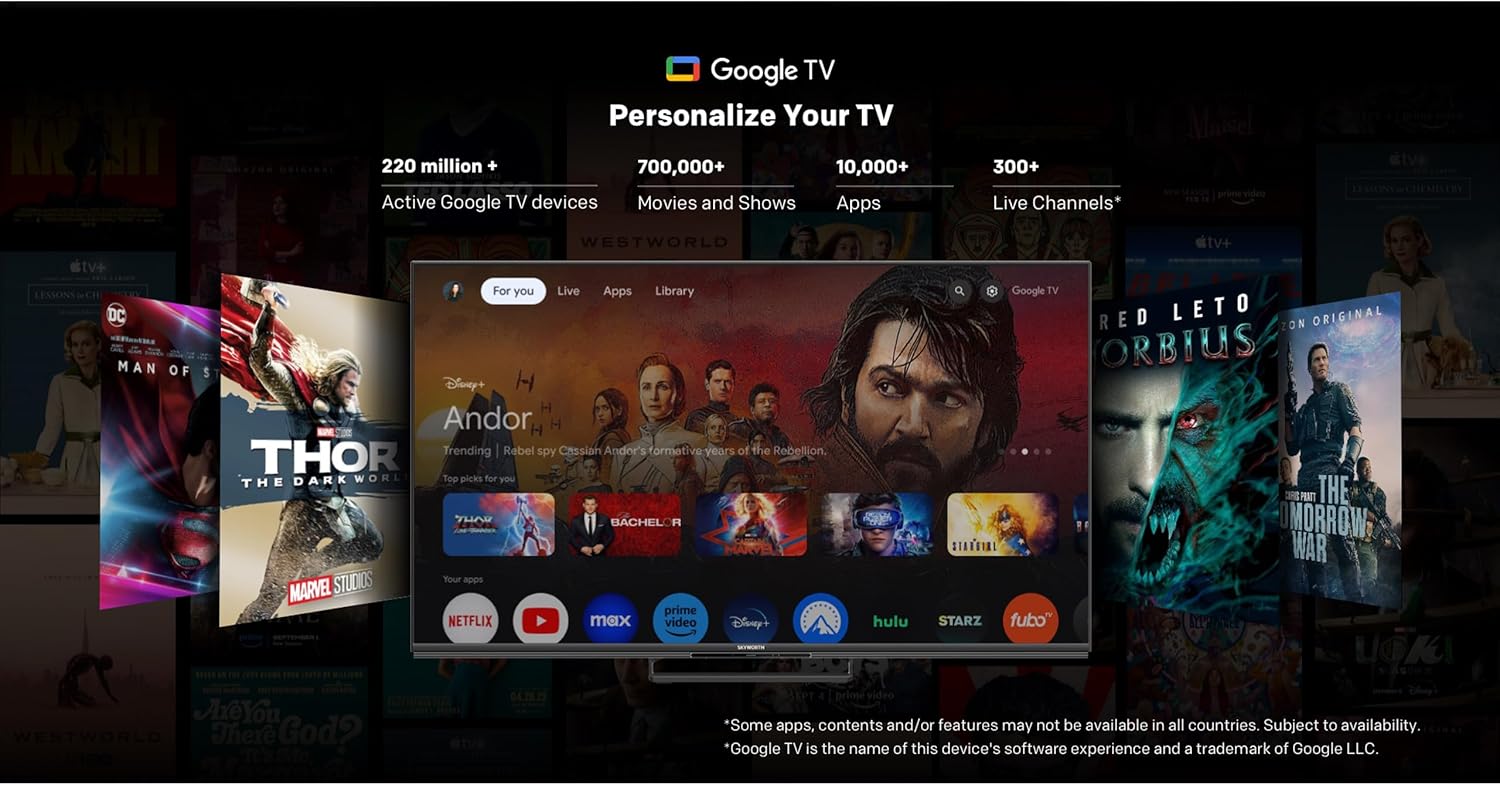
Your SKYWORTH TV runs on Google TV, providing a personalized home screen with content recommendations, access to popular streaming apps, and integrated Google Assistant.

The Google TV interface for easy content discovery.
- Aloitusnäyttö: Access your favorite apps, movies, and shows.
- Google Assistant: Use hands-free voice commands to search for content, control smart home devices, and get information.
- Sisäänrakennettu Chromecast: Suoratoista sisältöä älypuhelimesta tai tabletista suoraan televisioon.
- App Store: Lataa lisää sovelluksia Google Play Kaupasta.
5.3 Kuva -asetukset
Optimoi omasi viewing experience with the advanced picture technologies of your TV.
QD-Mini LED technology for stunning visuals.
AI Picture enhancements for resolution, contrast, clarity, and color.
- MiniLED Display: Enjoy superior brightness, contrast, and color accuracy with precise local dimming.
- Dolby Vision ja HDR 10+: Experience content with expanded contrast and a wider range of colors.
- AI-kuva: The TV intelligently optimizes picture quality for various content types, enhancing resolution, contrast, clarity, and color.
5.4 Ääniasetukset
Immerse yourself in rich, dynamic audio with the TV's integrated sound system.

Wonder Audio for a sculpted sound experience.
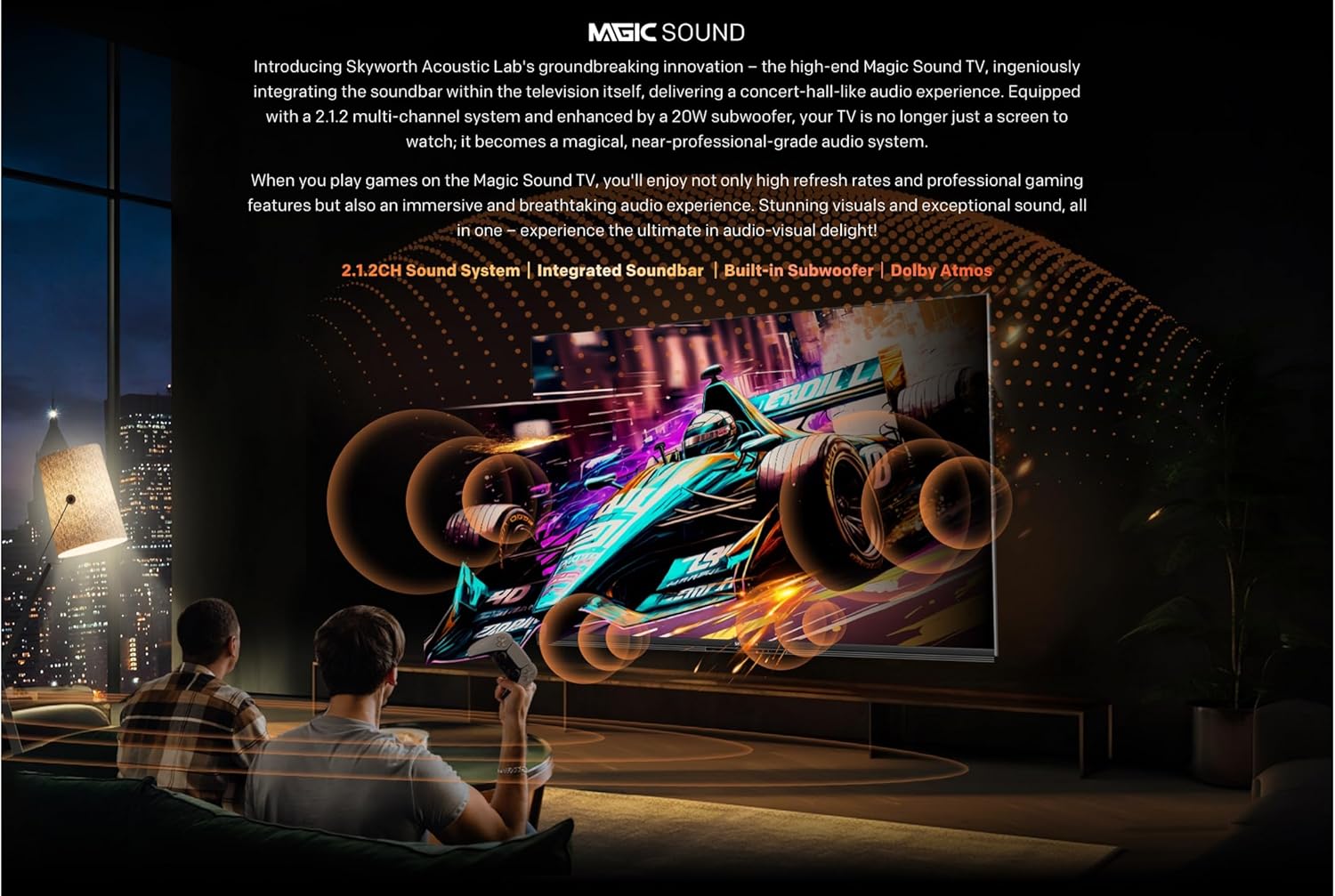
Integrated soundbar with multiple speakers.

Audio Drum for deep, room-filling bass.
- 2.1.2-kanavainen ääni: Enjoy a powerful 50W sound output through strategically placed speakers.
- Dolby Atmos: Experience multi-dimensional sound that flows around you.
- Integroitu subwoofer: Delivers deep, impactful bass for a cinematic audio experience.
5.5 Peliominaisuudet
The 86X8700G is optimized for gaming with features designed for smooth, responsive gameplay.

Gaming features for an enhanced experience.
- 144 Hz:n muuttuva virkistystaajuus (VRR): Ensures ultra-smooth motion and eliminates screen tearing.
- HDMI 2.1: Supports high bandwidth for 4K@144Hz gaming.
- Pelitila: Optimoi automaattisesti asetukset pelaamista varten ja vähentää syöttöviivettä.
- Automaattinen matalan viiveen tila (ALLM): Automatically switches to the lowest latency setting when a game console is detected.
5.6 Älykkäät ominaisuudet
Leverage the intelligence of Google TV for a connected and convenient experience.
- Handsfree-ääniohjaus: Control your TV and smart home devices using just your voice.
- Find My Remote: A convenient feature to locate your remote control.
- Dual Wi-Fi & Bluetooth 5.1: Reliable wireless connectivity for streaming and accessories.
- 32GB Storage & 3GB RAM: Ample space for apps and smooth multitasking.
6. Huolto
Oikea huolto varmistaa televisiosi pitkän käyttöiän ja optimaalisen suorituskyvyn.
- Näytön puhdistus: Pyyhi näyttö varovasti pehmeällä, nukkaamattomalla liinalla. Pinttyneisiin tahroihin käytä näytönpuhdistusliuosta, jota levität liinaan, älä suoraan näyttöön.
- Kaapin puhdistus: Puhdista television kotelo pehmeällä, kuivalla liinalla.
- Pölyäminen: Puhdista tuuletusaukot säännöllisesti pölystä ylikuumenemisen estämiseksi.
- Virtajohto: Inspect the power cord periodically for any damage. If damaged, contact customer support for replacement.
- Ohjelmistopäivitykset: Ensure your TV's software is up to date for the best performance and latest features. Updates are usually automatic via Wi-Fi.
7. Vianmääritys
Jos televisiossasi on ongelmia, katso seuraavia yleisiä ratkaisuja:
| Ongelma | Mahdollinen syy | Ratkaisu |
|---|---|---|
| Ei Virtaa | Virtajohto irti; Pistorasia viallinen | Tarkista virtajohdon liitäntä; Kokeile toista pistorasiaa. |
| No Picture, Only Sound | Incorrect input source; Backlight issue | Verify input source; Contact support if issue persists. |
| No Sound, Only Picture | Volume muted/low; External audio system issue | Increase volume; Check external audio connections. |
| Kaukosäädin ei toimi | Tyhjät paristot; Este; Kaukosäädin kantaman ulkopuolella | Replace batteries; Remove obstructions; Move closer to TV. |
| Verkkoyhteysongelmat | Wi-Fi signal weak; Router issue; Incorrect password | Check Wi-Fi signal strength; Restart router; Re-enter password. |
For more complex issues, please refer to the full troubleshooting guide on the manufacturer's websivustolla tai ota yhteyttä asiakastukeen.
8. Tekniset tiedot
Detailed technical specifications for the SKYWORTH 86X8700G 86 Inch Google TV:
- Malli: 86X8700G
- Merkki: SKYWORTH
- Näytön koko: 86 tuumaa
- Näyttötekniikka: Mini LED
- Resoluutio: 4K UHD (3840 2160 x XNUMX XNUMX)
- Päivitystaajuus: 144Hz Variable Refresh Rate (VRR)
- HDR-tuki: Dolby Vision, HDR 10+
- Käyttöjärjestelmä: Google TV
- Sisäinen tallennustila: 32GB
- RAM: 3GB
- Äänijärjestelmä: 2.1.2 Channel, 50W Total Output
- Äänitekniikat: Dolby Atmos, Audio Drum
- Liitettävyys: HDMI 2.1 (multiple ports), USB, Ethernet (LAN), Dual Wi-Fi, Bluetooth 5.1, DVB-C/T/T2/S2 Tuner
- Erikoisominaisuudet: Hands-free Voice Control, Google Assistant, Chromecast Built-in, Game Mode, Auto Low Latency Mode (ALLM), Find My Remote
- Kuvasuhde: 16:9
- Tuotteen mitat (L x S x K): 167.5 x 36.5 x 102 cm
- Paino: 35 kg
- Alkuperämaa: Kiina
9. Takuu ja tuki
Your SKYWORTH 86X8700G 86 Inch Google TV comes with a limited manufacturer's warranty. Please refer to the warranty card included in your package for specific terms and conditions, including coverage period and service procedures.
For technical support, service inquiries, or to purchase replacement parts, please contact SKYWORTH customer service through their official websivustolla tai takuuasiakirjoissa annettujen yhteystietojen kautta.
Verkkoresurssit:
- Visit the official SKYWORTH websivusto, josta löydät usein kysyttyjä kysymyksiä, ohjelmistopäivityksiä ja muita tukiresursseja.
- Check the Google TV support pages for assistance with smart features and apps.


