1. Johdanto
Thank you for choosing the NACODEX AK820 Gasket Mechanical Keyboard. This manual provides essential information for setting up, operating, and maintaining your keyboard. Please read it thoroughly to ensure optimal performance and longevity of your device.
The AK820 features a 75% layout with 82 keys, a gasket structure for enhanced typing feel, hot-swappable switches, PBT keycaps, and a volume control knob. It is designed for both typing and gaming with a focus on comfort and customization.
2. Pakkauksen sisältö
Varmista, että pakkauksessa on kaikki tarvittavat osat:
- NACODEX AK820 Gasket Mechanical Keyboard
- USB-C-USB-A-kaapeli
- Keycap Puller / Switch Puller (2-in-1 tool)
- Käyttöopas
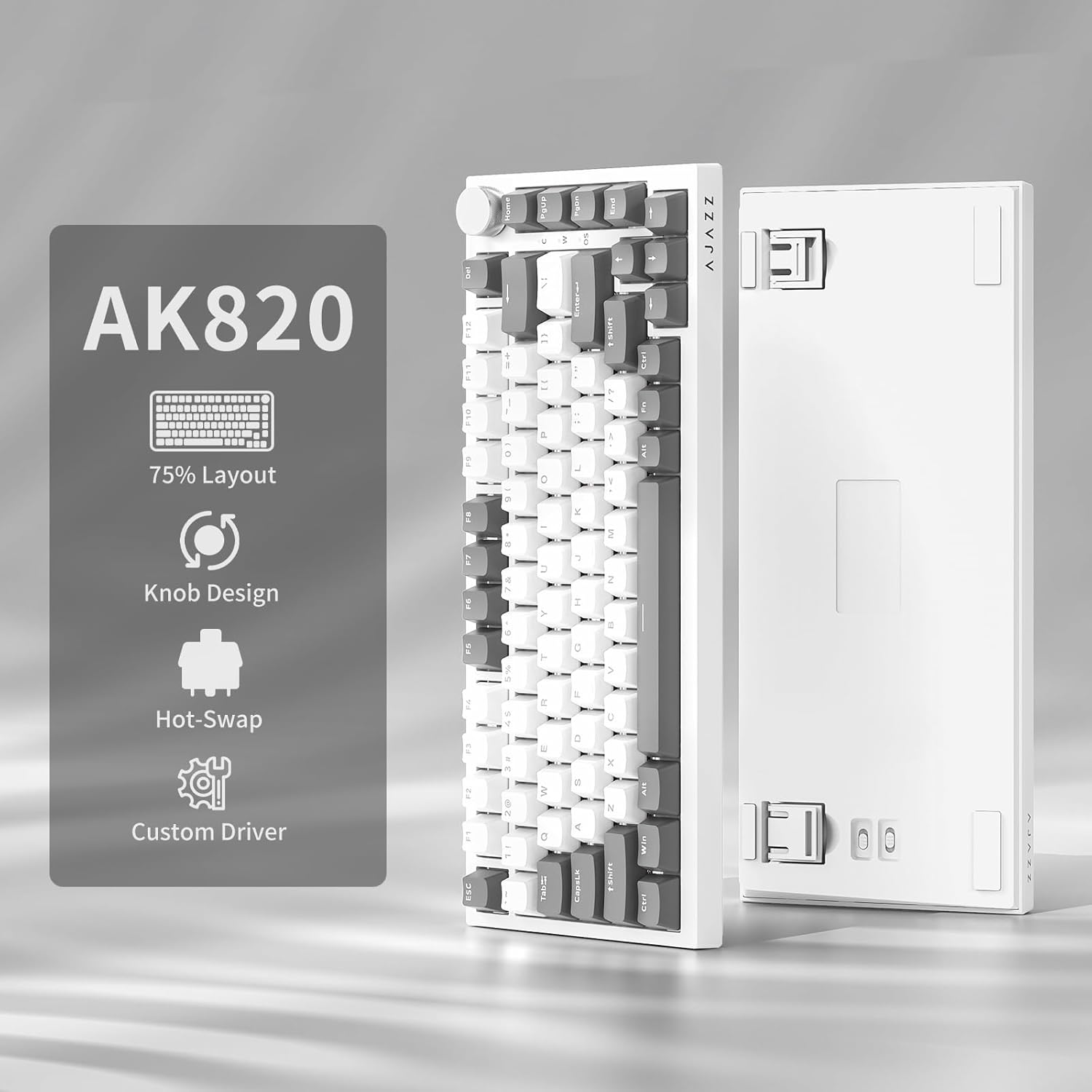
Image: NACODEX AK820 keyboard, USB-C cable, and keycap/switch puller.
3. Asennus ja liitettävyys
3.1 Langallinen yhteys
- Connect the USB-C end of the provided cable to the keyboard's USB-C port (located on the back edge).
- Liitä kaapelin USB-A-pää tietokoneen vapaaseen USB-porttiin.
- The keyboard is now ready for use in wired mode.

Image: NACODEX AK820 keyboard with USB-C cable connected to a laptop.
4. Käyttöohjeet
4.1 Äänenvoimakkuuden säätönuppi
The multifunctional knob located on the top-right corner of the keyboard allows for quick audio adjustments.
- Turn Clockwise: Lisää äänenvoimakkuutta.
- Turn Counter-Clockwise: Vähennä äänenvoimakkuutta.
- Paina alas: Mykistä/Poista äänen mykistys.

Kuva: Yksityiskohtainen view of the volume knob, indicating its turn and press functions for volume control and mute.
4.2 Valotehosteet
The AK820 features customizable RGB backlighting. Use the following key combinations to adjust lighting:
- FN + \ (Backslash): Selaa yhdeksää erilaista valaistustehostetta.
- FN + ↑ (Ylösnuoli): Lisää taustavalon kirkkautta (5 tasoa).
- FN + ↓ (Alaspäin osoittava nuoli): Vähennä taustavalon kirkkautta (5 tasoa).
- FN + ← (Vasen nuoli): Adjust lighting direction.
- FN + → (Oikea nuoli): Adjust lighting direction.
- FN + - (Minus): Vähennä salaman nopeutta.
- FN + = (Equals): Lisää salaman nopeutta.
- FN + koti: Switch between Windows/MAC system modes.
- FN + ESC: Reset to factory default lighting settings (hold for 3-5 seconds).
Video: Demonstrates various RGB lighting effects and customization options on the NACODEX AK820 keyboard.
4.3 Käytön aikana vaihdettavat kytkimet
The AK820 supports 3/5-pin hot-swappable mechanical switches, allowing you to customize your typing experience without soldering.
- Vedä näppäinhattu ulos mukana toimitetulla näppäinhatun ulosvetimellä.
- Käytä kytkimen vetintä sulkemiseenamp the buckles on the upper and lower sides of the switch body, then pull the switch up and out.
- Align the pins and holes of the new switch.
- Tap the new switch vertically until it clicks into place.

Kuva: Lähikuva view of the keyboard's switches and keycaps, highlighting the hot-swappable design.
Video: Demonstrates the difference in sound and feel between AJAZZ Gift Switches and AJAZZ Dreamy Switches, showcasing the hot-swappable feature.
4.4 Keycap Features
The AK820 comes with durable PBT keycaps, known for their oil resistance and longevity. They feature a two-color design for clear fonts and enhanced light transmission.
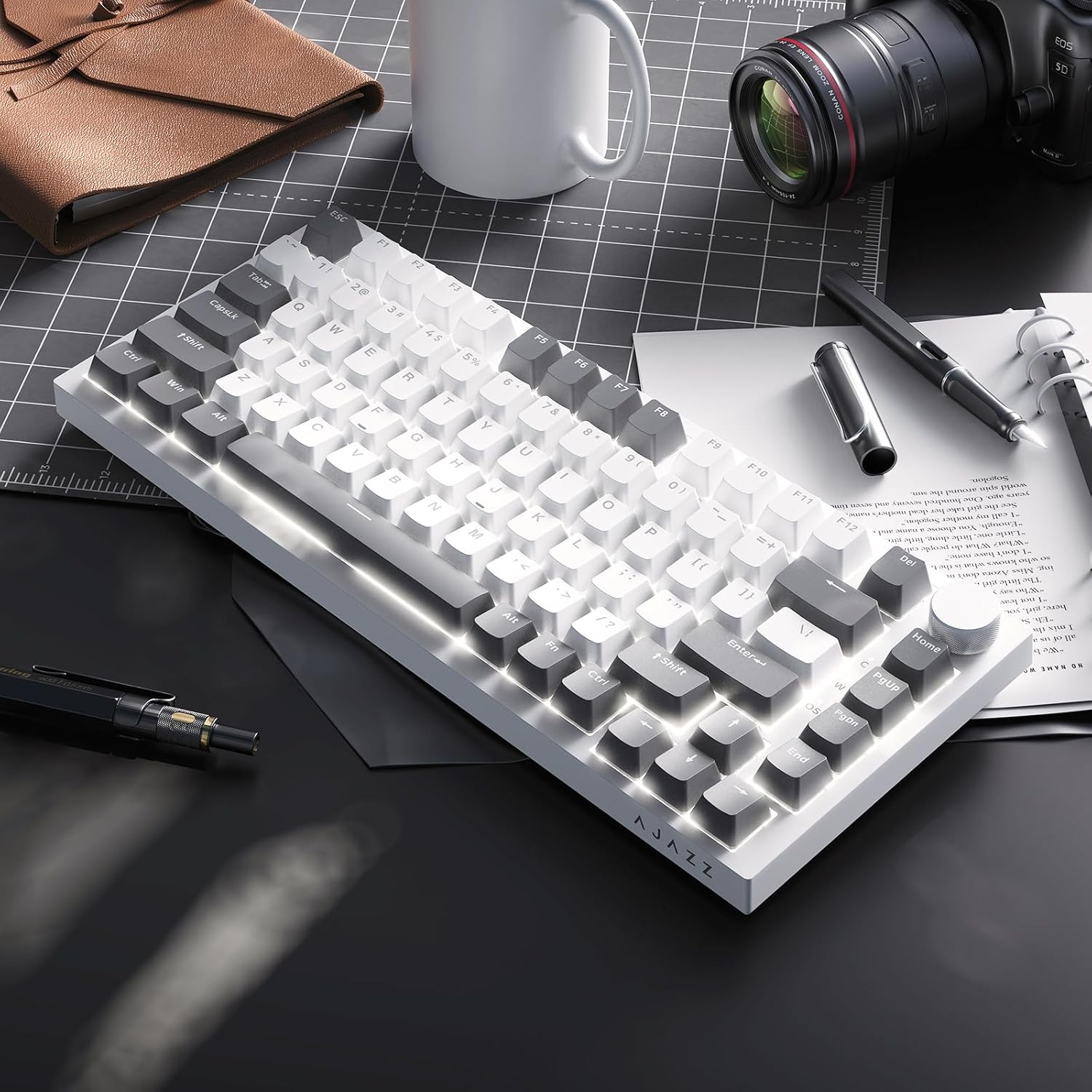
Image: A close-up of the PBT keycaps, highlighting their texture and two-color design.
5. Tekniset tiedot
| Tuotteen mitat | 12.87 x 5.35 x 1.57 tuumaa |
| Tuotteen paino | 1.79 kiloa |
| Valmistaja | AJAZZ |
| Mallinumero | AK820 Gray White |
| Yhteystekniikka | USB-C (langallinen) |
| Näppäimistön kuvaus | Mekaaninen |
| Erikoisominaisuus | Ergonomic, Gasket Structure, Hot-Swappable |
| Näppäimistön taustavalo | RGB |
6. Takuu ja tuki
Takuutietoja ja teknistä tukea varten katso AJAZZin virallinen sivusto. websivustolta tai ota yhteyttä heidän asiakaspalveluunsa. Säilytä ostokuitti takuuvaatimuksia varten.


