Johdanto
Thank you for choosing the MiBOXER 12W RGB+CCT Magnetic Floodlight. This high-performance smart lighting solution is designed for versatile applications, offering millions of colors and adjustable white temperatures. It features dual connectivity with Zigbee 3.0 and 2.4GHz RF for seamless integration into various smart lighting systems. This manual provides essential information for the safe and efficient use of your floodlight.
Turvallisuustiedot
- Varmista, että virtalähde on irrotettu ennen asennusta tai huoltoa.
- This product is designed for indoor use unless otherwise specified.
- Älä altista laitetta liialliselle kosteudelle tai äärilämpötiloille.
- Käytä vain määritettyä voltage (12 Volts) for this floodlight.
- Pidä poissa lasten ulottuvilta.
- Jos olet epävarma asennusvaiheista, ota yhteyttä pätevään sähköasentajaan.
Pakkauksen sisältö
Varmista, että pakkauksessa on kaikki osat:
- 1x MiBOXER 12W RGB+CCT Magnetic Floodlight (Model: MF5-12A-24A-ZL)
Note: Magnetic track and control devices (Zigbee gateway, 2.4GHz remote) are sold separately.
Tuotteen ominaisuudet
- Magnetic Track System: Effortless snap-in installation on compatible magnetic rails.
- Kaksoisyhteys: Supports Zigbee 3.0 standard protocol for smart home integration and 2.4GHz RF for MiBOXER remote control.
- RGB+CCT Full-Color Customization: Access to 16 million colors and adjustable color temperature (2700K-6500K).
- Himmennettävä kirkkaus: Smooth brightness control from 1% to 100%.
- High-Powered Illumination: Provides bright and uniform floodlighting at 12W.
- Multi-Zone Synchronization: Control multiple floodlights individually or in groups.
- Signaalin lähetys: One lighting fixture can relay signals from the remote control to other fixtures within 30m, extending control range.
Asennus
1. Magnetic Track Installation
The floodlight is designed for use with a compatible magnetic track system (sold separately).
- Ensure the magnetic track is properly installed and powered off.
- Align the magnetic contacts on the floodlight with the track.
- Gently snap the floodlight into place on the track. The strong magnets will secure it.
- The floodlight can be moved randomly along the rail to adjust its position.

Image: The MiBOXER magnetic floodlight securely attaches to a magnetic track and can be repositioned freely along its length.
2. Pairing with Zigbee 3.0 Gateway (e.g., Tuya, SmartThings)
To enable smart control features, pair your floodlight with a compatible Zigbee 3.0 gateway (purchased separately).
- Power on the floodlight.
- Open your Zigbee 3.0 compatible app (e.g., Tuya Smart, SmartThings).
- Initiate the device discovery or pairing mode within the app.
- The floodlight should appear in the app for pairing. Follow the on-screen instructions to complete the process.
- Once paired, you can control the floodlight via the app.
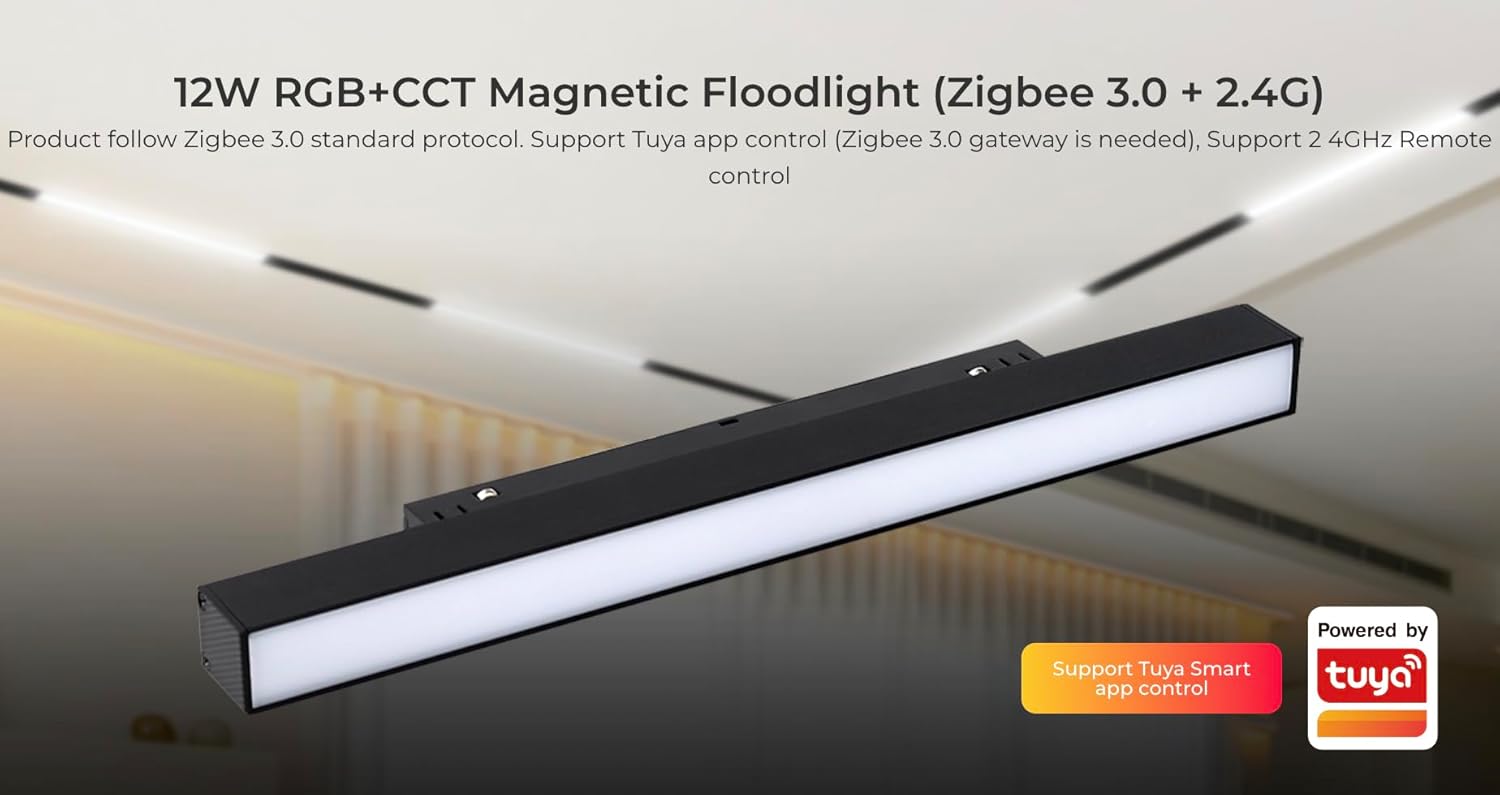
Image: The Tuya Smart app allows control of the floodlight when connected to a Zigbee 3.0 gateway.
3. Pairing with MiBOXER 2.4GHz Remote
The floodlight can also be controlled by a MiBOXER/MiLight 2.4GHz remote control (sold separately).
- Ensure the floodlight is powered on.
- Refer to your MiBOXER 2.4GHz remote control's manual for specific pairing instructions. Typically, this involves pressing a link button on the remote within a few seconds of powering on the light.
- Once paired, the remote can control the floodlight within a 25m range.
Käyttöohjeet
1. Värin ja kirkkauden säätö
- RGB-värin valinta: Use the color wheel on your smart app or compatible remote to select from 16 million colors.
- Värilämpötilan säätö: Adjust the white light from warm white (2700K) to cool white (6500K) via the app or remote.
- Kirkkauden säätö: Smoothly dim or brighten the light from 1% to 100% using the app or remote.
- Kylläisyyden säätö: Fine-tune the intensity of colors to meet diverse lighting needs.

Image: The 2.4GHz RF remote control allows for comprehensive adjustment of color, saturation, color temperature, and brightness.
2. Smart App Control Features (via Zigbee 3.0 Gateway)
When connected to a Zigbee 3.0 gateway and controlled via a smart app (e.g., Tuya Smart), you can access advanced functions:
- Kohtauksen mukauttaminen: Create and save personalized lighting scenes for different moods or activities (e.g., "Good night," "Reading," "Work").
- Musiikin rytmi: Synchronize lighting effects with music.
- Älä häiritse -tila: Prevents the light from turning on automatically after a power outage if it was off before. To activate, turn the light off and on twice quickly.
- Ajoitusasetus: Schedule the light to turn on/off or change settings at specific times.
- Laitteen jakaminen: Share control of the floodlight with other family members.
- Napauta ja käynnistä ja automaatio: Create automated routines based on conditions like time, weather, or other smart devices.
- Biorytmi: Adjust lighting automatically according to the natural change of sunlight throughout the day.

Kuva: Yliview of smart app control features available with a Zigbee 3.0 gateway, enhancing user experience with automation and customization.
3. Signaalin lähetys ja moodien synkronointi
- Signaalin lähetys: One lighting fixture can relay signals from the remote control to other lighting fixtures within 30 meters. This extends the effective control distance, making it potentially limitless if fixtures are placed within 30m of each other.
- Tilat Synkronointi: Multiple lighting fixtures can operate synchronously, even if started at different times, when controlled by the same remote and within a 30-meter distance under the same dynamic mode.
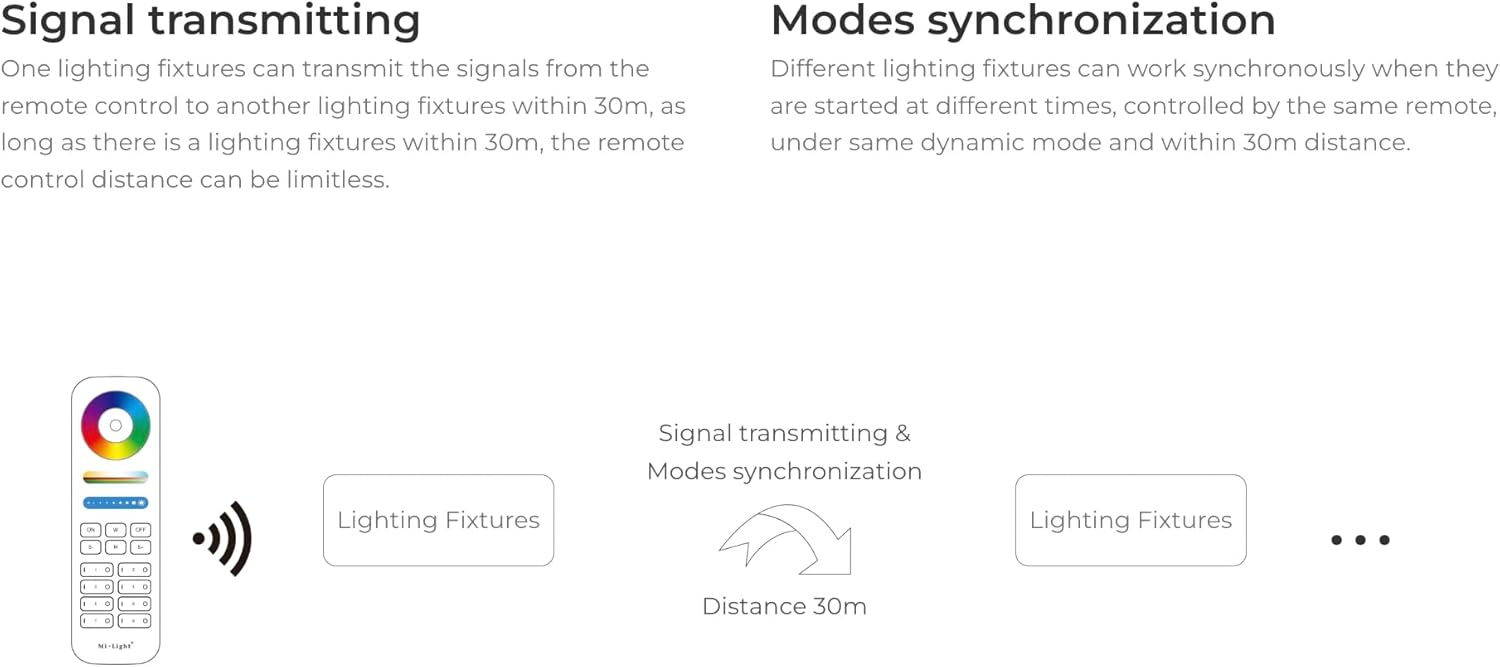
Image: Diagram explaining how the floodlights can transmit control signals to each other, extending the control range and enabling synchronized operation.
Huolto
- Puhdistus: Disconnect power before cleaning. Use a soft, dry cloth to wipe the surface of the floodlight. Do not use abrasive cleaners or solvents.
- Tarkastus: Periodically check the floodlight and its connection to the magnetic track for any signs of damage or loose connections.
- Varastointi: If storing the floodlight for an extended period, keep it in a cool, dry place away from direct sunlight.
Vianetsintä
| Ongelma | Mahdollinen syy | Ratkaisu |
|---|---|---|
| Valo ei syty. | No power to the track; loose connection; faulty floodlight. | Check power supply to the track. Ensure the floodlight is securely seated on the magnetic track. Test with another floodlight if available. |
| Cannot control with Zigbee app. | Not paired with gateway; gateway offline; incorrect app settings. | Ensure the floodlight is paired with your Zigbee 3.0 gateway. Check if the gateway is online and functioning. Verify app settings. |
| Cannot control with 2.4GHz remote. | Not paired with remote; remote battery low; out of range. | Pair the floodlight with the remote as per instructions. Replace remote batteries. Ensure you are within the 25m control range. |
| Valo välkkyy tai käyttäytyy epätasaisesti. | Epävakaa virransyöttö; löysä liitäntä; häiriöt. | Check power connections. Ensure the floodlight is firmly attached to the track. Reduce potential wireless interference. |
Tekniset tiedot
| Merkki | MiBOXER |
| Mallin nimi | MF5-12A-24A-ZL |
| Tehoa | 12W |
| Vaalea väri | RGB+CCT (2700K-6500K) |
| Voitage | 12 volttia |
| Materiaali | Muovi |
| Tuotteen mitat | 11.9 cm P x 0.9 cm L x 1.7 cm K |
| Valonlähteen tyyppi | LED |
| Zigbee-ohjausetäisyys | 50m (avoin alue) |
| 2.4G RF Remote Control Distance | 25 m |
| Yhteensopivuus | Zigbee 3.0 hubs (e.g., Tuya, SmartThings, Philips Hue - limited features), Mi-Light / MiBoxer 2.4GHz remotes |
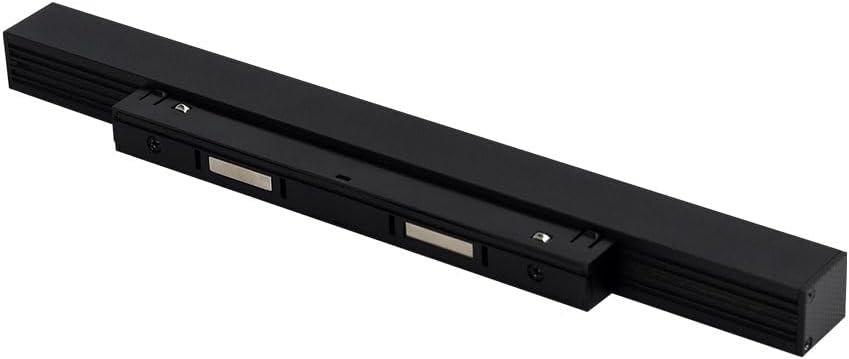
Image: Energy efficiency label for the MiBOXER MF5-12A-ZL floodlight. For more details, scan the QR code or visit eprel.ec.europa.eu/qr/1204456.
Takuu ja tuki
For warranty information and technical support, please refer to the documentation provided with your purchase or contact MiBOXER customer service through their official websivustosta tai jälleenmyyjältäsi.


