1. Johdanto
This manual provides essential information for the safe and efficient operation of your NexiGo PJ40 Ultra Outdoor Netflix Projector. Please read this manual thoroughly before using the projector and retain it for future reference.
2. Turvallisuustiedot
Noudata seuraavia turvaohjeita projektorin vahingoittumisen estämiseksi ja käyttäjän turvallisuuden varmistamiseksi:
- Älä tuki tuuletusaukkoja. Varmista riittävä ilmankierto projektorin ympärillä.
- Älä altista projektoria sateelle, kosteudelle tai äärimmäisille lämpötiloille.
- Käytä ainoastaan projektorin mukana toimitettua virtalähdettä.
- Vältä katsomasta suoraan projektorin linssiin, kun lamp on päällä.
- Pidä projektori poissa lämmönlähteistä ja suorasta auringonvalosta.
- Irrota virtajohto ukkosmyrskyjen aikana tai jos laitetta ei käytetä pitkään aikaan.
3. Pakkauksen sisältö
Varmista, että pakkauksessa on kaikki tarvittavat osat:
- NexiGo PJ40 Ultra Projector
- Kaukosäädin (2 x AAA-paristoilla)
- Virtalähde
- HDMI kaapeli
- AV-kaapeli
- Objektiivin puhdistusliina
- Varailmansuodatin
- Käyttöopas
4. Tuote ohiview
The NexiGo PJ40 Ultra is a high-performance projector designed for versatile entertainment. It features native 1080p resolution, 800 ANSI lumens brightness, and AI image enhancement for clear, vibrant visuals. Integrated 20W speakers provide immersive audio. The projector includes officially licensed streaming apps like Netflix, YouTube, and Prime Video, along with comprehensive connectivity options.

Figure 4.1: NexiGo PJ40 Ultra Projector with projected Netflix screen.
Tärkeimmät ominaisuudet:
- Natiivi 1080p resoluutio: Delivers crisp images with incredible detail.
- 800 ANSI-lumenin kirkkaus: Provides clear visuals in various lighting conditions.
- AI Picture Quality Enhancement: Optimizes clarity, detail, and color reproduction with HDR and HLG support.
- Officially Licensed Streaming: Pre-installed Netflix, YouTube, and Prime Video for immediate access to content.
- AI-Enhanced Surround Sound: 20W speakers with DSP decoding for immersive audio.
- Automaattinen Keystone-korjaus: Säätää automaattisesti kuvan pystysuuntaista vääristymää.
- Langaton näytön peilaus: Supports iOS, Android, and Windows devices via 5 GHz Wi-Fi.
- Useita yhteysvaihtoehtoja: Includes 2 USB ports, 2 HDMI inputs, AV port, and 3.5mm audio jack.
5. Asennus
5.1 Ensimmäinen käynnistys
- Connect the power adapter to the projector's power input and then to a power outlet.
- Paina projektorin tai kaukosäätimen virtapainiketta kytkeäksesi sen päälle.
- Follow the on-screen instructions for initial language and network setup.
5.2 Sijoittelu ja näytön koko
Position the projector on a stable, flat surface. The projection distance affects the screen size. Refer to the table below for recommended distances.

Figure 5.1: Recommended Projection Distances.
| Screen Diagonal (in.) | Projektioetäisyys (ft) |
|---|---|
| 72 | 7.68 |
| 100 | 10.5 |
| 120 | 12.4 |
| 150 | 15.52 |
| 300 | 30.18 |
Note: Sizing measured by NexiGo Laboratory. Test measurements do not include the screen border size.
5.3 Tarkennus ja trapetsivääristymän korjaus
- Tarkennuksen säätö: Käännä projektorin tarkennuspyörää, kunnes kuva on selkeä.
- Automaattinen pystysuuntainen trapetsikorjaus: The projector features automatic vertical keystone correction. Ensure this setting is enabled in the menu for automatic adjustment.
- Manual 4D Correction: For horizontal or more precise adjustments, navigate to the manual keystone settings in the menu.
- Zoomaustoiminto: Use the zoom function in the settings to shrink the screen size from 100% down to 60% without moving the projector.
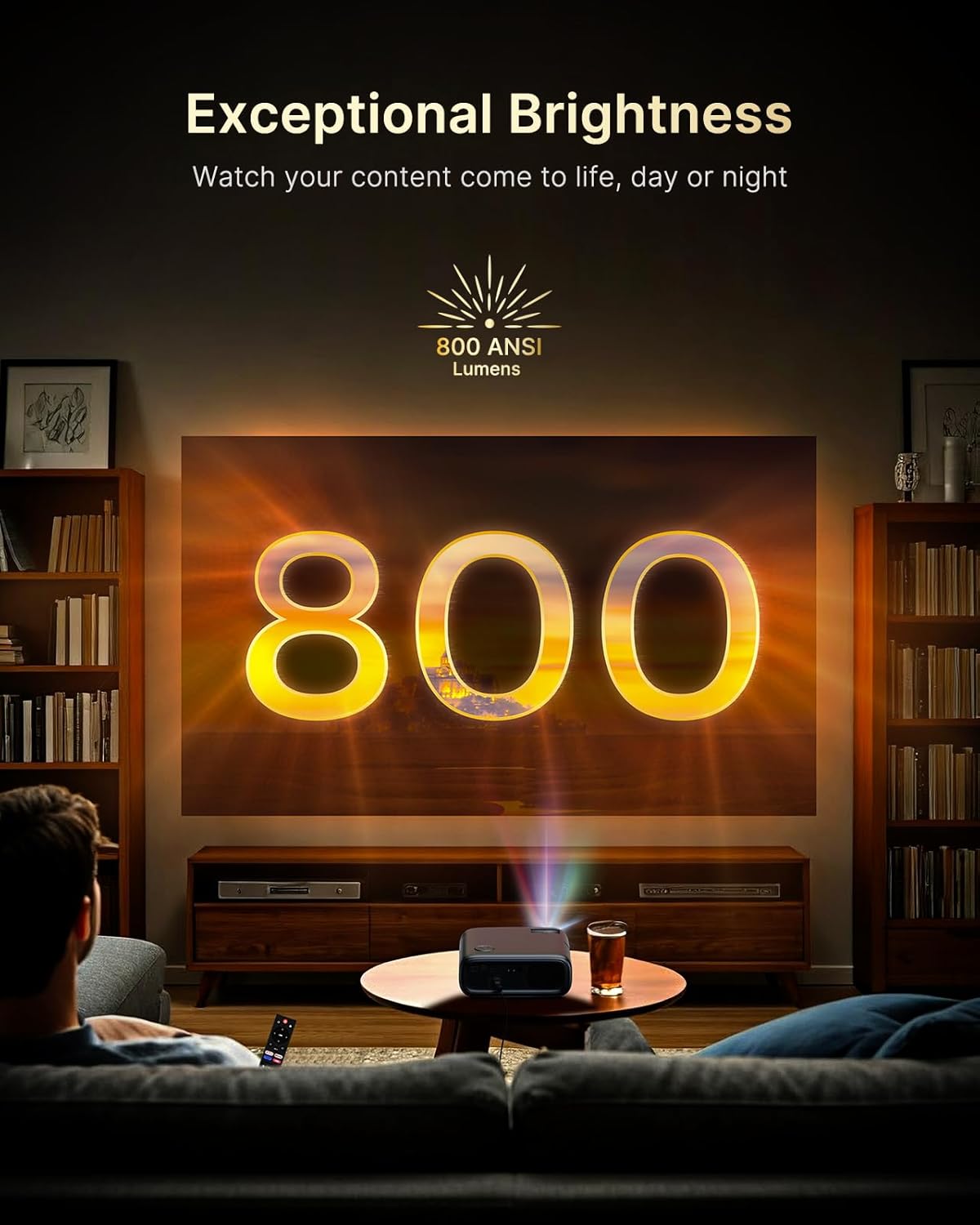
Figure 5.2: Keystone Correction and Zoom Options.
5.4 Verkkoyhteys
To access streaming services and screen mirroring, connect the projector to a Wi-Fi network:
- Siirry 'Asetukset'-valikkoon.
- Valitse Verkko tai Wi-Fi.
- Choose your desired Wi-Fi network from the list and enter the password.

Figure 5.3: Dual-Band Wi-Fi Connectivity.
5.5 Ulkoisten laitteiden liittäminen
The PJ40 Ultra offers various ports for connecting external devices:
- HDMI Ports (HDMI 1, HDMI 2): Connect gaming consoles (PS5, Nintendo Switch), TV sticks, laptops, or other HDMI-enabled devices. HDMI 1 supports ARC & CEC, HDMI 2 supports CEC.
- USB-portit: Connect USB flash drives or hard drives for media playback.
- AV Input Port: Connect older devices using the included AV cable.
- 3.5 mm ääniliitäntä: Liitä ulkoiset kuulokkeet tai kaiuttimet.

Kuva 5.4: Yhteysportit.
6. Käyttöohjeet
6.1 Kaukosäätimen navigointi
Use the included remote control to navigate the projector's interface. The remote allows you to power on/off, adjust volume, select input sources, and access settings and applications.
6.2 Suoratoistosovellukset
The projector comes with pre-installed and officially licensed applications:
- Netflix: Access your Netflix library directly.
- YouTube: Browse and watch videos from YouTube.
- Prime Video: Stream content from Amazon Prime Video.
To use these apps, ensure the projector is connected to the internet and log in with your respective account credentials.

Figure 6.1: Officially Licensed Streaming Applications.
6.3 Näytön peilaus
The PJ40 Ultra supports wireless screen mirroring for various devices:
- iOS Devices (AirPlay): Connect your iPhone or iPad to the same Wi-Fi network as the projector and use AirPlay to mirror your screen.
- Android Devices (Screen Mirror): Use the Screen Mirroring feature on your Android device to connect wirelessly.
- Windows Devices (Windows Cast): Utilize Windows Cast functionality for screen sharing from compatible Windows computers.
Note: Due to copyright restrictions, some streaming apps (e.g., Netflix, Amazon Prime, Hulu) may not support direct screen mirroring.
6.4 Ääniasetukset
The projector features built-in 20W speakers with DSP decoding for enhanced audio. You can also connect external audio devices:
- Bluetooth-yhteys: Pair Bluetooth speakers or headphones for a wireless audio experience.
- 3.5 mm ääniliitäntä: Liitä langalliset kuulokkeet tai ulkoiset kaiuttimet.

Figure 6.2: AI-Enhanced Surround Sound.
7. Huolto
7.1 Linssin puhdistaminen
Use the provided lens cleaning cloth to gently wipe the projector lens. Avoid using abrasive cleaners or materials that could scratch the lens surface.
7.2 Ilmansuodattimen huolto
The projector includes an air filter to prevent dust accumulation. Periodically check and clean the air filter to maintain optimal performance and cooling. A spare air filter is included for replacement when necessary.
7.3 Yleishoito
- Säilytä projektoria puhtaassa ja kuivassa ympäristössä.
- Kun et käytä linssiä, peitä se suojakorkilla.
- Vältä projektorin pudottamista tai altistamista voimakkaille iskuille.
8. Vianmääritys
Yleisiä ongelmia ja ratkaisuja:
- Ei virtaa: Varmista, että virtalähde on kytketty kunnolla sekä projektoriin että toimivaan pistorasiaan. Kokeile toista pistorasiaa.
- Ei kuvaa:
- Tarkista, onko projektoriin kytketty virta.
- Varmista, että tulolähde on valittu oikein (esim. HDMI 1, HDMI 2).
- Ensure the connected device is powered on and outputting a signal.
- Epäselvä kuva: Adjust the focus wheel on the projector until the image is sharp. Check keystone correction settings.
- Ei ääntä:
- Lisää äänenvoimakkuutta projektorissa ja liitetyssä lähdelaitteessa.
- Check if external speakers or headphones are properly connected or paired via Bluetooth.
- Ensure the audio output setting on the source device is correct.
- Wi-Fi-yhteysongelmat:
- Varmista, että Wi-Fi-salasana on syötetty oikein.
- Käynnistä projektori ja Wi-Fi-reititin uudelleen.
- Siirrä projektoria lähemmäs Wi-Fi-reititintä signaalin voimakkuuden parantamiseksi.
- Projector Randomly Powers On: Some users have reported the projector powering on from standby mode unexpectedly. If this occurs, ensure the projector is fully powered off at the main power switch or unplugged when not in use to prevent unintended operation. Check for any available firmware updates that might address this behavior.
9. Tekniset tiedot
| Ominaisuus | Erittely |
|---|---|
| Merkki | NexiGo |
| Mallinumero | PJ40 Ultra |
| Tuotteen mitat | 11.3 x 10.78 x 4.8 tuumaa |
| Tuotteen paino | 7.99 kiloa |
| Näytön resoluutio | 1920 x 1080 (Native 1080p) |
| Kirkkaus | 800 ANSI-lumenia |
| Yhteystekniikka | HDMI, USB, Wi-Fi |
| Erikoisominaisuudet | Official Netflix-Licensed, Built-in 20W Speaker, HDMI CEC Support, Wireless Screen Mirroring, Auto Keystone, 4K Support Input |
| Valmistaja | Nextight INC |
| Päivämäärä ensimmäinen saatavilla | 2. tammikuuta 2025 |
10. Takuu ja tuki
NexiGo is committed to customer satisfaction and provides comprehensive support for its products.
- Asiakastuki: Asiakastuki on saatavilla 24 tuntia vuorokaudessa.
- Palautus-/vaihtokäytäntö: Enjoy a 30-day return or exchange period.
- Tekninen tuki: Tuotteellesi tarjotaan elinikäinen tekninen tuki.

Figure 10.1: NexiGo Customer Support Information.
For further assistance or to contact support, please visit the official NexiGo websivustolta tai katso tuotepakkauksessa olevat yhteystiedot.


