1. Johdanto
This manual provides detailed instructions for the Varmilo Sword68 Sakura 65% Hotswap Wireless RGB Mechanical Keyboard. Please read this manual thoroughly before using the product to ensure proper operation and to maximize its lifespan. This keyboard features a full 6063 aluminum CNC case, multiple connectivity options, hot-swappable switches, and customizable RGB lighting.
2. Turvallisuustiedot
- Pidä näppäimistö poissa nesteistä ja liiallisesta kosteudesta vaurioiden välttämiseksi.
- Vältä altistamasta näppäimistöä äärimmäisille lämpötiloille.
- Älä yritä purkaa tai muokata näppäimistöä, sillä se voi mitätöidä takuun ja aiheuttaa vahinkoa.
- Käytä lataamiseen ja langalliseen yhteyteen ainoastaan mukana toimitettua USB-C-kaapelia.
- Pidä poissa lasten ulottuvilta.
3. Pakkauksen sisältö
Varmista, että pakkauksessa on kaikki tarvittavat osat:
- Varmilo Sword68 Mechanical Keyboard
- USB-kaapeli
- Näppäinhatun ulosvetäjä (saattaa sisältyä toimitukseen)
- Kytkimen ulosvetäjä (saattaa sisältyä toimitukseen)
4. Asennus
4.1 Ensimmäinen lataus
Before first use, connect the keyboard to a USB power source using the provided USB-C cable. The keyboard features a 4000mAh rechargeable battery. A full charge is recommended for optimal wireless performance.
4.2 Yhteysvaihtoehdot
The Varmilo Sword68 supports three connection modes:
- Langallinen (USB-C): Liitä näppäimistö suoraan tietokoneeseen USB-C-kaapelilla. Näppäimistö vaihtaa automaattisesti langalliseen tilaan.
- Bluetooth 5.0:
- Turn on the keyboard and switch to Bluetooth mode (refer to the keyboard's function keys for mode switching).
- On your device (PC, laptop, smartphone, tablet), enable Bluetooth and search for new devices.
- Select 'Varmilo Sword68' from the list of available devices to pair.
- 2.4 GHz:n langaton:
- Insert the 2.4 GHz USB receiver into an available USB port on your computer.
- Switch the keyboard to 2.4 GHz wireless mode (refer to the keyboard's function keys for mode switching). The keyboard should automatically connect to the receiver.
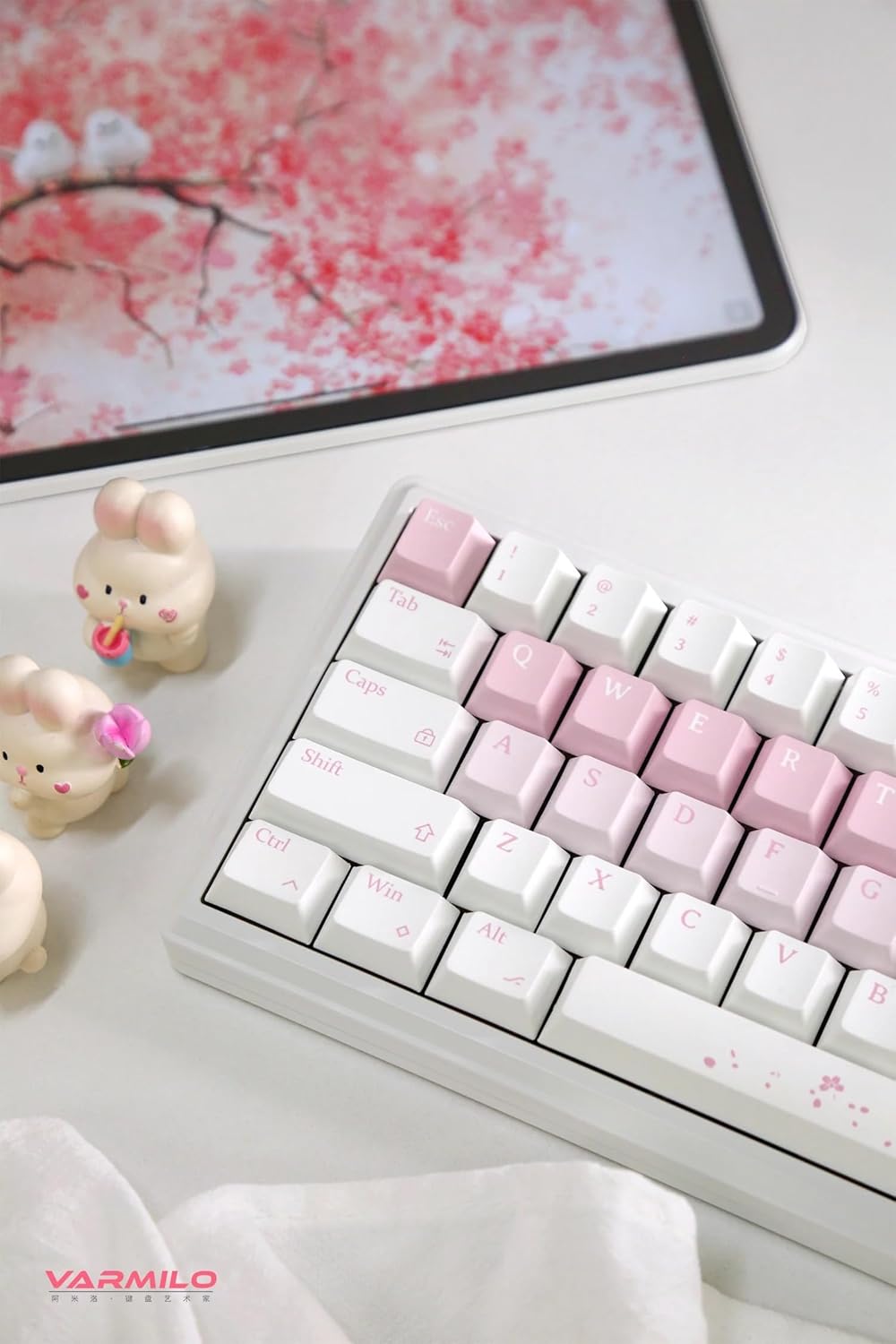
Image: The Varmilo Sword68 keyboard set up on a desk, demonstrating its compact size and aesthetic design alongside a tablet.
5. Käyttö
5.1 Näppäimistön perustoiminnot
The Varmilo Sword68 functions as a standard 65% mechanical keyboard. All keys perform their labeled functions. For secondary functions (accessed via the Fn key), refer to the keycap legends or the custom software.

Kuva: Yksityiskohtainen view of the Varmilo Sword68 keyboard's right side, highlighting the white and pink keycaps and the Sakura-themed spacebar and escape key.
5.2 RGB-taustavalo
The keyboard features RGB backlighting. Lighting effects and colors can be customized using the dedicated software. Refer to the software's instructions for detailed customization options.
5.3 Custom Layout Control
The Varmilo Sword68 supports custom layout control through its software. This allows users to remap keys, create macros, and personalize the keyboard's functionality to suit their workflow or gaming preferences.
5.4 Käytön aikana vaihdettavat kytkimet
The PCB is hot-swappable, allowing users to change mechanical switches without soldering. This feature supports both plate mount and PCB mount stabilizers. To replace a switch:
- Irrota näppäinhattu varovasti näppäinhatun ulosvetäjällä.
- Irrota kytkin varovasti piirilevystä kytkimen ulosvetimellä.
- Kohdista uuden kytkimen nastat piirilevyn reikiin ja paina sitä lujasti, kunnes se napsahtaa paikalleen. Varmista, etteivät nastat ole taipuneet.

Kuva: Lähikuva view of the Varmilo Sword68 keyboard, showcasing the arrangement of its white and pink keycaps and the decorative spacebar.
6. Huolto
6.1 Näppäimistön puhdistaminen
Näppäimistön ulkonäön ja toimivuuden ylläpitämiseksi:
- Irrota näppäimistö kaikista virtalähteistä ennen puhdistamista.
- Käytä pehmeää, nukkaamatonta liinaa hieman dampened with water or a mild cleaning solution to wipe the keycaps and case.
- Poista pöly ja roskat näppäinhattujen välistä paineilmalla tai pienellä harjalla.
- Vältä kovien kemikaalien tai hankaavien materiaalien käyttöä.
6.2 Näppäinhatun ja kytkimen hoito
The Double Shot ABS keycaps are durable. If removing keycaps or switches, do so gently to avoid damaging the components or the PCB.
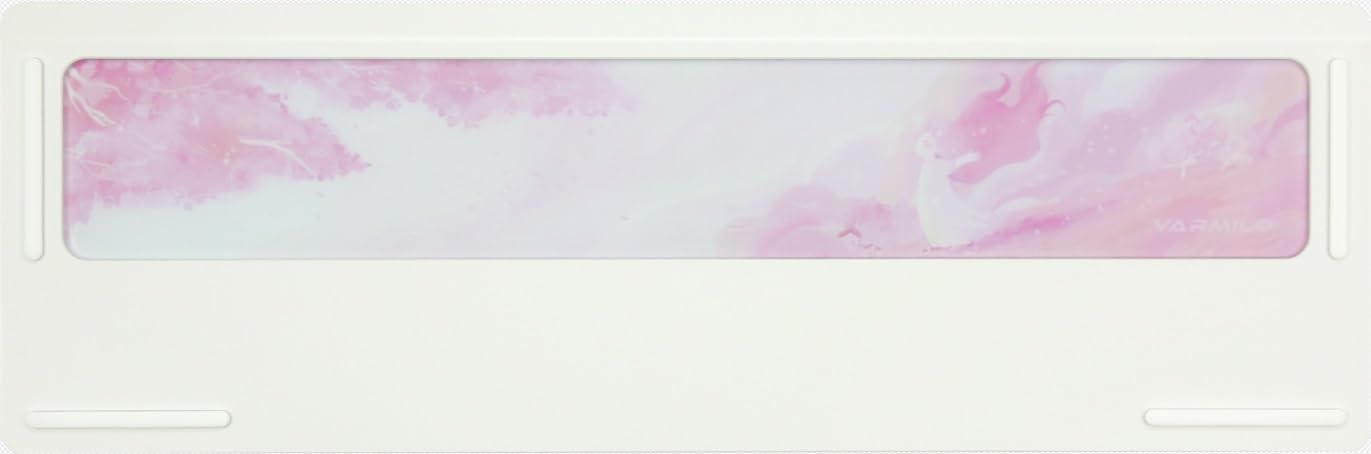
Image: The underside of the Varmilo Sword68 keyboard, revealing the frosted glass weight and rubber feet for stability.
7. Vianmääritys
- Näppäimistö ei vastaa: Ensure the USB-C cable is securely connected or that the wireless receiver is properly inserted and the keyboard is in the correct mode (wired, Bluetooth, 2.4 GHz). Check battery level if in wireless mode.
- Bluetooth-pariliitosongelmat: Ensure the keyboard is in pairing mode and your device's Bluetooth is enabled. Try removing previous pairings and re-pairing.
- RGB-valaistus ei toimi: Check the software settings for RGB control. Ensure the keyboard is not in a low-power mode that disables lighting.
- Avaimet eivät rekisteröidy: For hot-swappable switches, ensure the switch is fully seated and its pins are not bent. Try replacing the switch if the issue persists.
- Ajoittainen langaton yhteys: Ensure the keyboard is within range of the receiver/device and there are no significant obstructions or interference sources.
8. Tekniset tiedot
| Merkki | Varmilo |
| Malli | Sword68 |
| ASIN | B0DMXL67WS |
| Yhteystekniikka | Bluetooth, USB-C |
| Näppäimistön kuvaus | Mekaaninen |
| Erikoisominaisuudet | Backlit, Hot-Swappable, Rechargeable |
| Näppäimistön taustavalon värituki | RGB |
| Materiaali | Alumiini, polykarbonaatti |
| Akun kapasiteetti | 4000 mAh |
| näppäinten yläpuolelle | Tuplalaukaus ABS |
| Äänen absorptio | 3x Poron foam, 2x PET foam, 1x IXPE foam |
| Kotelon materiaali | 6063 Aluminum CNC with electrophoresis finish |
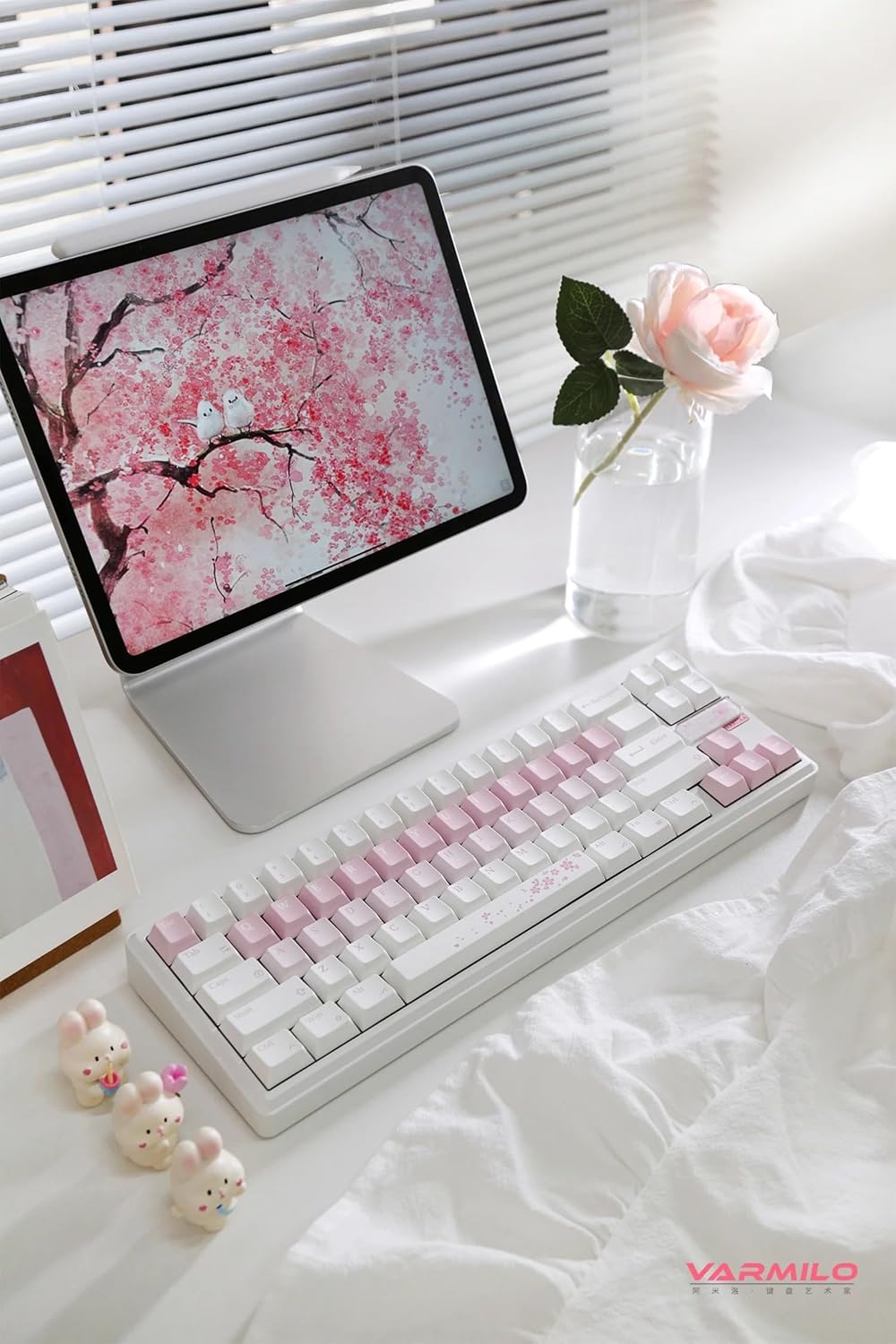
Kuva: Täydellinen view of the Varmilo Sword68 keyboard in a desk setup, showcasinelegantin muotoilunsa ja kompaktin kokonsa ansiosta.
9. Takuu ja tuki
For warranty information, technical support, or service inquiries, please refer to the official Varmilo websivustolta tai ota yhteyttä suoraan heidän asiakastukeen. Säilytä ostokuitti takuuvaatimuksia varten.


