1. Aloitus
1.1. Mitä laatikossa on
Tarkista pakkauksen sisältö purkamisen yhteydessä:
- 1 x artfone G6 Mobile Phone
- 1 x 1300 mAh akku
- 1 x USB-latauskaapeli
- 1 x lataustelakka
- 1 x Käyttöohje
1.2. Akun asennus
Akun asentaminen:
- Irrota puhelimen takakuori.
- Kohdista akun koskettimet puhelimen napoihin.
- Paina akku varovasti paikalleen.
- Aseta takakansi takaisin paikalleen varmistaen, että se napsahtaa kunnolla.
1.3. SIM-kortin asennus
The artfone G6 supports Nano SIM cards (2G, 3G, or 4G). To install your SIM card:
- Varmista, että puhelimesta on katkaistu virta.
- Irrota takakansi ja akku.
- Locate the SIM card slot(s). The phone supports dual SIM.
- Insert the Nano SIM card(s) into the slot(s) with the gold contacts facing down, following the diagram near the slot.
- Asenna akku ja takakansi takaisin paikoilleen.
1.4. Puhelimen lataaminen
Lataa puhelimen akku täyteen ennen ensimmäistä käyttökertaa.
- Latausaseman käyttö: Place the phone into the charging dock. Connect the USB charging cable to the dock and then to a power adapter.
- Suora USB-C-lataus: Connect the USB-C cable directly to the phone's USB-C port and then to a power adapter.
Latauksen merkkivalo näyttää latauksen tilan. Täysi lataus kestää yleensä muutaman tunnin.
1.5. Virta päälle / pois
- Virran kytkeminen: Paina ja pidä punaista 'Lopeta puhelu' -painiketta painettuna, kunnes näyttö syttyy.
- Virran sammuttaminen: Press and hold the red 'End Call' button until the power off options appear, then select 'Power Off'.
2. Perustoiminnot
2.1. Keypad Overview
The artfone G6 features a large, backlit keypad for easy dialing and navigation, especially in low-light conditions.

Image: The artfone G6 phone open, displaying its large, easy-to-read keypad.
2.2. Dual Display Functionality
The phone features a 2.4-inch main HD screen and a 1.8-inch external display. The external screen allows you to quickly check the time, date, battery status, and incoming call notifications without opening the phone.

Image: The artfone G6 demonstrating its dual display feature, showing the external screen and the internal screen.
2.3. Puheluiden soittaminen ja vastaanottaminen
- Soittaminen: Open the phone, dial the number using the keypad, and press the green 'Call' button.
- Puhelun vastaanottaminen: When the phone rings, open the phone and press the green 'Call' button. You can also answer by opening the flip.
- Puhelun lopettaminen: Press the red 'End Call' button or close the flip.
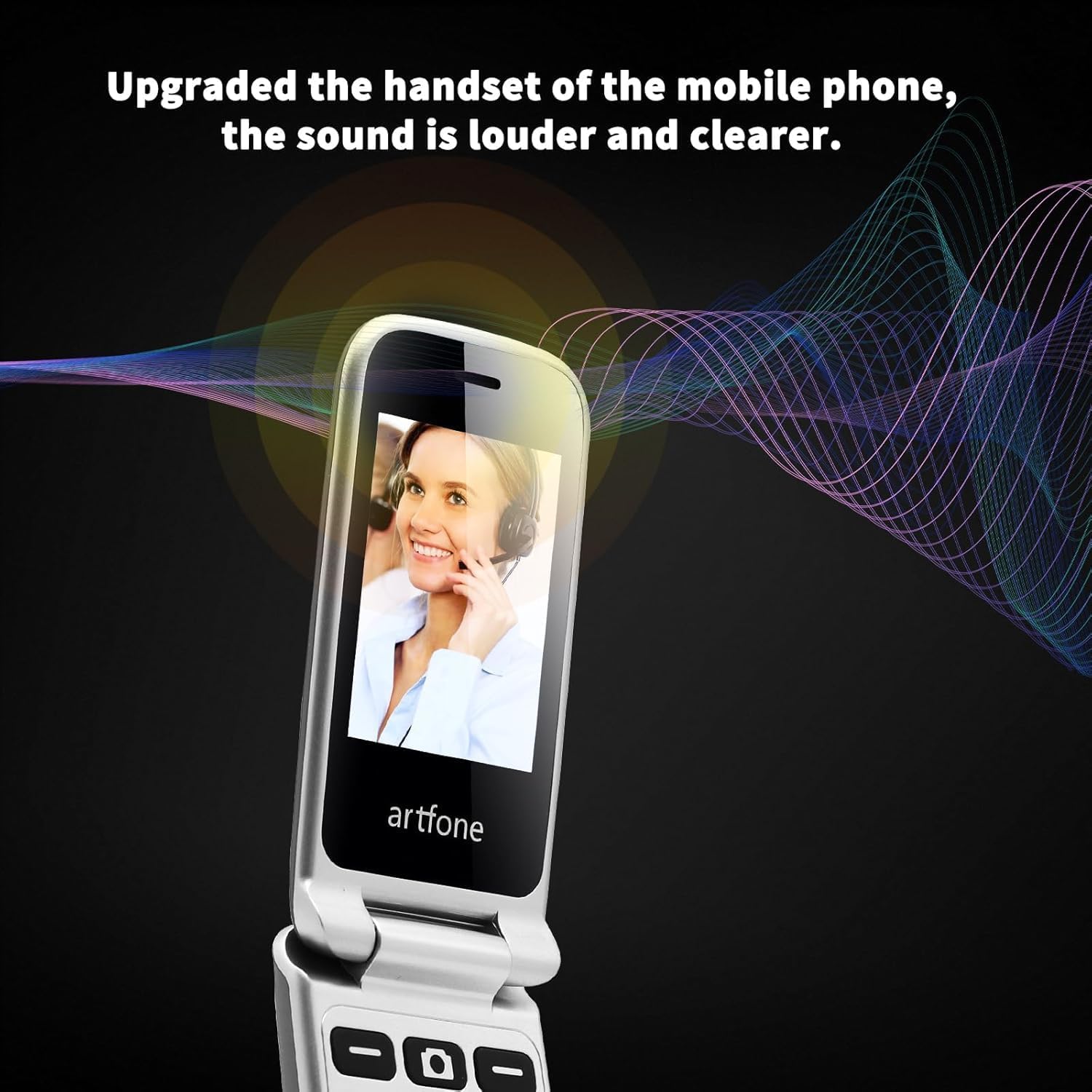
Image: The artfone G6 in use during a call, highlighting its clear audio quality.
2.4. Viestien lähettäminen ja vastaanottaminen
Navigate to the 'Messages' menu to compose new messages or read incoming ones. Use the keypad to type your message.
2.5. Pikavalinnan käyttö
The artfone G6 allows you to set up speed dial contacts for quick access to important numbers.
- Go to 'Settings' or 'Contacts' to assign numbers to speed dial keys (e.g., keys 2-9, A, B).
- To use, simply press and hold the assigned speed dial key.
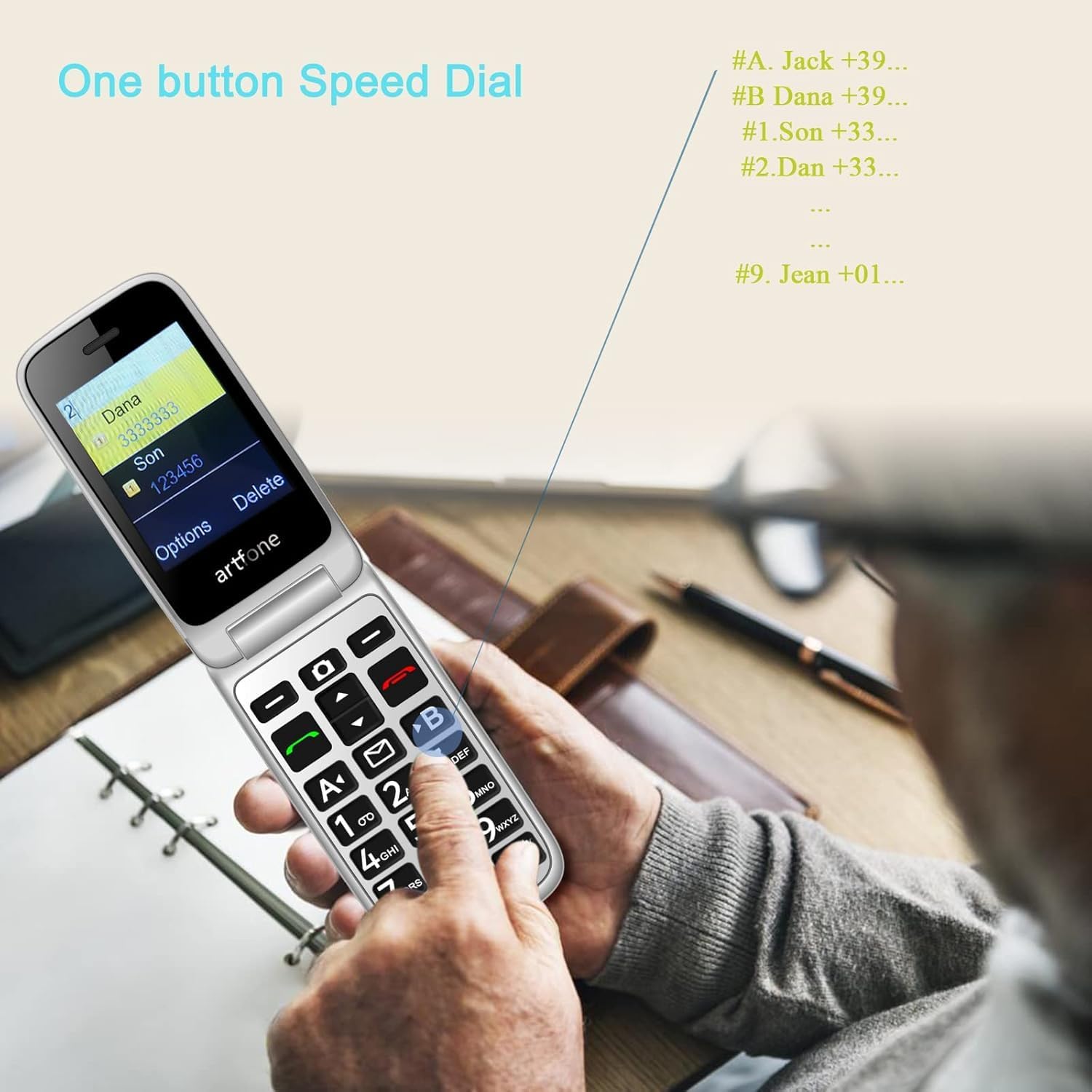
Image: A user activating the speed dial feature on the artfone G6.
2.6. SOS-hätäpainike
For enhanced safety, the artfone G6 includes a dedicated SOS button.
- Asennus: In the 'SOS Settings' menu, you can configure up to five emergency contacts.
- Käyttö: In an emergency, press and hold the SOS button on the back of the phone. The phone will automatically call these numbers in sequence until one answers. It will also send an emergency SMS to these contacts.

Kuva: Takaosa view of the artfone G6, showing the SOS emergency button and side controls.
2.7. Time Reporting Feature
The phone offers a multilingual voice time announcement feature, beneficial for users with visual impairments.
- Press the dedicated time reporting button (often located on the side or keypad) to hear the current time announced aloud.

Image: Activating the time reporting feature on the artfone G6.
2.8. Äänenvoimakkuuden säätäminen
Use the dedicated volume buttons located on the side of the phone to adjust call volume, ringtone volume, and media volume.
2.9. Blacklist Feature
To block unwanted calls, the artfone G6 includes a blacklist feature. You can add up to 50 numbers to this list, preventing them from contacting you.
- Navigate to 'Call Settings' or 'Security Settings' to access and manage the blacklist.
3. Huolto
3.1. Yleinen hoito
- Pidä puhelin kuivana. Kosteus voi vahingoittaa elektronisia piirejä.
- Vältä äärimmäisiä lämpötiloja. Korkeat lämpötilat voivat lyhentää elektronisten laitteiden käyttöikää ja vahingoittaa akkuja.
- Älä pudota, kolhi tai ravista puhelinta. Kovakourainen käsittely voi rikkoa sisäiset piirilevyt.
- Älä käytä voimakkaita kemikaaleja, puhdistusliuottimia tai voimakkaita pesuaineita puhelimen puhdistukseen.
3.2. Puhdistus
Use a soft, dry cloth to wipe the phone's surface. For stubborn dirt, a slightly damp liinaa voidaan käyttää varmistaen, ettei nestettä pääse aukkoihin.
3.3. Akun hoito
The 1300 mAh battery provides extended talk and standby times. To maximize battery life:
- Vältä ylilatausta; irrota laturi, kun akku on täynnä.
- If not using the phone for an extended period, store it with a partial charge (around 50%).
4. Vianmääritys
If you encounter issues with your artfone G6, please refer to the following common problems and solutions:
| Ongelma | Mahdollinen ratkaisu |
|---|---|
| Puhelin ei käynnisty | Ensure the battery is correctly installed and charged. Try charging the phone for at least 30 minutes. |
| Ei voi soittaa tai vastaanottaa puheluita | Check if the SIM card is properly inserted and activated. Ensure you have network coverage. Verify that the number is not on the blacklist. |
| Huono puhelun laatu | Move to an area with better network reception. Check the volume settings. |
| Akku ei lataudu | Check the charging cable and adapter for damage. Ensure the phone is correctly placed in the charging dock or the USB-C cable is fully inserted. |
| SOS-painike ei toimi | Verify that emergency contacts are correctly set up in the SOS settings. |
Jos ongelma jatkuu, ota yhteyttä asiakastukeen.
5. Tekniset tiedot
Detailed technical specifications for the artfone G6:
| Ominaisuus | Yksityiskohta |
|---|---|
| Merkki | artfone |
| Mallin nimi | G6 |
| Käyttöjärjestelmä | artfone Mocor RTOS |
| Päänäytön koko | 2.4 tuumaa |
| Ulkoisen näytön koko | 1.8 tuumaa |
| Näytön resoluutio | 480 x 320 |
| RAM | 48 Mt |
| Tallennuskapasiteetti | 128 Mt |
| CPU malli | MTK 8121 |
| Prosessorin nopeus | 1000 MHz |
| Akun kapasiteetti | 1300 mAh |
| Yhteydet | Bluetooth, USB Type C, 3.5 mm Jack |
| Erikoisominaisuudet | Dual SIM, Dual Display, SOS Button, Speed Dial, Blacklist |
6. Takuutiedot
The artfone G6 comes with a manufacturer's warranty of 2 vuottaSäilytä ostokuitti takuuvaatimuksia varten. Takuu kattaa materiaali- ja valmistusvirheet normaalissa käytössä.
For specific terms and conditions, please refer to the warranty card included in your product packaging or contact artfone customer service.
7. Tukea
For further assistance, technical support, or inquiries regarding your artfone G6 phone, please visit the official artfone websivustolta tai ota yhteyttä heidän asiakaspalveluunsa. Yhteystiedot löytyvät yleensä valmistajan verkkosivuilta. websivustolla tai tuotteen pakkauksessa.
Always ensure you have your product model number (G6) and purchase details ready when contacting support.


