Johdanto
Thank you for choosing the ErGear EGESD65W Electric Standing Desk. This manual provides detailed instructions for the assembly, operation, and maintenance of your new desk. Designed for both home and office use, this adjustable standing desk promotes a healthier and more productive work environment by allowing you to effortlessly switch between sitting and standing positions. Please read this manual thoroughly before assembly and use to ensure proper function and safety.
Turvallisuustiedot
- Varmista, että kaikki osat ovat mukana ja vahingoittumattomia ennen kokoamista. Älä käytä laitetta, jos jokin osa puuttuu tai on rikki.
- Pidä lapset ja lemmikit poissa pöydältä käytön aikana, jotta liikkuvat osat eivät aiheuta vammoja.
- Do not overload the desk. Refer to the 'Specifications' section for maximum weight capacity.
- Varmista, että virtajohto on kytketty ja reititetty oikein, jotta vältyt kompastumisvaaralta tai vaurioilta.
- Älä laita nesteitä suoraan ohjauspaneelin tai moottorin osien päälle.
- Käytä työpöytää vain sen aiottuun tarkoitukseen työasemana.
Pakkauksen sisältö
Varmista, että pakkauksessasi on kaikki seuraavat osat:
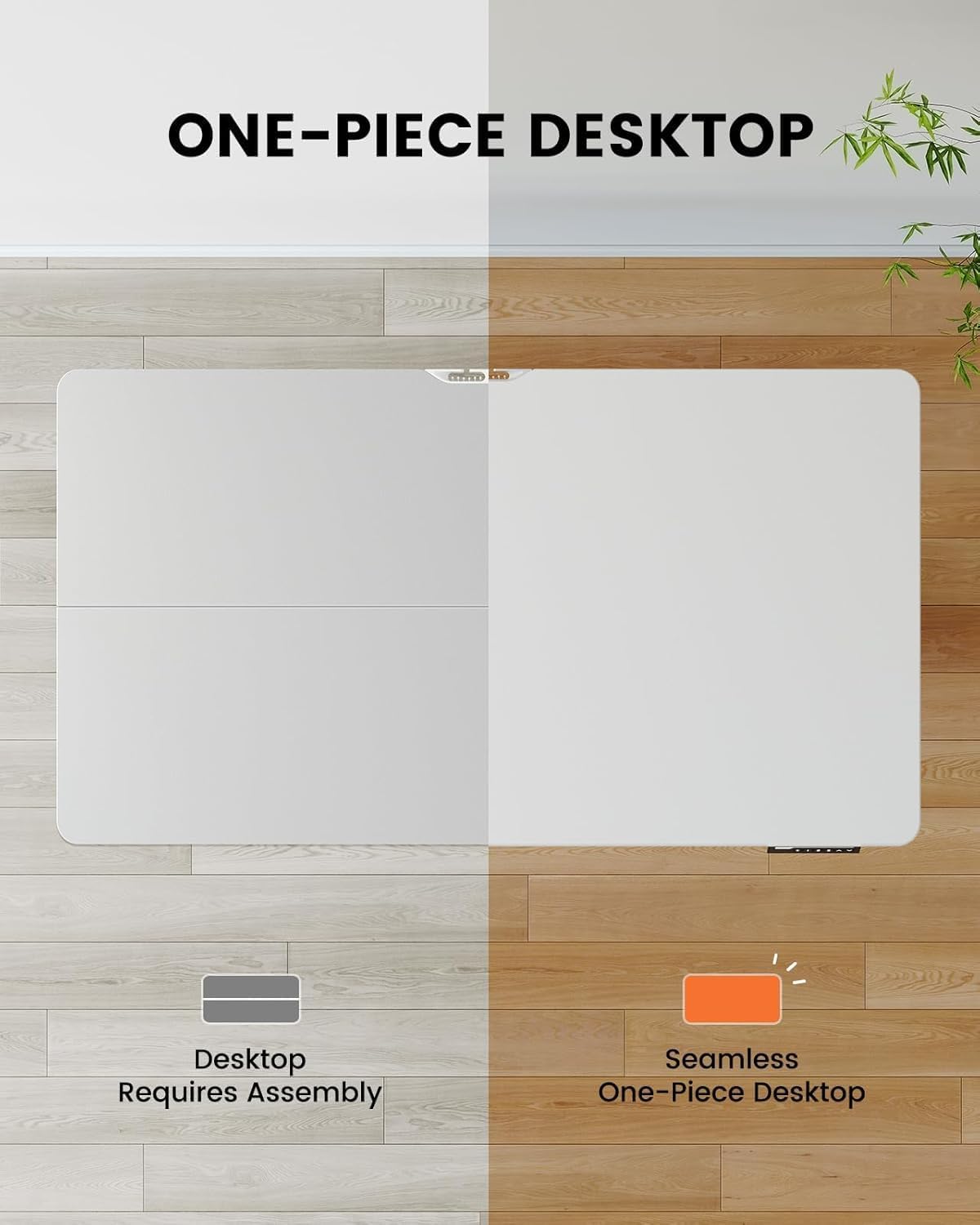
- One-Piece Desktop (48x30 inch)
- Electric Lifting Columns (Legs)
- Ohjauspaneeli digitaalisella näytöllä
- Kaapelinhallintalokero
- Virtalähde ja kaapeli
- Assembly Hardware Kit (screws, tools)
- Käyttöohje
Asennus ja kokoonpano
The ErGear EGESD65W features a one-piece desktop for simplified and faster installation. Follow these steps carefully:
- Pura komponentit: Poista kaikki osat varovasti pakkauksesta ja aseta ne puhtaalle, pehmeälle alustalle naarmujen välttämiseksi.
- Kiinnitä nostopilarit: Secure the electric lifting columns (legs) to the underside of the one-piece desktop using the provided screws. Ensure they are aligned correctly with the pre-drilled holes.
- Asenna ohjauspaneeli: Mount the control panel to the designated area on the front edge of the desktop.
- Kytke kaapelit: Connect the motor cables from the lifting columns to the control box, and then connect the control panel cable to the control box. Finally, connect the power adapter to the control box.
- Attach Cable Management Tray: Install the cable management tray to the underside of the desktop as shown in the diagram, providing a neat solution for your power and data cables.
- Työpöytä: Carefully flip the desk upright and place it in your desired location. Ensure there is enough clearance for height adjustments.

Käyttöohjeet
Your ErGear standing desk is equipped with an intuitive control panel for easy height adjustment and memory presets.
Ohjauspaneelin toiminnot:
- Ylös/alas-nuolet (▲ / ▼): Press and hold to continuously adjust the desk height up or down. Release to stop at your desired height.
- Muistiasetukset (1, 2, 3, 4): Press a numbered button to move the desk to a pre-saved height. To save a height, adjust the desk to the desired position, then press the 'M' button followed by the desired number (1-4). The display will show 'S-' then the number to confirm.
- Näyttö: Näyttää työpöydän nykyisen korkeuden tuumina.


Huolto
Säännöllinen huolto varmistaa ErGear-seisomapöytäsi pitkän käyttöiän ja sujuvan toiminnan.
- Puhdistus: Wipe the desktop and legs with a soft, damp liinalla. Vältä hankaavia puhdistusaineita tai voimakkaita kemikaaleja, jotka voivat vahingoittaa pintaa.
- Kaapelin hallinta: Periodically check the cable management tray and ensure all cables are neatly organized and not pinched or tangled.
- Ruuvien kireys: Ajan myötä ruuvit voivat löystyä. Tarkista ja kiristä kaikki kokoonpanoruuvit säännöllisesti vakauden säilyttämiseksi.
- Moottorin tarkastus: Ensure the motor and lifting columns are free from obstructions. Do not attempt to lubricate or disassemble the motor components.
Vianetsintä
If you encounter any issues with your ErGear standing desk, please refer to the following common problems and solutions:
| Ongelma | Mahdollinen syy | Ratkaisu |
|---|---|---|
| Työpöytä ei liiku. | Power cord disconnected; Motor cable loose; Overload. | Check power connection; Ensure all cables are securely plugged in; Reduce weight on desk. |
| Pöytä liikkuu epätasaisesti. | Epätasainen painonjakauma; Löysät ruuvit. | Distribute weight evenly; Tighten all assembly screws. |
| Näytöllä näkyy virhekoodi. | System malfunction; Overheating. | Unplug the desk for 10 minutes, then plug back in. If error persists, contact customer support. |
| Desk makes unusual noise. | Obstruction in lifting mechanism; Loose components. | Check for obstructions under the desk; Tighten screws. |
Jos ongelma jatkuu näiden ratkaisujen kokeilemisen jälkeen, ota yhteyttä ErGearin asiakastukeen saadaksesi lisäapua.
Tekniset tiedot
Key technical details for your ErGear EGESD65W Standing Desk:
- Mallinumero: EGESD65W-US
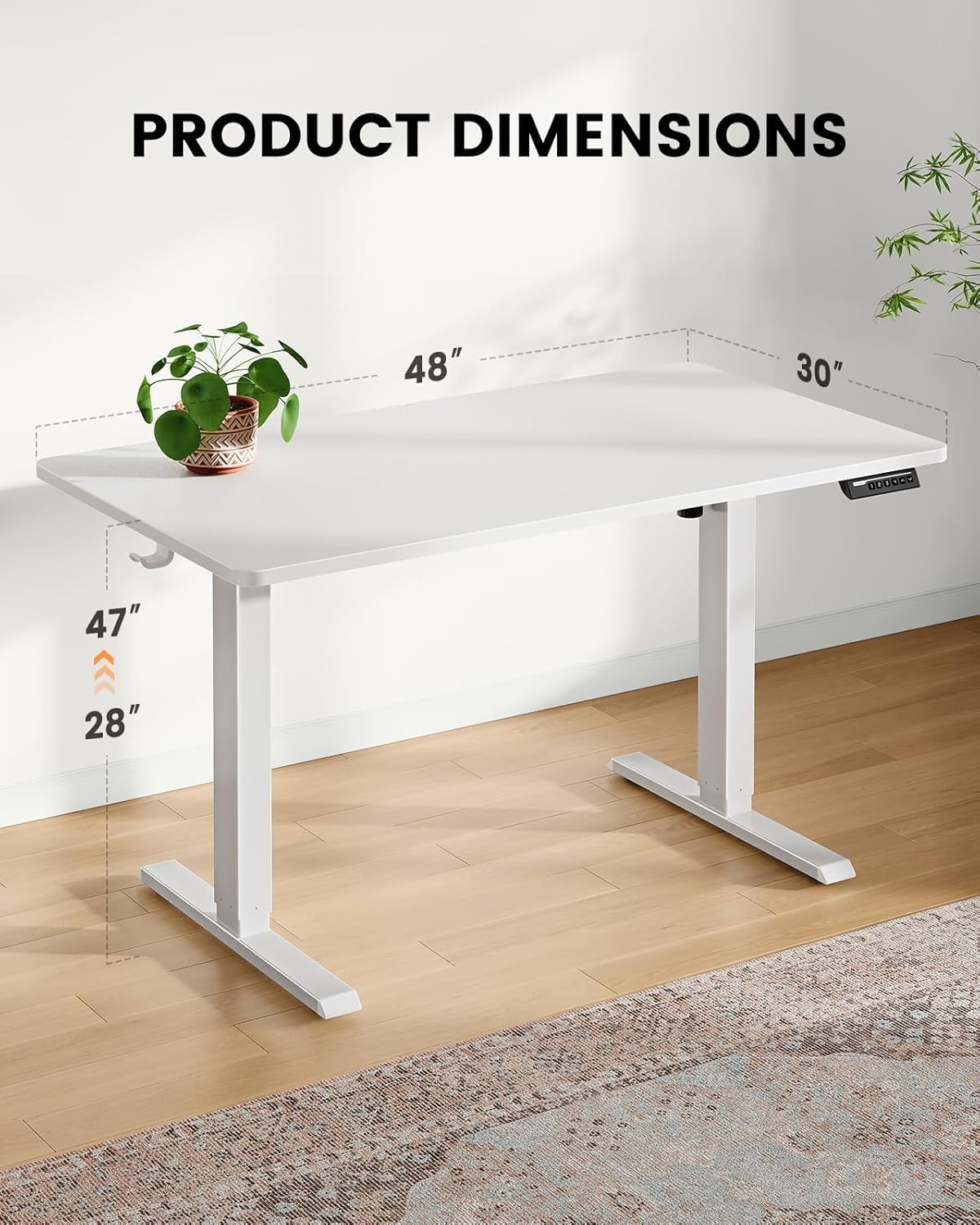
- Pöytätietokoneen mitat: 48 x 30 tuumaa
- Säädettävä korkeusalue: Approximately 28 to 47 inches (71.1 cm to 119.4 cm)
- Työpöydän materiaali: Bambu
- Jalkojen materiaali: Ruostumaton teräs
- Väri: Valkoinen
- Mukana tulevat komponentit: Kaapelinhallintalokero
- Asennus vaaditaan: Kyllä
- Toiminta: Sähköinen
Takuu ja tuki
Your ErGear EGESD65W Electric Standing Desk comes with a Limited Warranty. For specific warranty terms and conditions, please refer to the warranty card included in your package or visit the official ErGear websivusto.
For technical support, troubleshooting assistance, or to inquire about replacement parts, please contact ErGear customer service through the contact information provided on the official ErGear website or your purchase platform. Please have your model number (EGESD65W-US) and purchase date ready when contacting support.


