1. Johdanto
The Moman CP-S Motorcycle Intercom System is designed to provide clear and reliable communication for motorcyclists. Featuring advanced Bluetooth 5.1 technology, noise reduction, and a robust waterproof design, it enhances your riding experience by allowing group communication, music sharing, and hands-free phone calls.

Figure 1: Moman CP-S Intercom Unit with key features.
2. Pakkauksen sisältö
The Moman CP-S package includes the following items:
- Moman CP-S Intercom Unit
- Headphone and Microphone Set
- Mounting Clip (for helmet edge)
- Adhesive Mount (for helmet surface)
- USB-latauskaapeli
- Interchangeable Decorative Shells (3 colors)
- Käyttöopas
- Asennustyökalut (ruuvimeisseli)
3. Asennusopas
Proper installation ensures optimal performance and comfort. Follow these steps to install your Moman CP-S intercom system on your helmet.
3.1. Preparing the Helmet
- Remove the helmet's inner lining and cheek pads if they are removable. This provides easier access for speaker and microphone placement.
- Identify suitable locations for the speakers (near your ears) and the microphone (near your mouth).
3.2. Sisäpuhelinyksikön asentaminen
Choose between the clip mount or the adhesive mount based on your helmet type and preference.
Using the Clip Mount:
- Loosen the screws on the clip mount using the provided screwdriver.
- Slide the clip mount onto the bottom edge of your helmet, ensuring it is securely fastened.
- Tighten the screws to secure the clip mount in place.
Tarrakiinnikkeen käyttö:
- Puhdista kypärän sivussa oleva haluttu kiinnityskohta huolellisesti.
- Peel off the protective film from the adhesive mount and firmly press it onto the helmet surface for at least 30 seconds. Allow sufficient time for the adhesive to bond before attaching the intercom unit.
Sisäpuhelinyksikön kiinnittäminen:
- Slide the Moman CP-S intercom unit onto the installed clip or adhesive mount until it clicks securely into place.
3.3. Kaiuttimien ja mikrofonin asentaminen
- Attach the adhesive pads to the back of the speakers.
- Carefully place the speakers inside the helmet, aligning them with your ears. Press firmly to secure.
- Attach the adhesive pad to the microphone.
- Position the microphone near your mouth, ensuring it is not obstructed by the helmet's padding.
- Connect the speaker and microphone cables to the appropriate ports on the intercom unit.
3.4. Kaapelien hallinta
Tuck all excess cables neatly under the helmet's inner lining to prevent discomfort and ensure they do not interfere with helmet function. Reinstall any removed inner lining or cheek pads.
Video 1: Installation guide for Moman H2 Intercom (similar to CP-S).
4. Käyttöohjeet
4.1. Virta päälle/pois
- Virta päälle: Paina virtapainiketta ja pidä sitä painettuna 3 sekuntia, kunnes merkkivalo syttyy.
- Virta pois: Paina virtapainiketta ja pidä sitä painettuna 3 sekuntia, kunnes merkkivalo sammuu.
4.2. Bluetooth-pariliitos
- With the device off, press and hold the Function button for 3 seconds. The red and blue indicator lights will flash, indicating pairing mode.
- On your mobile phone, enable Bluetooth and search for "FODSPORTS FX-S" (or similar device name). Select it to pair. The pairing is complete when the indicator light changes.
4.3. Musiikin toisto
- Toista/tauko: Paina lyhyesti toimintopainiketta.
- Seuraava kappale: Rotate the control knob forward once.
- Edellinen kappale: Rotate the control knob backward once.
- Äänenvoimakkuuden säätö: Rotate the control knob forward or backward for 1 second to increase or decrease volume.

Figure 2: Music sharing feature between two riders.
4.4. Puhelut
- Puhelun vastaaminen/lopetus: Paina lyhyesti toimintopainiketta.
- Hylkää puhelu: Long press the Function button for 1 second.
- Ääni-avustaja: Single click to activate AI voice assistant (e.g., Siri, Google Assistant).
- Vaihda puheluihin manuaalisesti/automaattisesti: Long press the Function button and ON/OFF button for 3 seconds.

Figure 3: AI Voice Assistant and FM Radio features.
4.5. Sisäpuhelinkommunikaatio
- The Moman CP-S supports intercom communication for up to 8 riders within a 2000m range, and 2 riders within a 1000m range.
- It is compatible with other intercom brands.
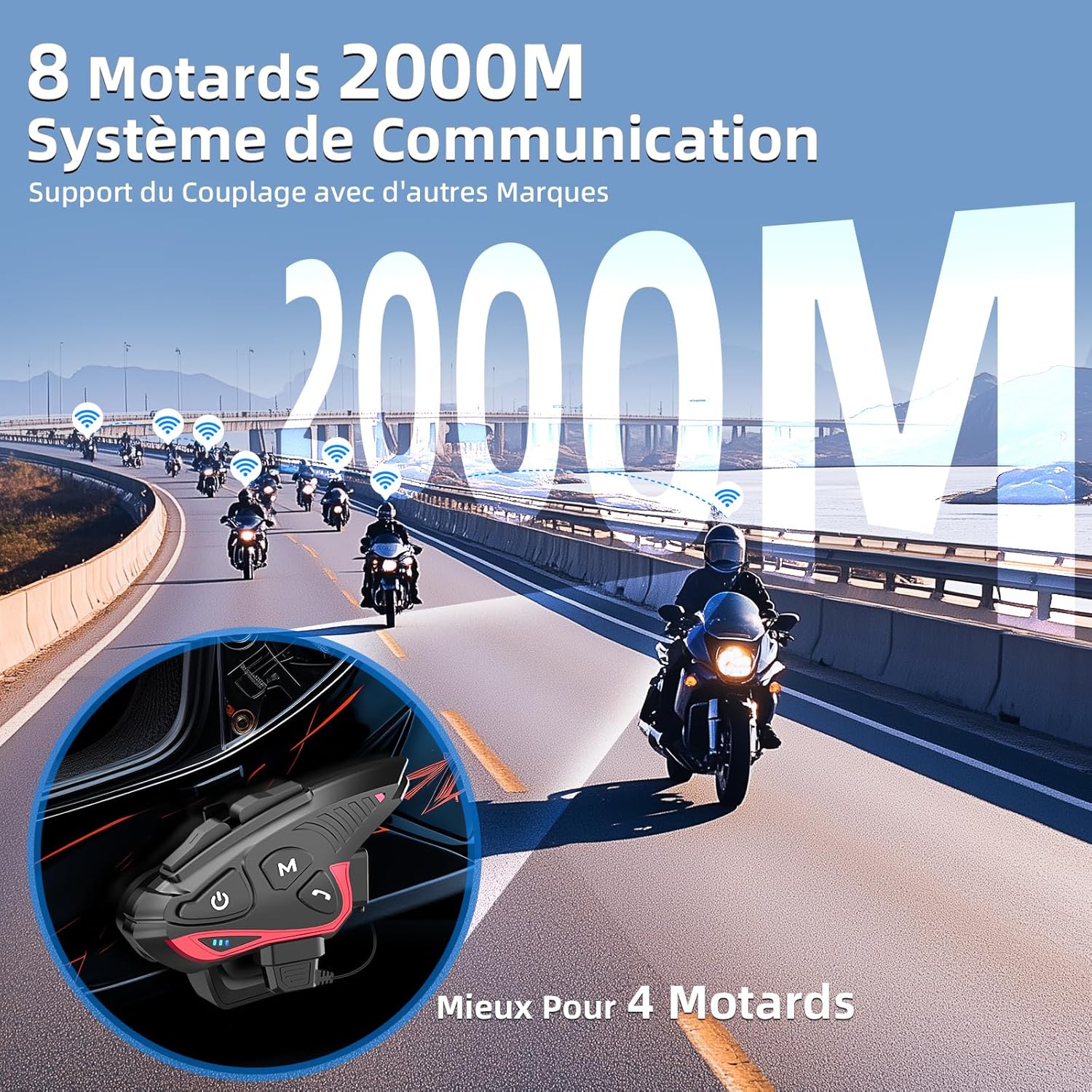
Figure 4: Group intercom communication range and capabilities.
4.6. FM-radio
- Activate the FM radio function to listen to broadcasts while riding.
Video 2: Yliview of Moman H2S Intercom features (similar to CP-S).
5. Tekniset tiedot
| Ominaisuus | Kuvaus |
|---|---|
| Mallinumero | CP-S |
| Langaton tekniikka | Bluetooth 5.1 |
| Intercom-alue | Up to 2000m (8 riders), 1000m (2 riders) |
| Akun kapasiteetti | 900 mAh |
| Latausaika | 2 tuntia |
| Intercom aika | Jopa 28 tuntia |
| Musiikin toistoaika | Jopa 33 tuntia |
| Valmiusaika | Jopa 300 tuntia |
| Vedenkestävyys | IP65 (vedenpitävä) |
| Melunvaimennus | DSP and 12th Gen CVC |
| Kaiuttimen koko | 40mm Hi-Fi |
| Valvontamenetelmä | Ääni, painikkeet |
| Äänikehotteet | 8 languages (Chinese, English, Japanese, German, French, Italian, Spanish, Korean) |
| Materiaali | Muovi |
| Erikoisominaisuudet | Noise cancellation, Water resistant, Music sharing, FM Radio, AI Voice Assistant, Interchangeable shells |

Kuva 5: Akun käyttöikä ja lataustiedot.
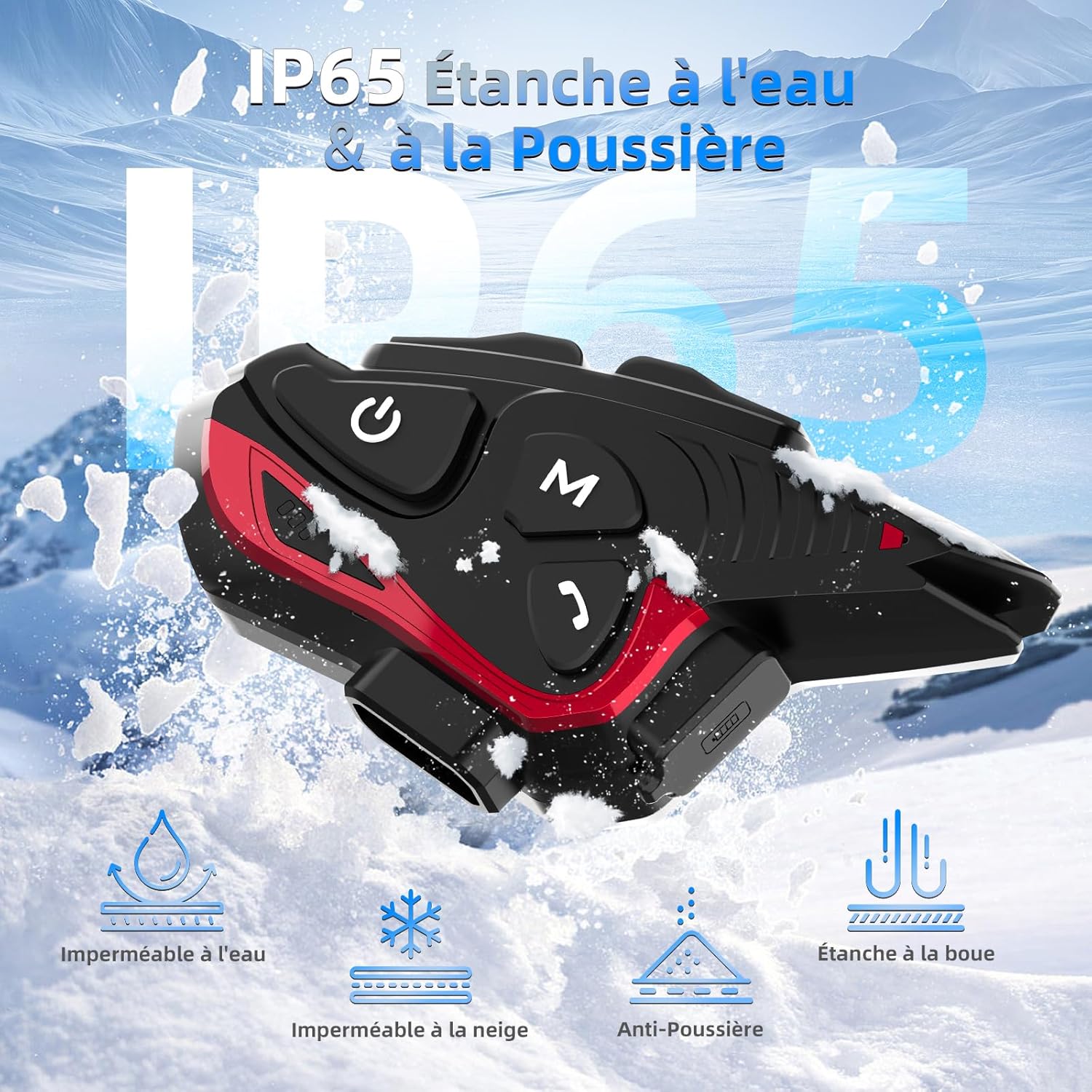
Figure 6: IP65 Water and Dust Resistance.
6. Huolto
- Pidä laite puhtaana ja kuivana. Pyyhi pehmeällä, kuivalla liinalla.amp kangas.
- Vältä altistamasta laitetta äärimmäisille lämpötiloille tai suoralle auringonvalolle pitkiä aikoja.
- Varmista, että latausportin kansi on tiiviisti suljettu, kun et lataa, jotta laite pysyy vesitiiviinä.
- Lataa laite säännöllisesti, vaikka sitä ei käytettäisikään, akun kunnon ylläpitämiseksi.
7. Vianmääritys
7.1. Ei virtaa
- Varmista, että akku on ladattu. Liitä laite virtalähteeseen mukana toimitetulla USB-kaapelilla.
- Check if the power button is being held for the correct duration (3 seconds).
7.2. Cannot Pair with Phone
- Ensure the device is in pairing mode (red and blue indicator lights flashing).
- Sammuta ja kytke puhelimesi Bluetooth päälle.
- Varmista, että laite on puhelimesi kantaman sisällä.
- Forget previous Bluetooth connections on your phone and try pairing again.
7.3. Poor Audio Quality/Noise
- Ensure speakers are correctly positioned near your ears and the microphone is close to your mouth.
- Check for any obstructions around the microphone.
- Verify that the volume is adjusted appropriately.
- The device features DSP and CVC noise reduction, which should minimize ambient noise. If issues persist, ensure the microphone is not picking up excessive wind noise.
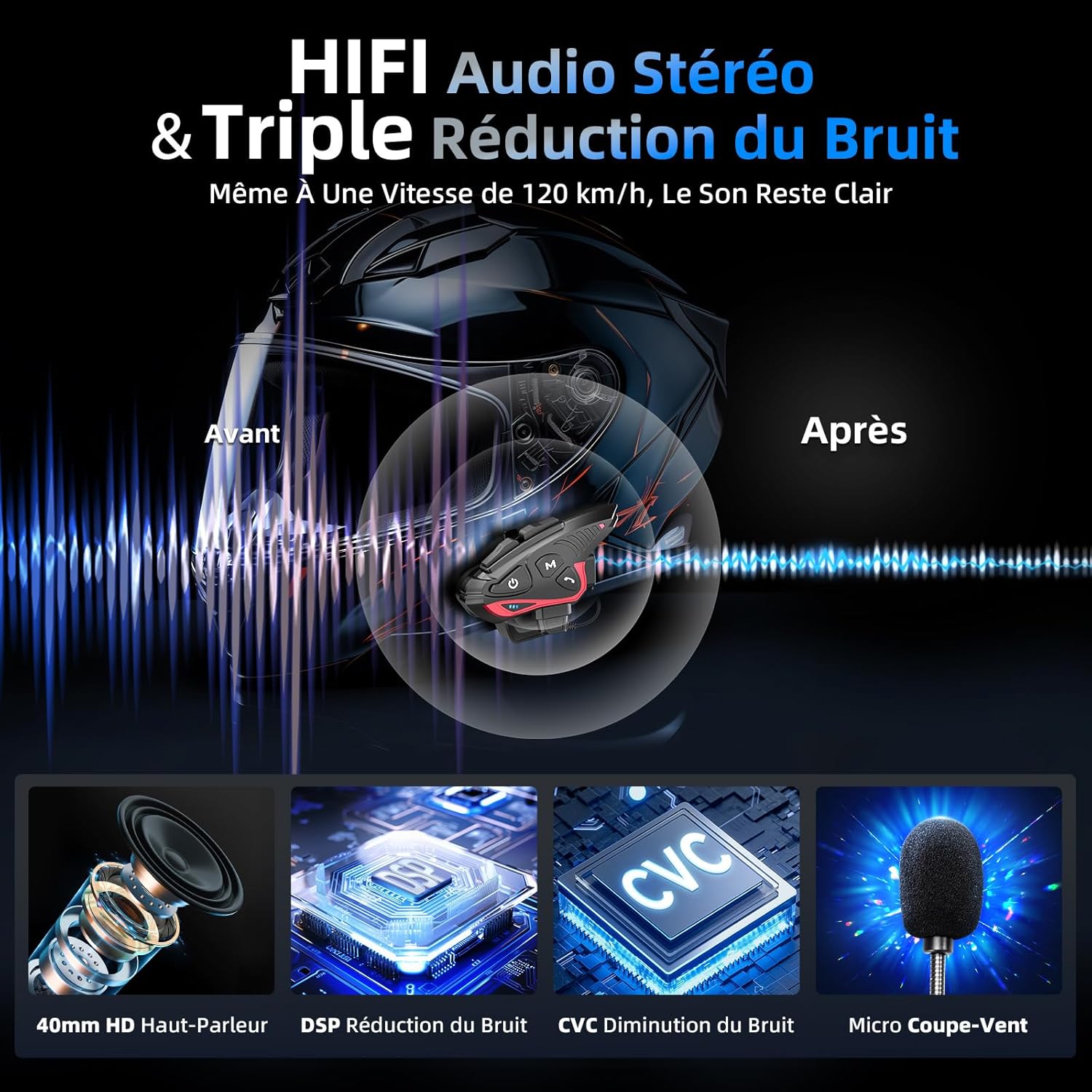
Figure 7: Audio quality and noise reduction technology.
8. Takuu ja tuki
The Moman CP-S Motorcycle Intercom System comes with a 2-year manufacturer's warranty. For technical support, warranty claims, or any other inquiries, please contact Moman customer service through their official channels.