1. Tuote ohiview
The Redragon Ziggs K669 is a compact 94-key wired mechanical gaming keyboard designed for performance and durability. It features Redragon Red hot-swappable switches, customizable RGB backlighting, and a robust construction.
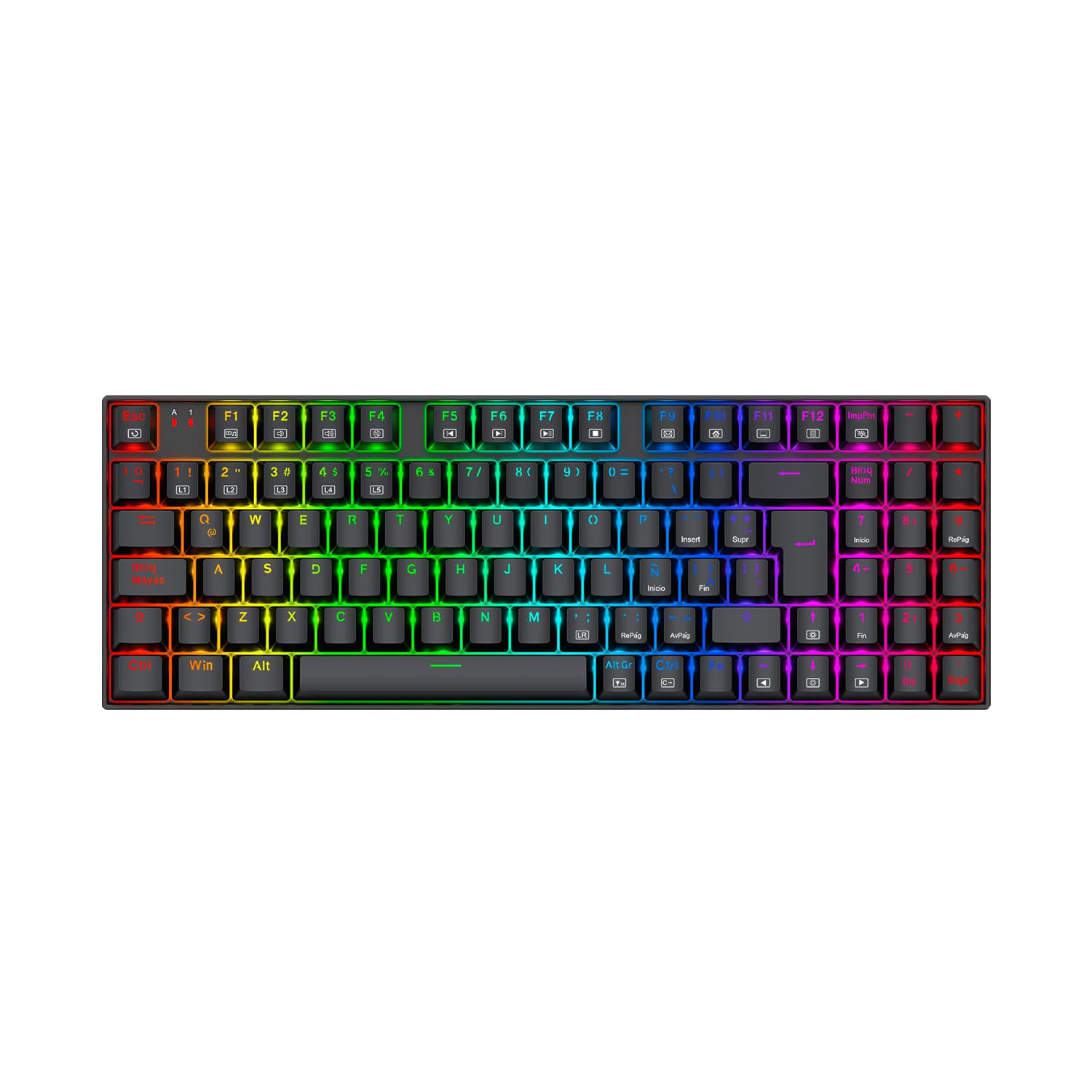
Image: Redragon Ziggs K669 Wired Gaming Keyboard with RGB lighting.
2. Pakkauksen sisältö
- Redragon Ziggs K669 Wired Gaming Keyboard
- Käyttöopas
- Näppäinhatun ulosvetäjä (saattaa sisältyä toimitukseen)
- Kytkimen ulosvetäjä (saattaa sisältyä toimitukseen)
- Varakytkimet (voivat sisältyä)
3. Asennus
3.1 Näppäimistön kytkeminen
- Etsi tietokoneesta vapaa USB-portti.
- Plug the USB connector of the Redragon Ziggs K669 keyboard into the USB port.
- Käyttöjärjestelmäsi tunnistaa näppäimistön automaattisesti. Perustoimintojen suorittamiseen ei yleensä tarvita lisäohjaimia.
3.2 Ohjelmiston asennus (valinnainen)
For advanced customization of RGB lighting and other features, download the official Redragon software from the Redragon websivusto. Noudata näytön ohjeita asennuksen suorittamiseksi.
4. Käyttöohjeet
4.1 Kompakti 94-näppäimen asettelu
The Ziggs K669 features a compact 94-key layout, including a numeric keypad, balancing space-saving design with full functionality.
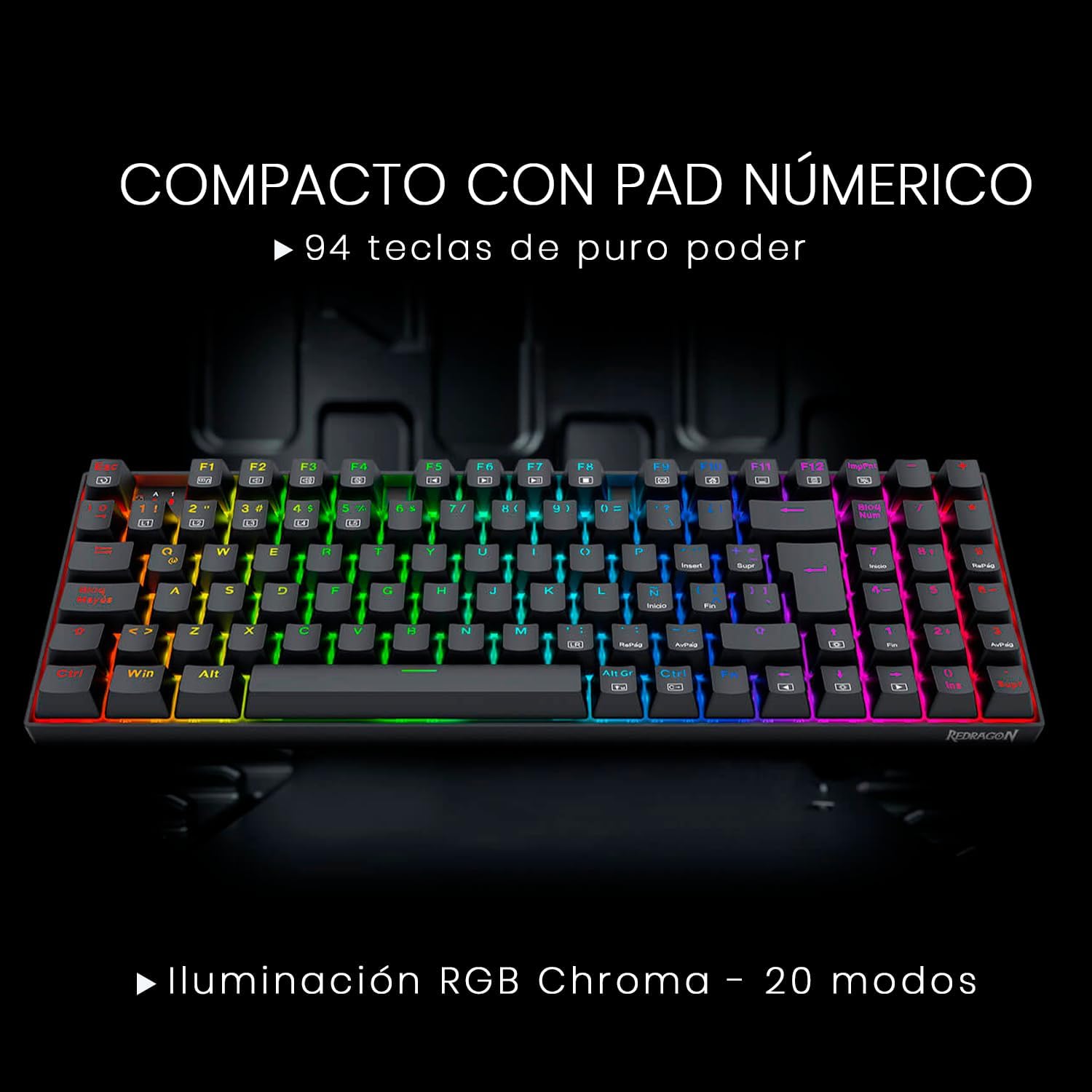
Image: Redragon Ziggs K669 keyboard showcasing its compact 94-key layout with integrated numeric pad.
4.2 Multimedianäppäimet
Käytä multimediatoimintoja painamalla FN key in combination with the designated function keys (F1-F12). Refer to the keycaps for specific multimedia icons.
4.3 RGB-valaistuksen ohjaus
The keyboard offers up to 20 preset RGB backlight modes. These can be cycled directly from the keyboard. Brightness and flow speed are also adjustable without software.

Image: Redragon Ziggs K669 keyboard displaying various RGB lighting effects.
4.4 Windowsin näppäinlukko
The keyboard includes a function to lock the Windows key, preventing accidental presses during gaming sessions.
5. Huolto
5.1 Puhdistus
To clean the keyboard, disconnect it from your computer. Use a soft, dry cloth to wipe the surface. For deeper cleaning, use a keycap puller to remove keycaps and clean underneath with compressed air or a small brush. Avoid using harsh chemicals or excessive moisture.
5.2 Käytön aikana vaihdettavat kytkimet
The Redragon Ziggs K669 features hot-swappable Redragon Red switches, allowing for easy replacement without soldering. Use the provided switch puller to carefully remove and insert switches.

Kuva: Lähikuva view of the Redragon Red hot-swappable mechanical switches on the Ziggs K669 keyboard.
6. Vianmääritys
- Näppäimistö ei vastaa: Varmista, että USB-kaapeli on kytketty kunnolla sekä näppäimistöön että tietokoneeseen. Kokeile toista USB-porttia. Käynnistä tietokone uudelleen.
- RGB-valaistus ei toimi: Check if the lighting is turned off or set to a very low brightness level using the keyboard's control functions or software.
- Tietyt näppäimet eivät toimi: If the keyboard is hot-swappable, try reseating the switch for the non-functional key. If the issue persists, consider replacing the switch.
7. Tekniset tiedot
| Ominaisuus | Kuvaus |
|---|---|
| Näppäimistön tyyppi | Mekaaninen |
| Kytkimet | Redragon Red (Linear, 45g actuation force, hot-swappable) |
| Avaimen asettelu | Compact 94-key with numeric pad |
| Taustavalo | RGB Chroma (20 preset modes) |
| Yhteydet | Wired USB (Reinforced cable, gold-plated USB, anti-interference filter) |
| Rakentaminen | Reinforced ABS plastic, steel plate |
| Anti-Splash | Kyllä |
| näppäinten yläpuolelle | Kaksoisinjektio |
| Paino | 792 g |
| Mitat | 34.8 x 12.3 x 3.5 cm |
| Ohjelmistotuki | Kyllä |
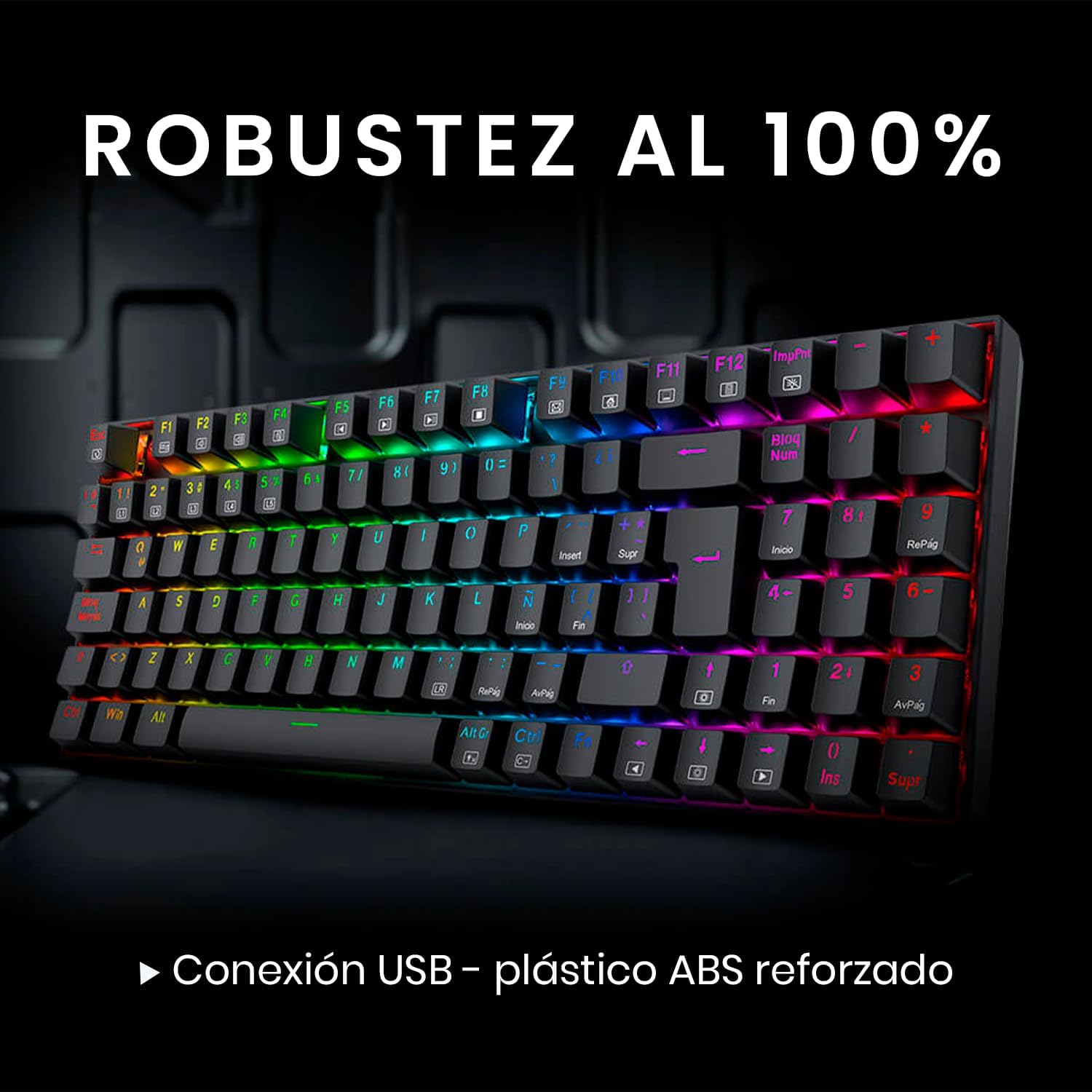
Image: Redragon Ziggs K669 keyboard highlighting its robust construction and wired connection.
8. Takuu ja tuki
8.1 Takuutiedot
Redragon products are covered by a manufacturer's warranty against defects in materials and workmanship. Please refer to the warranty card included with your product or visit the official Redragon websivustolta tarkemmat takuuehdot.
8.2 Asiakastuki
For technical assistance, troubleshooting, or product inquiries, please visit the official Redragon support website or contact their customer service team. Contact information can typically be found on the Redragon websivusto.


