1. Johdanto
This manual provides detailed instructions for the Rapoo V500Pro Full-Size Mechanical Gaming Keyboard. Please read this manual thoroughly before using the product to ensure proper operation and to maximize its features. The V500Pro is designed for both gaming and office use, featuring durable mechanical switches, customizable RGB backlighting, and programmable keys.

Image 1: Rapoo V500Pro Full-Size Mechanical Gaming Keyboard (White version).
2. Asennusopas
2.1 Pakkauksen sisältö
- Rapoo V500Pro Mechanical Gaming Keyboard
- USB-kaapeli
- Käyttöopas (tämä asiakirja)
2.2 Näppäimistön kytkeminen
- Paikanna näppäimistön takaosassa oleva USB-C-portti.
- Liitä mukana toimitetun USB-C-kaapelin toinen pää näppäimistön USB-C-porttiin.
- Connect the other end of the USB-C cable (USB-A connector) to an available USB port on your computer or compatible device.
- Käyttöjärjestelmäsi tunnistaa näppäimistön automaattisesti. Perustoimintojen suorittamiseen ei yleensä tarvita lisäohjaimia.
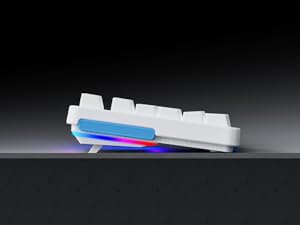
Image 2: Connecting the USB-C cable to the keyboard. The keyboard features an optimized cable management system allowing the cable to be routed to the left, center, or right.
2.3 Kaapelin hallinta
The V500Pro features an optimized cable management system on its underside. You can route the USB-C cable to the left, center, or right to suit your desk setup and minimize cable clutter.

Image 3: Underside of the keyboard showing the three-way cable routing channels.
3. Käyttöohjeet
3.1 Mekaaniset kytkimet
The Rapoo V500Pro utilizes brown mechanical switches, offering a tactile feel with a lower audible click compared to blue switches, making them suitable for both gaming and typing in various environments.

Image 4: Detail of the brown mechanical switch, highlighting its design for balanced performance.
3.2 RGB-taustavalaistuksen mukauttaminen
The keyboard features customizable Rainbow RGB backlighting with 20 lighting modes. You can adjust brightness and speed directly from the keyboard.
- FN + PGUP/PGDN: Vaihda eri taustavalotilojen välillä.
- FN + INS: Switch side lights modes (RGB/solid color/solid breathing/off).
- FN + DEL: Switch side lights color (red/orange/yellow/green/cyan/blue/purple/white).
- FN + D: Brightness adjustment (press repeatedly to cycle through levels).
- FN + D: Breathing frequency adjustment (press repeatedly to cycle through speeds).
- FN + ESC (short press): Kytke taustavalo päälle/pois.
- FN + ESC (long press): Restore default lighting settings.
- FN + V: Switch logo lighting (on/breathing/off).
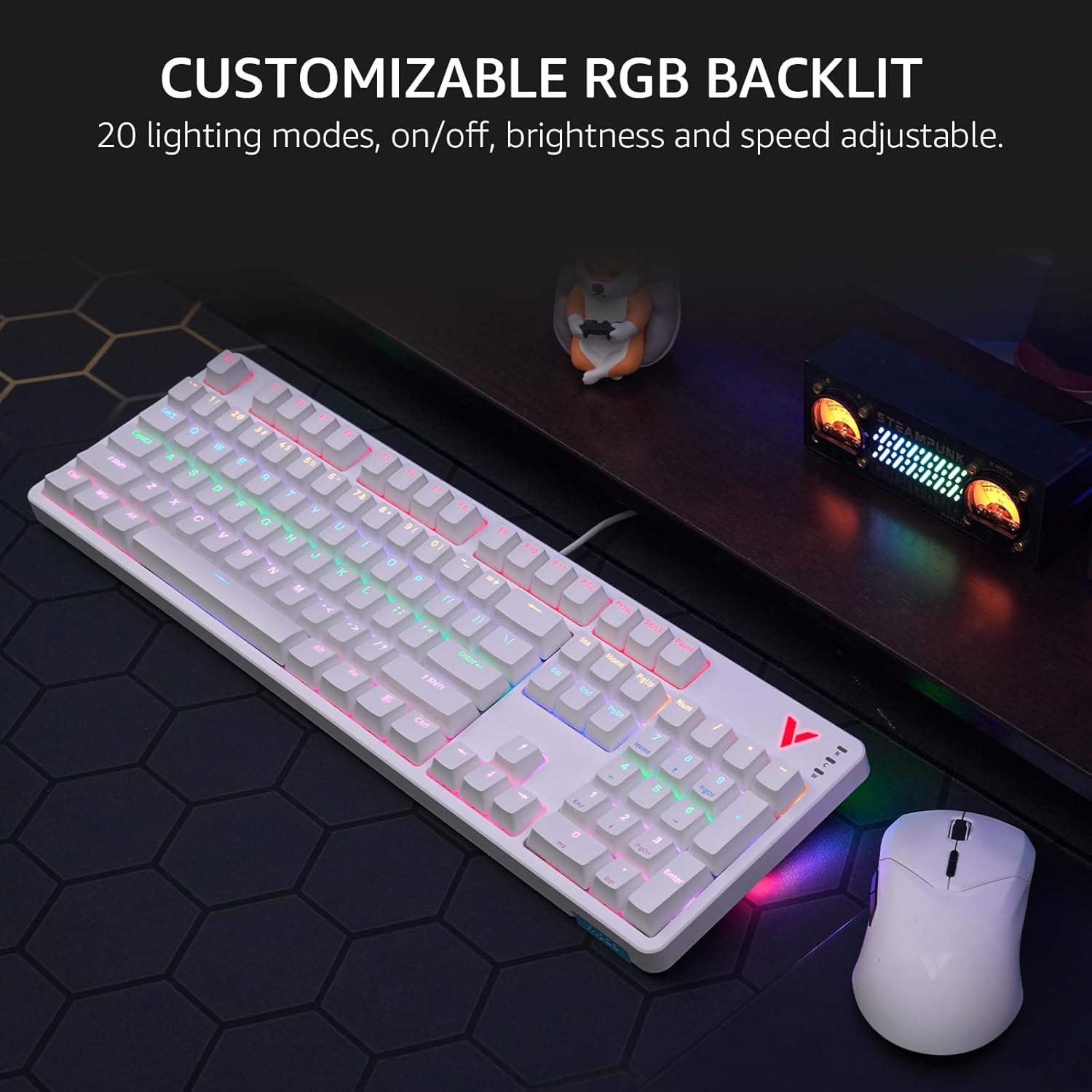
Image 5: The keyboard displaying its customizable RGB backlighting in a typical desktop setup.
Video 1: Ylilyöntiview of the Rapoo V500Pro keyboard, demonstrating its features including RGB lighting and mechanical switches.
3.3 multimediapikanäppäimiä
Näppäimistössä on 12 multimediapikanäppäintä, joihin pääsee painamalla FN näppäintä yhdessä F1-F12 keys. These provide quick access to common functions.
| Näppäinyhdistelmä | Toiminto |
|---|---|
| FN + F1 | Tietokone |
| FN + F2 | Laskin |
| FN + F3 | Postilaatikko |
| FN + F4 | Kotisivu |
| FN + F5 | Haku |
| FN + F6 | Mediasoitin |
| FN + F7 | Edellinen kappale |
| FN + F8 | Seuraava kappale |
| FN + F9 | Toista/Tauko |
| FN + F10 | Äänenvoimakkuuden vähentäminen |
| FN + F11 | Äänenvoimakkuuden lisääminen |
| FN + F12 | Mykistä |
| FN + Win | Windowsin näppäinlukko |

Image 6: Visual representation of the FN key combinations for multimedia and system controls.
3.4 Programmable Keys and On-board Memory
The V500Pro allows for programming 103 keys (excluding the FN key) to assign commands and macros. This functionality is managed through dedicated software (available for Windows operating systems) and stored in the keyboard's on-board memory. This enables users to save profiles and apply them across different devices without re-configuration.

Image 7: The software interface for customizing key functions and creating macros. Note: Keyboard driver available for Windows system only.
3.5 Haamujen esto
The keyboard supports full 104-key anti-ghosting, ensuring that all simultaneous key presses are registered accurately. This is particularly beneficial for complex skill combinations in gaming.
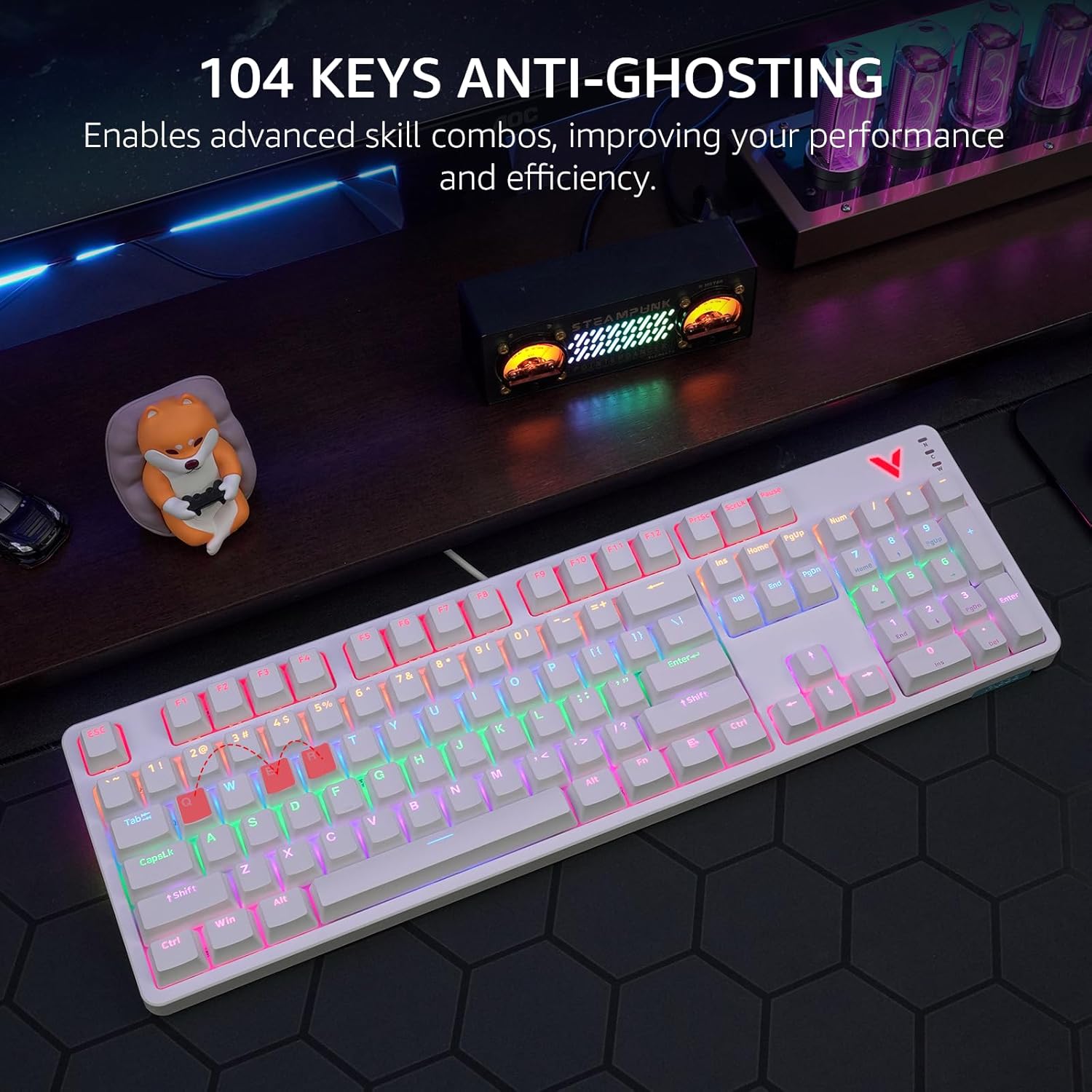
Image 8: Visual explanation of anti-ghosting technology, showing multiple key presses being registered simultaneously.
4. Huolto
4.1 Näppäimistön puhdistaminen
To clean your Rapoo V500Pro keyboard, follow these steps:
- Irrota näppäimistö tietokoneesta ennen puhdistamista.
- Käytä pehmeää, nukkaamatonta liinaa hieman dampkastettu vedellä tai miedolla puhdistusliuoksella näppäinhattujen ja rungon pyyhkimiseksi.
- For deeper cleaning, the top case of the keyboard is removable, allowing easier access to the switches and plate. Gently detach the top case as shown in the product images.
- Vältä nesteiden suihkuttamista suoraan näppäimistölle.
- Poista pöly ja roskat näppäinhattujen välistä paineilmalla.

Image 9: The removable top case feature, which facilitates cleaning and allows for switching between high and low profile keycap setups.
4.2 Varastointi
Store the keyboard in a dry, cool environment away from direct sunlight and extreme temperatures to prevent damage.
5. Vianmääritys
| Ongelma | Mahdollinen ratkaisu |
|---|---|
| Näppäimistö ei vastaa |
|
| Taustavalo ei toimi tai on virheellinen |
|
| Avaimet eivät rekisteröidy tai niitä kirjoitetaan kahteen kertaan |
|
6. Tekniset tiedot
| Ominaisuus | Yksityiskohta |
|---|---|
| Malli | V500Pro |
| Näppäimistön tyyppi | Full-Size Mechanical Gaming Keyboard |
| Avainten määrä | 104 |
| Kytkimen tyyppi | Ruskeat mekaaniset kytkimet |
| Taustavalo | Customizable Rainbow RGB (20 modes) |
| Anti-Ghosting | All 104 Keys |
| Ohjelmoitavat näppäimet | 103 (excluding FN) with On-board Memory |
| Multimedia-pikanäppäimet | 12 (FN + F1–F12) |
| Yhteydet | USB-C (langallinen) |
| Materiaali | Aircraft-grade aluminum alloy frame |
| Tuotteen mitat | 17.4 x 5.29 x 1.58 tuumaa (44.2 x 13.4 x 4 cm) |
| Tuotteen paino | 2.42 puntaa (1.1 kg) |
| Yhteensopivat laitteet | PC, Laptop, Gaming Console, Smart TV |

Image 10: Dimensions and weight of the Rapoo V500Pro keyboard.
7. Takuu ja tuki
Rapoo products are designed for durability and performance. For warranty information, technical support, or service inquiries, please refer to the official Rapoo websivustolta tai ota yhteyttä paikalliseen jälleenmyyjään. Säilytä ostokuitti takuuvaatimuksia varten.
Online resources and software downloads (e.g., for programmable keys) can typically be found on the official Rapoo support page.


