Johdanto
Welcome to the user manual for your boAt Airdopes 161 ANC True Wireless Stereo (TWS) Earbuds. This guide provides detailed instructions on how to set up, operate, maintain, and troubleshoot your earbuds to ensure optimal performance and a seamless audio experience.

Image: The boAt Airdopes 161 ANC earbuds shown with their charging case, highlighting their sleek design and portability.
1. Asennus
1.1 Pakkauksen sisältö
Your boAt Airdopes 161 ANC package includes:
- boAt Airdopes 161 ANC Earbuds
- Latauskotelo
- USB Type-C -latauskaapeli
- Käyttöopas
1.2 Kuulokkeiden ja kotelon lataaminen
Lataa nappikuulokkeet ja latauskotelo täyteen ennen ensimmäistä käyttökertaa.
- Aseta molemmat kuulokkeet latauskoteloon.
- Liitä USB Type-C -latauskaapeli kotelon latausporttiin ja virtalähteeseen.
- Kotelon merkkivalo näyttää latauksen tilan. Kun akku on ladattu täyteen, merkkivalo muuttuu tai sammuu.

Image: The USB Type-C charging port on the boAt Airdopes 161 ANC charging case, indicating the modern charging interface. Also shows Bluetooth v5.3 icon.
The Airdopes 161 ANC features ASAP Charge technology, providing 150 minutes of playback with just 10 minutes of charging.

Image: Illustration of ASAP Charge, showing 10 minutes of charge provides 150 minutes of playback.
1.3 Pairing with Your Device (IWP Technology)
The Airdopes 161 ANC features Insta Wake N' Pair (IWP) Technology for instant connection.
- Avaa latauskotelon kansi. Kuulokkeet käynnistyvät automaattisesti ja siirtyvät pariliitostilaan.
- Ota Bluetooth käyttöön laitteessasi (älypuhelin, tabletti jne.).
- Etsi "Airdopes 161 ANC" in the list of available Bluetooth devices and select it to connect.
- Kun yhteys on muodostettu, kuulet vahvistusäänen ja nappikuulokkeet ovat käyttövalmiit.

Image: A smartphone screen displaying "Airdopes 161 ANC Connected" with the earbuds and case, illustrating the IWP pairing process.
2. Nappikuulokkeiden käyttö
2.1 Kosketusohjaimet
The Airdopes 161 ANC features intuitive touch controls on each earbud.
| Toiminta | Toiminto |
|---|---|
| Yksi napautus (vasen/oikea nappikuuloke) | Toista/keskeytä musiikki, vastaa/lopeta puhelu |
| Double Tap (oikea nappikuuloke) | Seuraava kappale |
| Double Tap (vasen nappikuuloke) | Edellinen kappale |
| Pitkä painallus (oikea nappikuuloke) | Äänenvoimakkuuden lisääminen |
| Pitkä painallus (vasen nappikuuloke) | Äänenvoimakkuuden vähentäminen |
| Kolmoisnapautus (vasen/oikea nappikuuloke) | Aktivoi Voice Assistant |
| Long Press (2 seconds) during call | Hylkää puhelu |
| Long Press (2 seconds) to toggle ANC/Transparency | Toggle Active Noise Cancellation / Transparency Mode |
2.2 Aktiivinen melunvaimennus (ANC)
The Airdopes 161 ANC features Active Noise Cancellation up to 32dB, reducing ambient noise for an immersive listening experience.
- To activate ANC, long press the touch control area on either earbud for 2 seconds.
- Repeat the action to switch between ANC, Transparency Mode, and Normal Mode.
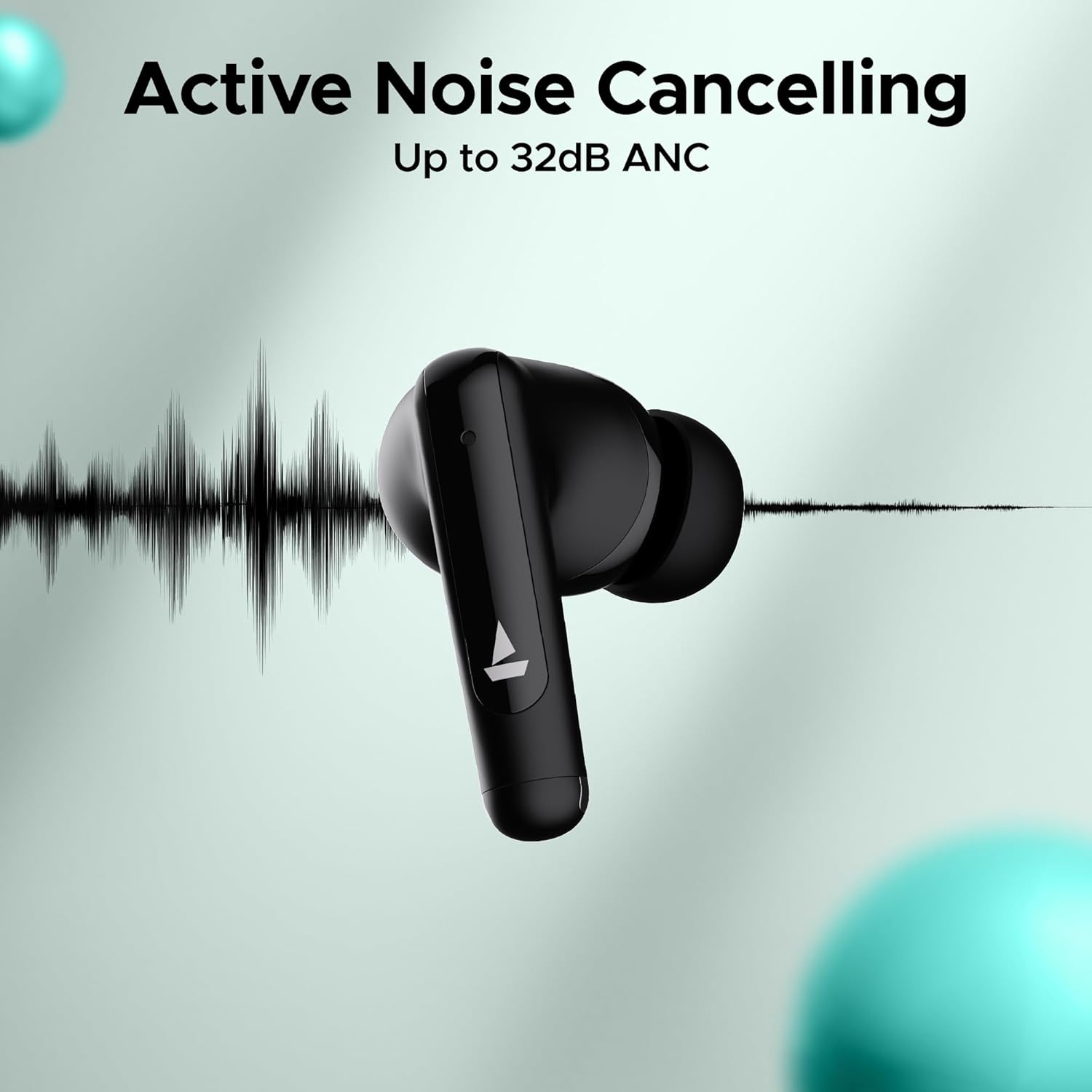
Image: An earbud with a sound wave graphic, illustrating the Active Noise Cancelling capability up to 32dB.
2.3 Making Calls (Quad Mics with ENx Technology)
The earbuds are equipped with Quad Mics and ENx Technology for clear voice calls by filtering out environmental noise.
- Puhelun vastaaminen/lopetus: Napauta kumpaa tahansa korvanappia yhdellä napautuksella.
- Hylkää puhelu: Paina jompaakumpaa kuuloketta pitkään 2 sekunnin ajan.
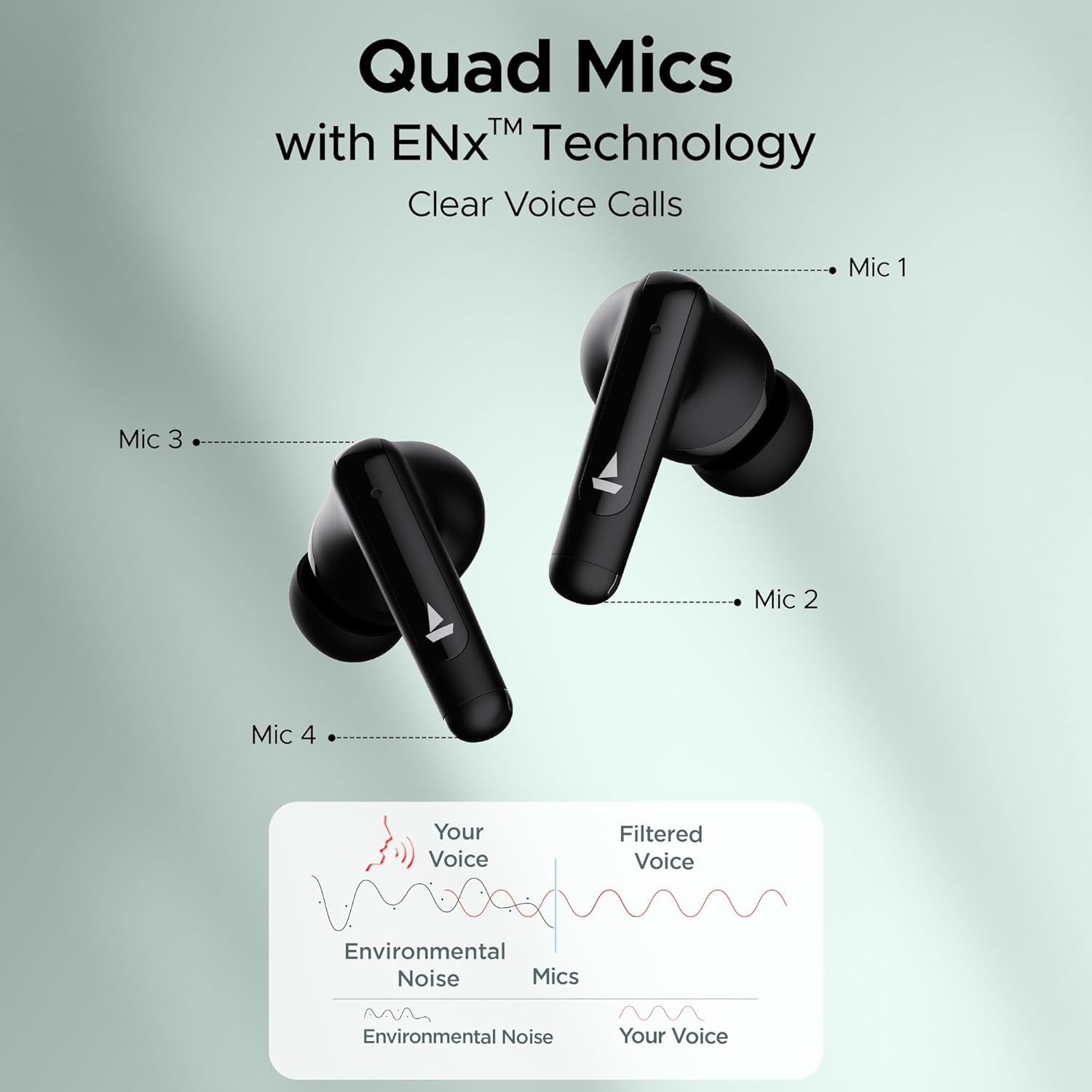
Image: Diagram showing the placement of four microphones on the earbuds and how ENx Technology filters environmental noise for clear voice calls.
2.4 Playback Time
The boAt Airdopes 161 ANC provides up to 50 hours of total playback time with the charging case. Individual earbud playback time varies based on usage and ANC status.
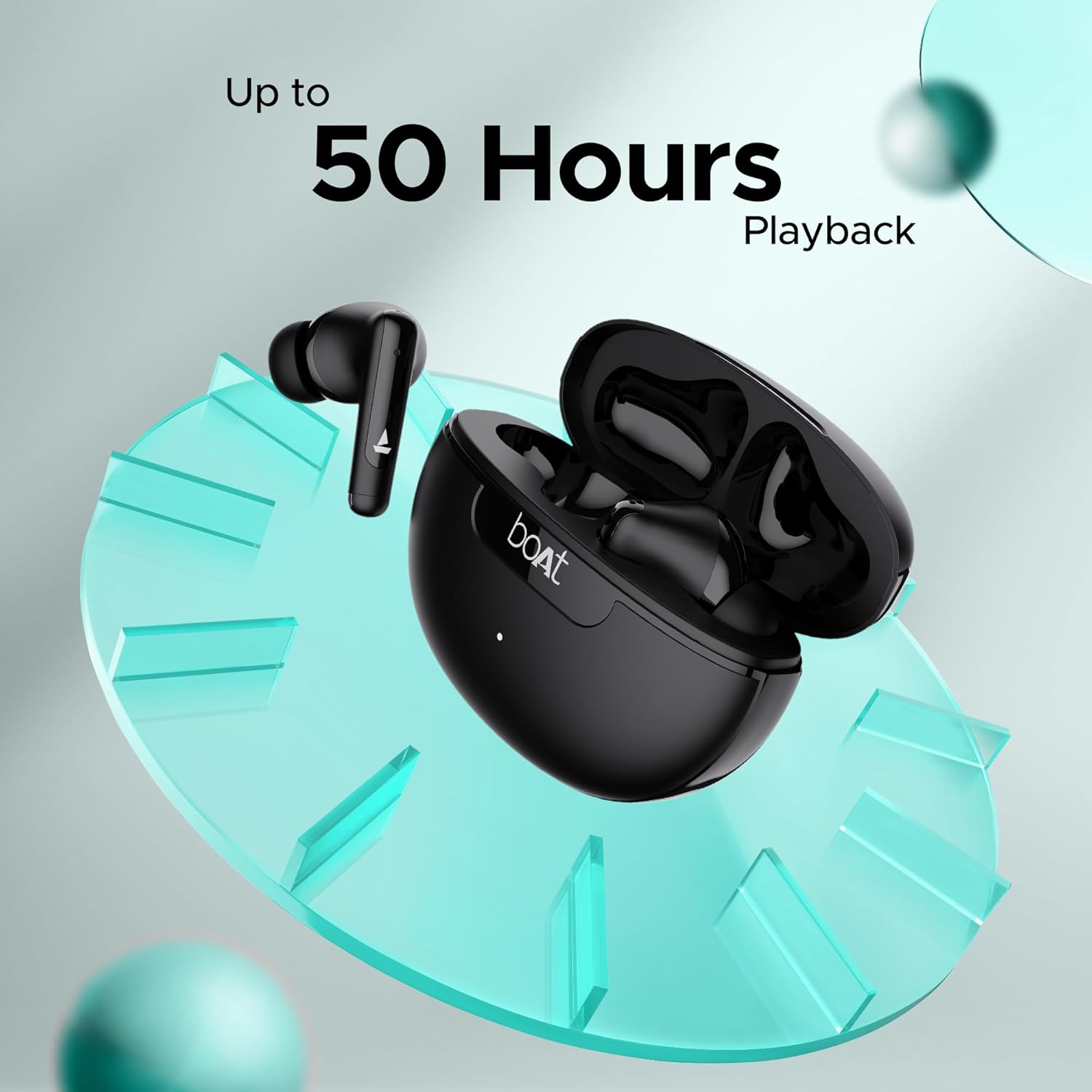
Image: Graphic indicating "Up to 50 Hours Playback" for the boAt Airdopes 161 ANC earbuds and charging case.
3. Huolto
3.1 Korvanappikuulokkeiden puhdistaminen
Säännöllinen puhdistus auttaa ylläpitämään äänenlaatua ja hygieniaa.
- Pyyhi nappikuulokkeet ja latauskotelo pehmeällä, kuivalla ja nukkaamattomalla liinalla.
- Poista varovasti korvavaikku tai roskat korvakärjistä ja kaiutinverkosta pienellä, puhtaalla harjalla tai vanupuikolla.
- Vältä hankaavien materiaalien, alkoholin tai kemiallisten puhdistusaineiden käyttöä.
3.2 Veden- ja hienkestävyys (IPX5)
The Airdopes 161 ANC earbuds are IPX5 rated, meaning they are resistant to water splashes and sweat. This makes them suitable for workouts and light rain.
- Älä upota nappikuulokkeita veteen.
- Varmista, että nappikuulokkeet ovat kuivat ennen kuin asetat ne takaisin latauskoteloon vaurioiden välttämiseksi.
Image: Earbuds shown with water droplets, indicating IPX5 water and sweat resistance.
4. Vianmääritys
Jos kohtaat ongelmia Airdopes 161 ANC:n kanssa, katso seuraavia yleisiä ratkaisuja:
| Ongelma | Ratkaisu |
|---|---|
| Kuulokkeet eivät muodosta pariliitosta |
|
| Vain yksi kuuloke toimii |
|
| Hiljainen äänenvoimakkuus tai huono äänenlaatu |
|
| ANC ei toimi tehokkaasti |
|
5. Tekniset tiedot
| Ominaisuus | Yksityiskohta |
|---|---|
| Mallin nimi | Airdopes 161 ANC |
| Yhteystekniikka | Bluetooth |
| Langaton viestintätekniikka | Bluetooth |
| Bluetooth-versio | 5.0 (Note: Image shows v5.3, using product spec 5.0) |
| Bluetooth-alue | 10 metriä |
| Melunhallinta | Aktiivinen melunvaimennus (jopa 32 dB) |
| Mikrofonit | Neljä mikrofonia ENx-tekniikalla |
| Valvontamenetelmä | Kosketa |
| Vedenkestävyystaso | IPX5 (vedenkestävä) |
| Muototekijä | Korvassa |
| Ääniohjaimen tyyppi | Dynaaminen ohjain |
| Akun tyyppi | Litium-ioni (mukana) |
| Toistoaika | Jopa 50 tuntia (latauskotelon kanssa) |
| Latausliitäntä | USB Type-C |
| Erikoisominaisuudet | Built-In Voice Assistant, IWP Technology, ASAP Charge |
| Tuotteen paino | 50 grammaa |
| Tuotteen mitat | 5 x 3 x 5 cm |
6. Takuu ja tuki
Your boAt Airdopes 161 ANC earbuds come with a 1-year warranty from the date of purchase.
For warranty claims, technical support, or any other inquiries, please contact boAt customer service:
- Valmistaja: Imagine Marketing Oy.
- Sähköposti: info@imaginemarketingindia.com
- Websivusto: Refer to the official boAt websivustolta uusimmat tukitiedot ja yhteystiedot.
Säilytä ostokuittisi todisteena ostosta takuupalveluita varten.


