1. Johdanto
The Lexar JumpDrive S80 USB 3.2 Gen 1 Flash Drive is designed for high-speed data transfer and secure storage. This manual provides instructions for setting up, operating, and maintaining your flash drive, along with important specifications and troubleshooting tips.
2. Tuotteen ominaisuudet
- Nopea suorituskyky: Utilizes USB 3.2 Gen 1 technology for read speeds up to 150MB/s and write speeds up to 60MB/s, enabling quick transfer of large files.
- Edistynyt suojaus: Features 256-bit AES encryption software to protect your sensitive data from unauthorized access.
- Sisäänvedettävä muotoilu: A protective, retractable cover safeguards the USB connector when not in use.
- Laaja yhteensopivuus: Backward-compatible with USB 3.0 and USB 2.0 devices, ensuring versatility across various systems.
- Multiple Capacities: Available in various storage capacities, including 512GB, to suit different user needs.
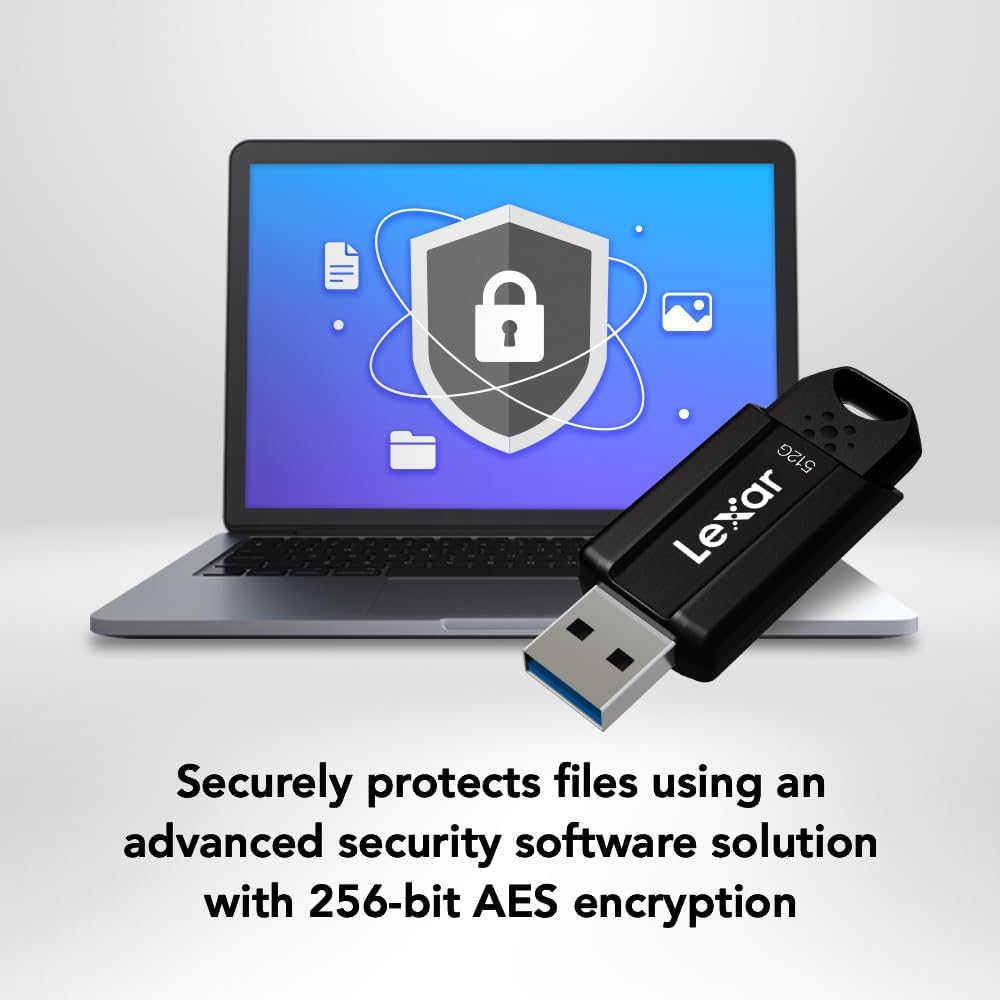
Image: The Lexar JumpDrive S80 connected to a laptop, highlighting its USB 3.2 Gen 1 performance for fast content transfer.
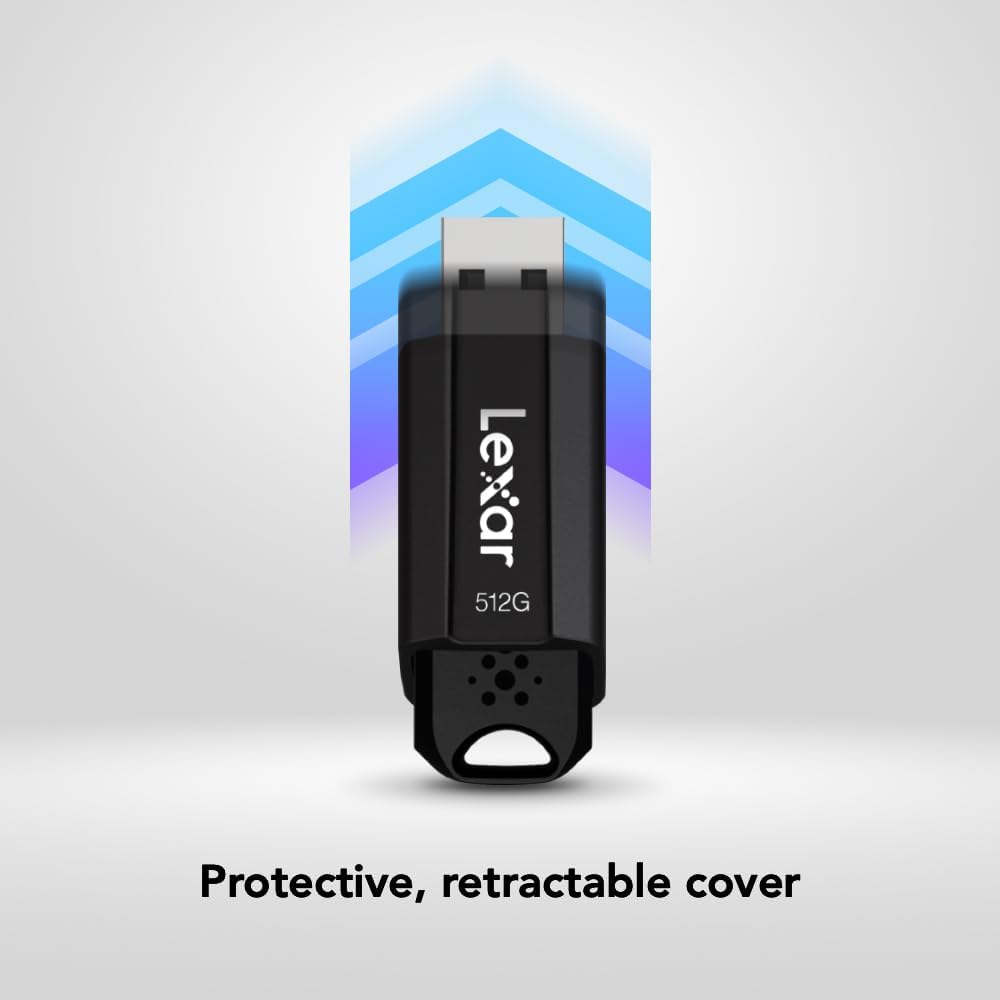
Image: The JumpDrive S80 with a laptop, emphasizing its advanced security software and 256-bit AES encryption.

Kuva: Yksityiskohtainen view of the JumpDrive S80's protective retractable cover.

Image: A display of Lexar JumpDrive S80 models showcasing the wide range of available storage capacities.

Image: The JumpDrive S80, highlighting that Lexar products undergo rigorous testing in Lexar Quality Labs for performance and reliability.
3. Asennus
- Pura asema pakkauksesta: Carefully remove the Lexar JumpDrive S80 from its packaging.
- USB-portin tunnistaminen: Locate an available USB port on your computer (PC or Mac). For optimal performance, use a USB 3.2 Gen 1 (or USB 3.0) compatible port, often identified by a blue insert. The drive is also compatible with USB 2.0 ports.
- Liitä asema: Extend the retractable USB connector by sliding the mechanism. Insert the flash drive firmly into the USB port. The drive should be automatically recognized by your operating system.
- Alkuperäinen tunnistus: Your computer may display a notification indicating that a new device has been detected and is ready for use. The drive will appear as a removable storage device in your file Resurssienhallinnassa (Windows) tai Finderissa (Mac).
Video: Yliview of the Lexar JumpDrive S80, demonstrating its connection to a laptop and highlighting key features like speed and security.
4. Käyttöohjeet
4.1. Siirto Files
- Access the Drive: Open "This PC" or "My Computer" (Windows) or "Finder" (Mac) and locate the Lexar JumpDrive S80. Double-click to open it.
- Kopioida Files: Vedä ja pudota files or folders from your computer to the JumpDrive S80, or copy and paste them into the drive's folder.
- Liitä Files: Siirtämään files from the JumpDrive S80 to your computer, drag and drop or copy and paste them from the drive's folder to your desired location on the computer.
- Seuraa edistymistä: Edistymispalkki näyttää siirron tilan. Suurille files, transfer times will vary based on file size and the USB port speed.
4.2. Safely Removing the Drive
To prevent data corruption, always safely remove the flash drive before physically disconnecting it from your computer.
- Windows: Click the "Safely Remove Hardware and Eject Media" icon in the system tray (bottom-right corner), then select the Lexar JumpDrive S80. Wait for the "Safe to Remove Hardware" message before unplugging.
- Mac: Drag the JumpDrive S80 icon from your desktop or Finder sidebar to the Trash icon, or right-click (Control-click) the drive icon and select "Eject." Wait for the icon to disappear before unplugging.
5. Suojausominaisuudet
The Lexar JumpDrive S80 includes advanced security software with 256-bit AES encryption to protect your confidential files. This software allows you to create a password-protected safe that automatically encrypts data. Files deleted from this safe are securely erased and cannot be recovered.
Refer to the pre-loaded security software documentation on the drive for detailed instructions on setting up and managing your encrypted safe.
6. Tekniset tiedot
| Ominaisuus | Yksityiskohta |
|---|---|
| Mallin nimi | JumpDrive S80 USB 3.1 |
| Tuotteen mallinumero | LJDS080512G-BNBNU |
| Muistin tallennuskapasiteetti | 512 Gt |
| Laitteistorajapinta | USB 3.2 Gen 1 |
| Lukunopeus | Jopa 150 XNUMX Mt/s |
| Kirjoitusnopeus | Jopa 60 XNUMX Mt/s |
| Yhteystekniikka | USB |
| Väri | Musta |
| Erikoisominaisuus | Protective, retractable cover |
| Tuotteen paino | 0.288 unssia |
| Tuotteen mitat | 5.5 x 0.54 x 4 tuumaa |
| Valmistaja | Lexar International |
| UPC | 843367130870 |
7. Huolto
- Fyysinen hoito: Keep the flash drive clean and free from dust and debris. Use a soft, dry cloth for cleaning. Avoid exposing the drive to extreme temperatures, moisture, or direct sunlight.
- Protect the Connector: Always retract the USB connector when the drive is not in use to prevent damage.
- Tietojen varmuuskopiointi: Varmuuskopioi säännöllisesti muistitikulle tallennetut tärkeät tiedot toiselle tallennusvälineelle tietojen menetyksen estämiseksi.
- Ohjelmistopäivitykset: Periodically check the Lexar website for any available firmware or security software updates for your JumpDrive S80.
8. Vianmääritys
- Asemaa ei tunnistettu:
- Varmista, että asema on työnnetty kokonaan USB-porttiin.
- Kokeile toista tietokoneesi USB-porttia.
- Testaa asemaa toisella tietokoneella sulkeaksesi pois tietokonekohtaisen ongelman.
- Check Device Manager (Windows) or System Information (Mac) to see if the drive is listed, even if not assigned a drive letter.
- Käynnistä tietokone uudelleen.
- Hitaat siirtonopeudet:
- Ensure you are using a USB 3.2 Gen 1 (or USB 3.0) compatible port. USB 2.0 ports will result in significantly slower speeds.
- Vältä useiden pienten filesamanaikaisesti; niiden pakkaaminen yhdeksi arkistoksi voi joskus parantaa nopeutta.
- Sulje muut sovellukset, jotka saattavat käyttää järjestelmäresursseja tai käyttää asemaa.
- Varmista, että tietokoneesi USB-ajurit ovat ajan tasalla.
- Tietojen korruptio tai virheet:
- Poista asema aina turvallisesti ennen sen irrottamista.
- Run a disk check utility (e.g., Error Checking in Windows, Disk Utility in Mac) on the drive.
- If issues persist, consider reformatting the drive (this will erase all data).
9. Takuu ja tuki
The Lexar JumpDrive S80 USB 3.2 Gen 1 Flash Drive comes with a kolmen vuoden rajoitettu takuuTämä takuu kattaa materiaali- ja valmistusvirheet normaalissa käytössä. Säilytä ostokuitti takuuvaatimuksia varten.
For detailed warranty terms, technical support, or to register your product, please visit the official Lexar websivusto: www.lexar.com/support.


