1. Johdanto
This manual provides detailed instructions for the Varmilo VA Series V2 Aurora Bluetooth White LED Mechanical Keyboard. It covers setup, operation, maintenance, and troubleshooting to ensure optimal performance and user experience. The VA Series V2 features an upgraded design with a standard USB-C cable, a double-section kickstand for enhanced adjustability, North-facing LEDs, and sound-proof silicone pads for a quieter typing experience. Indicator lights are positioned on the top right to minimize distractions.
2. Pakkauksen sisältö
Tarkista pakkauksen sisältö purkamisen jälkeen. Jos jokin puuttuu tai on vaurioitunut, ota yhteyttä asiakaspalveluun.
- Varmilo VA Series V2 Aurora Mechanical Keyboard
- USB-kaapeli
- Käyttöopas (tämä asiakirja)
3. Asennus
3.1 Fyysinen kokoonpano
- Avaa näppäimistö: Poista näppäimistö ja kaikki lisävarusteet varovasti pakkauksesta.
- Säädä tukijalat: Näppäimistössä on kaksi näppäintätage height adjustable feet. Flip out the desired kickstands on the underside of the keyboard to achieve your preferred typing angle.

Image: The underside of the keyboard, highlighting the two-stage adjustable kickstand for ergonomic positioning.
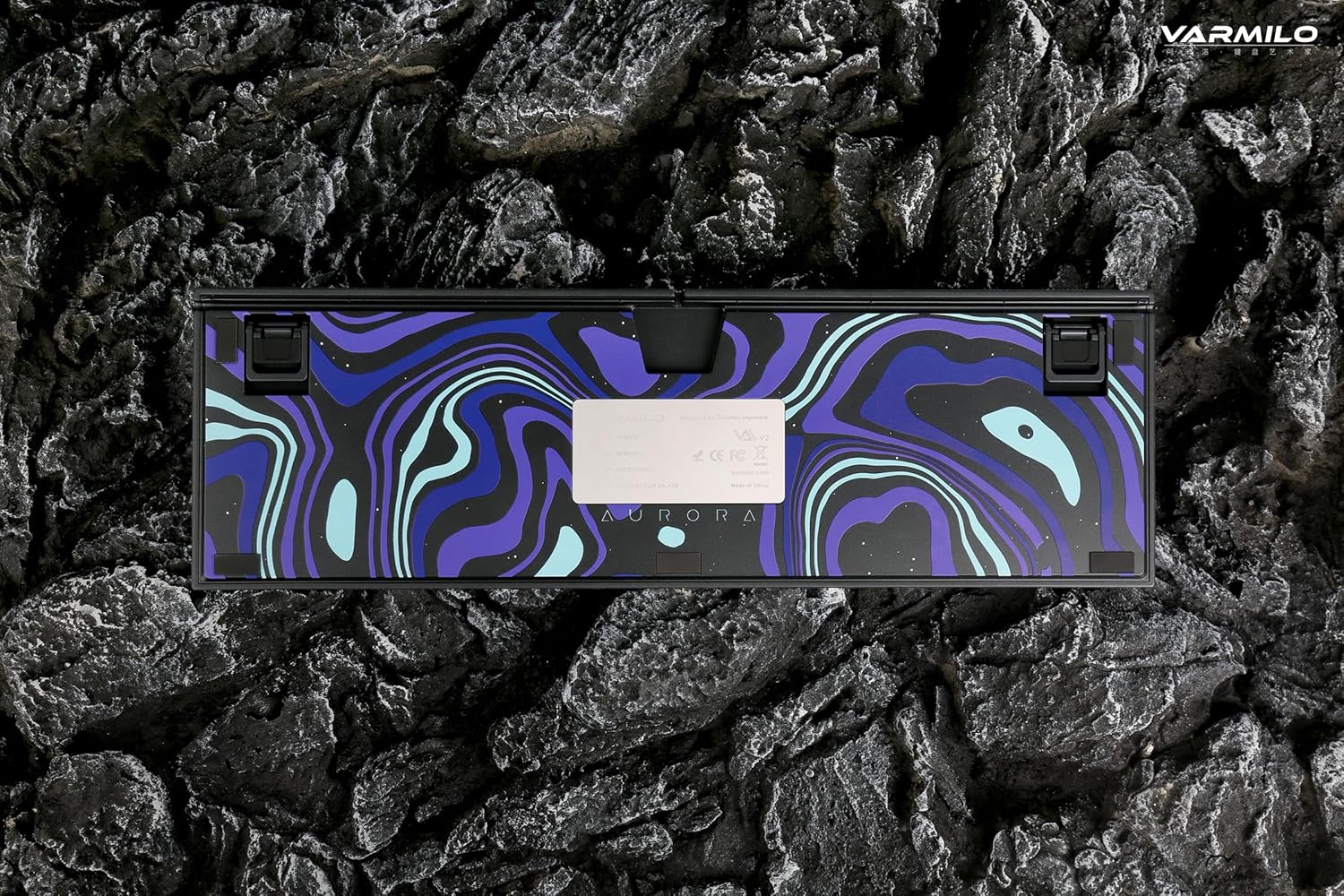
Image: The bottom of the keyboard, illustrating the cable grooves that allow the USB-C cable to exit from the left, right, or middle.
3.2 Yhteysmenetelmät
3.2.1 Langallinen yhteys (USB-C)
- Paikanna näppäimistön takaosassa oleva USB-C-portti.
- Connect the provided USB-C cable to the keyboard and the other end to an available USB port on your computer or device.
- The keyboard will be automatically recognized by your operating system. The indicator light will show charging status if the battery is low.
3.2.2 Langaton Bluetooth-yhteys
The Varmilo VA Series V2 Aurora keyboard supports connecting up to 3 devices wirelessly via Bluetooth.
- Vaihda Bluetooth-tilaan: Locate the mode switch on the keyboard (usually on the back or side) and set it to Bluetooth mode.
- Siirry pariliitostilaan: Paina ja pidä painettuna Fn+Insert (for Bluetooth device 1), Fn + Koti (for Bluetooth device 2), or Fn + Sivu ylös (for Bluetooth device 3) for 3-5 seconds until the indicator light flashes rapidly, indicating pairing mode.
- Ota Bluetooth käyttöön laitteellasi: On your computer, smartphone, or tablet, go to Bluetooth settings and turn on Bluetooth.
- Valitse näppäimistö: Look for "Varmilo VA2" or a similar name in the list of available devices and select it to pair.
- Vahvista pariliitos: Once paired, the indicator light on the keyboard will stop flashing and remain solid for a few seconds, then turn off or show battery status.
- Yhdistä lisälaitteet: Repeat steps 2-5 using a different Fn key combination (Fn + Home or Fn + Page Up) to pair up to two more devices.
4. Käyttöohjeet
4.1 Laitteiden välillä vaihtaminen
- To switch to Bluetooth device 1: Press Fn+Insert.
- To switch to Bluetooth device 2: Press Fn + Koti.
- To switch to Bluetooth device 3: Press Fn + Sivu ylös.
- To switch to Wired mode: Set the mode switch on the keyboard to Wired mode.
4.2 LED-taustavalon säätö
The keyboard features a White LED backlight. Use the following key combinations to control the backlight:
- Fn + < (Left Arrow): Vähennä taustavalon kirkkautta.
- Fn + > (Right Arrow): Lisää taustavalon kirkkautta.
- Fn + Ylösnuoli: Change backlight mode/effect.
- Fn + alanuoli: Change backlight mode/effect (reverse direction).
- Fn + Z: Kytke taustavalo päälle/pois.
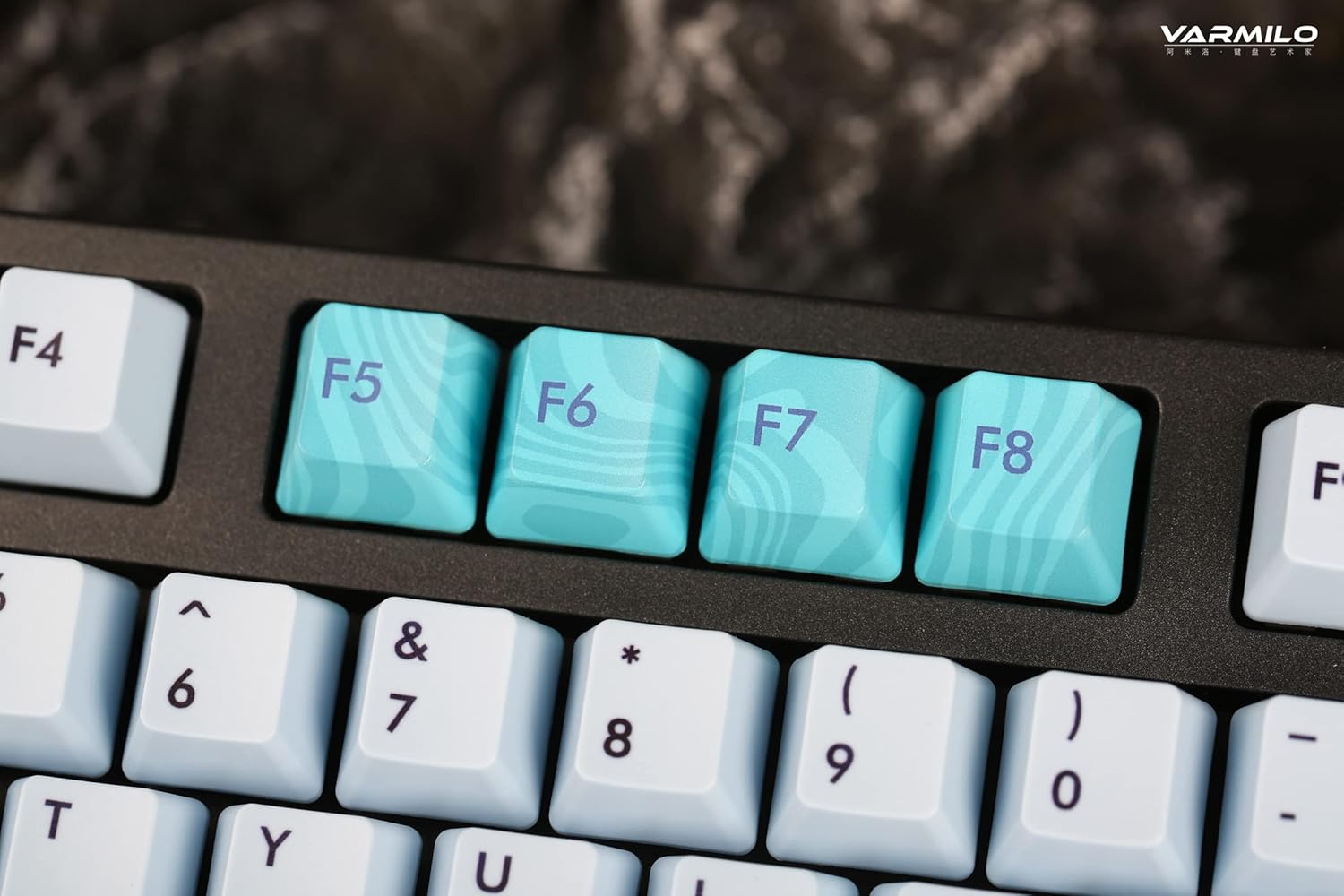
Image: Close-up of the arrow keys, which are used in combination with the Fn key to control backlight brightness and modes.
4.3 Function Keys and Multimedia Controls
The keyboard features a full-size (104 + 4) layout with dedicated function keys and multimedia controls accessible via the Fn avain.
- Fn + F1–F12: Access various system functions (e.g., media playback, volume control, screen brightness). Refer to your operating system's settings for specific mappings or common keyboard shortcuts.
- Fn + Windows-näppäin: Lukitse/avaa Windows-näppäin estääksesi vahingossa tapahtuvat painallukset pelaamisen aikana.
- Fn + oikea Ctrl: Switch between Mac/Windows layout (if applicable, check specific model features).

Kuva: Lähikuva view of the F5-F8 keys, showcasing their unique design and potential secondary functions.
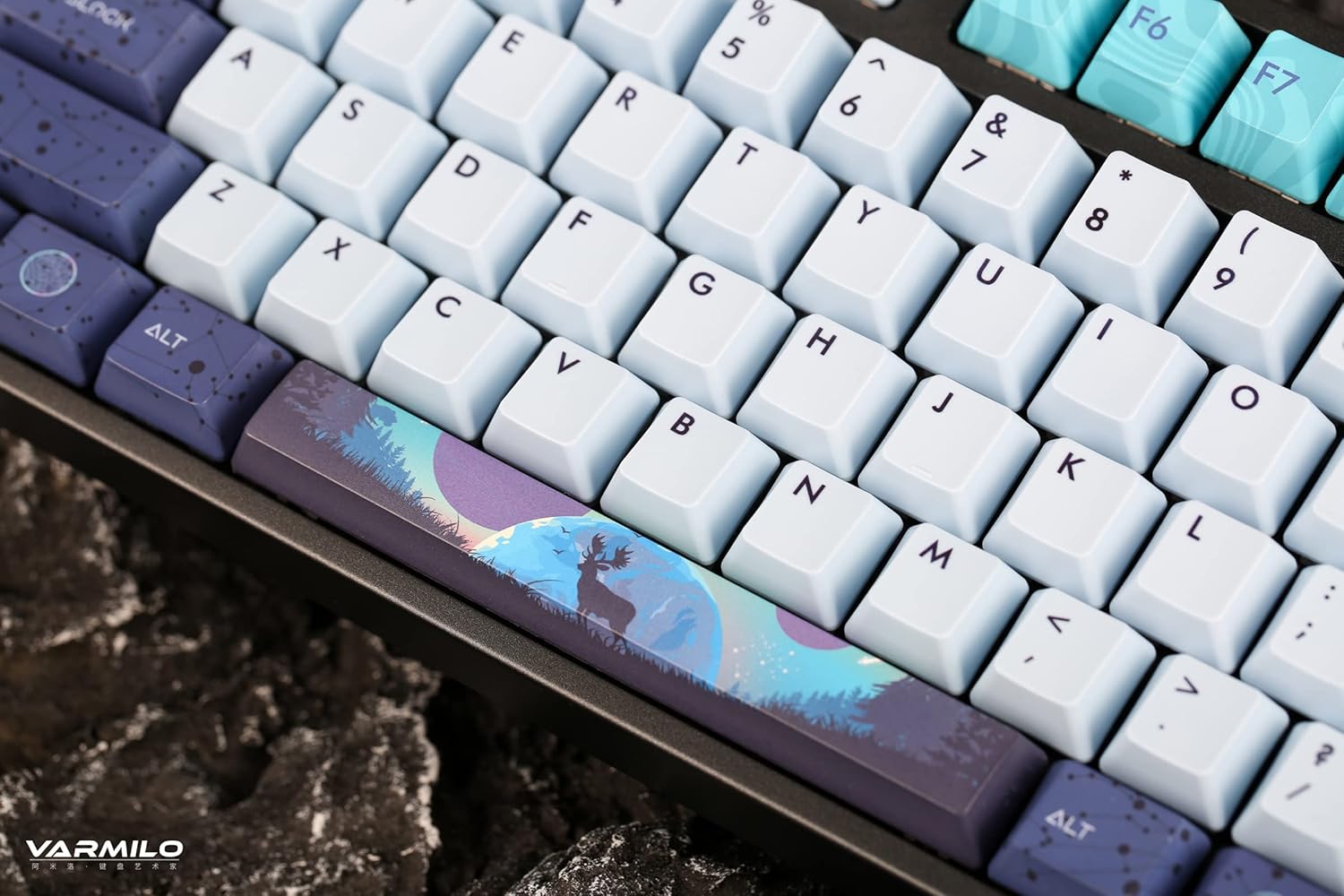
Kuva: Yksityiskohtainen view of the keyboard's keycaps, including a custom-designed spacebar, highlighting the thick Dye Sub PBT keycaps.
5. Huolto
Proper maintenance ensures the longevity and performance of your Varmilo keyboard.
- Puhdistus: Use a soft brush or compressed air to remove dust and debris from between the keycaps. For stubborn dirt, gently wipe the keycaps with a damp liinalla ja miedolla saippualiuoksella varmistaen, ettei nestettä pääse näppäimistöön.
- Näppäinhatun poistaminen: If you need to clean under the keycaps or replace them, use a keycap puller. Gently pull the keycap straight up to avoid damaging the switch. The keyboard features durable Dye Sub PBT keycaps.
- Varastointi: Kun näppäimistöä ei käytetä pitkään aikaan, säilytä sitä kuivassa ja pölyttömässä paikassa.
- Vältä nesteitä: Älä altista näppäimistöä nesteille. Roiskeet voivat aiheuttaa pysyviä vaurioita.
6. Vianmääritys
| Ongelma | Mahdollinen syy | Ratkaisu |
|---|---|---|
| Näppäimistö ei vastaa (langallinen) | Loose USB-C cable connection; faulty USB port; incorrect mode. |
|
| Näppäimistö ei vastaa (Bluetooth) | Not paired; out of range; low battery; incorrect Bluetooth channel selected. |
|
| Taustavalo ei toimi | Backlight turned off; brightness set to minimum; low battery. |
|
| Avaimet eivät rekisteröidy tai niitä kirjoitetaan kahteen kertaan | Dust/debris under keycap; switch malfunction; software issue. |
|
7. Tekniset tiedot
| Ominaisuus | Yksityiskohta |
|---|---|
| Merkki | Varmilo |
| Malli | VA Series V2 Aurora |
| Näppäimistön tyyppi | Mekaaninen |
| Kytkimen tyyppi | Kailh Prestige Red |
| Yhteydet | USB-C (Wired), Bluetooth (Wireless) |
| Langattomat laitteet | Connects up to 3 devices wirelessly |
| näppäinten yläpuolelle | Thick Dye Sub PBT |
| Taustavalo | White LED, North-facing |
| Layout | Full-size (104 + 4 keys) |
| Yhteensopivat laitteet | Kannettava tietokone, tietokone, älypuhelin, tabletti |
| Erikoisominaisuudet | Kaksi-stage height adjustable feet, Sound-proof silicone pads, Cable grooves |
| Materiaali | Silicone (internal sound dampening) |
8. Takuu ja tuki
Varmilo products are designed for quality and durability. For warranty information, technical support, or service inquiries, please refer to the official Varmilo websivustoa tai ota yhteyttä jälleenmyyjään.
You can visit the official Varmilo Store for more information: Varmilo-kauppa Amazonissa.


