1. Johdanto
This manual provides detailed instructions for the safe and efficient operation of your NexiGo Aurora Pro Ultra Short Throw 4K Tri-Color Laser Projector. Please read this manual thoroughly before using the product and retain it for future reference.
The NexiGo Aurora Pro is designed to deliver a high-quality home cinema experience with its 4K resolution, tri-color laser technology, and ultra-short throw capabilities.
2. Turvallisuustiedot
Tärkeitä turvallisuusohjeita:
- Do not look directly into the projector lens when the projector is on. The laser light source is powerful and can cause eye damage.
- Varmista projektorin ympärillä oleva asianmukainen ilmanvaihto. Älä tuki tuuletusaukkoja.
- Käytä ainoastaan projektorin mukana toimitettua virtalähdettä.
- Älä altista projektoria sateelle tai kosteudelle tulipalon tai sähköiskun välttämiseksi.
- Pidä projektori poissa lämmönlähteistä, kuten pattereista, lämmönlähteistä, liesistä tai muista lämpöä tuottavista laitteista.
- Irrota projektori pistorasiasta ukkosmyrskyjen aikana tai jos sitä ei käytetä pitkään aikaan.
- Anna kaikki huoltotoimenpiteet pätevän huoltohenkilöstön tehtäväksi.
3. Pakkauksen sisältö
Varmista, että pakkauksessasi on kaikki tarvittavat osat:
- NexiGo Aurora Pro Projector
- Kaukosäädin
- Virtakaapeli
- Käyttöopas (tämä asiakirja)
- Valinnainen: 100/120 Fresnel Screen (if purchased as a bundle)
- Valinnainen: 3D Glasses (if purchased as a bundle)
4. Tuote ohiview
4.1 Projektorin osat
Familiarize yourself with the main components of your NexiGo Aurora Pro projector.

Kuva 1: Edessä view of the NexiGo Aurora Pro projector, showcasing its sleek design and front speaker grille.

Kuva 2: Takaosa view of the NexiGo Aurora Pro projector, highlighting the various input and output ports for connectivity.
The projector features multiple connectivity options including HDMI ports, USB ports, and an Ethernet port for network connectivity. One HDMI port supports eARC.
4.2 Kaukosäädin
The included remote control allows for easy navigation and control of the projector's functions. It features backlit keys for use in dark environments.
5. Asennus
5.1 Sijoitus
The Aurora Pro is an Ultra Short Throw (UST) projector, designed to project a large image from a very short distance to the screen or wall. Proper placement is crucial for optimal image quality.

Kuva 3: Diagram illustrating the recommended placement distances for various screen sizes (80-150 inches) for the NexiGo Aurora Pro projector.
Refer to the table below for recommended distances from the screen based on desired image size:
| Näytön koko (diagonaalinen) | A: Screen to Front | B: Screen to Rear | C: Screen to Top | D: Screen to Foot | E: Y+D |
|---|---|---|---|---|---|
| 80" | 20.00 | 3.96 | 6.95 | 11.76 | 50.98 |
| 90" | 21.92 | 5.88 | 7.91 | 12.72 | 56.71 |
| 100" | 23.84 | 7.80 | 8.87 | 13.68 | 62.66 |
| 110" | 25.76 | 9.72 | 9.83 | 14.64 | 68.57 |
| 120" | 27.56 | 11.52 | 10.91 | 15.72 | 74.54 |
| 135" | 30.44 | 14.40 | 12.35 | 17.16 | 83.35 |
| 150" | 33.32 | 17.28 | 13.79 | 18.60 | 92.10 |
Note: The unit for values in the table is inches. Measurements do not include the screen border size.
5.2 Virran kytkeminen
- Liitä virtajohto projektorin virransyöttöporttiin.
- Kytke virtajohdon toinen pää maadoitettuun pistorasiaan.
5.3 Laitteiden liittäminen
The Aurora Pro offers various ports for connecting external devices:
- HDMI: Connect Blu-ray players, gaming consoles, streaming devices, or computers. HDMI 1 supports eARC.
- USB: Connect USB drives for media playback or external accessories.
- Optinen ääni: Liitä ulkoisiin äänentoistojärjestelmiin.
- Ethernet: Kiinteää verkkoyhteyttä varten.
Varmista, että kaikki kaapelit on kytketty kunnolla ennen projektorin käynnistämistä.
6. Käyttöohjeet
6.1 Virran kytkeminen päälle/pois
- Käynnistääksesi projektorin, paina virtapainiketta joko projektorissa tai kaukosäätimessä.
- To power off, press the power button again. A confirmation prompt may appear.
6.2 Alkuasennusavustaja
Upon first power-on, the projector will guide you through an initial setup wizard to configure language, network settings, and image adjustments.
6.3 Kuvan säätö
The Aurora Pro features automatic screen adoption and dynamic dimming. Manual adjustments can be made via the settings menu.
- Painopiste: Adjust the focus using the remote control or on-screen menu to achieve a sharp image.
- Keystone-korjaus: If the image is not perfectly rectangular, use keystone correction to adjust. Note that excessive keystone correction can reduce image quality.
- Näytön kohdistus: Fine-tune the image position to fit your screen perfectly.
6.4 Tulolähteen valinta
Press the "Input" button on the remote control to select between connected HDMI devices, USB media, or internal smart TV applications.
6.5 Ääniasetukset
The projector includes built-in 60W stereo speakers with Dolby Atmos support. You can adjust volume and audio modes through the settings menu. For external audio systems, connect via HDMI eARC or optical audio output.

Kuva 4: Visual representation of the immersive sound experience provided by the projector's 60W speakers, supporting Dolby Atmos and DTS HD.
6.6 Älykkäät ominaisuudet ja sovellukset
The projector includes a smart TV interface. Navigate using the remote control to access pre-installed applications or download new ones from the app store.
Huomautus: Some streaming applications may require specific external devices for 4K content or may have compatibility limitations.
6.7 Pelitila
For an optimized gaming experience, enable Gaming Mode in the settings. This mode reduces input lag to 8ms (tested at 1080p 240Hz) and supports 4K@120Hz input, providing smoother motion.
Kuva 5: A user engaged in gaming on a large projected screen, demonstrating the projector's low latency and 4K 120Hz input capabilities for a smooth gaming experience.
7. Huolto
7.1 Projektorin puhdistaminen
- Ulkopuoli: Pyyhi projektorin ulkopinta pehmeällä, kuivalla liinalla. Älä käytä hankaavia puhdistusaineita tai liuottimia.
- Linssi: Gently clean the projector lens with a lens cleaning cloth specifically designed for optical surfaces. Avoid touching the lens directly with your fingers.
7.2 Ilmansuodatin (jos sovellettavissa)
Check the user manual for specific instructions regarding air filter cleaning or replacement, if your model is equipped with one. Regular cleaning ensures optimal performance and prevents overheating.
7.3 laiteohjelmistopäivitystä
Periodically check for firmware updates through the projector's settings menu. Updates can improve performance, add features, and resolve issues.
8. Vianmääritys
Jos projektorin kanssa ilmenee ongelmia, katso seuraavat yleiset ongelmat ja ratkaisut:
| Ongelma | Mahdollinen syy | Ratkaisu |
|---|---|---|
| Kuvaa ei näy | Power cable loose, incorrect input source, device not connected. | Check power connections. Select correct input source. Ensure source device is on and connected. |
| Kuva on epäselvä | Out of focus, dirty lens, incorrect placement. | Adjust focus. Clean the lens. Verify projector placement according to guidelines. |
| Ei ääntä | Volume too low, incorrect audio output setting, external audio system issue. | Increase volume. Check audio output settings on projector and source. Verify external audio system connections. |
| Kaukosäädin ei toimi | Paristojen varaus vähissä, este, kaukosäädintä ei ole yhdistetty. | Replace batteries. Remove obstructions. Re-pair remote if necessary (refer to remote control section in full manual). |
| Smart apps not working or slow | Network connectivity issues, outdated app, insufficient memory. | Check Wi-Fi/Ethernet connection. Update the app. Restart the projector. |
For further assistance, please contact NexiGo customer support.
9. Tekniset tiedot
| Ominaisuus | Yksityiskohta |
|---|---|
| Mallinumero | PJ92 |
| Näytön resoluutio | 3840 x 2160 (4K UHD) |
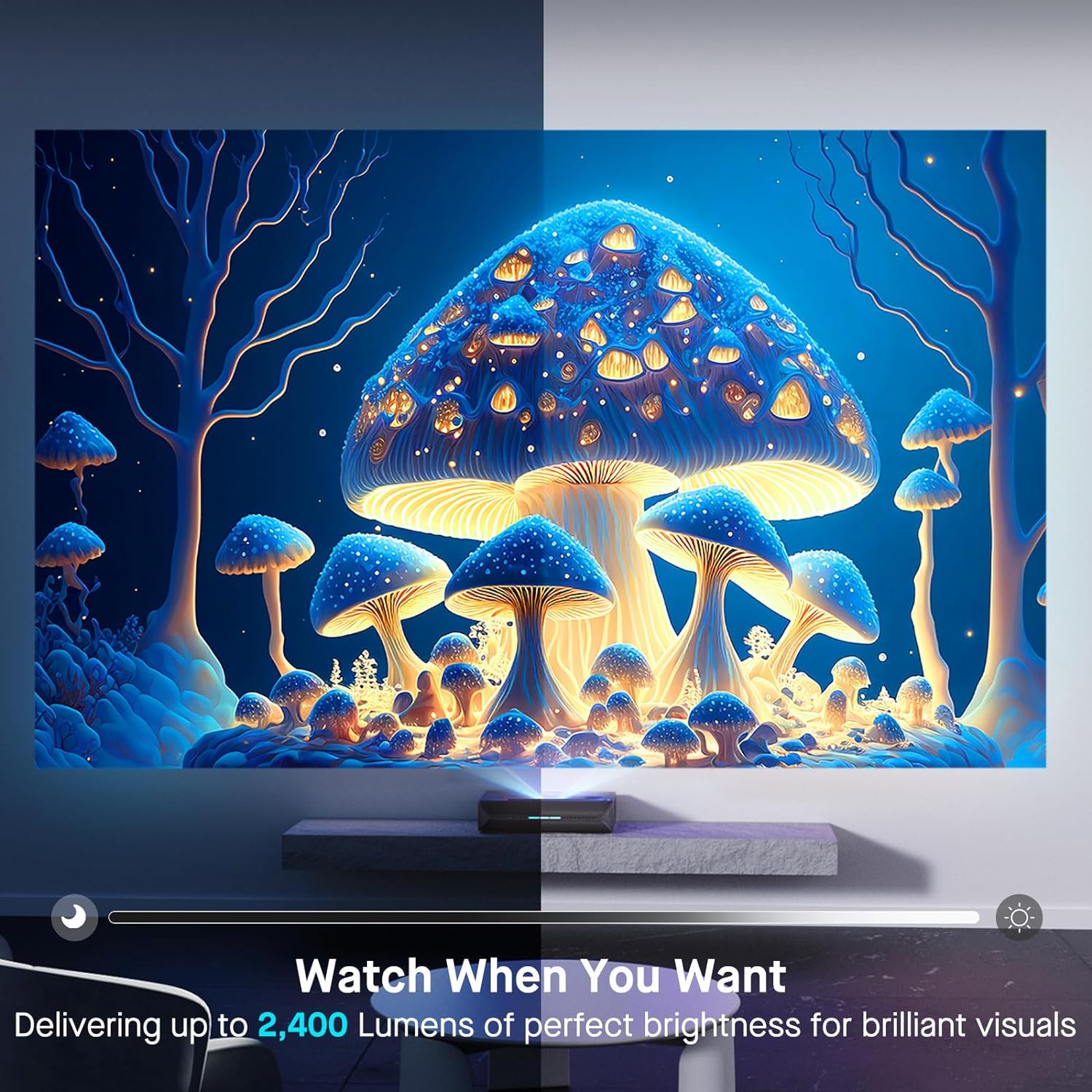
| Kirkkaus | 2400 lumenia |
| Valon lähde | Tri-Color Laser (ALPD 4.0 RGB+) |
| Alkuperäinen kontrastisuhde | 3000:1 |
| Dynaaminen kontrastisuhde | >6000:1 (with dynamic laser dimming) |
| Värivalikoima | 107 % Rec.2020 |
| HDR-tuki | Dolby Vision, HDR10+, HLG |
| 3D-tuki | Aktiivinen 3D |
| Tuloviive | 8ms (tested at 1080p 240Hz) |
| Max Input Resolution/Refresh Rate | 4K @ 120 Hz |
| MEMC | Yes (120Hz) |
| Äänilähtö | 60W Stereo Speakers (2x15W Woofers, 2x15W Tweeters), Dolby Atmos, eARC |
| Yhteydet | HDMI (3, one with eARC), USB, Optical Audio, Ethernet |
| Tuotteen mitat | 21.54 x 16.04 x 4.81 tuumaa |
| Tuotteen paino | 22 kiloa |
| Näkyvä näytön diagonaali | 80" - 150" (381 cm max) |
| Laserin käyttöikä | 25,000 tuntia |
10. Takuu ja tuki
NexiGo provides customer support and warranty services for its products. For specific warranty terms and conditions, please refer to the warranty card included with your product or visit the official NexiGo websivusto.
Asiakastuki:
- For technical assistance, troubleshooting, or product inquiries, please contact NexiGo customer support.
- Contact information can typically be found on the NexiGo websivustolla tai tuotepakkauksessa.
- NexiGo offers 24-hour customer support and lifetime technical support.
Palautukset ja vaihdot:
- Refer to your purchase agreement or retailer's policy for details on returns and exchanges. NexiGo typically offers a 30-day return or exchange period.


