Johdanto
Thank you for choosing the Agunto AGU-OC1 Outdoor Security Camera. This manual provides detailed instructions for setting up, operating, and maintaining your camera to ensure optimal performance and security for your property. The AGU-OC1 is designed for outdoor surveillance, featuring 1080p video resolution, advanced night vision, motion and sound detection, and seamless integration with smart home systems like Google Assistant.

Kuva 1: Etuosa view of the Agunto AGU-OC1 Outdoor Security Camera.
Turvallisuustiedot
- Ensure the camera is installed in a location where it is protected from direct tamperehtyvä.
- Use only the provided USB-C cable and power adapter.
- Älä altista kameraa äärimmäisille lämpötiloille sen käyttöalueen ulkopuolella.
- Vältä kameran sijoittamista voimakkaiden sähkömagneettisten kenttien lähelle.
- Katkaise virta ennen puhdistusta tai huoltoa.
Pakkauksen sisältö
Tarkista pakkauksesta seuraavat tuotteet:
- Agunto AGU-OC1 Outdoor Security Camera
- USB-C Power Cable (3 meters)
- Kiinnitysruuvit ja seinätulpat
- Käyttöopas (tämä asiakirja)
Asennus
1. Kameran asentaminen
The Agunto AGU-OC1 is designed for wall mounting. Choose a location that provides the desired viewsäätökulmassa ja pistorasian ulottuvilla.
- Merkitse porauskohdat seinään käyttämällä kameran kiinnitysalustaa mallina.
- Drill holes at the marked points. Insert the wall plugs if necessary.
- Kiinnitä kiinnitysalusta seinään mukana toimitetuilla ruuveilla.
- Attach the camera to the mounted base and adjust the angle as needed. The camera features a 180-degree rotatable function for optimal positioning.

Kuva 2: Kulmassa view of the Agunto AGU-OC1, showing its mounting bracket.

Figure 3: The camera installed outdoors, demonstrating its weather resistance.
2. Virtaliitäntä
Connect the provided 3-meter USB-C cable to the camera's USB-C port and plug the other end into a suitable power adapter (not always included, but implied by "Elektrisch met snoer" and "USB-C").

Figure 4: USB-C power connection for the Agunto AGU-OC1 camera.
3. Sovelluksen asennus ja pariliitos
Hallitsemaan ja view your camera, you will need to install the dedicated Agunto app on your smartphone or tablet. The app is available for both iOS and Android devices.
- Download the "Agunto Smart" app from the App Store (iOS) or Google Play Store (Android).
- Avaa sovellus ja luo uusi tili tai kirjaudu sisään, jos sinulla jo on sellainen.
- Follow the in-app instructions to add your new AGU-OC1 camera. This typically involves scanning a QR code on the camera or entering a device ID.
- Ensure your smartphone is connected to a 2.4GHz Wi-Fi network during the pairing process, as the camera uses Wi-Fi connectivity.
Kameran käyttö
Elää View ja Tallennus
Once paired, you can access the live video feed from your camera through the Agunto Smart app. From the live view näytöllä voit:
- View reaaliaikainen footage.
- Manually record video clips or capture screenshots.
- Access recorded events stored on a microSD card (if installed) or cloud storage (if subscribed).
Night Vision
The AGU-OC1 features advanced night vision capabilities, providing clear images even in low-light conditions. It supports color night vision for enhanced detail up to 10 meters.
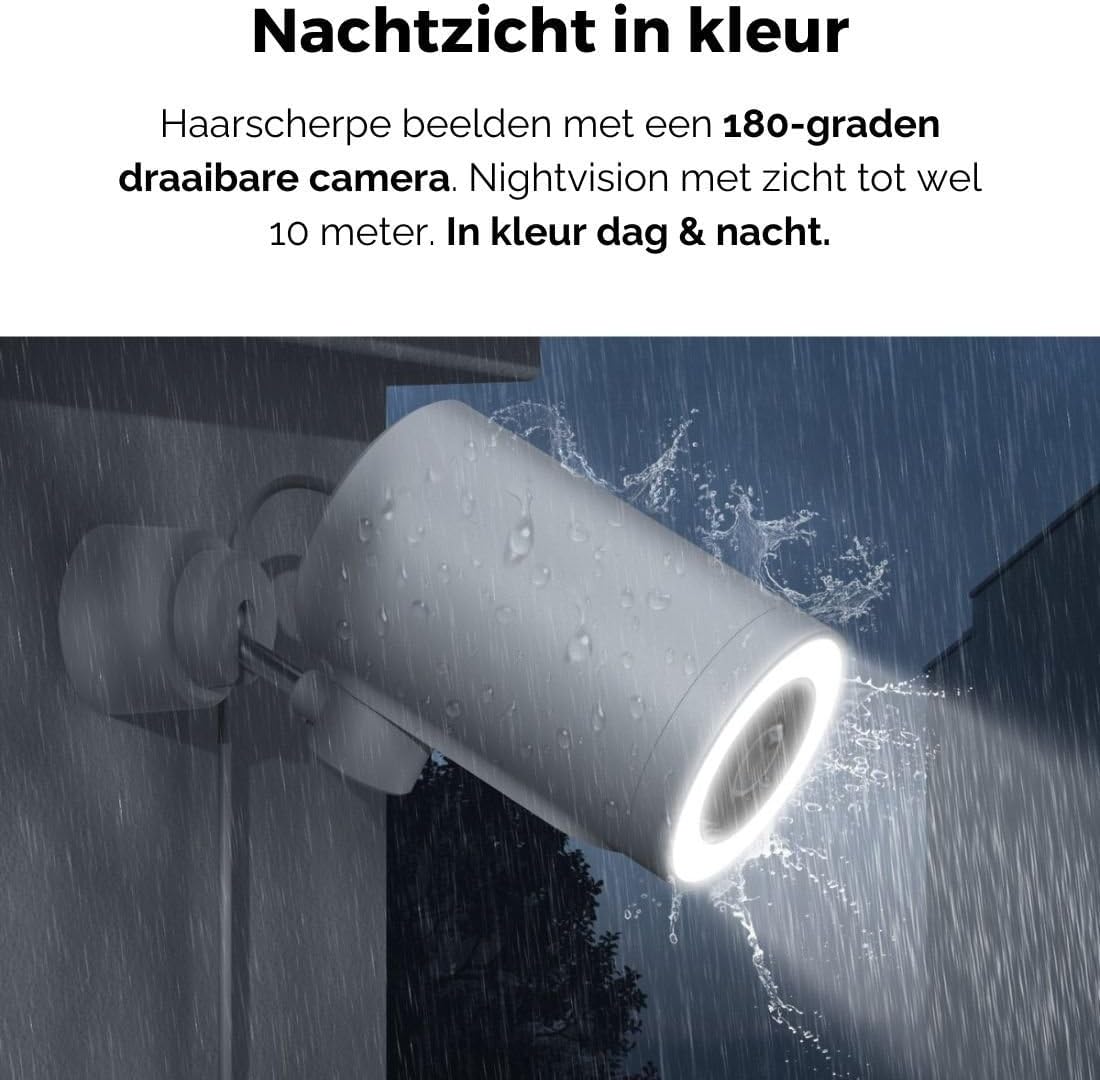
Figure 5: The camera's color night vision in action, providing clear images in the dark.
Liike- ja äänitunnistus
The camera is equipped with intelligent motion and sound detection. When activity is detected, you will receive instant notifications on your smartphone or tablet, allowing you to monitor your property effectively.
You can customize detection zones and sensitivity settings within the app to minimize false alarms.
Google Assistant Integration
The Agunto AGU-OC1 seamlessly integrates with Google Assistant. You can link your camera to Google Home and stream live footage to compatible devices such as Google Nest Hub or Chromecast-enabled displays by voice command.
Example komento: "Hey Google, show me the backyard camera."
Huolto
- Puhdistus: Pyyhi kameran linssi ja runko varovasti pehmeällä, kuivalla liinalla. Älä käytä voimakkaita kemikaaleja tai hankaavia puhdistusaineita.
- Ohjelmistopäivitykset: Regularly check the Agunto Smart app for firmware updates. Keeping your camera's software up-to-date ensures optimal performance, security, and access to new features.
- Kaapelin tarkastus: Periodically inspect the USB-C cable for any signs of wear or damage, especially if exposed to outdoor elements.
Vianetsintä
| Ongelma | Mahdollinen ratkaisu |
|---|---|
| Kamera ei käynnisty. | Check the USB-C cable connection and ensure the power adapter is plugged into a working outlet. Try a different outlet or adapter if available. |
| Ei voi muodostaa yhteyttä Wi-Fi-verkkoon. | Ensure your Wi-Fi network is 2.4GHz. Check Wi-Fi signal strength at the camera's location. Restart your router and the camera. Re-attempt pairing through the app. |
| Huono videon laatu. | Puhdista kameran linssi. Varmista riittävä valaistus. Tarkista internet-yhteytesi nopeus. |
| Liiketunnistus ei toimi. | Verify motion detection is enabled in the app settings. Adjust sensitivity and detection zones. Ensure there are no obstructions blocking the camera's view. |
| Ilmoituksia ei vastaanotettu. | Check app notification settings on your phone. Ensure the app has permission to send notifications. Verify your phone has an active internet connection. |
Tekniset tiedot
| Ominaisuus | Yksityiskohta |
|---|---|
| Mallinumero | AGU-OC1 |
| Tehokas videoresoluutio | 1080 pikseliä |
| Materiaali | Muovi |
| Wattage | 4 wattia |
| Tuotteen mitat (P x L x K) | 10 x 4.4 x 7.3 cm |
| Tuotteen paino | 78 grammaa |
| Yhteystekniikka | Wireless, Wired (USB-C) |
| Erikoisominaisuudet | Night Vision (Color), Motion Detection, Sound Detection, 180-degree rotatable |
| Käyttöympäristö | Ulkona |
| Yhteensopivat laitteet | Smartphone (via Agunto Smart app), Google Assistant devices |
| Virtalähde | Johdollinen sähkölaite (USB-C) |
| Asennustyyppi | Seinäteline |
Takuu ja tuki
Agunto products are designed for reliability and performance. For information regarding warranty coverage, technical support, or service, please refer to the warranty card included with your product or visit the official Agunto website. You can also contact Agunto customer support through the contact information provided on their website or within the Agunto Smart app.
For the latest information and FAQs, please visit: Agunto Official Store


