Hama MW-300 V2 Langaton Optinen Hiiri Käyttöohje
Model: MW-300 V2
1. Johdanto
This manual provides comprehensive instructions for the Hama MW-300 V2 Wireless Optical Mouse. It covers setup, operation, maintenance, and troubleshooting to ensure optimal performance and longevity of your device. The MW-300 V2 is designed for precise and smooth cursor control, featuring silent main buttons and a compact USB receiver for convenience.
2. Pakkauksen sisältö
Tarkista pakkauksesta seuraavat tuotteet:
- 1 Hama MW-300 V2 Wireless Optical Mouse
- 1 USB-vastaanotin
- 2 AAA Micro Batteries
- 1 käyttöopas
3. Asennus
3.1. Paristojen asettaminen
- Paikanna paristolokero hiiren alapuolelta.
- Avaa paristolokeron kansi.
- Insert the two AAA Micro batteries, ensuring correct polarity (+/-).
- Sulje paristolokeron kansi kunnolla.
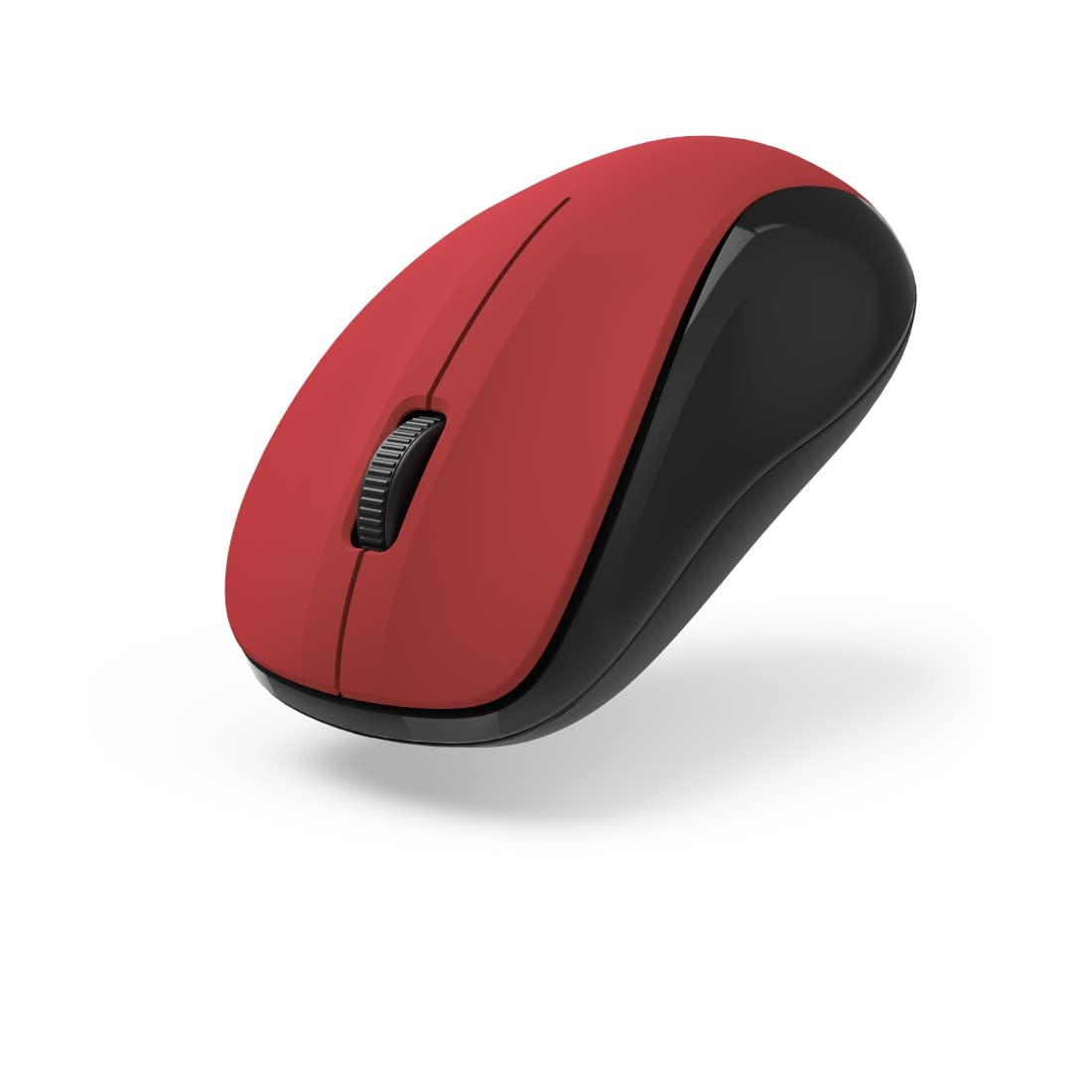
Kuva 1: Yläosa view of the Hama MW-300 V2 Wireless Optical Mouse. This image displays the mouse's ergonomic shape, the central scroll wheel, and the left and right click buttons. The red top surface contrasts with the black sides.
3.2. USB-vastaanottimen kytkeminen
- Remove the compact USB receiver from its storage slot, usually located within the battery compartment or near it.
- Plug the USB receiver into an available USB-A port on your computer (laptop or PC).
- The mouse will automatically connect to the receiver using Smart Link technology. No additional drivers are typically required for Windows or macOS.

Kuva 2: Kulmassa view of the Hama MW-300 V2 Wireless Optical Mouse. This perspective shows the comfortable curve of the mouse, designed for both left and right-handed users, and the textured scroll wheel.
4. Käyttöohjeet
4.1. Perustoiminnot
- Vasen painallus: Ensisijainen valinta ja aktivointi.
- Oikealla painikkeella: Avaa kontekstivalikot.
- Vierityspyörä: Vierittää asiakirjoja ja web sivuja pystysuunnassa. Vierityspyörä toimii myös keskipainikkeena.
4.2. Hiljainen napsautustoiminto
The main buttons of the MW-300 V2 mouse are designed to be silent, providing a quiet working environment. This feature is integrated into the mouse's design and does not require any special activation.
4.3. Wireless Range and Power Saving
The mouse operates on a reliable 2.4 GHz wireless technology with a range of up to 10 meters, depending on environmental conditions. To conserve battery life, the mouse features an automatic power-saving mode that activates during periods of inactivity. To reactivate, simply move the mouse or click a button.
5. Huolto
- Puhdistus: Puhdista hiiri pehmeällä, kuivalla liinalla. Vältä voimakkaiden kemikaalien tai hankaavien materiaalien käyttöä.
- Akun vaihto: Replace batteries when the mouse performance degrades or stops responding. Always use new AAA Micro batteries.
- Varastointi: When not in use for extended periods, remove the batteries to prevent leakage. The USB receiver can be stored inside the mouse for safe transport.
6. Vianmääritys
| Ongelma | Ratkaisu |
|---|---|
| Hiiri ei vastaa |
|
| Epätasainen kohdistimen liike |
|
| Yhteysongelmia |
|
7. Tekniset tiedot
| Mallin nimi | MW-300 V2 |
| Merkki | Hama |
| Yhteystekniikka | 2.4 GHz RF Wireless, USB Receiver |
| Anturin tyyppi | Optinen |
| DPI-herkkyys | 1200 DPI |
| Painikkeiden lukumäärä | 3 (Vasen, Oikea, Vierityspyörä/Keskimmäinen napsautus) |
| Käsien suuntautuminen | Molempikätinen |
| Erikoisominaisuudet | Silent Clicks, Power Saving Mode, Rubberized Surface, PTFE Gliding Pads |
| Wireless Range | Jopa 10 metriä |
| Yhteensopivat käyttöjärjestelmät | Windows 11/10/8/7, macOS 10.10 or higher |
| Akun tyyppi | 2 x AAA Micro (included) |
| Mitat (L x K x S) | 5.8 x 3.7 x 10.3 cm |
| Väri | Punainen/Musta |
8. Takuu ja tuki
Hama products are covered by a limited warranty. For detailed warranty information, please refer to the warranty card included with your product or visit the official Hama website. For technical support, product inquiries, or service, please contact Hama customer support through their official channels.
Säilytä ostokuitti takuuvaatimuksia varten.
© 2023 Hama GmbH & Co KG. Kaikki oikeudet pidätetään.


