1. Johdanto
Thank you for choosing the realme TechLife Portable Room Air Purifier. This manual provides essential information for the safe and efficient operation, maintenance, and troubleshooting of your device. Please read this manual thoroughly before use and retain it for future reference.
2. Turvallisuusohjeet
Sähköiskun, tulipalon tai loukkaantumisen riskin vähentämiseksi noudata seuraavia turvallisuusohjeita:
- Always unplug the air purifier before cleaning, performing maintenance, or when not in use.
- Älä käytä laitetta, jos johto tai pistoke on vaurioitunut. Jos johto tai pistoke on vaurioitunut, ota yhteyttä asiakastukeen.
- Do not block air inlets or outlets. Ensure adequate space around the unit for proper airflow.
- Älä käytä ilmanpuhdistinta märässä tai damp ympäristöissä, kuten kylpyhuoneissa tai kodinhoitohuoneissa.
- Pidä laite poissa lämmönlähteistä, suorasta auringonvalosta ja syttyvistä materiaaleista.
- Tätä laitetta ei ole tarkoitettu henkilöiden (mukaan lukien lapset) käytettäväksi, joilla on alentuneet fyysiset, sensoriset tai henkiset kyvyt tai joilla ei ole kokemusta ja tietoa, ellei heidän turvallisuudestaan vastaava henkilö ole valvonut tai opastanut laitteen käyttöä.
- Only use genuine realme replacement filters.
3. Pakkauksen sisältö
Varmista, että pakkauksessa on kaikki tarvittavat osat:
- realme TechLife Portable Room Air Purifier Unit
- HEPA H12 Filter (pre-installed or separate)
- Virtalähde
- Käyttöopas
4. Tuote ohiview
4.1 Komponentit
The image below illustrates the main components of the realme TechLife Portable Room Air Purifier.
Kuva 1: Etuosa view of the realme TechLife Portable Room Air Purifier. The unit is white with a sleek, minimalist design.
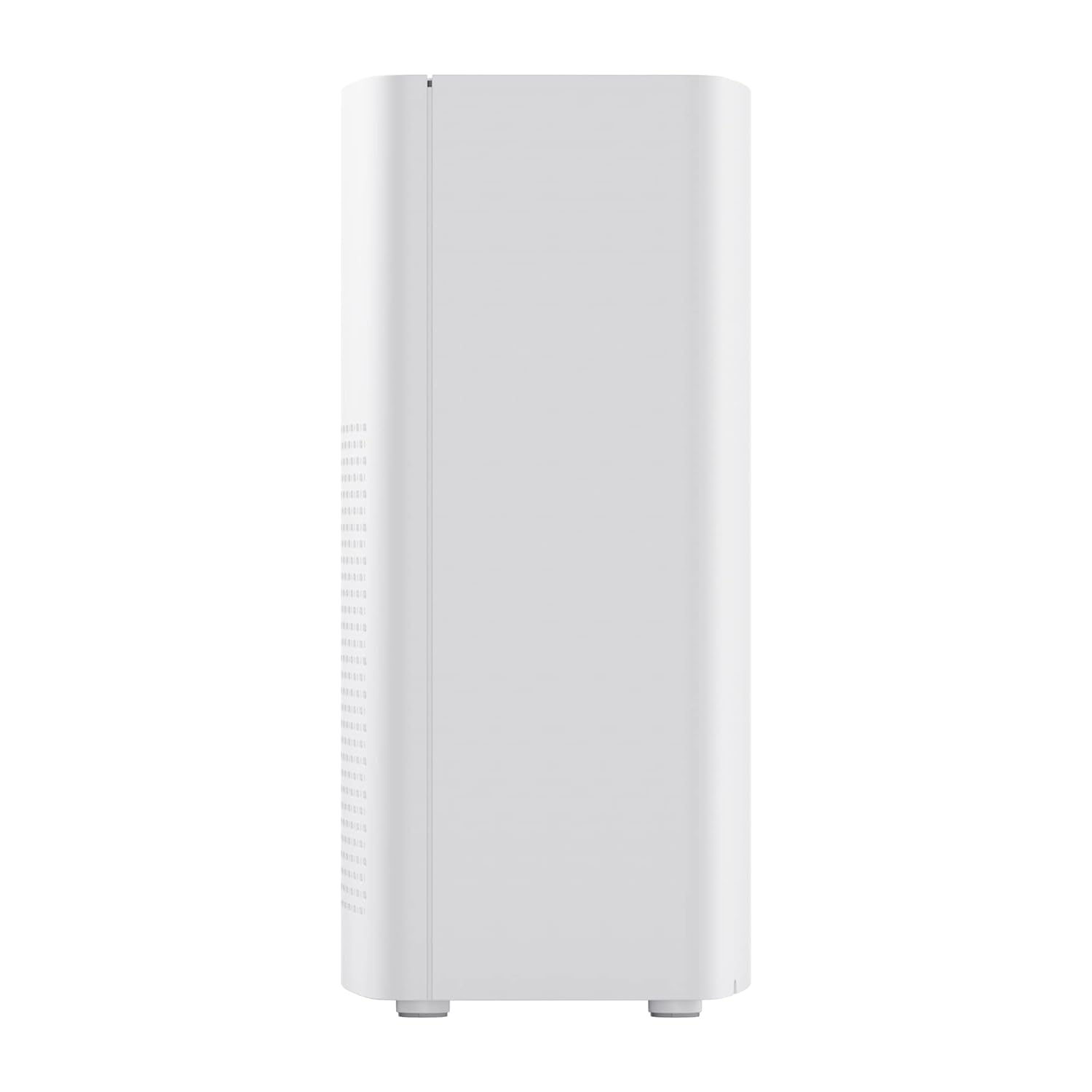
Kuva 2: Sivu view of the realme TechLife Portable Room Air Purifier, showing its compact and lightweight profile.
4.2 Ohjauspaneeli
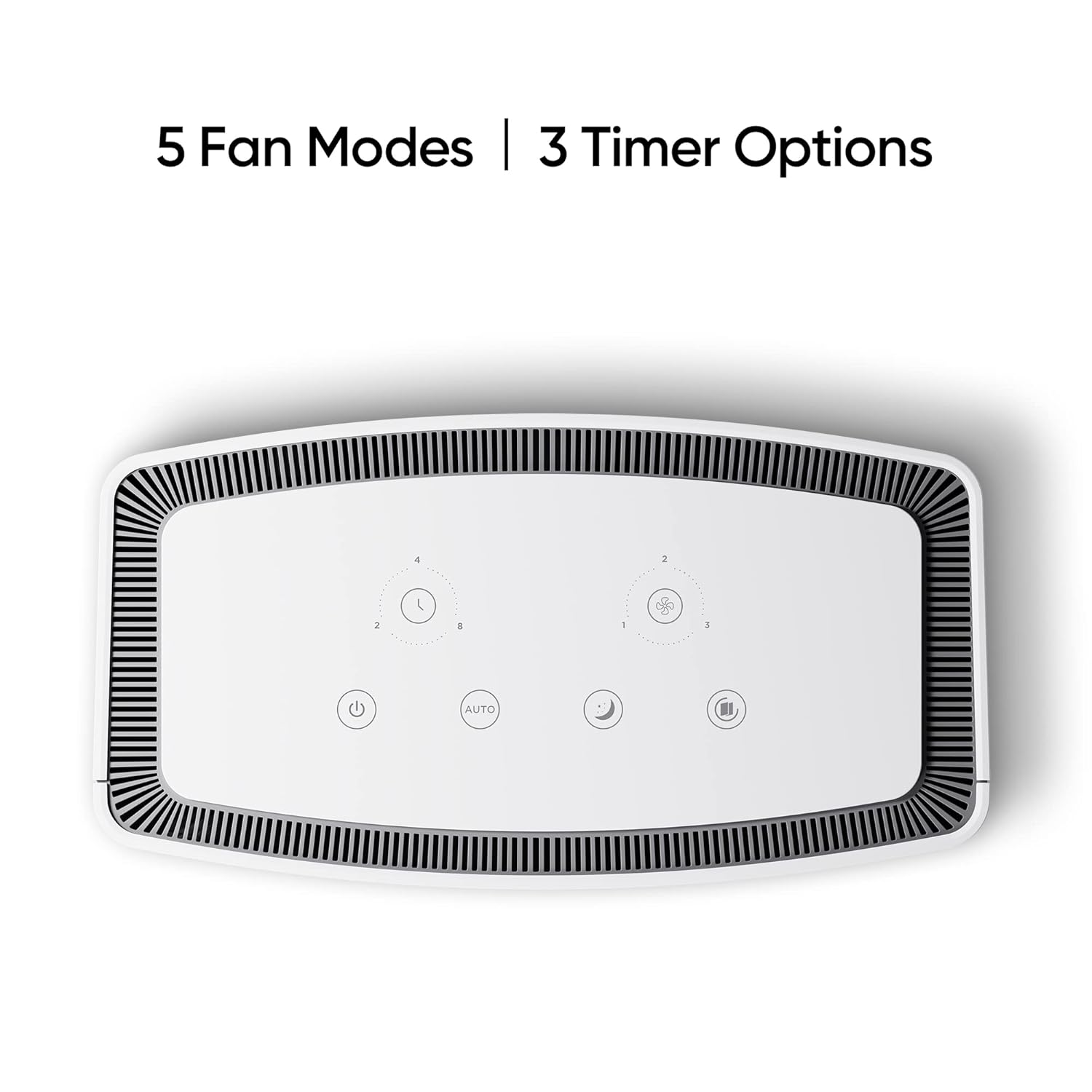
The control panel is located on the top of the air purifier and features touch-sensitive buttons for various functions.

Kuva 3: Ylhäältä alas view of the control panel, displaying touch buttons for power, auto mode, sleep mode, fan speed, and timer settings.
- Virtapainike: Kytkee laitteen päälle tai pois päältä.
- AUTO Mode Button: Activates automatic fan speed adjustment based on air quality.
- Lepotilapainike: Sets the fan to its lowest speed for quiet operation.
- Tuulettimen nopeuspainike: Cycles through manual fan speed settings (e.g., Level 1, 2, 3).
- Ajastinpainike: Sets the operating duration (e.g., 2, 4, 8 hours).
- Ilmanlaadun ilmaisin: Displays current air quality (color-coded).
5. Asennus
5.1 Suodattimen asennus
The HEPA filter may be pre-installed or require installation before first use.
- Unpack the air purifier and place it on a stable, flat surface.
- Locate the filter compartment cover, usually at the bottom or rear of the unit.
- Open the cover and remove any plastic packaging from the HEPA filter.
- Aseta suodatin lokeroon ja varmista, että se on oikein paikallaan.
- Sulje suodatinlokeron kansi tiiviisti.
5.2 Sijoitus
For optimal performance, place the air purifier in a location with good air circulation, away from walls or furniture that might obstruct airflow. Avoid placing it near windows or vents.
5.3 Virtaliitäntä
Connect the power adapter to the air purifier's power port, then plug the adapter into a standard electrical outlet.
6. Käyttöohjeet
6.1 Virta päälle/pois
Paina Virtapainike once to turn the air purifier on. Press it again to turn the unit off.
6.2 Tuulettimen nopeustilat
- AUTO-tila: Paina AUTO-painike. The purifier will automatically adjust its fan speed based on the detected air quality.
- Nukkumismoodi: Paina Lepotilapainike. The fan operates at its lowest speed for quiet purification, ideal for nighttime use.
- Manuaalinen tuulettimen nopeus: Paina Tuulettimen nopeuspainike repeatedly to cycle through different fan speed levels (e.g., Level 1, Level 2, Level 3).
6.3 Ajastinasetukset
Paina Ajastinpainike repeatedly to set the desired operating duration (e.g., 2 hours, 4 hours, 8 hours). The unit will automatically turn off after the set time expires.
6.4 Ilmanlaadun ilmaisin
The air quality indicator light changes color to reflect the current air quality:
- Vihreä: Hyvä ilmanlaatu
- Keltainen/oranssi: Kohtuullinen ilmanlaatu
- Punainen: Huono ilmanlaatu
7. Huolto
7.1 Suodattimen vaihto
The HEPA filter has a limited lifespan and needs regular replacement to maintain purification efficiency. The filter life depends on usage and air quality. A filter replacement indicator light will typically illuminate when replacement is due.
- Irrota ilmanpuhdistin pistorasiasta.
- Avaa suodatinlokeron kansi.
- Irrota vanha suodatin ja hävitä se asianmukaisesti.
- Insert a new, genuine realme HEPA H12 replacement filter.
- Sulje suodatinlokeron kansi tiiviisti.
- Plug in the air purifier and reset the filter life indicator (refer to specific model instructions if available, usually by pressing and holding the filter button for a few seconds).
Note: Replacement filters may need to be purchased separately. Ensure availability of replacement filters for continued use of the product.
7.2 Laitteen puhdistaminen
Regular cleaning helps maintain performance and appearance.
- Pyyhi laitteen ulkopinta pehmeällä, kuivalla liinalla.
- Älä käytä hankaavia puhdistusaineita, vahoja tai liuottimia.
- Gently vacuum the air inlet and outlet grilles to remove dust accumulation.
8. Vianmääritys
Jos ilmanpuhdistimessasi on ongelmia, katso alla olevasta taulukosta yleisiä ongelmia ja ratkaisuja.
| Ongelma | Mahdollinen syy | Ratkaisu |
|---|---|---|
| Yksikkö ei käynnisty | No power supply; Power adapter not connected; Unit damaged. | Check power cord and outlet; Ensure adapter is securely connected; Contact customer support if damaged. |
| Heikko ilmavirtaus | Air inlets/outlets blocked; Filter clogged; Filter not installed correctly. | Clear obstructions; Replace filter; Reinstall filter correctly. |
| Epätavallinen melu | Foreign object inside; Unit not on a flat surface; Filter not seated correctly. | Unplug and check for obstructions; Place on a stable surface; Reinstall filter. |
| Ilmanlaadun merkkivalo on aina punainen/oranssi | High pollution level; Sensor dirty; Sensor malfunction. | Allow more time for purification; Clean the sensor area (if accessible); Contact customer support. |
If the problem persists after trying these solutions, please contact realme customer support.
9. Tekniset tiedot
Technical specifications for the realme TechLife Portable Room Air Purifier:
| Ominaisuus | Erittely |
|---|---|
| Merkki | realme |
| Malli | TechLife Portable Room Air Purifier |
| Väri | Valkoinen |
| Suodattimen tyyppi | HEPA H12 |
| Contaminant Filtration | 99.97 % |
| Ohjaimen tyyppi | Kosketa Ohjaus |
| Erikoisominaisuudet | High Precision Air Quality Sensor, Lightweight |
| Tuotteen paino | 5 kg 780 g |
| Virtalähde | Battery Powered (Please refer to product label for specific power input) |
10. Takuu ja tuki
The realme TechLife Portable Room Air Purifier comes with a limited warranty. Please refer to the warranty card included with your product for detailed terms and conditions, including warranty period and coverage.
For technical support, service, or to purchase genuine replacement parts and filters, please visit the official realme website or contact realme customer service through the contact information provided in your warranty documentation.
Säilytä ostokuittisi ostotodistuksena takuuvaatimuksia varten.


