1. Johdanto
Thank you for choosing the Skyworth 55-inch 4K QLED Google TV, Model 55SUE9500. This manual provides essential information for the safe and efficient use of your television. Please read it thoroughly before operating the device and retain it for future reference.
This television features a 55-inch QLED 4K UHD display, Google TV operating system, Dolby Vision & HDR 10+ support, Google Assistant with far-field voice control, Dolby Atmos, DTS Virtual X, and built-in Chromecast. It is designed to deliver a high-quality viewing and smart home entertainment experience.
2. Turvallisuustiedot
Noudata aina seuraavia turvaohjeita sähköiskun, tulipalon tai television vaurioitumisen estämiseksi:
- Älä altista televisiota sateelle tai kosteudelle.
- Älä avaa television koteloaasing; anna kaikki huoltotoimenpiteet pätevän henkilöstön tehtäväksi.
- Varmista oikea ilmanvaihto television ympärillä.
- Käytä ainoastaan television mukana toimitettua virtajohtoa.
- Pidä televisio poissa suorasta auringonvalosta, lämmönlähteistä ja voimakkaista magneettikentistä.
- Clean the TV with a soft, dry cloth. Avoid liquid cleaners.
3. Pakkauksen sisältö
Varmista, että pakkauksessa on kaikki tarvittavat osat:
- Skyworth 55-inch 4K QLED Google TV (Model 55SUE9500)
- Kaukosäädin
- Virtakaapeli
- TV-taso (2 kpl)
- Ruuvit jalustan asennusta varten
- Käyttöopas (tämä asiakirja)
4. Tuote ohiview
Edessä View
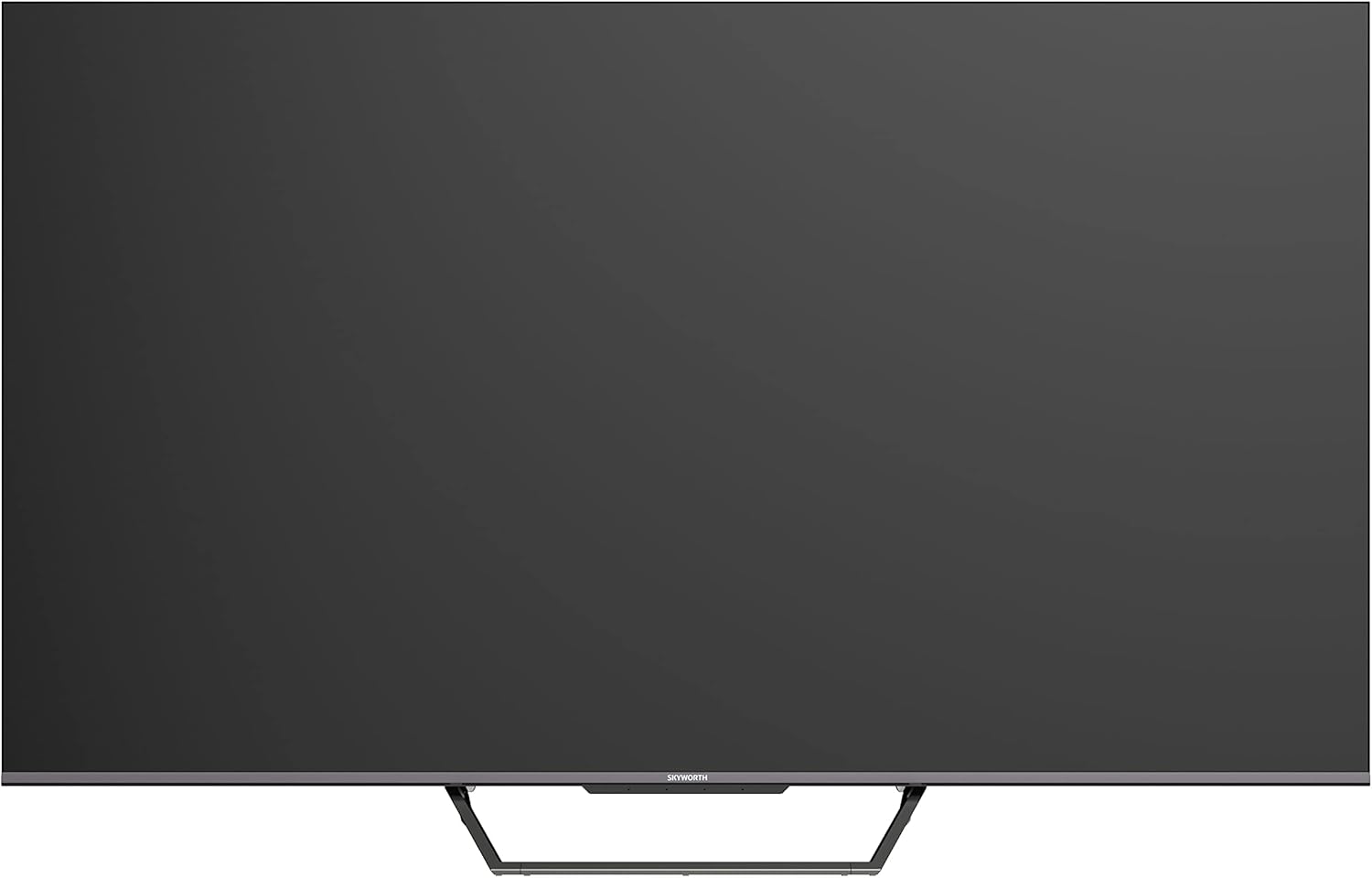
This image displays the front of the Skyworth 55-inch 4K QLED Google TV, showcasing its slim bezels and central stand design.
Sivu View

Tässä kuvassa näkyy sivuprofiili.file of the television, highlighting its thin design and the depth of the screen.
Takaisin View

Tämä kuva tarjoaa view of the back panel of the TV, including the mounting points and general layout.
Tulo/lähtöportit

This image details the various input and output ports located on the side/back of the television, including HDMI, USB, and other connectivity options.

The television offers multiple interfaces to meet various connectivity needs, including USB (x2), RF, AV IN, HDMI (x3), LAN, and Digital Out.
5. Asennus
5.1 Jalustan asennus
TV-jalustan asentaminen:
- Aseta televisio varovasti kuvaruutu alaspäin pehmeälle ja tasaiselle alustalle, jotta kuvaruutu ei vaurioidu.
- Kohdista jalustan osat television pohjassa oleviin vastaaviin uriin.
- Kiinnitä jalusta mukana toimitetuilla ruuveilla. Varmista, että ne on kiristetty tiukasti.

The TV features a unique U-shaped central base design, crafted with metal die-casting technology for stability.
5.2 Oheislaitteiden liittäminen
Connect your external devices (e.g., cable box, Blu-ray player, gaming console) to the appropriate HDMI or AV IN ports. For internet access, connect an Ethernet cable to the LAN port or use the built-in Wi-Fi.
5.3 Ensimmäinen käynnistys
After connecting all necessary cables, plug the power cable into an electrical outlet. Press the power button on the remote control or the TV to turn it on. Follow the on-screen instructions to complete the initial setup, including network connection, Google account login, and channel scanning.
6. Käyttöohjeet
6.1 Kaukosäädin
The remote control allows you to navigate the Google TV interface, adjust volume, change channels, and access smart features. Ensure batteries are correctly inserted.
6.2 Google TV -käyttöliittymä
Your TV runs on Google TV OS, providing a personalized content experience. The home screen displays recommended content, installed apps, and quick access to settings.

Google TV refines the Android TV experience with personalized content and tailored recommendations based on your viewtottumukset ja kiinnostuksen kohteet.

Enjoy abundant resources with Google TV, including over 700,000 movies & TV series and millions of songs from platforms like Netflix, YouTube, and Prime Video.
6.3 Älykkäät ominaisuudet
- Hands-free-ääniohjaus: Use "Hey Google" to search for shows, get recommendations, and control your TV with your voice.
- Sisäänrakennettu Chromecast: Easily cast content from your compatible mobile devices (Android and iOS) to the TV.
- Bidirectional Bluetooth: Connect Bluetooth headphones or speakers to the TV, or use the TV as a speaker for your mobile devices.
- Kids Care: Määritä profiles for children with age-appropriate content recommendations and parental controls.
- Google Duos: Make video calls directly from your TV to connect with friends and family.
- Google-kuvat: Share and view your memories on the big screen.

Ask Google to quickly search for shows, get recommendations, and control your TV using voice commands. Simply say "Hey Google" to activate.
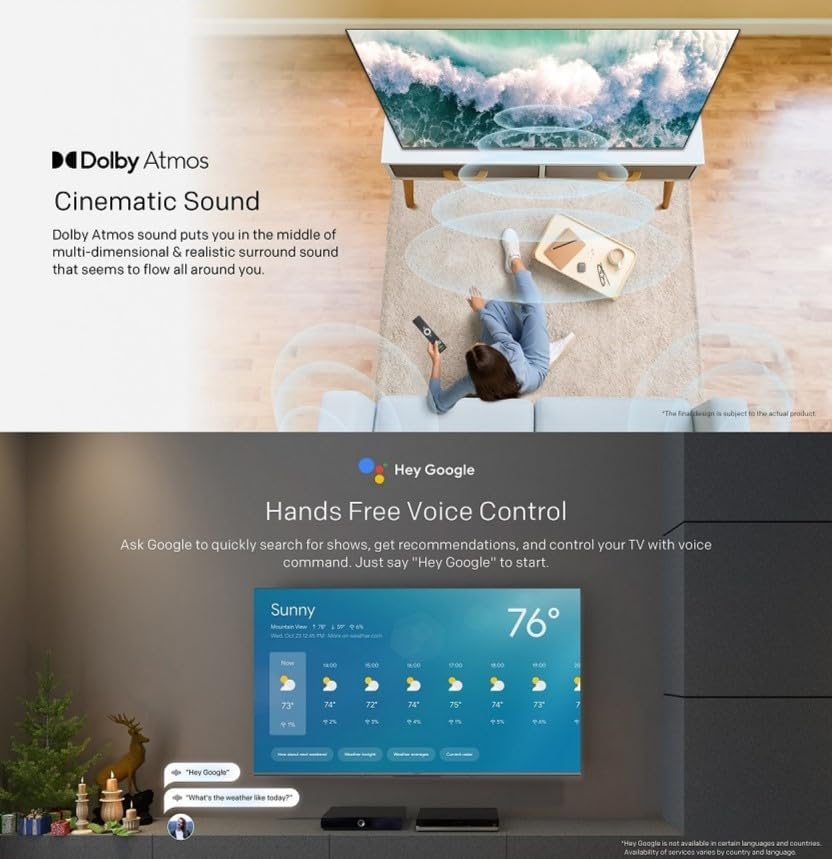
The TV supports bidirectional Bluetooth, allowing connection to mobile phones and Bluetooth audio products for versatile sound options.

This image highlights key features such as Kids Care for child-friendly content, Google Duo for video calls, Google Photos for sharing memories, and Chromecast built-in for easy content casting.
6.4 Kuva- ja ääniasetukset
Access the settings menu to customize picture and sound preferences.
- QLED 4K UHD with Dolby Vision & HDR10+: Experience vibrant colors and enhanced contrast.
- Elokuvantekijätila: Disables post-processing to preserve the original aspect ratios, colors, and frame rates as intended by the filmmaker.
- Dolby Atmos ja DTS Virtual X: Enjoy immersive, multi-dimensional sound.
- Health Platform: Includes Eye Protection Mode, Night Mode, and Auto Volume Control for comfortable viewing.
- Vilkkumaton: Vähentää silmien rasitusta minimoimalla näytön välkkymistä.

With Dolby Vision and advanced HDR10+, the TV enhances the viewing experience, producing images with greater realism and brightness.

Filmmaker Mode ensures a cinematic experience by disabling post-processing, preserving the director's original vision.
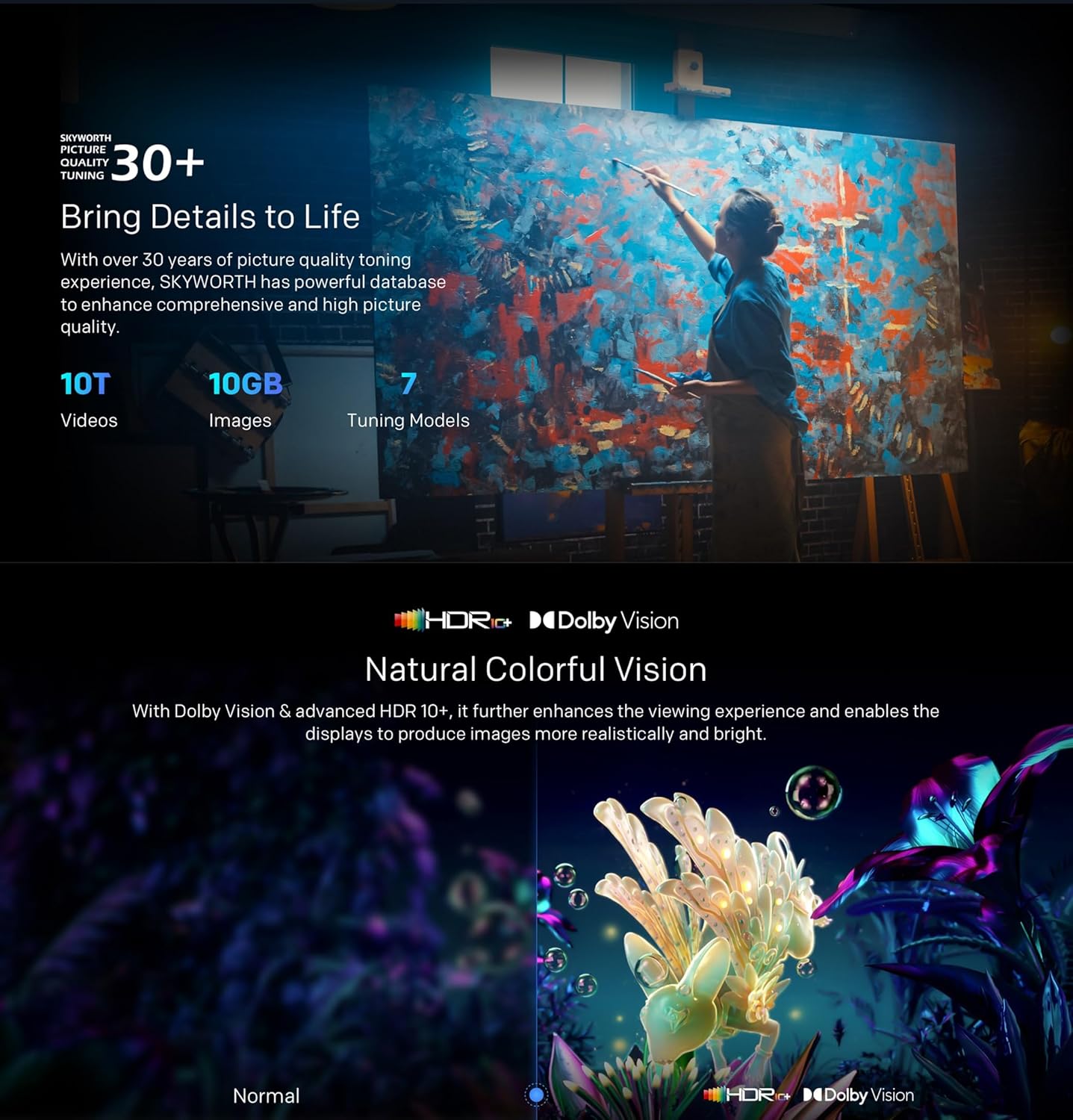
Dolby Atmos sound technology provides a multi-dimensional and realistic surround sound experience that flows around you.

The Health Platform allows you to choose comfort modes such as Eye Protection Mode, Night Mode, or Auto Volume Control for an optimized viewkokemusta.

Flicker Free technology effectively reduces harm from rapid flickers by adapting direct current backlight, protecting your eye health.
7. Huolto
7.1 Puhdistus
To clean the TV screen and casing:
- Unplug the TV from the power outlet before cleaning.
- Pyyhi näyttö varovasti pehmeällä, nukkaamattomalla liinalla. Pinttyneisiin tahroihin hankaa kevyesti.ampKostuta liina vedellä tai erikoistuneella näytönpuhdistusaineella (varmista, että se on television kestävä).
- Pyyhi casinpehmeällä, kuivalla liinalla. Vältä hankaavia puhdistusaineita tai liuottimia.
7.2 Ohjelmistopäivitykset
Your Google TV may receive automatic software updates. Ensure your TV is connected to the internet to receive these updates, which can improve performance and add new features. You can also manually check for updates in the settings menu.
8. Vianmääritys
Jos televisiossasi on ongelmia, katso seuraavia yleisiä ratkaisuja:
| Ongelma | Mahdollinen ratkaisu |
|---|---|
| Ei virtaa | Tarkista, että virtajohto on kytketty kunnolla televisioon ja pistorasiaan. Kokeile toista pistorasiaa. |
| Ei kuvaa, mutta ääni kuuluu | Varmista, että oikea tulolähde on valittu. Tarkista ulkoisten laitteiden kaapeliliitännät. |
| Ei ääntä, mutta kuva näkyy | Tarkista äänenvoimakkuustasot ja mykistysasetukset. Tarkista äänikaapelien liitännät. |
| Kaukosäädin ei toimi | Vaihda paristot. Varmista, ettei kaukosäätimen ja television infrapunatunnistimen välissä ole esteitä. |
| Wi-Fi-yhteysongelmia | Restart your router and the TV. Check network settings on the TV. Ensure the TV is within range of your Wi-Fi signal. |
Jos ongelma jatkuu, ota yhteyttä asiakastukeen.
9. Tekniset tiedot
The following table outlines the key specifications for the Skyworth 55SUE9500 TV:
| Ominaisuus | Kuvaus |
|---|---|
| Mallinumero | 55SUE9500 |
| Näytön koko | 55 tuumaa |
| Näyttötekniikka | QLED |
| Resoluutio | 4K UHD (3840 2160 x XNUMX XNUMX) |
| Päivitystaajuus | 60 Hz |
| Käyttöjärjestelmä | Google TV |
| HDR-tuki | Dolby Vision, HDR10+ |
| Äänitekniikka | Dolby Atmos, DTS Virtual X |
| Prosessori | Kameleontti Äärimmäinen 2.0 |
| RAM | 2GB |
| Varastointi | 16GB |
| Yhteydet | Wi-Fi, Bluetooth 5.1, Ethernet (lähiverkko) |
| Portit | HDMI x3, USB x2, RF, AV IN, Digital Out |
| Erikoisominaisuudet | Google Assistant, Chromecast Built-in, Game Mode, Flicker Free, Health Platform, Filmmaker Mode |
| Tuotteen mitat (jalustan kanssa) | 122.5 x 77 x 26 cm (noin) |
| Paino (jalustalla) | 12.2 kg (noin) |

This diagram provides detailed measurements of the television, including its width, height, and depth, both with and without the stand, along with the corresponding weights.
10. Takuu ja tuki
10.1 Takuutiedot
Your Skyworth 55-inch 4K QLED Google TV Model 55SUE9500 comes with a 2-year warranty. This warranty covers manufacturing defects and malfunctions under normal use. Please retain your proof of purchase for warranty claims. The warranty does not cover damage caused by misuse, accidents, unauthorized repairs, or acts of nature.
10.2 Asiakastuki
For technical assistance, troubleshooting beyond this manual, or warranty service, please contact Skyworth customer support. Refer to the contact information provided in your product packaging or on the official Skyworth webalueesi sivusto.


