1. Johdanto ja loppuview
The UNI-T UT204PRO is a portable True RMS AC/DC clamp meter designed for accurate and reliable electrical measurements. This professional digital multimeter features a clear LCD display and offers a wide range of functions, making it suitable for use in laboratories, factories, and homes. It measures AC/DC current up to 600A, AC/DC voltage up to 600V, frequency, duty cycle, resistance, capacitance, and temperature. Additionally, it includes Non-Contact Voltage (NCV) detection, LIVE wire detection, and diode/continuity tests.
Keskeisiä ominaisuuksia ovat:
- Todellinen RMS-mittaus: Tarjoaa tarkkoja lukemia ei-sinimuotoisille aaltomuodoille.
- Monikäyttöisyys: Mittaa AC/DC-virtaa, AC/DC-volyymiatage, frequency, duty cycle, resistance, capacitance, temperature, diode, and continuity.
- NCV and LIVE Detection: Enhances safety and ease of use for identifying live wires.
- Kirkas LCD-näyttö: Features a backlight for visibility in low-light conditions.
- Turvallisuusvaatimustenmukaisuus: Meets EN61010-1 CAT II 600V / CAT III 300V safety standards.
- Automaattinen virrankatkaisu: Säästää akun käyttöikää sammumalla automaattisesti viiden minuutin käyttämättömyyden jälkeen.
2. Turvallisuustiedot
Always adhere to safety precautions when using electrical testing equipment. Failure to do so may result in electric shock, injury, or damage to the meter. This device complies with EN61010-1 CAT II 600V / CAT III 300V safety standards. Ensure you understand and follow all instructions.
- Älä käytä mittaria, jos se näyttää vaurioituneelta tai jos mittausjohdot ovat vaurioituneet.
- Always ensure the function switch is set to the correct range before making measurements.
- Älä käytä voltage or current that exceeds the maximum rated values for the meter.
- Ole erittäin varovainen, kun työskentelet voltagyli 30 V AC RMS, 42 V huippu tai 60 V DC, koska ne aiheuttavat sähköiskun vaaran.
- When measuring current, ensure the circuit is de-energized before connecting or disconnecting the clamp mittari.
- Vaihda paristot viipymättä, kun heikon pariston varoitusvalo tulee näkyviin.
- Wear appropriate personal protective equipment (PPE), such as safety glasses and insulated gloves, when performing electrical measurements.
3. Tuotteen osat
The UNI-T UT204PRO Clamp Meter is designed with user-friendly components for efficient operation.
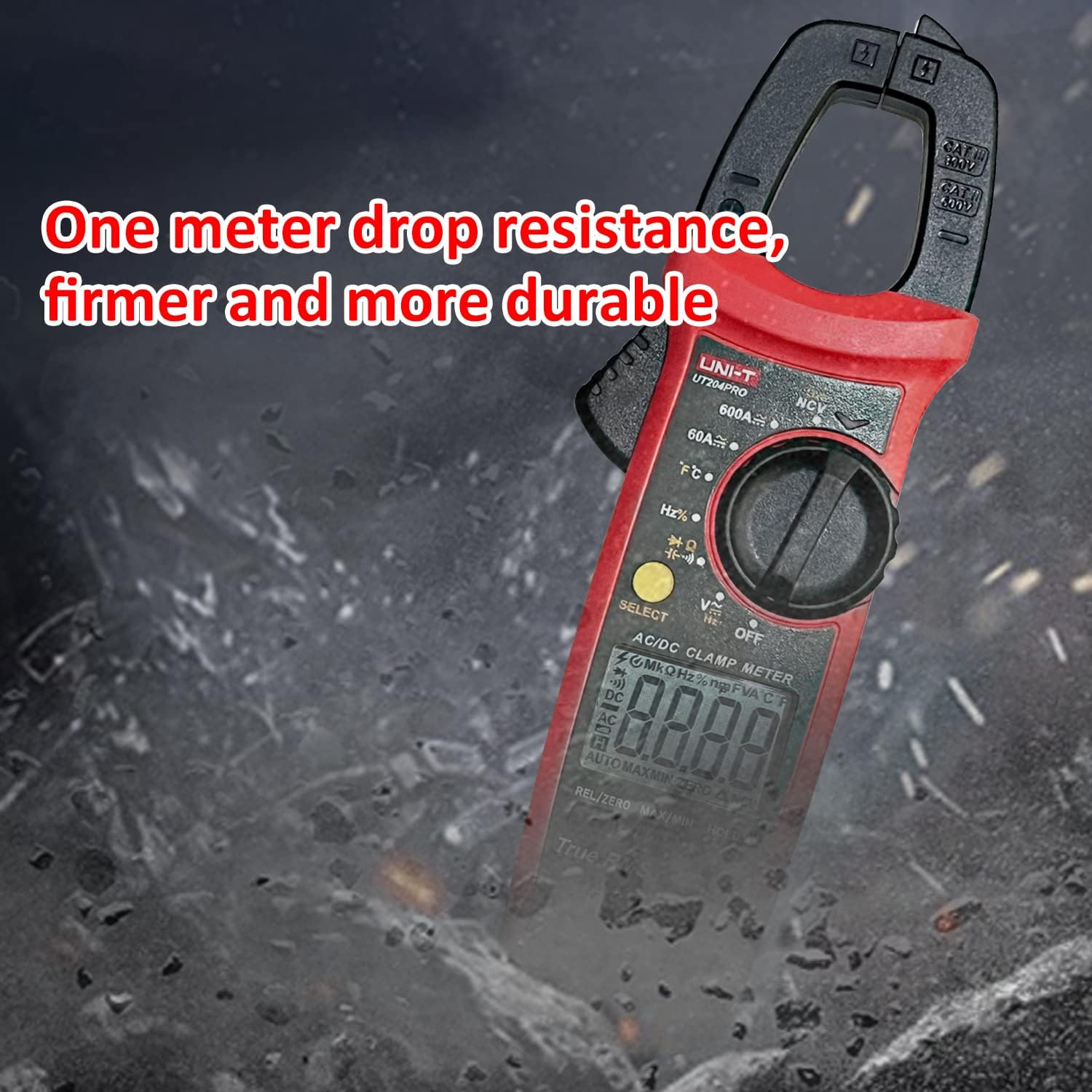
Figure 3.1: Detailed diagram of the UNI-T UT204PRO Clamp Meter, highlighting its jaws, hand guard, LED indicator, function scale knob, function buttons, LCD display, COM input jack, and Signal input jack.
Keskeisiä komponentteja ovat:
- Clamp Leuat: Käytetään kosketuksettomaan AC/DC-virran mittaukseen.
- Jaw Opening Trigger: Activates the clamp leuat.
- Käsisuoja: Tarjoaa suojan käytön aikana.
- LED-ilmaisin: For NCV and LIVE detection.
- Function Scale Knob: Valitsee halutun mittaustoiminnon.
- Toimintopainikkeet: Include SELECT, HOLD/LIGHT, MAX/MIN, REL/ZERO.
- LCD-näyttö: Näyttää mittaustulokset ja toimintoindikaattorit.
- COM Input Jack (Black): Yhteinen liitin mittausjohdoille.
- Signal Input Jack (Red): Positive terminal for test leads.
- NCV-anturin pää: Kontaktittomille voltage tunnistus.
4. Asennus
4.1 Akun asennus
The UNI-T UT204PRO requires two AAA batteries for operation. To install or replace batteries:
- Varmista, että mittari on sammutettu.
- Paikanna paristolokeron kansi mittarin takaa.
- Käytä ruuvimeisseliä akun kannen ruuvin löysäämiseen.
- Remove the cover and insert two AAA batteries, observing the correct polarity (+/-).
- Aseta akun kansi takaisin paikalleen ja kiristä ruuvi tiukasti.

Figure 4.1: The UNI-T UT204PRO Clamp Meter in use, demonstrating its NCV multi-segment display with sound and light alarm prompts, and LED backlight function for clear readings in low light.
4.2 Mittausjohdon liitäntä
Voltage, resistance, capacitance, continuity, and diode measurements, connect the test leads as follows:
- Työnnä musta testijohto COM-tuloliittimeen.
- Kytke punainen mittausjohto VΩHz+ -tuloliittimeen.
5. Käyttöohjeet
Familiarize yourself with the function switch and buttons to perform various measurements.
5.1 AC/DC Current Measurement (600A)
Vaihto- tai tasavirran mittaaminen cl:n avullaamp leuat:
- Set the function switch to the '600A~' or '600A=' position.
- Press the jaw opening trigger to open the clamp leuat.
- Enclose a single conductor (not a power cord with multiple wires) with the clamp leuat.
- Lue nykyinen arvo LCD-näytöltä.

Figure 5.1: The UNI-T UT204PRO Clamp Meter in use, demonstrating AC/DC current measurement by clampyhden johtimen ympärillä.
5.2 AC/DC VoitagMittaus (600 V)
AC tai DC voltage:
- Kytke mittausjohdot osiossa 4.2 kuvatulla tavalla.
- Set the function switch to the 'V~' for AC voltage tai 'V=' tasavirtatilavuudelletage asemaa.
- Kosketa mittausjohtoja piirin pisteisiin, joista haluat mitata tilavuuttatage.
- Lue voltage -arvo nestekidenäytössä.
Video 5.1: Demonstration of AC/DC voltage measurement using a UNI-T multimeter (UT890C model, similar operation).
5.3 Resistanssin mittaus
Resistanssin mittaaminen:
- Kytke mittausjohdot osiossa 4.2 kuvatulla tavalla.
- Set the function switch to the 'Ω' position.
- Touch the test probes across the component or circuit where you want to measure resistance.
- Lue vastusarvo LCD-näytöltä.
5.4 Kapasiteetin mittaus
Kapasitanssin mittaaminen:
- Kytke mittausjohdot osiossa 4.2 kuvatulla tavalla.
- Set the function switch to the 'F' position.
- Touch the test probes across the capacitor. Ensure the capacitor is discharged before testing.
- Lue kapasitanssiarvo LCD-näytöltä.
5.5 Lämpötilan mittaus
Lämpötilan mittaaminen:
- Connect the K-type thermocouple to the input jacks (red to VΩHz+, black to COM).
- Set the function switch to the '°C/°F' position.
- Place the thermocouple probe on or in the object whose temperature you wish to measure.
- Read the temperature value on the LCD display. Use the SELECT button to switch between Celsius and Fahrenheit.

Figure 5.2: The UNI-T UT204PRO Clamp Meter measuring temperature using the included K-type thermocouple.
5.6 Jatkuvuustesti
To test for circuit continuity:
- Kytke mittausjohdot osiossa 4.2 kuvatulla tavalla.
- Set the function switch to the 'Continuity' position (often shared with resistance or diode).
- Touch the test probes to the two points of the circuit you want to test.
- Jos jatkuvuutta on (matala resistanssi), mittarista kuuluu äänimerkki.
5.7 Dioditesti
Diodin testaaminen:
- Kytke mittausjohdot osiossa 4.2 kuvatulla tavalla.
- Set the function switch to the 'Diode' position (often shared with resistance or continuity).
- Touch the red test probe to the anode of the diode and the black test probe to the cathode.
- Näytössä näkyy eteenpäin suunnattu äänenvoimakkuustage pudota. Käännä mittausanturit; näytössä pitäisi näkyä 'OL' (avoin silmukka) toimivan diodin merkkinä.
Video 5.2: Demonstration of resistance, continuity, and capacitance measurements using a UNI-T multimeter (UT890C model, similar operation).
5.8 NCV (kosketukseton tilavuus)tage) Havaitseminen
AC-äänenvoimakkuuden havaitsemiseksitagilman kontaktia:
- Set the function switch to the 'NCV' position.
- Bring the NCV sensing end of the meter close to the conductor or outlet.
- Mittari osoittaa vaihtovirran voimakkuudentage through audible beeps and visual alerts on the LCD.
Video 5.3: Demonstration of DC current measurement using a clamp meter (related product, similar operation).
5.9 JÄNNITTEISTEN JOHDON TUNNISTUS
Jännitteisten johtojen tunnistaminen:
- Set the function switch to the 'LIVE' position.
- Touch the red test probe to the conductor.
- The meter will indicate a live wire with an audible alarm and visual display.

Figure 5.3: The UNI-T UT204PRO Clamp Meter performing Live/Neutral Wire Measurement, indicating the presence of a live conductor.
5.10 True RMS Function
The True RMS (Root Mean Square) function ensures accurate measurement of AC voltage and current, especially for non-sinusoidal waveforms often found in modern electronic devices. This provides a more precise reading compared to average-responding meters.

Figure 5.4: Comparison illustrating the accuracy of True RMS measurement for various current waveforms against ordinary measurement methods.
5.11 lisätoimintoja
- HOLD/Light Button: Press briefly to hold the current reading on the display. Long press to activate/deactivate the backlight.
- MAX/MIN-painike: Press to display the maximum or minimum measured value.
- REL/ZERO Button: Used for relative measurement or to zero out the display for DC current measurements.
- Automaattinen virrankatkaisu: The meter automatically turns off after approximately 15 minutes of inactivity to save battery life.
6. Huolto
Proper maintenance ensures the longevity and accuracy of your UNI-T UT204PRO Clamp Mittari.
- Puhdistus: Pyyhi mittari pehmeällä,amp kangas. Älä käytä hankausaineita tai liuottimia.
- Akun vaihto: Replace batteries as soon as the low battery indicator appears to ensure accurate readings. Refer to Section 4.1 for instructions.
- Varastointi: Jos mittaria ei käytetä pitkään aikaan, poista paristot vuotojen estämiseksi. Säilytä viileässä ja kuivassa paikassa.
- Testijohdot: Regularly inspect test leads for any damage to insulation or connectors. Replace immediately if damaged.
7. Vianmääritys
If you encounter issues with your UNI-T UT204PRO, refer to the following common troubleshooting steps:
- Ei näyttöä/virta päällä: Tarkista paristojen asennus ja varmista, että paristot eivät ole tyhjentyneet. Vaihda tarvittaessa.
- Väärät lukemat: Verify that the function switch is set to the correct measurement type and range. Ensure test leads are properly connected and not damaged.
- Näytöllä näkyy 'OL': This usually indicates an over-range condition (measurement exceeds the meter's maximum range) or an open circuit (for resistance/continuity).
- Ei jatkuvuutta -äänimerkki: Check if the circuit is truly continuous and if the resistance is within the audible range (typically below 50Ω).
For persistent issues, contact Uni-T customer support.
8. Tekniset tiedot
Below are the technical specifications for the UNI-T UT204PRO Clamp Mittari:
| Erittely | Arvo |
|---|---|
| Merkki | Uni-T |
| Mallinumero | UT204PRO |
| Vaihtovirta-alue | 600A |
| Tasavirta-alue | 600A |
| AC Voitage Alue | 600V |
| DC Voitage Alue | 600V |
| Resistanssin mittaus | Kyllä |
| Kapasitanssin mittaus | Up to 60 mF |
| Lämpötilan mittaus | Yes (K-type thermocouple included) |
| NCV-tunnistus | Kyllä |
| JÄNNITTEISTEN JOHDON TUNNISTUS | Kyllä |
| Todellinen RMS | Kyllä |
| Näytön määrä | 6000 |
| Virtalähde | 2x AAA-paristot (mukana) |
| Automaattinen sammutus | 15 minuutin kuluttua |
| Turvallisuusstandardit | EN61010-1 CAT II 600V / CAT III 300V |
| Mitat | 24.9 x 9.1 x 5.6 cm |
| Paino | 410 g |
9. Takuu ja tuki
For warranty information, technical support, or service inquiries, please refer to the contact details provided in the product packaging or visit the official Uni-T websivusto. Säilytä ostokuitti ostotodistuksena takuuvaatimuksia varten.