1. Johdanto
The MageGee V650 Wireless Keyboard and Mouse Combo is designed for efficient and comfortable use with your computer. This combo features a full-size 104-key keyboard with a number pad and multimedia shortcuts, paired with a sensitive and quiet mouse. Both devices connect wirelessly via a single 2.4G USB receiver, offering a stable connection within a 10-meter range.

Image 1.1: MageGee V650 Wireless Keyboard and Mouse Combo.

Image 1.2: Key features of the MageGee V650 combo.
2. Pakkauksen sisältö
Tarkista pakkauksesta seuraavat tuotteet:
- 1 x langaton näppäimistö
- 1 x langaton hiiri
- 1 x USB Receiver (stored inside the keyboard)
- 1 x AA-paristo (hiirelle)
- 2 x AAA-paristoa (näppäimistölle)
- 1 x Käyttöohje
3. Asennusohjeet
3.1. Akun asennus
- Näppäimistölle: Etsi paristolokero näppäimistön alapuolelta. Aseta kaksi AAA-paristoa sisään varmistaen oikea napaisuus (+/-).
- Hiirelle: Locate the battery compartment on the underside of the mouse. Insert one AA battery, ensuring correct polarity (+/-).

Image 3.1: Keyboard battery compartment and USB receiver storage.
3.2. USB-vastaanottimen kytkeminen
- Locate the USB receiver. It is typically stored in a dedicated slot on the underside of the keyboard for safekeeping.
- Kytke USB-vastaanotin tietokoneesi (PC, pöytätietokone, kannettava tietokone tai notebook) vapaaseen USB-porttiin.
- The system should automatically detect and install the necessary drivers. No additional software download is required.
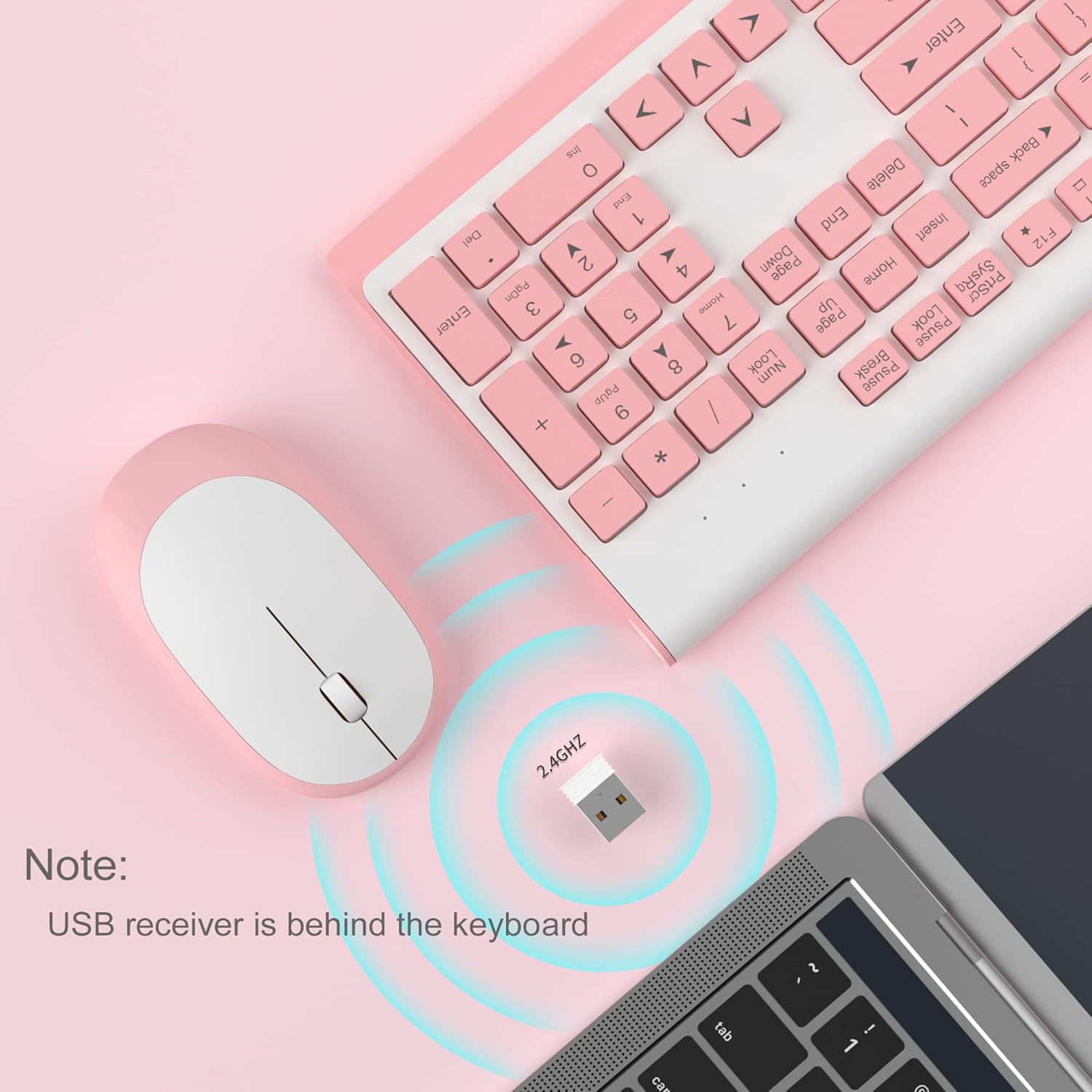
Image 3.2: USB receiver connection and storage location.

Image 3.3: 2.4G wireless connection diagram.
3.3. Kytke virta päälle
Ensure the power switches on both the keyboard and mouse are in the 'ON' position. The devices should now be ready for use.
4. Käyttöohjeet
4.1. Näppäimistötoiminnot
The V650 keyboard features a standard 104-key layout, including a full number pad for data entry and dedicated arrow keys. The keys are designed for quiet and responsive typing.
Multimedian pikakuvakkeet
The keyboard includes 12 multimedia shortcuts accessible by pressing the Fn key in combination with the F1-F12 function keys. These shortcuts allow quick access to common functions such as volume control, media playback, and more.

Image 4.1: Keyboard multimedia function key combinations.
| Yhdistelmä | Toiminto |
|---|---|
| Fn + F1 | Multimedia |
| Fn + F2 | Äänenvoimakkuus - |
| Fn + F3 | Äänenvoimakkuus + |
| Fn + F4 | Mykistä |
| Fn + F5 | Edellinen kappale |
| Fn + F6 | Seuraava kappale |
| Fn + F7 | Toista/Tauko |
| Fn + F8 | Stop |
| Fn + F9 | Kotisivu |
| Fn + F10 | Sähköposti |
| Fn + F11 | Oma tietokone |
| Fn + F12 | Suosikit |
4.2. Hiiren toiminnot
The wireless mouse offers precise 1200 DPI tracking and quiet clicks. It features standard left and right click buttons and a scroll wheel for navigation.

Image 4.2: Mouse features: 1200 DPI and quiet operation.
4.3. Automaattinen lepotila
To conserve battery life, both the keyboard and mouse will enter an automatic sleep mode after a period of inactivity. To wake them up, simply press any key on the keyboard or move the mouse.
5. Huolto ja hoito
- Puhdistus: Puhdista näppäimistön ja hiiren pinnat pehmeällä, kuivalla liinalla. Pinttyneeseen likaan käytä hieman kuivaa liinaa.amp cloth can be used, but ensure no liquid enters the devices. Avoid harsh chemicals or abrasive cleaners.
- Akun vaihto: Replace batteries when performance degrades or devices stop responding. Always use new batteries of the specified type (AAA for keyboard, AA for mouse) and dispose of old batteries responsibly.
- Varastointi: When not in use for extended periods, turn off the devices to save battery life. Store the USB receiver in its dedicated slot on the keyboard to prevent loss.
- Ympäristö: Vältä laitteiden altistamista äärimmäisille lämpötiloille, suoralle auringonvalolle tai liialliselle kosteudelle.
6. Vianmääritys
If you encounter issues with your MageGee V650 combo, please refer to the following common solutions:
- No Connection / Lag:
- Ensure both the keyboard and mouse are powered on and have fresh batteries.
- Varmista, että USB-vastaanotin on kytketty tukevasti tietokoneen toimivaan USB-porttiin.
- Yritä kytkeä USB-vastaanotin toiseen USB-porttiin.
- Move the keyboard and mouse closer to the USB receiver to ensure they are within the 10-meter operating range.
- Vältä vastaanottimen sijoittamista lähelle muita langattomia laitteita tai suuria metalliesineitä, jotka voivat aiheuttaa häiriöitä.
- Keys Not Responding / Stuck Keys:
- Tarkista akun taso ja vaihda tarvittaessa.
- Gently clean around the affected keys to remove any debris that might be causing them to stick.
- Muodosta yhteys uudelleen irrottamalla USB-vastaanotin ja kytkemällä se uudelleen.
- Mouse Not Working / Cursor Jumps:
- Ensure the mouse has a fresh AA battery and is powered on.
- Puhdista hiiren alapuolella oleva optinen anturi.
- Käytä hiirtä sopivalla pinnalla (ei voimakkaasti heijastavalla tai läpinäkyvällä).
- Muodosta yhteys uudelleen irrottamalla USB-vastaanotin ja kytkemällä se uudelleen.
- Letters Fading on Keys:
- This is typically a result of prolonged use and wear. While not a functional defect, it can affect visibility.
7. Tuotteen tekniset tiedot
| Ominaisuus | Yksityiskohta |
|---|---|
| Malli | V650 |
| Yhteystekniikka | 2.4G Wireless (Radio Frequency), USB Receiver |
| Näppäimistön asettelu | Full Size, 104 Keys with Number Pad and 12 Multimedia Shortcuts |
| Näppäimistön tyyppi | Scissor-cross low profile, Quiet Keys |
| Hiiren DPI | 1200 DPI |
| Yhteensopivat laitteet | PC, Desktop, Laptop, Notebook |
| Käyttöjärjestelmät | Windows XP / Vista / 7/8/10 |
| Näppäimistön mitat | 16.06 x 6.6 x 1.3 tuumaa (noin 40.8 x 16.8 x 3.3 cm) |
| Hiiren mitat | 4.25 x 2.4 x 1.18 tuumaa (noin 10.8 x 6.1 x 3 cm) |
| Tuotteen paino | 1.63 paunaa (noin 0.74 kg) |
| Näppäimistön akku | 2 x AAA-paristot |
| Hiiren akku | 1 x AA-paristo |
| Erikoisominaisuus | Round Keycaps, Ultra-Thin Design, Automatic Sleep Mode |

Kuva 7.1: Tuotteen mitat.
8. Takuu ja asiakastuki
MageGee products are designed for reliability and performance. For any warranty inquiries, technical support, or assistance with your product, please contact MageGee customer support through the retailer where you purchased the item or visit the official MageGee store online.
Lisätietoja ja yhteystiedot löydät osoitteesta MageGee-kauppa Amazonissa.


