1. Johdanto
The Logitech Signature M650 for Business is a versatile wireless mouse designed to enhance productivity and comfort. It offers dual connectivity options, a SmartWheel for adaptive scrolling, and SilentTouch technology for quiet operation. Available in two sizes, it caters to various hand sizes for optimal ergonomic support.
Tärkeimmät ominaisuudet:
- Kaksoisyhteys: Connect via Logi Bolt USB receiver for secure connections or directly via Bluetooth Low Energy.
- SmartWheel-vieritys: Automatically switches between line-by-line precision and free-spin mode.
- SilentTouch-teknologia: Reduces click noise by 90% for a quieter work environment.
- Ergonominen muotoilu: Contoured shape and soft thumb area for comfort, available in two sizes (M650 and M650 L).
- Mukautettavat painikkeet: Side buttons can be customized for various functions.
- Pitkä akun käyttöikä: Up to 24 months on a single AA battery.
- Monen alustan yhteensopivuus: Works seamlessly with Windows, macOS, Linux, Chrome OS, iPadOS, and Android.

Image: Logitech Signature M650 for Business Wireless Mouse and its packaging, showcasing tuotetta ja sen pakkausta.
2. Asennus
2.1. Mitä laatikossa on
Ennen kuin aloitat, varmista, että kaikki osat ovat mukana:
- Langaton Logitech Signature M650 -hiiri
- Logi Bolt USB-vastaanotin
- 1 AA-paristo (esiasennettu)

Image: The Logitech M650 mouse, a Logi Bolt USB receiver, and a 1-meter USB cable, representing the items included in the product packaging.
2.2. Akun asennus
The mouse comes with one AA battery pre-installed. If you need to replace it:
- Avaa hiiren pohjassa olevan paristolokeron kansi.
- Aseta uusi AA-paristo paikalleen varmistaen oikean napaisuuden (+/-).
- Sulje paristolokeron kansi kunnolla.
2.3. Hiiren kytkeminen
The Signature M650 offers two connection methods: Logi Bolt USB Receiver or Bluetooth Low Energy.
Option 1: Logi Bolt USB Receiver (Recommended for Secure Connections)
- Locate the Logi Bolt USB receiver, typically found inside the mouse's battery compartment or packaged separately.
- Kytke Logi Bolt USB-vastaanotin tietokoneesi vapaaseen USB-porttiin.
- Käynnistä hiiri sen pohjassa olevalla virtakytkimellä. Hiiren pitäisi muodostaa yhteys automaattisesti.

Image: The Logi Bolt USB receiver securely plugged into a laptop's USB port, demonstrating its compact size and integration.
Option 2: Bluetooth Low Energy
- Käynnistä hiiri sen pohjassa olevalla virtakytkimellä.
- Press and hold the connect button on the underside of the mouse until the LED indicator starts blinking rapidly, indicating pairing mode.
- Avaa tietokoneellasi tai laitteellasi Bluetooth-asetukset.
- Select "Logitech M650" from the list of available devices and follow the on-screen prompts to complete pairing.

Image: The Logitech M650 mouse positioned on a mousepad, with visual cues for both Bluetooth and Logi Bolt connectivity options.
3. Hiiren käyttö
3.1. SmartWheel Scrolling
The SmartWheel automatically adapts to your scrolling needs:
- Tarkkuustila: For detailed, line-by-line scrolling, gently scroll the wheel.
- Free-Spin Mode: For rapid, long document or web page navigation, give the wheel a quick flick. It will spin freely.
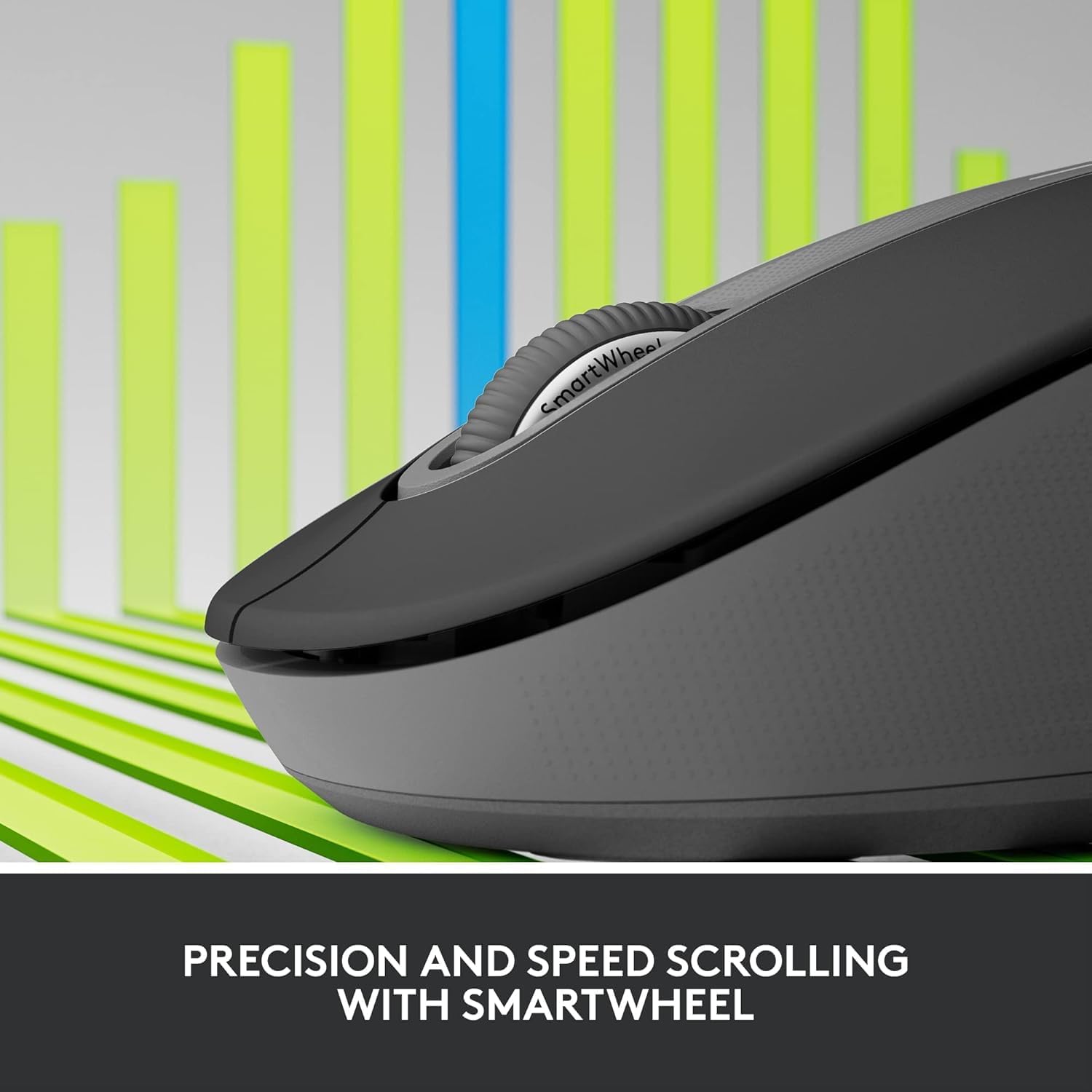
Image: A detailed close-up of the Logitech M650 mouse's SmartWheel, emphasizing its design for both precision and speed scrolling.
3.2. Customizable Side Buttons
The Signature M650 features two customizable side buttons. By default, these buttons may perform forward/back navigation in web browsers. To customize their functions, download and install the Logitech Options+ software from the official Logitech websivusto.
3.3. SilentTouch Technology
Experience a quieter workspace with SilentTouch technology, which significantly reduces the sound of clicks without compromising the tactile feel.
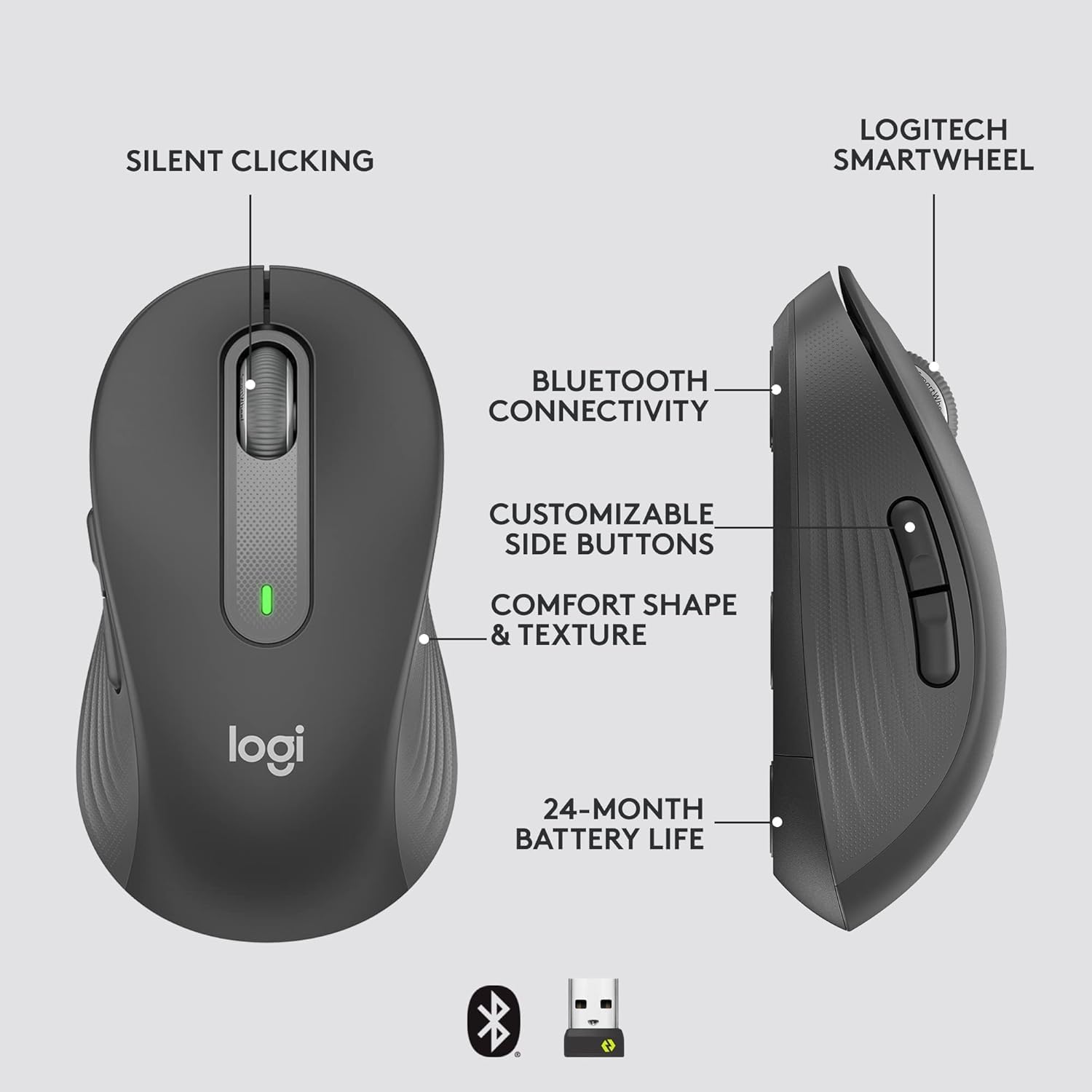
Image: An annotated diagram of the Logitech M650 mouse, highlighting key features such as Silent Clicking, Bluetooth Connectivity, Customizable Side Buttons, Comfort Shape & Texture, 24-Month Battery Life, and the Logitech SmartWheel.
4. Huolto
4.1. Pariston vaihto
The mouse uses one AA battery. When the battery is low, the LED indicator on the mouse may flash. Replace the battery as described in Section 2.2.
4.2. Puhdistus
Puhdista hiiri pehmeällä, nukkaamattomalla liinalla. Pinttyneeseen likaan, kostuta se kevyesti.ampKostuta liina vedellä. Vältä voimakkaiden kemikaalien tai hankaavien materiaalien käyttöä.
5. Vianmääritys
5.1. Hiiri ei vastaa
- Tarkista akku: Varmista, että akku on asennettu oikein ja siinä on riittävästi virtaa. Vaihda akku tarvittaessa.
- Virta päälle: Verify the mouse is turned on using the power switch.
- Yhteyden uudelleenmuodostus:
- Logi-pultti: Try plugging the receiver into a different USB port. Ensure no obstructions are between the mouse and receiver.
- Bluetooth: Go to your device's Bluetooth settings, remove the mouse, and re-pair it.
- Häiriöt: Move the mouse closer to the receiver or device. Avoid using the mouse near other wireless devices that might cause interference.
5.2. Kohdistimen epäsäännöllinen liike
- Puhdista anturi: Ensure the optical sensor on the underside of the mouse is clean and free of debris.
- Pinta: Käytä hiirtä puhtaalla, heijastamattomalla ja tasaisella pinnalla. Hiirimaton käyttöä suositellaan.
6. Tekniset tiedot
| Ominaisuus | Erittely |
|---|---|
| Mallinumero | 910-006272 |
| Yhteydet | Logi Bolt USB-vastaanotin, Bluetooth Low Energy |
| Sensor Technology | Optinen |
| Akun tyyppi | 1 x AA-paristo (mukana) |
| Akun kesto | Jopa 24 kuukautta |
| Mitat (M650) | 4.22 x 2.43 x 1.49 tuumaa (10.7 x 6.17 x 3.78 cm) |
| Paino | 3.57 unssia (101.2 g) |
| Väri | Grafiitti |
| Käyttöjärjestelmän yhteensopivuus | Windows, macOS, Linux, Chrome OS, iPadOS, Android |

Image: A visual comparison of the Logitech M650 and M650 L mouse sizes, indicating their respective lengths of 10.5cm and 11.5cm.
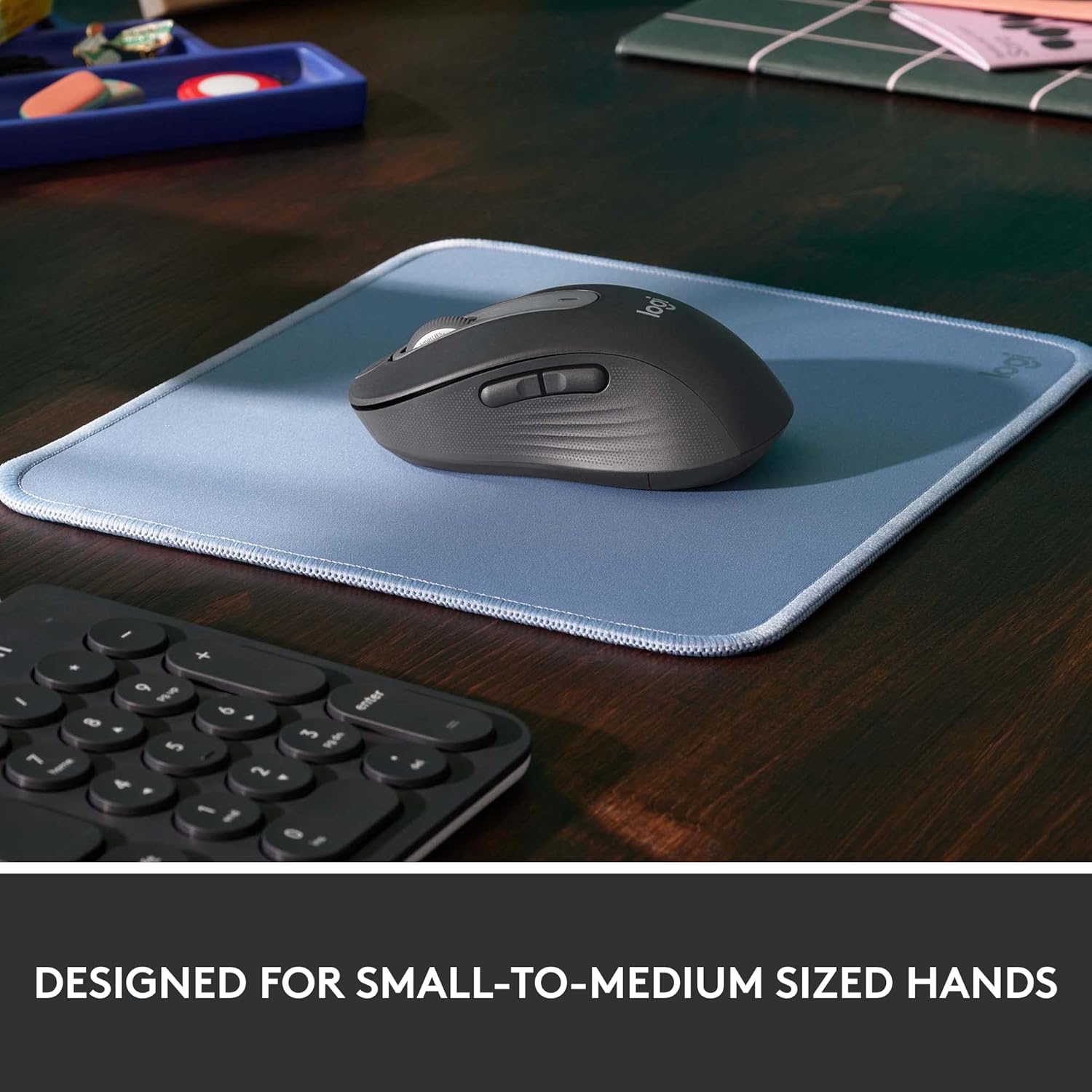
Image: The Logitech M650 mouse resting on a light blue mousepad, illustrating its ergonomic shape designed to fit comfortably in small to medium-sized hands.
7. Takuu ja tuki
Logitechin tuotteet valmistetaan korkeimpien laatustandardien mukaisesti. Katso tarkemmat takuutiedot tuotteen mukana toimitetusta takuukortista tai käy Logitechin virallisella tukisivustolla. websivusto.
For technical assistance, troubleshooting, or to download the latest software and drivers, please visit the Logitech Support page:


