1. Johdanto
This manual provides detailed instructions for the setup, operation, and maintenance of your Bytech BYMCWC101BLK PC Web Camera. Please read this manual thoroughly before using the product to ensure proper functionality and longevity.
2. Pakkauksen sisältö
Varmista, että kaikki alla luetellut osat ovat mukana tuotepakkauksessasi:
- Bytech BYMCWC101BLK PC Web Kamera
- Käyttöopas (tämä asiakirja)
- Integroitu USB-kaapeli
3. Asennus
Follow these steps to set up your Bytech BYMCWC101BLK PC Web Kamera:
- Sijoitus: Sijoita webcam on top of your computer monitor, laptop screen, or a flat surface. The adjustable clip allows for secure attachment.
- Yhdistä tietokoneeseen: Kytke integroitu USB-kaapeli webcam tietokoneen vapaaseen USB-porttiin.
- Ohjaimen asennus: The webcam is typically plug-and-play. Your operating system (Windows, macOS, Linux) should automatically detect and install the necessary drivers. Wait for the installation to complete.
- Vahvistus: Open a video conferencing application (e.g., Zoom, Skype, Microsoft Teams) or your computer's camera application to confirm the webcam is recognized and displaying video.
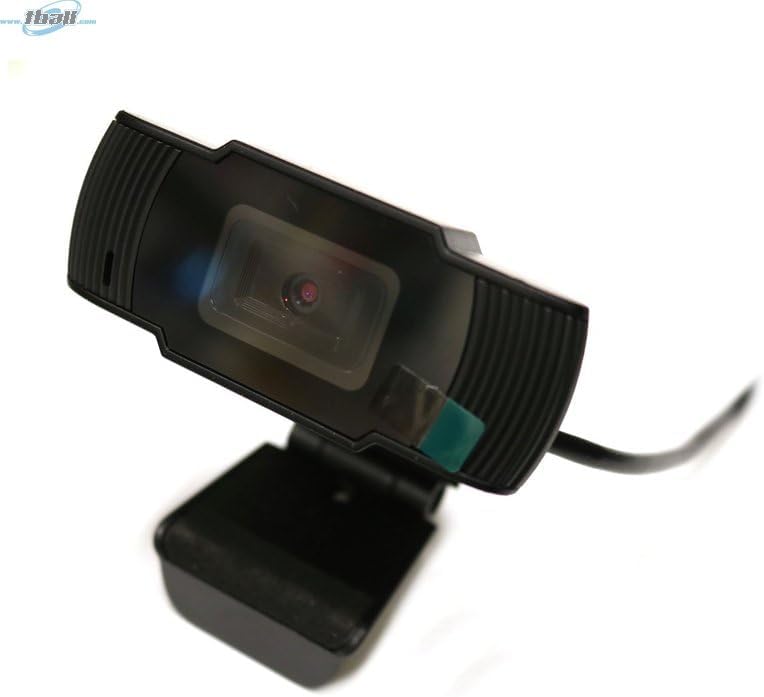
Image: The Bytech BYMCWC101BLK PC Web Camera securely mounted on top of a computer monitor, demonstrating its adjustable clip design.
4. Käyttöohjeet
Once installed, the Bytech BYMCWC101BLK PC Web Camera can be used with various applications:
- Videoneuvottelut: Select the Bytech webcam as your video input device within your preferred video conferencing software (e.g., Zoom, Skype, Google Meet).
- Suoratoisto: For live streaming platforms, configure the webcam as your primary video source in your streaming software (e.g., OBS Studio).
- Tallennus: Use your computer's built-in camera application or third-party software to record video.
- Suorituskyky heikossa valossa: The webcam features BSI CMOS photo sensor technology and is designed to perform effectively in low-light conditions, providing clear video even with limited ambient lighting.
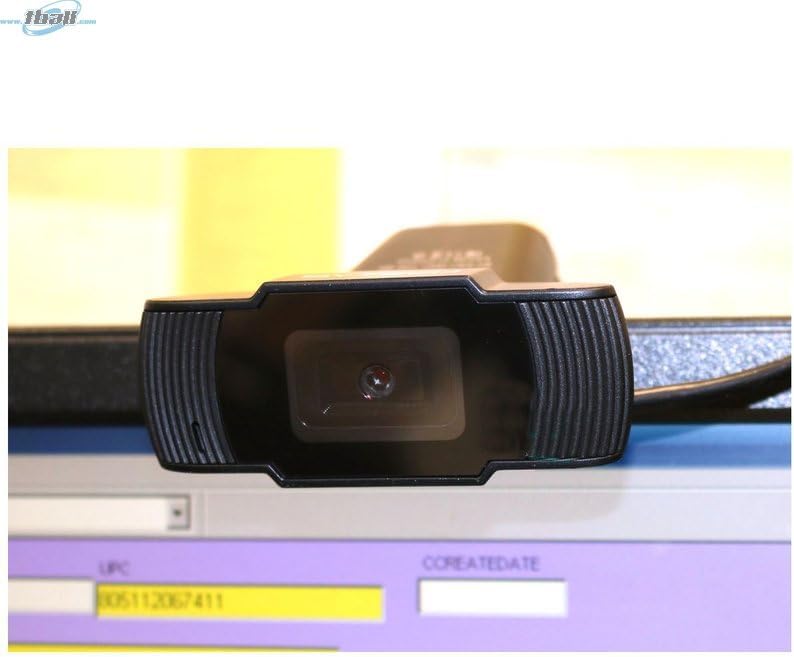
Kuva: Lähikuva view of the Bytech BYMCWC101BLK PC Web Camera's lens, highlighting its design and integrated privacy cover (if applicable, otherwise just lens).
5. Huolto
To ensure optimal performance and extend the lifespan of your webnokka:
- Puhdistus: Gently wipe the lens with a soft, lint-free cloth. Avoid using harsh chemicals or abrasive materials.
- Varastointi: Kun et käytä sitä, säilytä webcam in a clean, dry environment away from direct sunlight and extreme temperatures.
- Kaapelihuolto: Älä taivuta tai purista USB-kaapelia liikaa.
6. Vianmääritys
Jos kohtaat ongelmia webkamera, katso seuraavat yleiset ongelmat ja ratkaisut:
- Ei kuvaa/videota:
- Varmista, että USB-kaapeli on kytketty kunnolla molempiin webkamera ja tietokoneesi.
- Kokeile kytkeä webkamera toiseen USB-porttiin.
- Käynnistä tietokone uudelleen.
- Check your application settings to ensure the Bytech webkamera on valittu videotulolaitteeksi.
- Huono videon laatu:
- Varmista riittävä valaistus ympäristössäsi.
- Puhdista webkameran linssi pehmeällä liinalla.
- Check your application's video settings for resolution and frame rate.
- Mikrofoni ei toimi (jos sovellettavissa):
- Varmista, että webcam's microphone is selected as the audio input device in your computer's sound settings and within your application.
- Ensure the microphone is not muted in your system or application.
7. Tekniset tiedot
| Ominaisuus | Yksityiskohta |
|---|---|
| Mallin nimi | BYMCWC101BLK |
| Merkki | Bytech |
| Yhteystekniikka | USB |
| Valokuvatunnistintekniikka | BSI CMOS |
| Videon kaappausmuoto | MP4 |
| Erikoisominaisuus | Hämärä |
| Väri | Musta |
| Tuotteen paino | 4.9 unssia |
| Pakkauksen mitat | 7.76 x 4.65 x 2.44 tuumaa |
8. Takuu ja tuki
For warranty information or technical support, please refer to the documentation included with your purchase or contact your retailer. Keep your proof of purchase for warranty claims.


