Johdanto
The Logitech G915 LIGHTSPEED is a cutting-edge wireless mechanical gaming keyboard designed for high-performance gaming and productivity. It features low-profile GL mechanical switches, pro-grade 1 ms LIGHTSPEED wireless technology, and customizable LIGHTSYNC RGB lighting. Its ultra-thin yet durable design ensures a premium user experience. This manual provides essential information for setting up, operating, and maintaining your G915 keyboard.
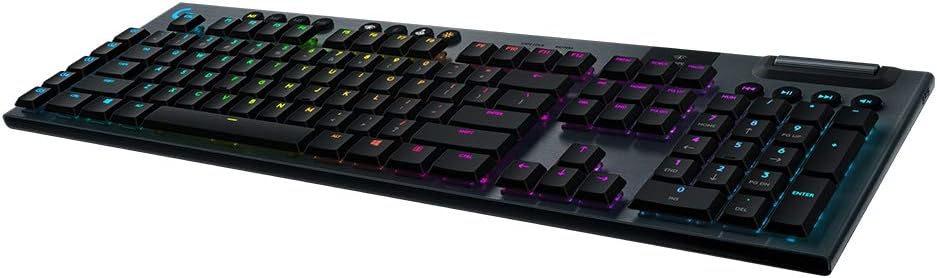
Image: The Logitech G915 LIGHTSPEED Wireless RGB Mechanical Gaming Keyboard, showcasinsen täydellinen asettelu ja RGB-valaistus.
Mitä laatikossa on
Upon unboxing your Logitech G915 LIGHTSPEED keyboard, you should find the following items:
- Logitech G915 LIGHTSPEED Wireless RGB Mechanical Gaming Keyboard
- USB-kaapeli (latausta ja langallista yhteyttä varten)
- LIGHTSPEED USB Receiver
- USB Extender
- Käyttäjän dokumentaatio
Asennus
Fyysiset asetukset
The G915 keyboard features an ultra-thin design, making it a sleek addition to any setup while minimizing desk space. It is crafted from aircraft-grade aluminum alloy for durability.

Kuva: Sivuprofiilifile of the Logitech G915, highlighting its ultra-thin design.
Yhteydet
The G915 offers dual connectivity options: LIGHTSPEED wireless and Bluetooth. You can easily toggle between these modes to connect to multiple devices.
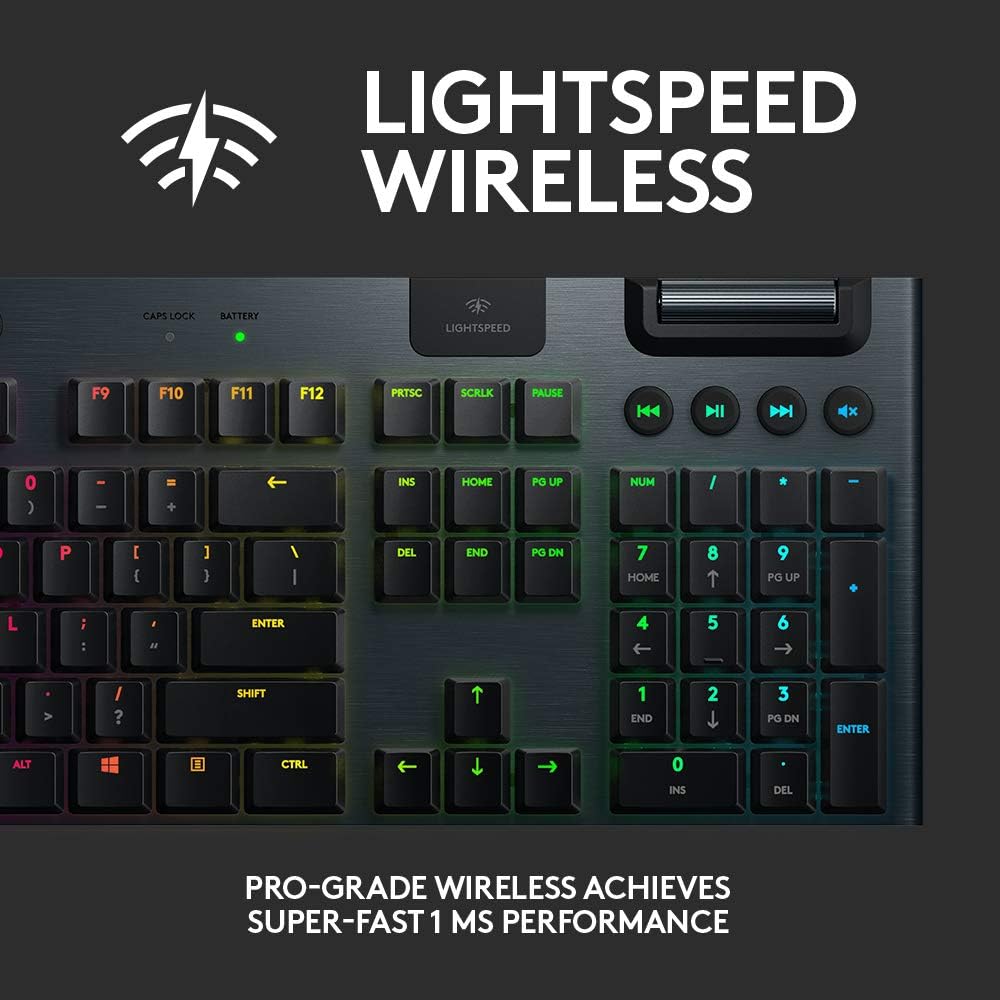
Image: Close-up of the LIGHTSPEED wireless indicator on the G915 keyboard.
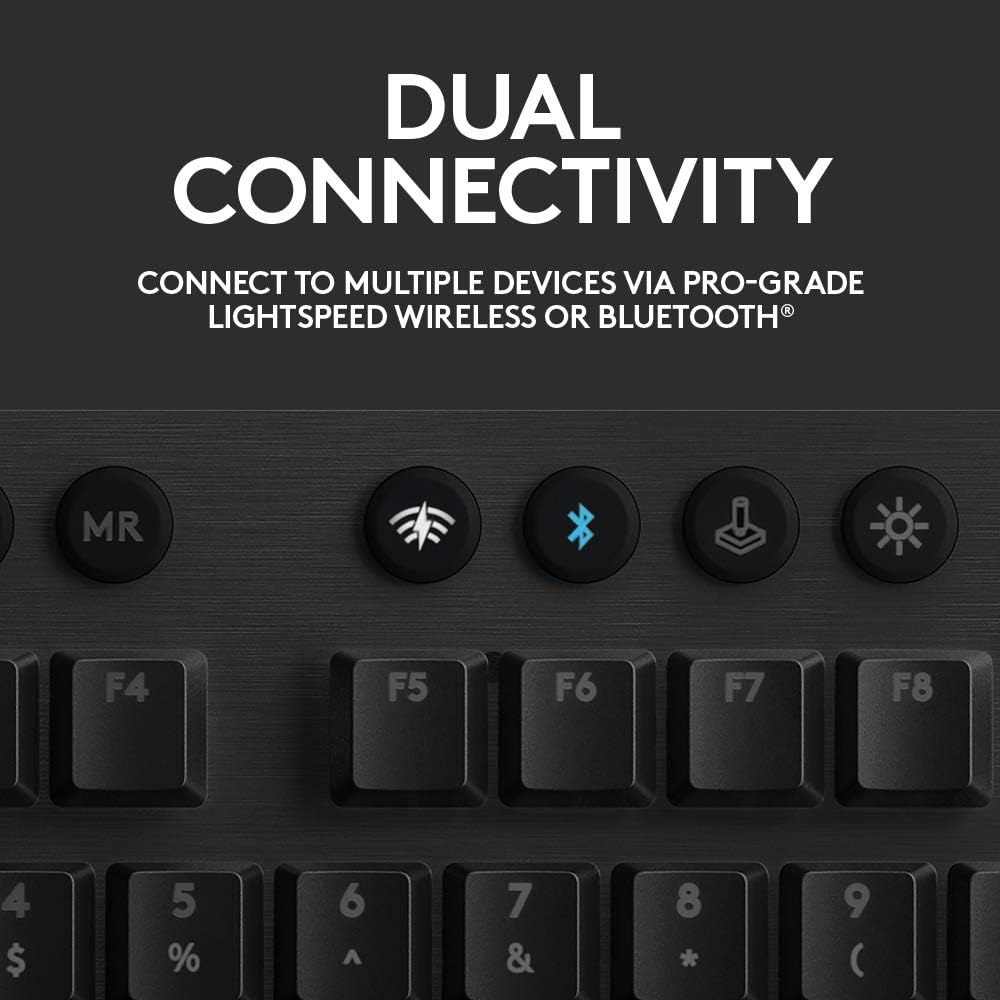
Image: Buttons for LIGHTSPEED and Bluetooth connectivity on the G915 keyboard.
- LIGHTSPEED Wireless: For pro-grade 1 ms performance, connect the included LIGHTSPEED USB receiver to your computer. The keyboard will automatically connect.
- Bluetooth: To connect via Bluetooth, activate Bluetooth pairing mode on the keyboard and select it from your device's Bluetooth settings.
Käyttöohjeet
Tärkeimmät ominaisuudet
The G915 keyboard is equipped with several features to enhance your gaming and typing experience:
- Low Profile Mekaaniset kytkimet: Offers the speed, accuracy, and performance of a mechanical switch at half the height. Available in GL Clicky, GL Tactile, or GL Linear options.
- LIGHTSYNC RGB Lighting: Personalize each key or create custom animations from approximately 16.8 million colors using Logitech G HUB software. Lighting can synchronize with in-game action, audio, and screen color.
- Programmable G-Keys: Five dedicated G-keys (G1-G5) can be programmed with custom macros and commands per game or app profile. Requires Logitech G HUB software for setup and management.
- Mediaohjaimet: Dedicated media keys and a volume wheel provide fast, easy control over video, audio, and streaming.
- Onboard Profiles: The keyboard supports multiple onboard profiles mukautetuille asetuksille.

Image: Diagram illustrating the low-profile mechanical switches of the G915.

Image: The G915 keyboard displaying its advanced LIGHTSYNC RGB lighting with multiple colors.
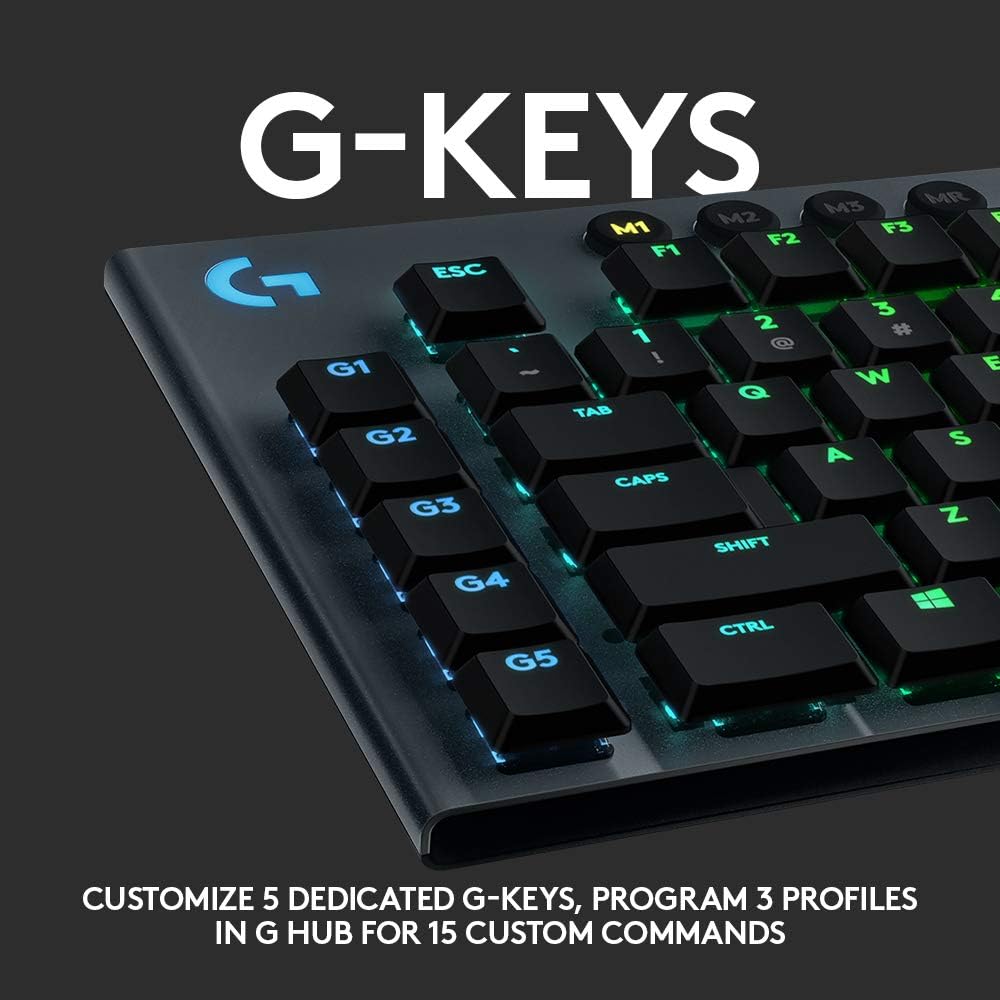
Image: Close-up of the programmable G-keys (G1-G5) on the left side of the G915 keyboard.
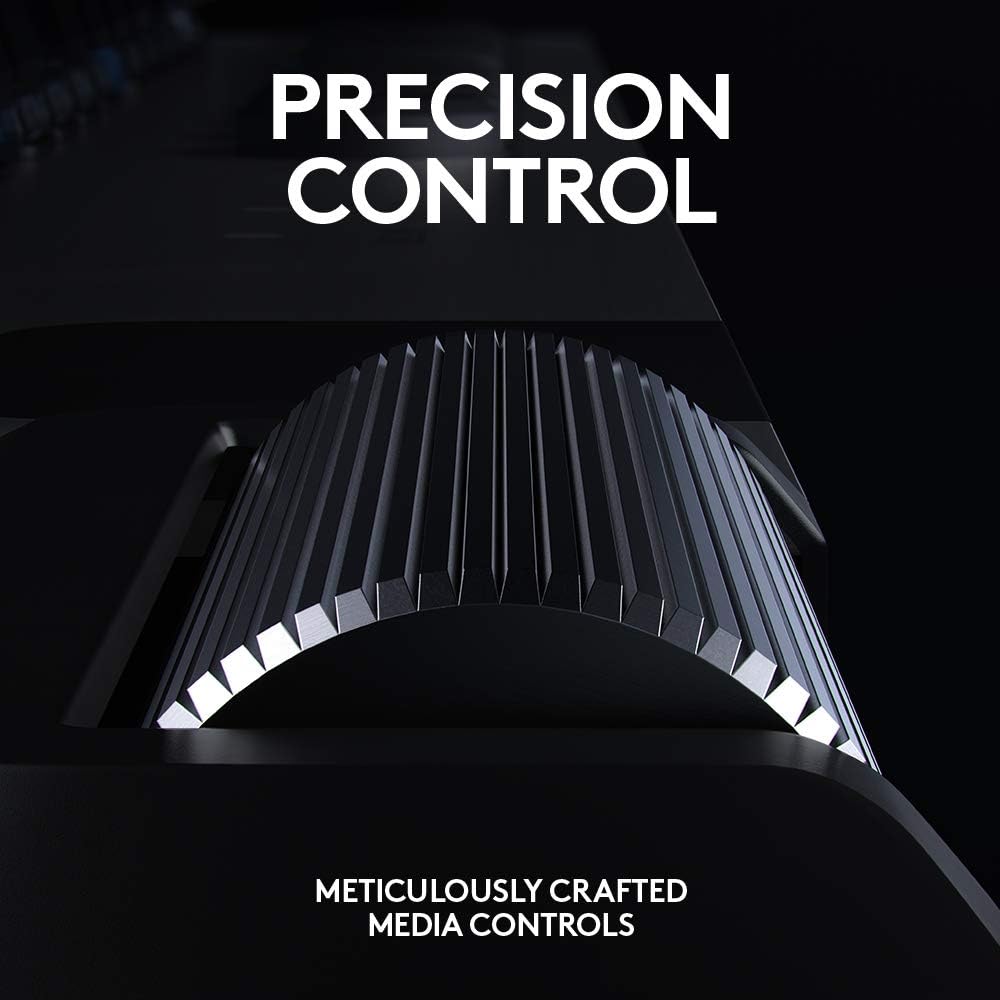
Image: Close-up of the precision control volume wheel on the G915 keyboard.

Kuva: Yliview of the G915 keyboard highlighting onboard profiles, LIGHTSPEED/Bluetooth toggles, game mode, LIGHTSYNC RGB, media controls, programmable G-keys, and low-profile mekaaniset kytkimet.
Lataus ja akku
The G915 provides approximately 30 hours of non-stop gaming on a single full charge. Low battery warnings are indicated by the keyboard battery LED and via pop-up notifications in the Logitech G HUB software. The keyboard quickly recharges in about 3 hours via the included USB cable.
Huolto
To ensure the longevity and optimal performance of your Logitech G915 keyboard, follow these general maintenance guidelines:
- Keep the keyboard clean by regularly dusting the keys and surface with a soft, dry cloth.
- Avoid spilling liquids on the keyboard. In case of a spill, immediately disconnect the keyboard and allow it to dry completely before reconnecting.
- Älä käytä puhdistukseen voimakkaita kemikaaleja tai hankaavia materiaaleja.
- Säilytä näppäimistöä viileässä ja kuivassa paikassa, kun sitä ei käytetä pitkään aikaan.
Vianetsintä
If you encounter any issues with your Logitech G915 keyboard, consider the following basic troubleshooting steps:
- Ei virtaa/Ei vastaa: Ensure the keyboard is charged. Connect it via the USB cable to confirm if it powers on.
- Yhteysongelmat: Verify that the LIGHTSPEED USB receiver is securely plugged into a USB port. If using Bluetooth, ensure Bluetooth is enabled on your device and the keyboard is in pairing mode. Try re-pairing the device.
- Näppäimen toimintahäiriö: Ensure no debris is lodged under the keycap. If issues persist, consult Logitech's official support resources.
- Ohjelmisto-ongelmat: Ensure Logitech G HUB software is up-to-date. Restart the software or your computer.
For more detailed troubleshooting or persistent issues, please refer to the official Logitech support websivustolla tai ota yhteyttä heidän asiakaspalveluunsa.
Tekniset tiedot
| Ominaisuus | Yksityiskohta |
|---|---|
| Tuotteen mitat | 22.5 x 7.9 x 1.8 tuumaa |
| Tuotteen paino | 1 kiloa |
| Valmistaja | Logitech |
| ASIN | B08VDYVYNJ |
| Tuotteen mallinumero | 920-009103 |
| Paristot | Tarvitaan 1 litiumpolymeeriakku |
| Yhteystekniikka | Wireless (LIGHTSPEED, Bluetooth) |
| Näppäimistön kuvaus | Pelaaminen |
| Erikoisominaisuudet | Bluetooth, Lighting, Wireless |
| Väri | Black (RGB Lighting) |
| Avainten määrä | 104 |
| Näppäimistön taustavalo | RGB (LIGHTSYNC) |
| Tyyli | Clicky (GL Clicky switches) |
Takuu ja tuki
This Logitech G915 keyboard is a renewed product. Please refer to the specific warranty information provided by the seller at the time of purchase, as renewed products may have different warranty terms than new products.
For technical support, driver downloads, and additional resources, please visit the official Logitech support website. You can also find community forums and FAQs that may assist with common queries.


