1. Johdanto
Thank you for choosing the MageGee G6 Wired Gaming Mouse. This ergonomic USB optical mouse is designed to enhance your gaming and work experience with its high precision sensor, adjustable speed levels, and vibrant LED backlighting. Please read this manual thoroughly to ensure proper setup and optimal performance.
2. Asennus
2.1 Pakkauksen sisältö
- MageGee G6 Wired Gaming Mouse
- Käyttöohje
2.2 Järjestelmävaatimukset
- Operating System: Windows 10, Windows 8, Windows 7, Windows XP, WinME, Vista, Linux, etc.
- Käytettävissä oleva USB -portti
2.3 Hiiren kytkeminen
- Locate an available USB port on your computer (PC, Laptop, or Desktop).
- Plug the USB connector of the MageGee G6 mouse into the USB port.
- The mouse is plug-and-play; no additional drivers or software are required for basic functionality.
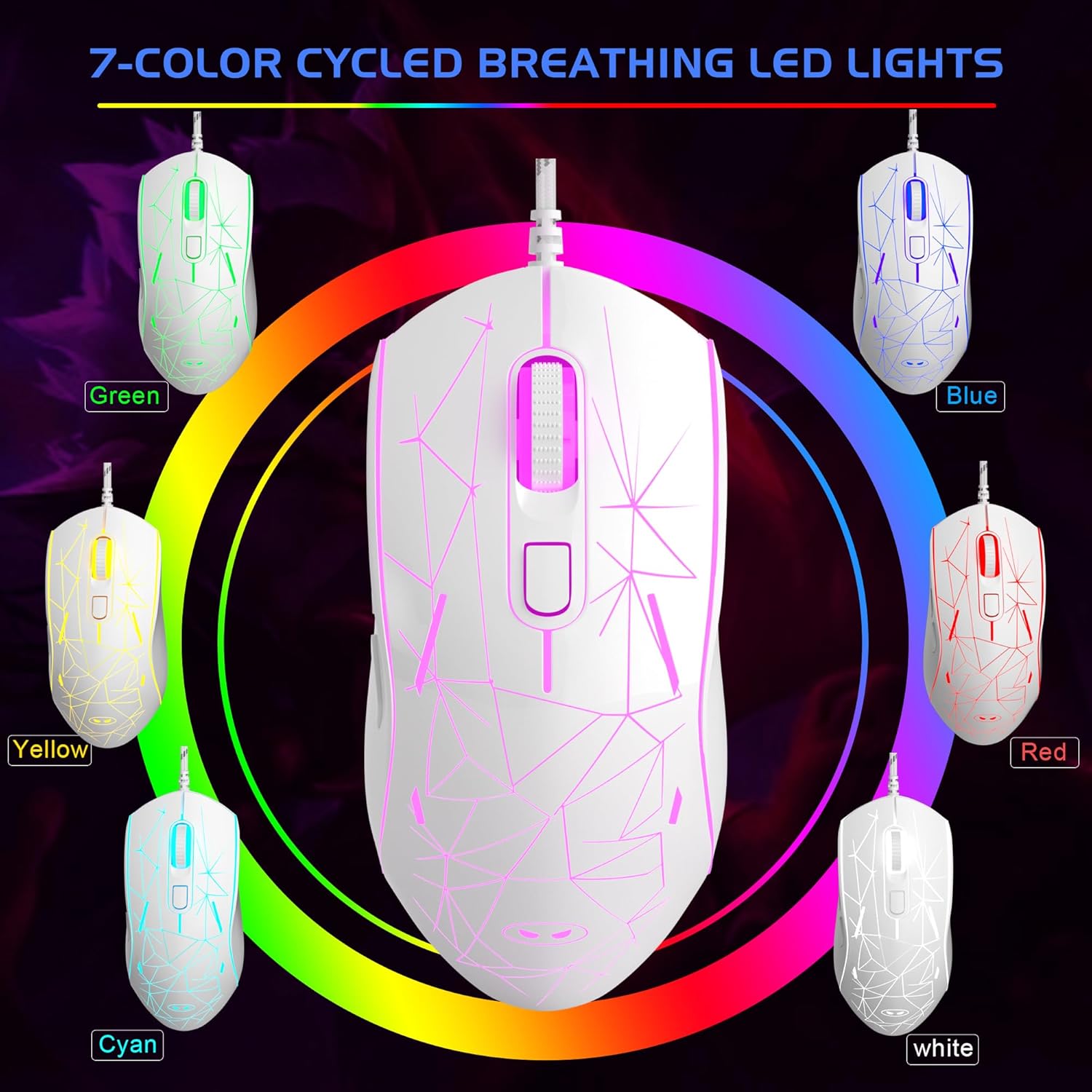
Image: The MageGee G6 Wired Gaming Mouse with its USB cable connected to a computer.
3. Käyttöohjeet
3.1 Painikkeiden toiminnot
The MageGee G6 offers 6 flexible buttons for versatile control:
- Vasen painike: Normaali vasemman painikkeen napsautustoiminto.
- Oikea painike: Normaali hiiren kakkospainikkeen toiminto.
- Vierityspyörä: Vierittää ylös/alas ja toimii keskipainikkeena.
- Speed Button (DPI Button): Adjusts the DPI (Dots Per Inch) sensitivity.
- Eteenpäin-painike: Navigoi eteenpäin kohdassa web selaimissa tai sovelluksissa.
- Takaisin-painike: Navigoi taaksepäin web selaimissa tai sovelluksissa.
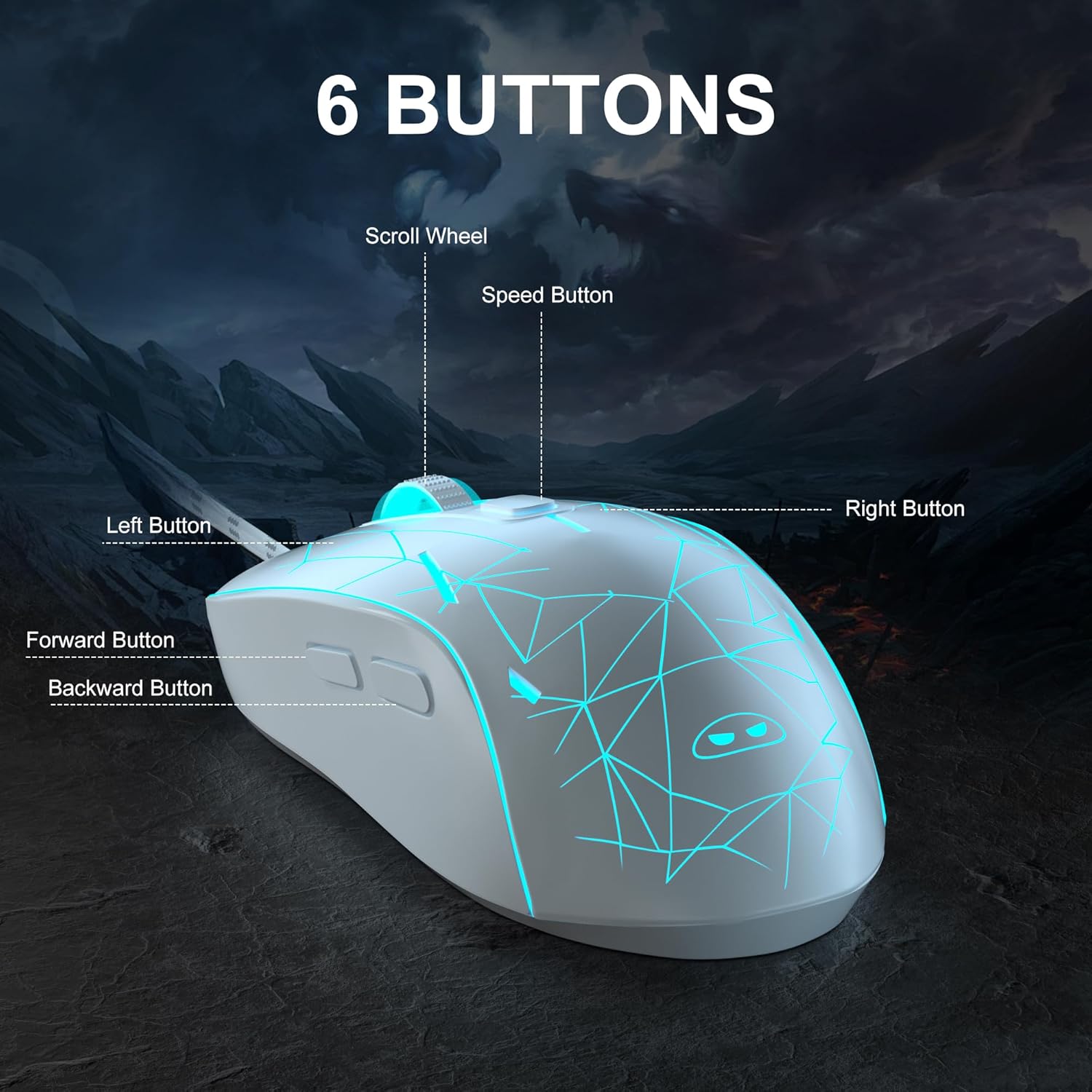
Kuva: Yksityiskohtainen view of the MageGee G6 mouse highlighting the Left, Right, Scroll Wheel, Speed, Forward, and Back buttons.
3.2 Adjusting DPI Speed Levels
The MageGee G6 offers 6 adjustable DPI speed levels for precise cursor control:
- 600 DPI
- 800 DPI
- 1200 DPI
- 1600 DPI
- 2400 DPI
- 3200 DPI
Paina Nopeuspainike (located below the scroll wheel) to cycle through the different DPI settings. Each press will change the sensitivity, allowing you to find the optimal speed for your tasks or games.
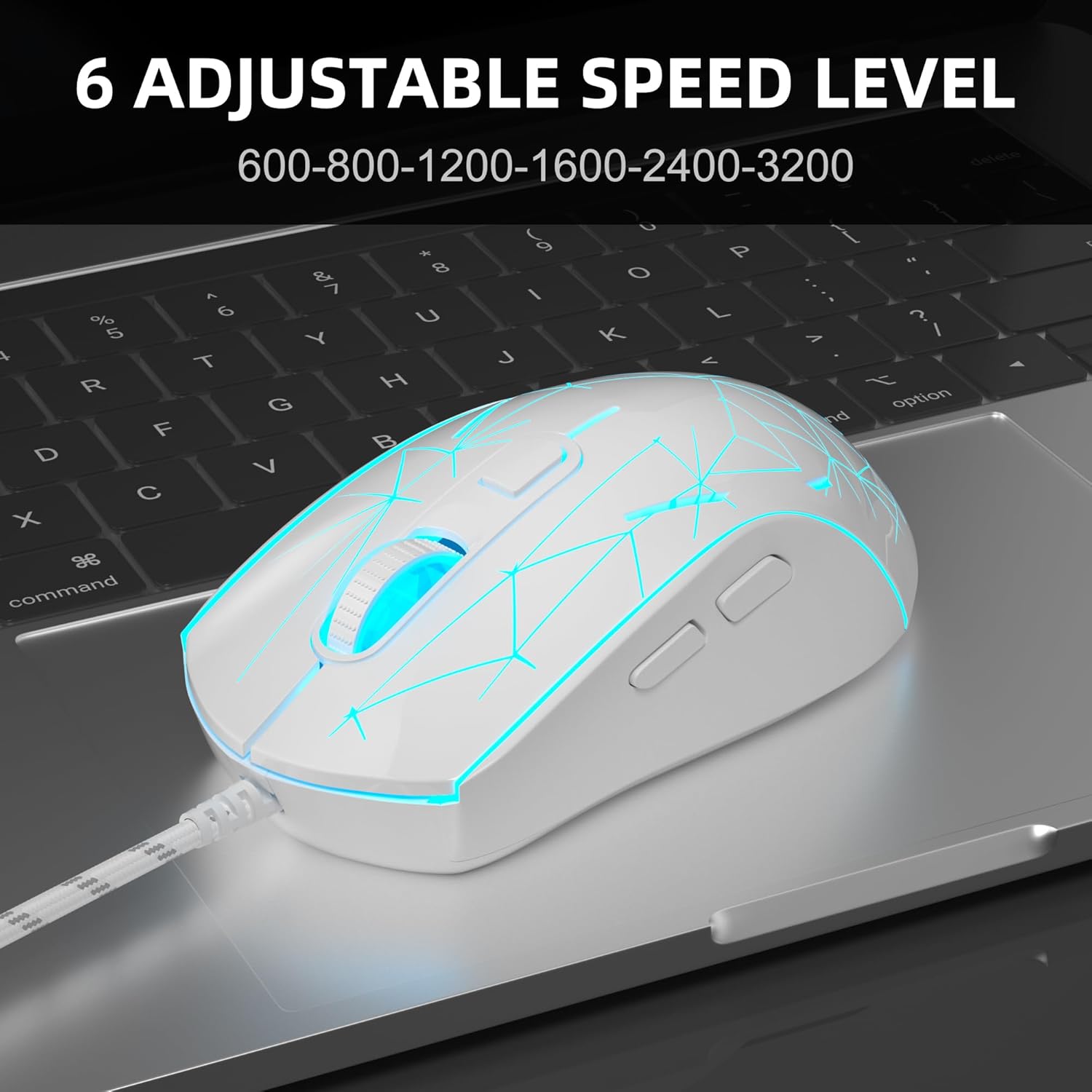
Image: The MageGee G6 mouse in use, demonstrating the adjustable DPI settings from 600 to 3200.
3.3 LED-taustavalon säätö
The MageGee G6 features 7-color breathing LED backlighting. You can control the lighting as follows:
- Vaihda väriä: Paina Nopeuspainike ja Eteenpäin-painike simultaneously to cycle through and lock a specific color.
- Valot päälle/pois: Paina ja pidä painettuna Nopeuspainike for 3 seconds to toggle the LED lights on or off.
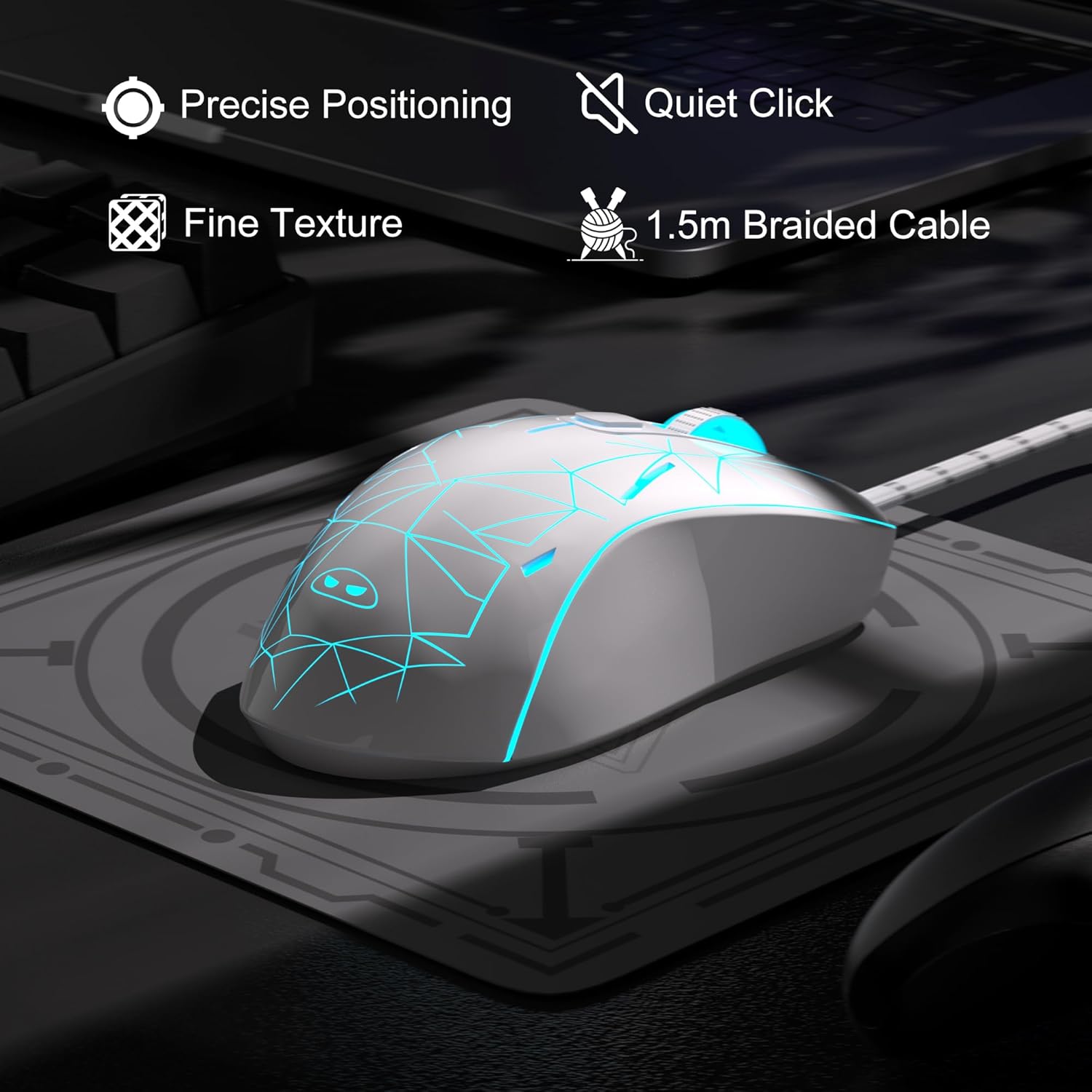
Image: The MageGee G6 mouse showcasing its 7-color breathing LED lights, including green, yellow, cyan, blue, red, and white.
4. Huolto
- Puhdistus: Puhdista hiiri pehmeällä, kuivalla liinalla. Vältä voimakkaiden kemikaalien tai hankaavien materiaalien käyttöä.
- Kaapelihuolto: Do not pull or twist the braided USB cable excessively to prevent damage.
- Varastointi: Store the mouse in a dry place away from extreme temperatures.
5. Vianmääritys
5.1 Hiiri ei vastaa
- Varmista, että USB-kaapeli on kytketty tukevasti tietokoneen toimivaan USB-porttiin.
- Kokeile kytkeä hiiri toiseen USB-porttiin.
- Käynnistä tietokone uudelleen.
5.2 LED-valot eivät toimi
- Varmista, että hiiri on kytketty oikein tietokoneeseen.
- Paina ja pidä painettuna Nopeuspainike for 3 seconds to toggle the LED lights on or off.
5.3 Kohdistimen liike on epäsäännöllistä
- Puhdista hiiren pohjassa oleva optinen anturi pehmeällä liinalla.
- Varmista, että käytät hiirtä sopivalla alustalla (esim. hiirimatolla).
- Adjust the DPI sensitivity using the Nopeuspainike.
6. Tekniset tiedot
| Ominaisuus | Yksityiskohta |
|---|---|
| Merkki | MageGee |
| Malli | G6 |
| Yhteystekniikka | USB, langallinen |
| Liiketunnistustekniikka | Optinen |
| DPI-tasot | 600/800/1200/1600/2400/3200 (Adjustable) |
| Painikkeet | 6 (Left, Right, Scroll Wheel, Speed, Forward, Back) |
| LED-taustavalo | 7 väriä hengittävää LEDiä (sininen, punainen, vihreä, violetti, syaani, keltainen, valkoinen) |
| Kaapelin pituus | 1.5 meters (Durable Braided Cable) |
| Ergonomia | Ergonomic Design with Comfortable Grip |
| Yhteensopivuus | Windows 10, 8, 7, XP, WinME, Vista, Linux, PC, Laptop, Desktop |
| Tuotteen paino | 5.6 unssia |
| Pakkauksen mitat | 5.31 x 3.62 x 1.65 tuumaa |
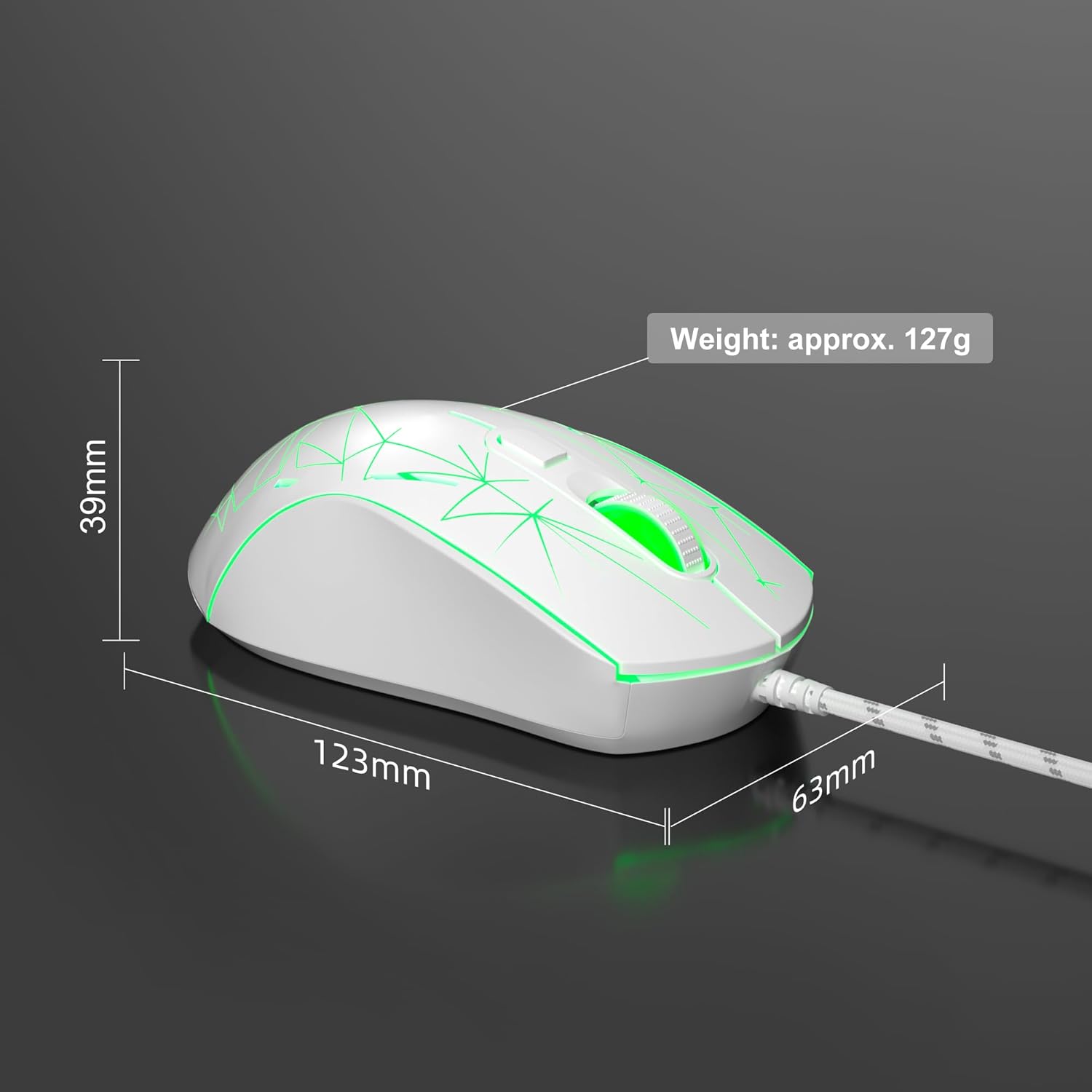
Image: Diagram illustrating the dimensions of the MageGee G6 Wired Gaming Mouse (123mm length, 63mm width, 39mm height, approx. 127g weight).
7. Takuu ja tuki
For warranty information and customer support, please refer to the official MageGee websivustolta tai ota yhteyttä jälleenmyyjään. Säilytä ostokuitti takuuvaatimuksia varten.
MageGee is committed to technological and product innovation, providing quality computer peripherals. Our after-sales team is available to promptly respond and solve your problems.
Vieraile osoitteessa MageGee-kauppa saadaksesi lisää tuotteita ja tietoa.


