1. Johdanto
This manual provides essential information regarding the Tekswamp Genuine OEM DMD DLP chip, designed for use with specific BenQ projector models. It covers product overview, compatibility, safety guidelines, installation considerations, maintenance, troubleshooting, and warranty details. Please read this manual thoroughly before attempting any installation or service.
2. Tuote ohiview
The Digital Micromirror Device (DMD) is the core component of a Digital Light Processing (DLP) projector. This OEM (Original Equipment Manufacturer) chip is a genuine replacement part, ensuring compatibility and optimal performance for your BenQ projector. It is responsible for creating the image by precisely controlling millions of microscopic mirrors.

Image 1: Front (mirror array) and back (pin grid) views of the DMD DLP chip. The front shows the square mirror array, while the back displays the electrical contact pins.
3. Yhteensopivuus
This Tekswamp Genuine OEM DMD DLP chip is specifically designed for the following BenQ projector models:
- BenQ MP515ST
- BenQ MP513
- BenQ MS502P
- BenQ MP515
- BenQ MS510
- BenQ MP514
- BenQ MP615P
Ensure your projector model is listed above to guarantee proper fit and function. Using this chip with incompatible models may result in damage to the projector or the chip itself.
4. Turvallisuustiedot
WARNING: Installation of this component requires advanced technical skills and should ideally be performed by a qualified professional. Improper installation can lead to serious damage to the projector, the chip, or personal injury due to electrical hazards.
- Always disconnect the projector from the power source and allow it to cool completely before beginning any service.
- Wear anti-static gloves and use an anti-static mat to prevent electrostatic discharge (ESD), which can damage sensitive electronic components.
- Handle the DMD chip by its edges only. Avoid touching the mirror array surface or the electrical pins.
- Pidä pienet osat ja työkalut poissa lasten ulottuvilta.
- Refer to your specific BenQ projector's service manual for detailed disassembly and reassembly instructions.
5. Asennusta koskevia huomioita
Replacing a DMD DLP chip is a complex procedure that involves disassembling the projector. The following steps are general guidelines. Always consult your projector's specific service manual for precise instructions.
- Valmistelu: Disconnect power, allow cooling, and prepare a clean, static-free workspace.
- purkaminen: Carefully open the projector casing. This often involves removing screws, covers, and sometimes other internal components to access the optical engine.
- Locate the Old Chip: The DMD chip is typically housed within the optical engine, often under a heatsink or protective cover.
- Remove the Old Chip: Gently unfasten any retaining clips or screws holding the chip in place. Carefully lift the old chip, avoiding contact with the mirror surface or pins.
- Install the New Chip: Align the new Tekswamp OEM DMD DLP chip with the socket. Ensure all pins are correctly aligned before gently pressing it into place. Do not force the chip.
- Suojaa siru: Reattach any retaining clips or screws. Apply thermal paste if required by your projector's design (refer to service manual).
- Kokoaminen: Carefully reassemble the projector, ensuring all connections are secure and no wires are pinched.
- Testaus: Power on the projector and test its functionality. Check for image quality, dead pixels, or other anomalies.

Kuva 2: Yksityiskohtainen view of the chip's underside, highlighting the grid of gold electrical contact pins. Proper alignment of these pins is critical during installation.
If you are unsure about any step, it is highly recommended to seek assistance from a certified projector repair technician.
6. Huolto
Once the DMD DLP chip is installed, its primary maintenance involves ensuring the projector's overall cleanliness and proper operating environment.
- Pölynesto: Regularly clean the projector's air filters to prevent dust accumulation inside the optical engine, which can affect image quality and chip lifespan.
- Lämpötilan säätö: Ensure the projector operates in a well-ventilated area to prevent overheating, which can degrade electronic components, including the DMD chip.
- Käsittely: If the chip ever needs to be removed again, follow all safety precautions, especially regarding static electricity and touching the mirror surface.
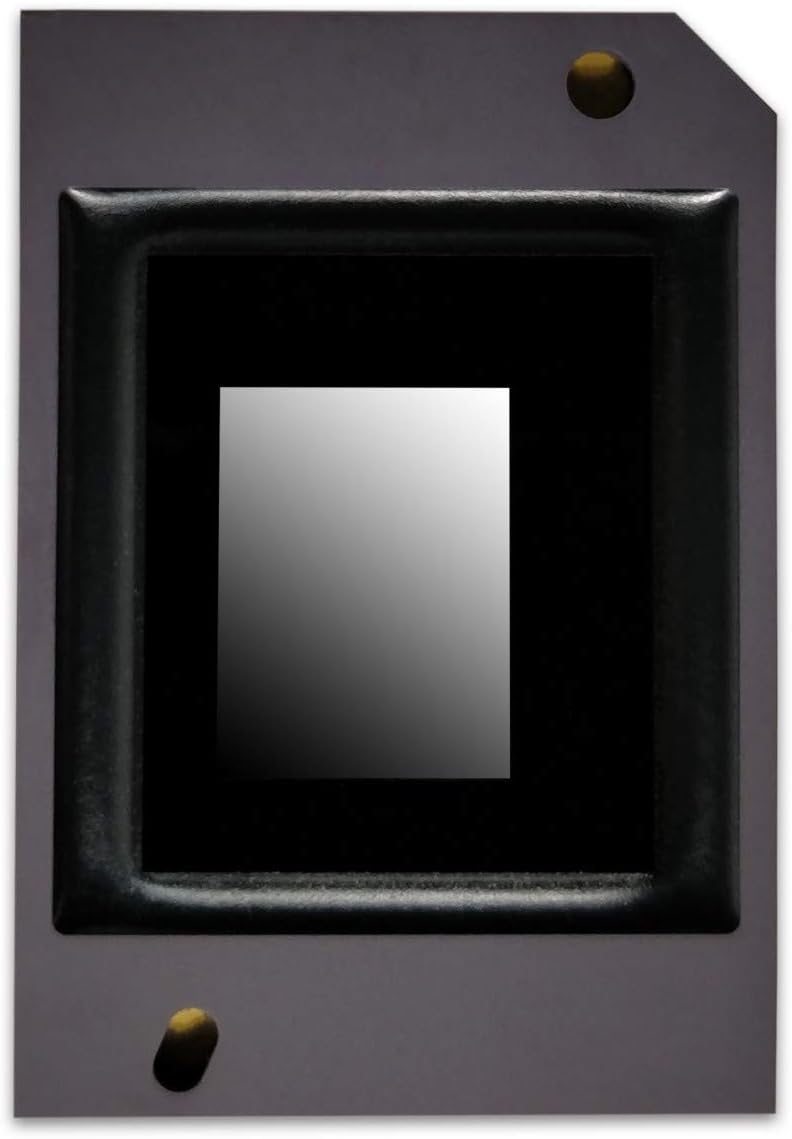
Image 3: Close-up of the DMD chip's mirror array, the delicate surface responsible for image projection. This surface should never be touched directly.
7. Vianmääritys
If you encounter issues after installing the new DMD DLP chip, consider the following common problems and solutions:
| Ongelma | Mahdollinen syy | Ratkaisu |
|---|---|---|
| Ei kuvaa tai vääristynyt kuva | Chip not seated correctly, damaged pins, or other internal connection issues. | Re-check chip seating. Ensure all internal cables are properly connected. |
| White or black dots (dead pixels) | This chip is designed to resolve dead pixel issues. If they persist, the chip may be faulty or not installed correctly. | Verify proper installation. If issue persists, contact Tekswamp support for warranty claim. |
| Color uniformity issues | Could be related to color wheel, light engine, or incorrect chip installation. | Ensure chip is correctly installed. Check other projector components. |
| Projector not powering on | Unrelated to DMD chip, or a critical component was dislodged during installation. | Check power connections, lamp, and other internal components. |
If troubleshooting steps do not resolve the issue, or if you are uncomfortable performing these checks, please contact a qualified technician or Tekswamp tukea.
8. Tekniset tiedot
- Tuotetyyppi: Digital Micromirror Device (DMD) DLP Chip
- Merkki: Tekswamp (Genuine OEM)
- Yhteensopivuus: BenQ MP515ST, MP513, MS502P, MP515, MS510, MP514, MP615P Projectors
- Takuu: 90 Days by Tekswamp
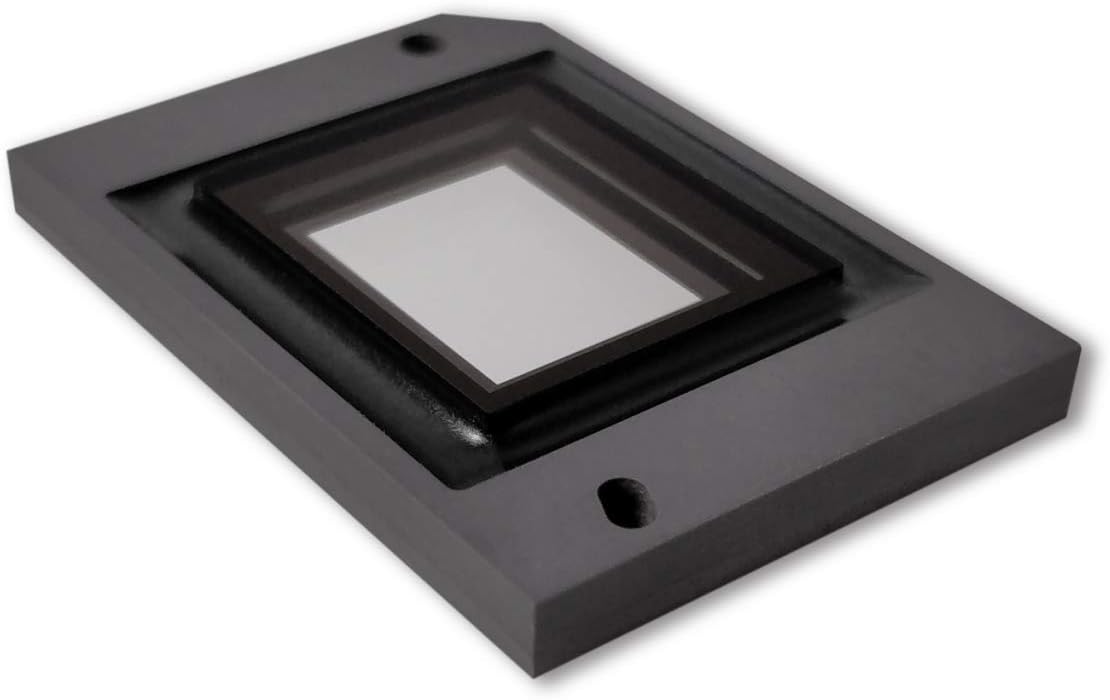
Image 4: An angled perspective of the DMD chip, providing a clearer view of the mirror array and its protective frame.
9. Takuu ja tuki
This Tekswamp Genuine OEM DMD DLP chip is backed by a 90 päivän takuu provided by Tekswamp. Tämä takuu kattaa materiaali- ja valmistusvirheet normaalikäytössä.
Mitä takuu kattaa:
- Valmistusvirheitä
- Malfunctions occurring under normal operating conditions
Mitä takuu EI kata:
- Virheellisestä asennuksesta johtuvat vauriot
- Damage from misuse, neglect, or accidents
- Vahingot luvattomista korjauksista tai muutoksista
- Damage from electrostatic discharge (ESD) due to improper handling
To Claim Warranty Support:
If you believe your product is defective and falls within the warranty period, please contact Tekswamp customer support directly. You may be required to provide proof of purchase and details of the issue.
Jos tarvitset lisäapua tai teknisiä kysymyksiä, käy osoitteessa Tekswamp Kauppa Amazonissa or refer to your original purchase documentation for contact information.

Image 5: The Tekswamp DMD DLP chip securely packaged in an anti-static bag, ready for shipment or installation. This packaging protects the sensitive component from static electricity.


