Johdanto
Kiitos ostoksestasiasing the Wireless Gear Secure Fit Wireless Bluetooth Earbuds. This manual provides essential information for setting up, operating, maintaining, and troubleshooting your new device. Please read it carefully to ensure optimal performance and longevity of your earbuds.
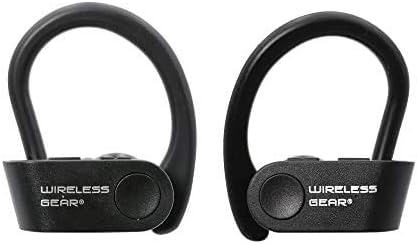
Image: A pair of black Wireless Gear Secure Fit Wireless Bluetooth Earbuds, showing their ergonomic design with ear hooks.
Asennus
Follow these steps to set up your Wireless Gear earbuds for the first time.
1. Kuulokkeiden lataaminen
Before first use, ensure the earbuds are fully charged. While specific charging instructions are not provided, these earbuds typically charge via a USB cable. Connect the charging cable to the earbuds and a power source. A full charge usually takes 1-2 hours.
2. Pariliitoksen muodostaminen laitteesi kanssa
The Wireless Gear earbuds feature automatic pairing for seamless connection.
- Varmista, että kuulokkeet on ladattu ja kytketty päälle.
- Activate Bluetooth on your smartphone, tablet, laptop, or MP3 player.
- Etsi available Bluetooth devices. The earbuds should appear as "Wireless Gear Earbuds" or a similar name.
- Select the earbuds from the list to connect. Once connected, you will hear an audio confirmation.
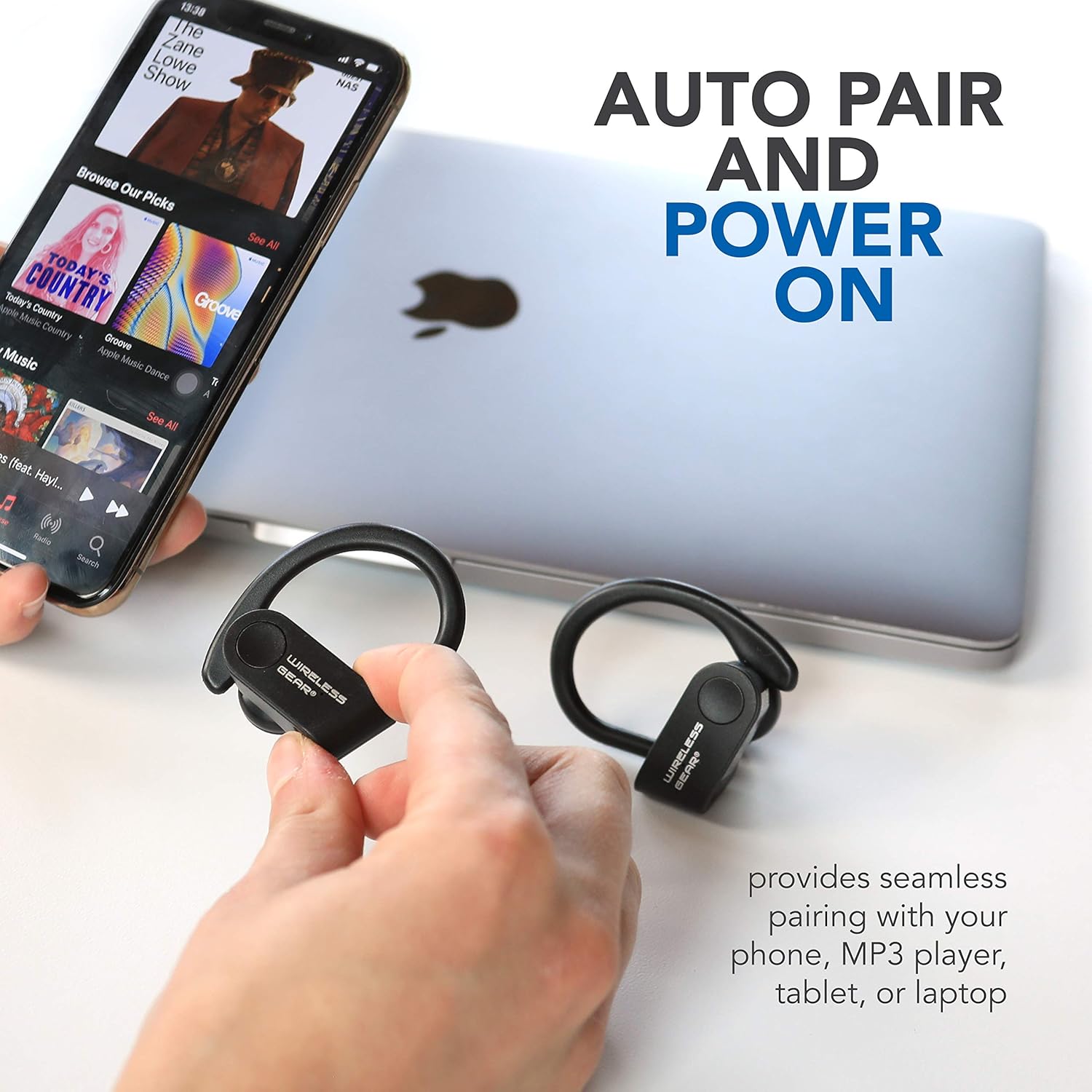
Image: The earbuds shown next to a smartphone and laptop, illustrating the automatic pairing and power-on feature for seamless connection with various devices.
3. Turvallisen istuvuuden saavuttaminen
The earbuds are designed with secure behind-the-ear hooks and ear gels for comfortable all-day wear, especially during activities like sports.
- Aseta korvanappi varovasti korvakäytävään.
- Position the ear hook over the back of your ear, ensuring it rests comfortably and securely.
- Adjust the earbud and hook until you achieve a snug fit that feels stable without causing discomfort.

Image: A person wearing the Wireless Gear earbuds, demonstrating the secure behind-the-ear fit provided by the contoured shape and ear hooks.
Käyttöohjeet
The Wireless Gear earbuds feature convenient one-touch controls for easy operation.
Musiikin toiston ohjaus
- Toista/tauko: Single tap the touch button on either earbud.
- Seuraava kappale: Double tap the touch button on the right earbud.
- Edellinen kappale: Double tap the touch button on the left earbud.
Puhelujen hallinta
With the built-in microphone, you can manage calls hands-free.
- Puhelun vastaaminen/lopetus: Single tap the touch button on either earbud during an incoming call.
- Hylkää puhelu: Press and hold the touch button for 2 seconds during an incoming call.
Ääniavustajan aktivointi
For iOS devices, you can activate Siri using the earbuds.
- Aktivoi Siri: Triple tap the touch button on either earbud.
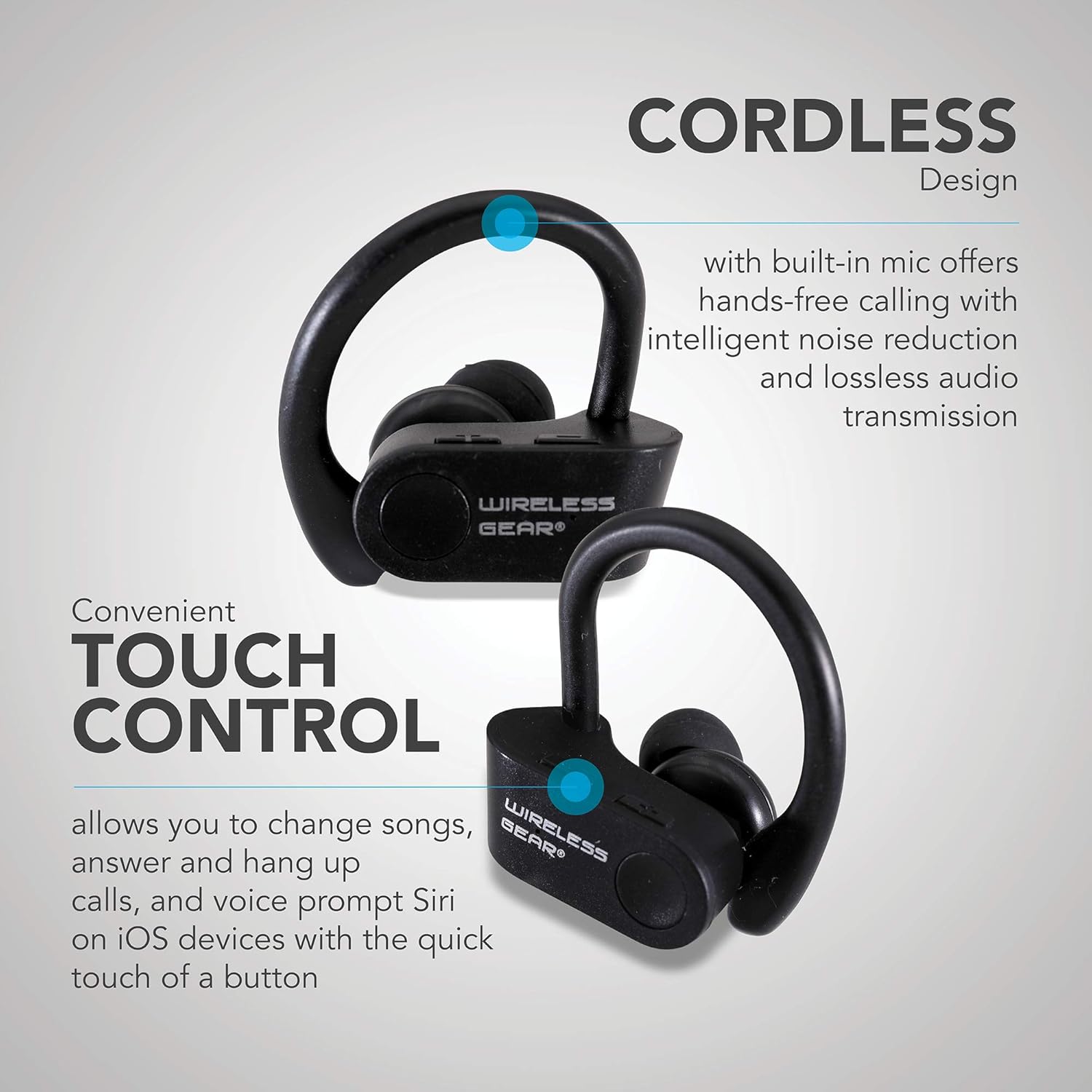
Kuva: Lähikuva view of the earbuds highlighting the touch control area and indicating features like hands-free calling with noise reduction.
Akun kesto
The earbuds provide up to 8 hours of playtime on a single charge, depending on usage volume and conditions.

Image: A person wearing the earbuds, with text indicating "True Wireless Bluetooth Sport Earhooks," "up to 8 HOURS of playtime," and "Advanced Bluetooth 5.0."
Huolto
Oikea hoito pidentää kuulokkeiden käyttöikää.
- Puhdistus: Puhdista nappikuulokkeet pehmeällä, kuivalla ja nukkaamattomalla liinalla. Älä käytä voimakkaita kemikaaleja tai hankaavia materiaaleja.
- Varastointi: Kun nappikuulokkeita ei käytetä, säilytä niitä viileässä, kuivassa paikassa, poissa suorasta auringonvalosta ja äärimmäisistä lämpötiloista.
- Veden altistuminen: Avoid exposing the earbuds to excessive moisture or submerging them in water. While designed for sports, they are not fully waterproof unless specified.
Vianetsintä
Jos kuulokkeissasi on ongelmia, kokeile seuraavia ratkaisuja:
| Ongelma | Mahdollinen syy | Ratkaisu |
|---|---|---|
| Earbuds won't turn on. | Akku vähissä. | Lataa nappikuulokkeet täyteen. |
| Laitteen pariliitos ei onnistu. | Bluetooth is off on device; earbuds not in pairing mode; too far from device. | Ensure Bluetooth is enabled. Make sure earbuds are powered on and discoverable. Move earbuds closer to the device (within 10 meters). Try forgetting the device on your phone and re-pairing. |
| Ei ääntä tai äänenlaatu on huono. | Volume too low; earbuds not properly connected; interference. | Increase volume on both earbuds and connected device. Reconnect the earbuds. Move away from sources of strong electromagnetic interference. |
| Kuulokkeet irtoavat usein. | Kantaman ulkopuolella; heikko akku; häiriö | Stay within Bluetooth range. Charge the earbuds. Avoid strong Wi-Fi signals or other Bluetooth devices nearby. |
Tekniset tiedot
| Ominaisuus | Yksityiskohta |
|---|---|
| Mallin nimi | Wireless Gear True Wireless Bluetooth Secure Fit Earbuds, Black |
| Mallinumero | G0688 |
| Merkki | Langaton vaihde |
| Yhteystekniikka | Langaton (Bluetooth 5.0) |
| Korvien sijoitus | In-Ear with Secure Ear Hooks |
| Valvontamenetelmä | Kosketa |
| Väri | Musta |
| Yhteensopivat laitteet | Laptops, MP3 Players, Tablets, Mobile Phones |
| Erikoisominaisuudet | Designed for Sports, Hands-free Calling, Noise Reduction |
| Akun tyyppi | 2 litiumioni (mukana) |
| Arvioitu peliaika | Jopa 8 tuntia |
| Tuotteen mitat | Approx. 5.7 cm x 5.7 cm x 1.9 cm (2.25" x 2.25" x 0.75" each earbud) |
| Pakkauksen mitat | 13.97 x 7.62 x 3.81 cm |
| Tuotteen paino | 227 g (pakkauksen paino) |

Image: Diagram showing the approximate dimensions of the Wireless Gear earbuds, indicating their compact size.
Takuu ja tuki
For detailed warranty information and customer support, please refer to the documentation included with your purchase or visit the official Wireless Gear websivusto. Säilytä ostokuittisi mahdollisten takuuvaatimusten varalta.
Online-tuki: www.wirelessgear.com/support (EsimampKatso oikeat tiedot tuotteen varsinaisista dokumenteista linkin kautta. URL)


