1. Johdanto
This manual provides essential information for the safe and efficient use of your Amazon Fire HD 10 tablet (2021 release). Please read it thoroughly before operating your device.
Tärkeimmät ominaisuudet
- Fast and Responsive: Powered by an octa-core processor and 3 GB RAM, offering 50% more RAM than the previous generation.
- Pitkäkestoinen akku: Up to 12 hours of battery life for reading, browsing, video, and music.
- Elävä näyttö: 10.1-inch 1080p Full HD display, 10% brighter than the previous generation, with over 2 million pixels.
- Ample Varastointi: Available with 32 GB or 64 GB internal storage, expandable up to 1 TB with a microSD card (sold separately).
- Sovellusten yhteensopivuus: Access to popular apps like Netflix, Facebook, Disney+, Instagram, TikTok, and more via Amazon’s Appstore.
- Tuottavuustyökalut: Supports apps like Microsoft Office, OneNote, and Dropbox for enhanced productivity.
- Kestävä muotoilu: Thinner and lighter than the previous generation, with a screen strengthened by aluminosilicate glass.
- Jaetun näytön toiminnot: Allows two compatible apps to be open side-by-side for multitasking.
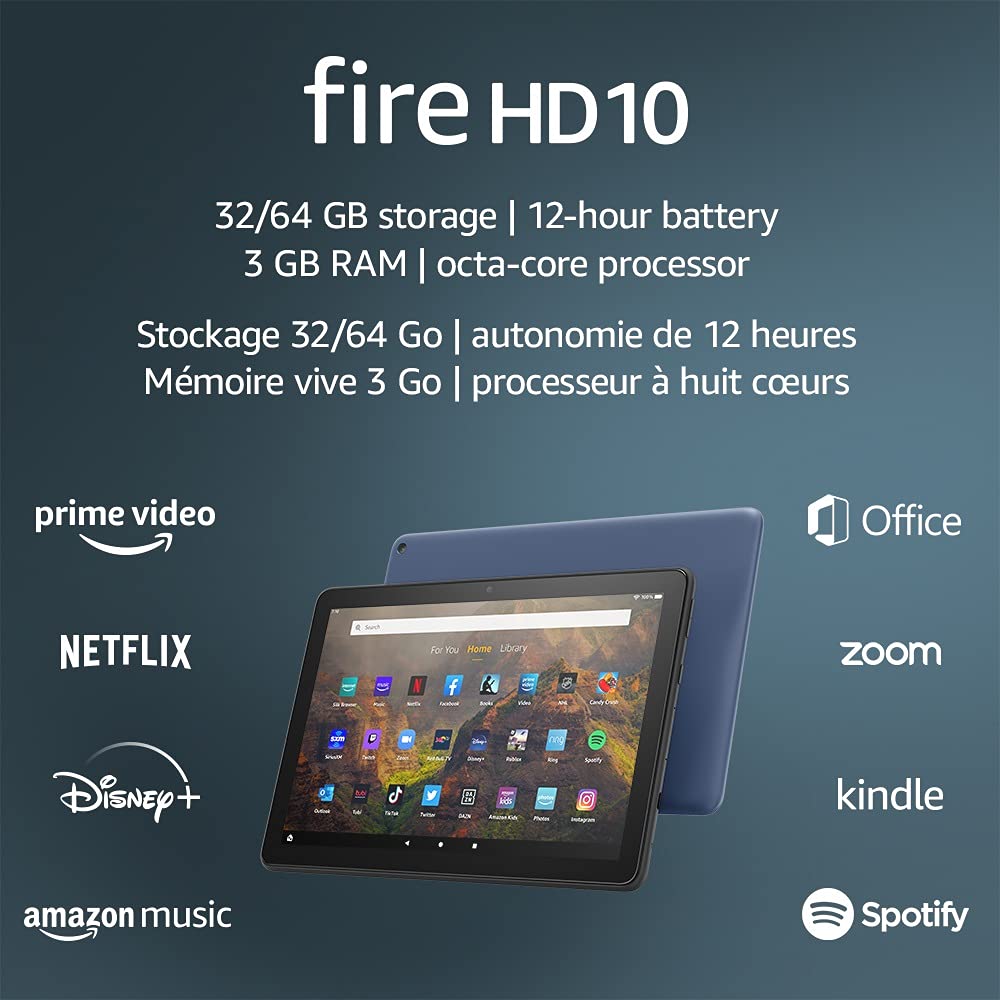
Image 1.1: The Amazon Fire HD 10 tablet highlighting its 32/64 GB storage, 12-hour battery, 3 GB RAM, and octa-core processor, alongside logos of supported applications such as Prime Video, Netflix, Disney+, Amazon Music, Office, Zoom, Kindle, and Spotify.
2. Asennus
2.1 Laatikon purkaminen ja alkulataus
Upon receiving your Fire HD 10 tablet, carefully remove all components from the packaging. Before first use, it is recommended to fully charge the device.
- Connect the provided USB-C (2.0) cable to the tablet's USB-C port.
- Plug the other end of the USB-C cable into the 9W power adapter.
- Liitä verkkolaite pistorasiaan.
- A full charge from 0% to 100% typically takes approximately 4 hours while the device is in standby mode.
2.2 Virran kytkeminen päälle/pois
- Virran kytkeminen: Pidä tabletin sivussa olevaa virtapainiketta painettuna, kunnes Amazon-logo tulee näyttöön.
- Virran sammuttaminen: Press and hold the power button until a power options menu appears. Select 'Power Off'.
- Käynnistää uudelleen: Valitse virranhallinta-asetusten valikosta 'Käynnistä uudelleen'.
2.3 Wi-Fi-yhteys
To access online content and services, connect your Fire HD 10 to a Wi-Fi network.
- Avaa pika-asetuspaneeli pyyhkäisemällä aloitusnäytössä ylhäältä alaspäin.
- Napauta Wi-Fi-kuvaketta.
- Valitse haluamasi Wi-Fi-verkko käytettävissä olevien verkkojen luettelosta.
- Jos sinua pyydetään, anna verkon salasana ja napauta Yhdistä.
- The tablet supports 2.4 GHz and 5.0 GHz networks. Ad-hoc (peer-to-peer) Wi-Fi networks are not supported.
2.4 Tilin määrittäminen
During the initial setup process, you will be guided to register your Fire HD 10 to an Amazon account. This is necessary to download apps, access Amazon content, and utilize cloud services.
- Follow the on-screen prompts to sign in with an existing Amazon account or create a new one.
- Ensure your account details are accurate for full functionality.
3. Käyttöohjeet
3.1 Käyttöliittymän käyttö
The Fire HD 10 tablet features a touch-sensitive display for interaction.
- Napauta: To select an item, open an app, or activate a button.
- Pyyhkäise: Sivujen tai luetteloiden selaaminen tai aloitusnäyttöjen välillä vaihtaminen.
- Nipistys zoomaukseen: Voit lähentää tai loitontaa kuvia web sivuja tai asiakirjoja.
- Pitkä painallus: Kontekstivalikoiden käyttämiseen tai sovelluskuvakkeiden siirtämiseen.
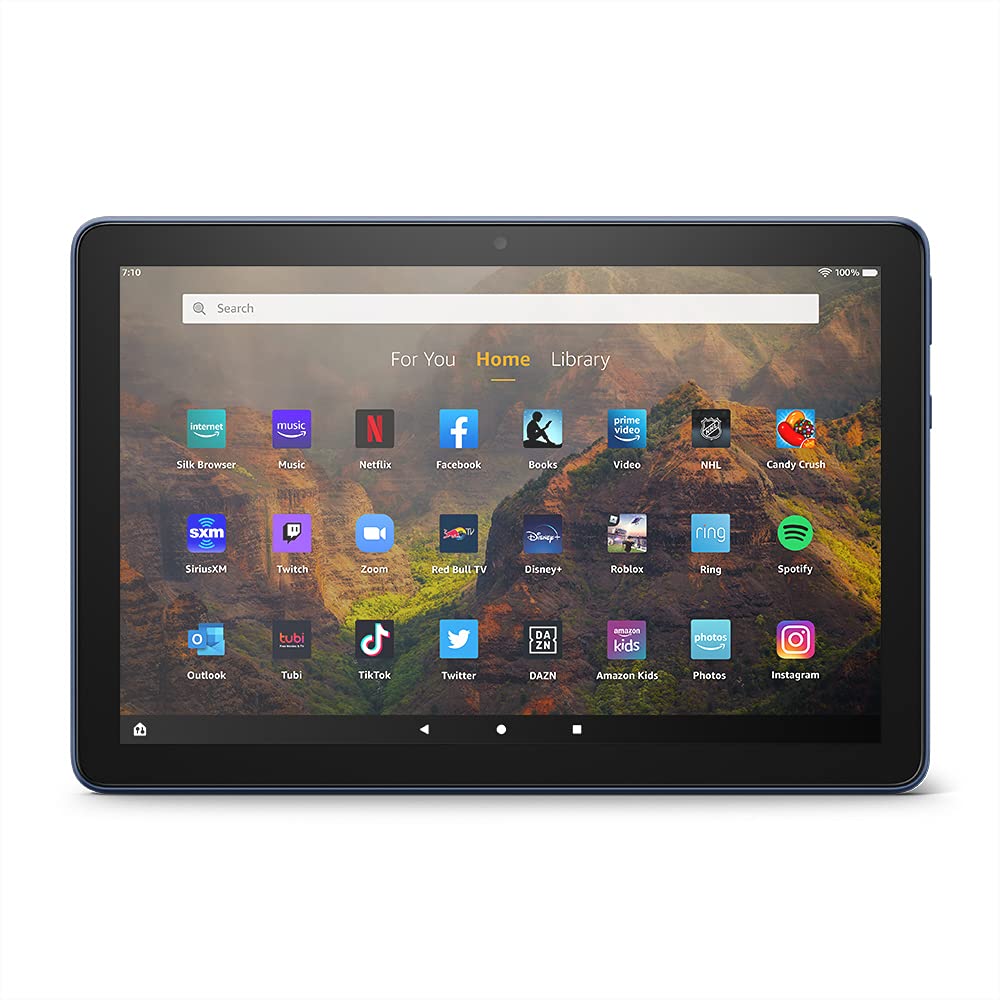
Image 3.1: The Amazon Fire HD 10 tablet's home screen, showcasing a grid of application icons including Silk Browser, Music, Netflix, Facebook, Books, Video, NHL, Candy Crush, SiriusXM, Twitch, Zoom, Red Bull TV, Disney+, Roblox, Ring, Spotify, Outlook, Tubi, TikTok, Twitter, DAZN, Amazon Kids, Photos, and InstagRAM.
3.2 Sovellusten käyttö
Applications can be downloaded from the Amazon Appstore. Google Play is not supported.
- Tap an app icon on the Home screen to launch it.
- To find new apps, open the 'Appstore' application.
- Some apps may require a subscription for full access.

Image 3.2: A collage of content available on the Amazon Fire HD 10 tablet, featuring book covers like 'The Silent Patient', Amazon Original series and movies such as 'The Wilds', 'Coming to America', 'The Expanse', 'Dune', 'Hanna', 'One Night in Miami', 'Sound of Metal', 'The Marvelous Mrs. Maisel', 'Upload', and 'The Boys', alongside social media app logos for TikTok, Facebook, and Twitter.
3.3 Jaetun näytön moniajo
The Fire HD 10 supports split screen functionality, allowing two compatible applications to run side-by-side.
- Avaa ensimmäinen sovellus, jota haluat käyttää.
- Swipe up from the bottom of the screen to reveal the navigation bar.
- Long-press the icon of the first app in the recent apps view.
- Select 'Split Screen' from the options.
- Choose a second compatible app from your recent apps or app drawer to fill the other half of the screen.

Image 3.3: The Amazon Fire HD 10 tablet, shown with an optional Bluetooth keyboard case, demonstrating its split-screen capability. Two applications are open simultaneously: a calendar app on the left and a messaging app on the right, illustrating enhanced productivity.
3.4 Kameran käyttö
The tablet is equipped with a 2 MP front-facing camera and a 5 MP rear-facing camera, both capable of 720p HD video recording.
- Open the 'Camera' app from your Home screen or app drawer.
- Ota kuva napauttamalla laukaisinta.
- Vaihda etu- ja takakameran välillä kameran vaihtokuvakkeella.
- Valitse videotila videoiden tallentamiseksi.
3.5 Audio and Bluetooth
The Fire HD 10 includes dual integrated speakers and a 3.5 mm stereo jack for headphones. It also supports Bluetooth 5.0 LE.
- Connect wired headphones or external speakers via the 3.5 mm jack.
- To pair Bluetooth devices (headphones, speakers, microphones, LE accessories):
- Go to 'Settings' > 'Connected Devices' > 'Bluetooth'.
- Varmista, että Bluetooth on päällä.
- Valitse laitteesi käytettävissä olevien laitteiden luettelosta ja noudata pariliitoksen muodostamisen ohjeita.
3.6 Tallennuksen hallinta
Your Fire HD 10 comes with either 32 GB or 64 GB of internal storage. You can expand this by up to 1 TB using a microSD card.
- To insert a microSD card: Locate the microSD slot on the side of the tablet, open the cover, and gently insert the card until it clicks into place.
- Manage storage by going to 'Settings' > 'Storage'. Here you can view usage and move compatible apps or media to the microSD card.
4. Huolto
4.1 Akun hoito
- Avoid exposing the tablet to extreme temperatures, as this can degrade battery performance.
- Akun optimaalisen käyttöiän takaamiseksi vältä akun usein tapahtuvaa tyhjentämistä kokonaan tai sen pitämistä 100 %:n ladattuna pitkiä aikoja.
- Use only the provided 9W power adapter and USB-C cable for charging.
4.2 Laitteen puhdistaminen
- Sammuta tabletti ennen puhdistamista.
- Pyyhi näyttö ja runko varovasti pehmeällä, nukkaamattomalla liinalla.
- Pinttyneisiin tahroihin, hieman dampKostuta liina vedellä. Vältä voimakkaiden kemikaalien, hankaavien puhdistusaineiden tai aerosolisuihkeiden käyttöä.
4.3 Ohjelmistopäivitykset
Amazon periodically releases software updates to improve performance and add new features. Ensure your device is connected to Wi-Fi to receive these updates.
- Updates are typically downloaded and installed automatically.
- You can manually check for updates by going to 'Settings' > 'Device Options' > 'System Updates'.
5. Vianmääritys
5.1 Laite ei vastaa
- If the device is frozen or unresponsive, press and hold the power button for approximately 20 seconds to force a restart.
- Ensure the device has sufficient battery charge. Connect it to the charger and try powering it on again.
5.2 Wi-Fi-yhteysongelmat
- Verify that Wi-Fi is enabled in Quick Settings or 'Settings' > 'Wireless'.
- Varmista, että olet Wi-Fi-reitittimen kantaman sisällä.
- Käynnistä Wi-Fi-reititin ja modeemi uudelleen.
- Forget the network in 'Settings' > 'Wireless' and reconnect, re-entering the password if necessary.
5.3 Sovellukset kaatuvat tai eivät lataudu
- Sulje ja avaa sovellus uudelleen.
- Clear the app's cache: Go to 'Settings' > 'Apps & Games' > 'Manage All Applications', select the problematic app, and tap 'Clear Cache'.
- Varmista, että tablet-laitteesi ohjelmisto on ajan tasalla.
- Jos ongelma jatkuu, harkitse sovelluksen poistamista ja asentamista uudelleen.
5.4 Lyhyt akunkesto
- Vähennä näytön kirkkautta.
- Sulje taustalla käynnissä olevat käyttämättömät sovellukset.
- Sammuta Wi-Fi tai Bluetooth, kun et käytä sitä.
- Rajoita sovellusten taustadatan käyttöä.
- Check 'Settings' > 'Battery' to identify apps consuming the most power.
6. Tekniset tiedot
| Ominaisuus | Yksityiskohta |
|---|---|
| Sukupolvi | 11. sukupolvi, 2021 julkaisu |
| Näyttö | Loistava 10.1 tuuman 1080p-näyttö (1920 x 1200), jossa on yli 2 miljoonaa pikseliä (224 ppi). Näyttö on vahvistettu alumiinisilikaattilasilla. |
| Koko | 247mm x 166mm x 9.2 mm |
| Paino | 465 grams (Actual size and weight may vary) |
| CPU ja RAM | Kahdeksanytiminen 2.0 GHz ja 3 Gt RAM-muistia |
| Varastointi | 32 GB (24.2 GB available) or 64 GB (55.0 GB available) internal storage. Expandable up to 1 TB with microSD card. |
| Akun kesto | Up to 12 hours of mixed usage (reading, web, video, music). Varies by settings and usage. |
| Latausaika | Approx. 4 hours (0-100%) with provided 9W adapter in standby. |
| WiFi-yhteys | Supports 2.4 GHz and 5.0 GHz networks. Does not support ad-hoc networks. |
| Portit | USB-C (2.0) for charging, microSD slot for external storage. |
| Audio | 3.5 mm stereo jack, dual integrated speakers, external volume controls. |
| Anturit | Accelerometer, ambient light sensors. |
| Kameran tiedot | 2 MP front-facing, 5 MP rear-facing cameras with 720p HD video recording. |
| Mikrofonit | 2 built-in microphones. |
| Sijaintipalvelut | Location-based services via WiFi. |
| Saatavilla olevat värit | Black, Denim. |
| Bluetooth | Built-in Bluetooth 5.0 LE with A2DP support for stereo headphones, speakers, microphone, and LE accessories. |
6.1 Esteettömyysominaisuudet
The Fire HD 10 tablet includes various accessibility features to assist users. These can be accessed via 'Settings' > 'Accessibility'.
- ÄäniView Näytönlukija: Provides spoken feedback for users who are blind or visually impaired.
- Näytön suurennuslasi: Antaa käyttäjien zoomata sisään/ulos ja panoroida näyttöä.
- Switch Access: Enables interaction for users with motor impairments via compatible Bluetooth devices.
- Kindle Lue ääneen: Alexa voi lukea Kindle-kirjoja ääneen.
- Näyttöasetukset: Includes options for Closed Captioning, Font Size, Display Size, High Contrast Text, Color Inversion, Color Correction, and Convert Stereo to Mono audio. (Note: Captions are not available for all content.)
7. Takuu ja tuki
7.1 Takuutiedot
Your Amazon Fire HD 10 tablet comes with a 1-year limited warranty and service. Optional 1-year, 2-year, and 3-year extended warranties are available for purchase separately for customers in Canada.
Use of the Fire HD 10 tablet is subject to Amazon's Conditions of Use and associated terms.
7.2 Sisältyy laatikkoon
The following items are included with your Fire HD 10 tablet:
- Fire HD 10 -tabletti
- USB-C (2.0) -kaapeli
- 9W virtalähde
- Pika-aloitusopas
7.3 Lisätuki
For additional assistance, please visit the Amazon Device Support website or contact Amazon Customer Service.


