1. Johdanto
This manual provides essential information for the safe and efficient operation of your Sharp 32Bi3EA Smart Android TV. Please read these instructions thoroughly before using the television and retain them for future reference. This television features Android TV 9.0, Google Assistant with voice control, integrated Chromecast, Bluetooth connectivity, Harman/Kardon speakers, HDR10 support, and DTS Virtual X audio technology.
2. Turvallisuustiedot
Noudata aina seuraavia turvaohjeita sähköiskun, tulipalon tai television vaurioitumisen estämiseksi:
- Älä altista televisiota sateelle tai kosteudelle.
- Älä avaa koteloa; käänny huolto pätevän henkilöstön puoleen.
- Varmista television ympärillä oleva asianmukainen ilmanvaihto.
- Avoid placing the television near heat sources or in direct sunlight.
- Käytä ainoastaan television mukana toimitettua virtajohtoa.
- Pidä paristot poissa lasten ulottuvilta.
3. Mitä laatikossa on
Verify that all the following items are included with your Sharp 32Bi3EA Smart Android TV:
- Sharp 32Bi3EA Smart Android TV Unit
- Pedestal Stand (2 pieces)
- Kaukosäädin
- AAA-paristot (2x)
- Käyttöohje (tämä asiakirja)
- Virtajohto
4. Asennus
4.1. Fyysinen asennus
Your television can be installed using the included pedestal stand or mounted on a wall (wall mount not included).
Attaching the Pedestal Stand
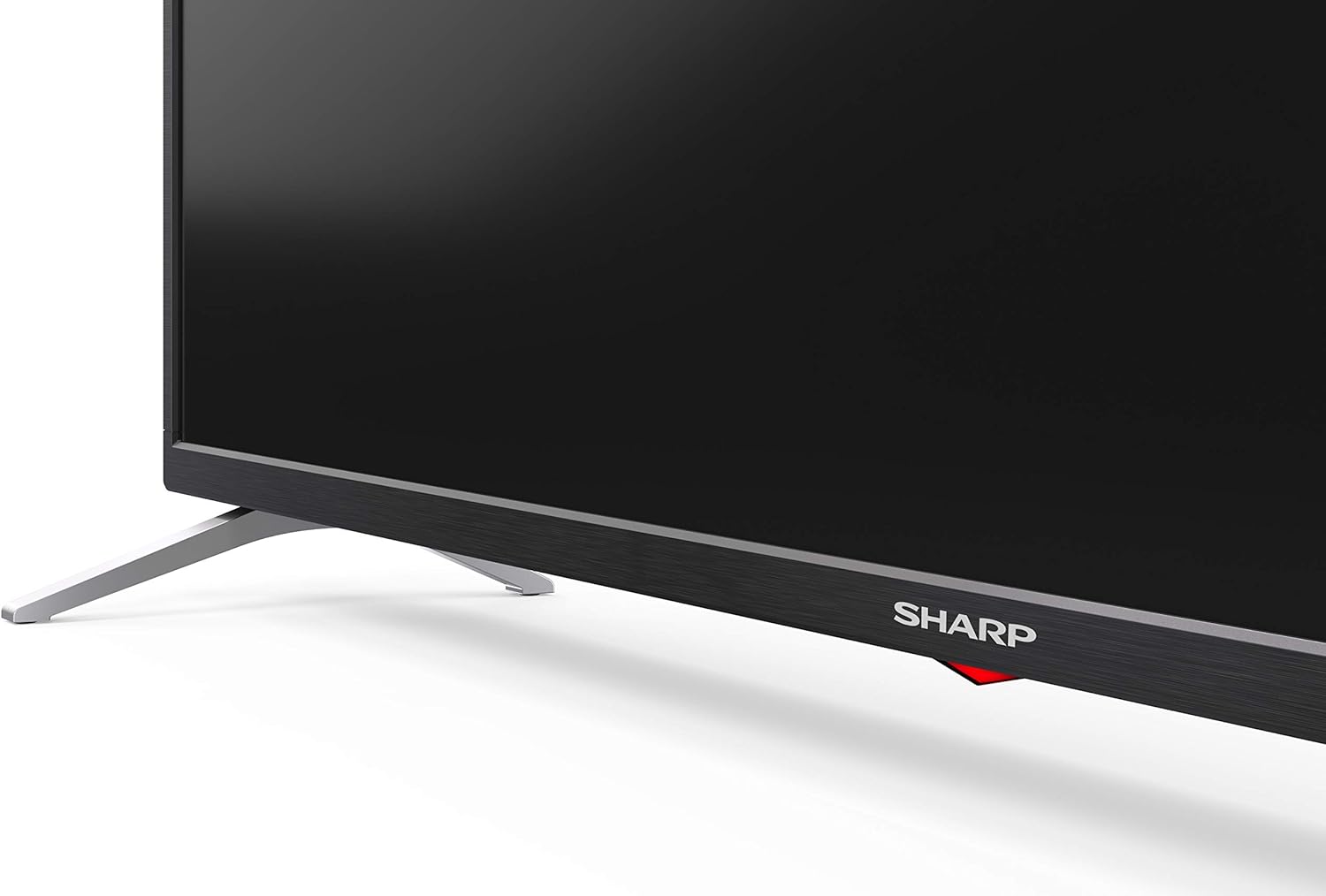
Carefully place the TV screen-down on a soft, flat surface. Align the pedestal stands with the screw holes on the bottom of the TV and secure them using the provided screws. Ensure the stands are firmly attached before placing the TV upright.

Kuva: Sivu view of the Sharp 32Bi3EA TV, illustrating the slim profile and the attached pedestal stand.
Seinäasennus
If you choose to wall mount the television, use a VESA compatible bracket with dimensions of 200x100 mm. Consult a professional for wall mounting to ensure proper installation and safety.
4.2. Laitteiden liittäminen
Connect your external devices to the appropriate ports on the back or side of the television.
Kuva: Takaosa view of the Sharp 32Bi3EA TV, highlighting the Ethernet, Optical, HDMI, USB, and AV input ports.
- HDMI-portit (3 kpl): Liitä Blu-ray-soittimet, pelikonsolit tai digisovittimet.
- USB-portit (2 kpl): Liitä USB-tallennuslaitteet median toistoa tai ohjelmistopäivityksiä varten.
- Ethernet-portti: Kiinteää internetyhteyttä varten.
- Optinen digitaalinen äänilähtö: Ulkoiseen äänijärjestelmään liittämistä varten.
- AV-tulo: Vanhemmille laitteille, jotka käyttävät komposiittivideota ja stereoääntä.
4.3. Initial Power-On and Android TV Setup
After connecting the power cord and turning on the TV, follow the on-screen instructions to complete the initial setup. This includes selecting your language, connecting to a Wi-Fi network, and logging into your Google account to activate Android TV features like Google Assistant and Chromecast.
5. Television käyttö
5.1. Kaukosäädin
The included remote control allows you to navigate the Android TV interface, adjust settings, and use Google Assistant voice commands. Insert the two AAA batteries into the remote control, ensuring correct polarity.
- Virtapainike: Kytkee television päälle tai pois päältä.
- Google Assistant -painike: Activates voice control. Press and hold to speak commands.
- Navigointipainikkeet: Use the directional pad and OK button to move through menus.
- Koti näppäin: Palaa Android TV:n aloitusnäyttöön.
- Äänenvoimakkuus +/-: Säätää äänenvoimakkuutta.
- Kanava +/-: Vaihtaa TV-kanavia.
- Sovelluksen pikanäppäimet: Direct access to popular streaming services (e.g., Netflix, Amazon Prime Video).
5.2. Älytelevision ominaisuudet (Android TV)
Your Sharp 32Bi3EA TV runs on Android TV 9.0, providing access to a wide range of applications and services.
- Google Assistant: Use your voice to search for content, control smart home devices, get answers, and manage tasks.
- Sisäänrakennettu Chromecast: Suoratoista sisältöä yhteensopivasta älypuhelimesta, tabletista tai tietokoneesta suoraan televisioruutuun.
- Google Play Kauppa: Lataa ja asenna lisää sovelluksia, pelejä ja suoratoistopalveluita.
- Tuetut Internet-palvelut: Access popular platforms such as Netflix, Amazon Prime Video, HBO, Disney+, Movistar+, DAZN, Atresmedia, KODI, IPTV, Steamlink, Twitch, VLC, YouTube, Puffin TV Browser, Spotify, Deezer, and TuneIn Radio.
5.3. Ääni- ja videoasetukset
The television supports advanced audio and video technologies for an enhanced viewkokemusta.
- HDR10: Tarjoaa laajemman värivalikoiman ja kontrastin yhteensopivalle sisällölle.
- Harman/Kardon Speakers: Integrated audio system designed to deliver clear and powerful sound (2x10W).
- DTS Virtual X / DTS HD: Parantaa ääntä virtuaalisen surround-äänen ominaisuuksilla.
- Active Motion 400: Parantaa liikkeen selkeyttä nopeatempoisissa kohtauksissa.
5.4. Yhteydet
Televisiossa on useita liitäntävaihtoehtoja:
- Wi-Fi: Yhdistää langattomaan kotiverkkoon internet-yhteyttä varten.
- Bluetooth: Pair with compatible devices such as headphones, soundbars, or game controllers.
6. Huolto
6.1. Puhdistus
Puhdista TV-ruutu pyyhkimällä sitä varovasti pehmeällä, nukkaamattomalla liinalla. Pinttyneisiin tahroihin pyyhi kevyestiampen the cloth with water or a specialized screen cleaner. Do not use abrasive cleaners or solvents. For the TV cabinet, use a soft, dry cloth.
6.2. Ohjelmistopäivitykset
Your Android TV may receive software updates periodically to improve performance and add new features. Ensure your TV is connected to the internet to receive these updates. You can check for updates manually through the TV's settings menu.
7. Vianmääritys
Jos televisiossasi on ongelmia, katso seuraavia yleisiä ratkaisuja:
| Ongelma | Mahdollinen ratkaisu |
|---|---|
| Ei virtaa | Tarkista, että virtajohto on kytketty kunnolla televisioon ja pistorasiaan. Kokeile toista pistorasiaa. |
| Ei kuvaa/ääntä | Varmista, että oikea tulolähde on valittu. Tarkista ulkoisten laitteiden kaapeliliitännät. |
| Kaukosäädin ei toimi | Vaihda paristot. Varmista, ettei kaukosäätimen ja television infrapunatunnistimen välissä ole esteitä. |
| Wi-Fi-yhteysongelmia | Restart your router and the TV. Check Wi-Fi password. Ensure the TV is within range of the router. |
| Android TV apps freezing | Restart the TV. Clear the cache of the problematic app in the TV settings. Uninstall and reinstall the app. |
Jos ongelma jatkuu näiden ratkaisujen kokeilemisen jälkeen, ota yhteyttä Sharpin asiakastukeen.
8. Tekniset tiedot
| Ominaisuus | Yksityiskohta |
|---|---|
| Mallinumero | 32Bi3E |
| Näytön koko | 32 tuumaa (81 cm) |
| Näyttötekniikka | LED |
| Resoluutio | 720p (1366 x 768 pikseliä) |
| Päivitystaajuus | 60 Hz |
| Käyttöjärjestelmä | Android TV 9.0 |
| Erikoisominaisuudet | Google Assistant, Chromecast Built-in, HDR10, DTS Virtual X, Active Motion 400 |
| Äänijärjestelmä | Harman/Kardon (2x10W) |
| Yhteydet | Bluetooth, Ethernet, HDMI (3x), USB (2x), Wireless (Wi-Fi) |
| VESA-teline | 200x100 mm |
| Mitat (jalustalla) | 803.0 x 542.0 x 149.0 mm (L x K x P) |
| Mitat (ilman telinettä) | 730.0 x 436.1 x 83.5 mm (L x K x P) |
| Paino | 4.6 kg |
| Virrankulutus (1000 tuntia) | 31 kWh (Energy Class F) |

Image: Energy efficiency label for the Sharp 1T-C32BIx series, indicating an F energy class and 31 kWh per 1000 hours of operation. For more details, refer to the official EU EPREL database via the QR code or link: EPREL-tietokanta.

Image: Detailed Product Information Sheet, providing comprehensive technical specifications and regulatory information for the Sharp 32Bi3EA TV in various languages.
9. Takuu ja tuki
9.1. Takuutiedot
Your Sharp 32Bi3EA Smart Android TV comes with a standard manufacturer's warranty. Please refer to the warranty card included with your product or visit the official Sharp websivustolta tarkemmat alueesi ehdot.
9.2. Asiakastuki
For technical assistance, troubleshooting beyond this manual, or warranty claims, please contact Sharp customer support. Contact information can typically be found on the official Sharp websivustolla tai television mukana toimitetuissa dokumenteissa.
Online resources and FAQs may also be available on the Sharp support portal.


