Johdanto
This manual provides essential information for the safe and efficient operation of your Skyworth 49 M20 Full HD LED Smart TV. Please read it thoroughly before using the product and retain it for future reference.
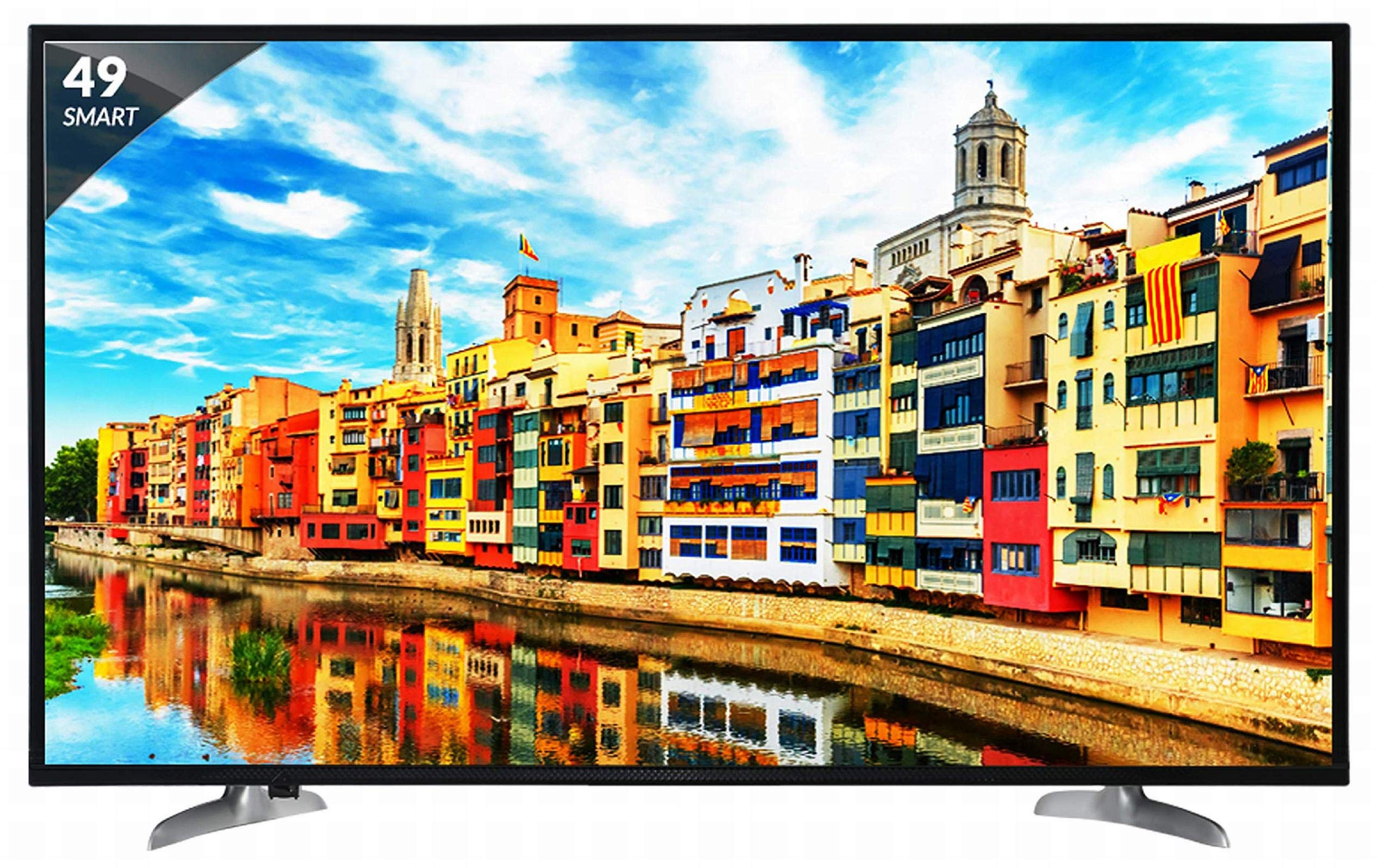
Kuva 1: Etuosa view of the Skyworth 49 M20 Full HD LED Smart TV.
Asennus ja asennus
Television purkaminen pakkauksesta
Poista kaikki osat varovasti pakkauksesta. Varmista, että kaikki alla luetellut osat ovat mukana.
Mitä laatikossa on:
- 1 LED-televisio
- 1 pöytäjalusta
- 1 Seinäkiinnike
- 1 käyttöopas
- 1 Takuukortti
- 1 Kaukosäädin
- 2 AAA-paristoa
- 1 Power Cable / Power Supply Adapter
Video 1: Laatikon avaaminen ja alustaminenview of the Skyworth 49 M20 Smart TV.
Jalustan asennus
If using the table-top stand, attach it securely to the base of the TV using the provided screws. Refer to the diagram for correct orientation.
Seinäasennus
For wall mounting, use the included wall mount bracket. It is recommended to seek professional assistance for wall mounting to ensure safety and proper installation. Contact Skyworth at 18001210108 for installation services.

Kuva 2: Sivu view of the TV, illustrating the slim design and stand attachment points.
Yhteydet
Your Skyworth 49 M20 TV offers various ports for connecting external devices.
Käytettävissä olevat portit:
- 3 HDMI-porttia: For connecting set-top boxes, Blu-Ray players, gaming consoles, and other HDMI-enabled devices.
- 2 USB -porttia: For connecting hard drives, USB flash drives, and other USB devices to play media files.
- 1 VGA-portti: For connecting laptops or desktop computers.

Figure 3: Rear panel of the TV, highlighting the various input and output ports.

Kuva 4: Yksityiskohtainen view of the connectivity ports including HDMI, USB, and VGA.
Älytelevision käyttö
Virran kytkeminen päälle/pois
Connect the power cable to the TV and a power outlet. Press the power button on the remote control or on the TV to turn it on or off.
Alkuasennuksen ohjattu toiminto
Ensimmäisen käynnistyksen yhteydessä televisio opastaa sinua alkuasennuksessa, johon kuuluvat kielen valinta, verkkoyhteyden muodostaminen ja kanavien skannaus.
Smart TV:n ominaisuudet
The Skyworth 49 M20 is an Android-based Smart TV with built-in Wi-Fi, offering access to a variety of applications and online content.
- Sisäänrakennettu Wi-Fi: Connect to your home network for internet access.
- Netrange App Store: Download and install applications for movies, music, games, and more.
- Install APK: Allows installation of additional applications via APK files.
- Sky Share: Jaa mediaa files (videos, pictures) from your mobile phone to the TV.
- Kotiverkko: Access media content from other devices on your home network.
- Tuetut Internet-palvelut: Includes Twitter and YouTube.

Figure 5: The Smart TV home screen interface, showing various app icons.

Figure 6: The Netrange App Store interface, displaying available applications.
Video 2: Yliview of the Skyworth Full HD IPS Smart LED TV features, including display, smart functions, and connectivity.
Näyttö ja ääni
Näyttötekniikka
The TV features a 49-inch Full HD (1920x1080p) IPS LED panel with a 60 Hz refresh rate. The IPS technology provides a wide 178-degree viewing angle, ensuring consistent picture quality from various positions.
Äänijärjestelmä
Equipped with 20 Watts output and down-firing speakers, the TV delivers clear audio. DTS Sound technology enhances the audio experience.
Tekniset tiedot
| Ominaisuus | Yksityiskohta |
|---|---|
| Malli | 49 M20 |
| Näytön koko | 49 tuumaa (124.5 cm) |
| Näyttötekniikka | IPS-LED-paneeli |
| Resoluutio | Full HD (1920 x 1080p) |
| Päivitystaajuus | 60 hertsiä |
| Viewkulma | 178 astetta |
| Käyttöjärjestelmä | Android |
| Prosessori | ARM Quad Core Processor |
| GPU | Dual Core 3D GPU |
| RAM | 512 Mt |
| ROM | 4GB |
| Yhteydet | 3 HDMI, 2 USB, 1 VGA, Built-in Wi-Fi |
| Äänilähtö | 20 wattia |
| Äänitekniikka | DTS Sound, Down Firing Speakers |
| Tuotteen mitat (PxLxK) | 111.1 x 27.1 x 68.9 cm |
| Tuotteen paino | 16 kg |
| Paristot | 2 AAA-paristoa (mukana kaukosäätimeen) |

Figure 7: Summary of key TV features including screen size, connectivity, display, sound, and smart TV capabilities.
Vianetsintä
This section addresses common issues you might encounter with your TV. For more complex problems, please contact customer support.
Ei Virtaa
- Varmista, että virtajohto on kytketty kunnolla sekä televisioon että toimivaan pistorasiaan.
- Tarkista pistorasian toiminta kytkemällä siihen toinen laite.
- Verify that the power indicator light on the TV is on.
Ei kuvaa/ääntä
- Varmista, että oikea tulolähde on valittu (esim. HDMI 1, AV).
- Check all cable connections (HDMI, AV, etc.) between the TV and external devices.
- Varmista, ettei äänenvoimakkuutta ole mykistetty tai asetettu liian alhaiselle tasolle.
Wi-Fi-yhteysongelmat
- Käynnistä Wi-Fi-reititin ja televisio uudelleen.
- Varmista, että televisio on Wi-Fi-reitittimen kantaman sisällä.
- Varmista, että syötetty Wi-Fi-salasana on oikein.
Kaukosäädin ei toimi
- Vaihda kaukosäätimen AAA-paristot.
- Varmista, ettei kaukosäätimen ja television infrapunatunnistimen välissä ole esteitä.
Hoito ja huolto
Näytön puhdistaminen
Pyyhi näyttö varovasti pehmeällä, nukkaamattomalla liinalla. Pinttyneisiin tahroihin pyyhi kevyestiampKostuta liina vedellä tai erikoisnäytönpuhdistusaineella. Vältä voimakkaiden kemikaalien tai hankaavien materiaalien käyttöä.
Yleissiivous
Wipe the TV's frame and stand with a soft, dry cloth. Do not spray cleaning liquids directly onto the TV.
Ilmanvaihto
Ensure adequate ventilation around the TV to prevent overheating. Do not block the ventilation openings on the back of the TV.
Takuu ja tuki
Takuutiedot
Your Skyworth 49 M20 TV comes with a 2-year standard manufacturer warranty from Skyworth. Please retain your purchase invoice for warranty claims.
Asiakastuki
For installation, wall mounting, product demonstration, or any service-related queries, please contact Skyworth directly at 18001210108. Provide the product's model name (49 M20) and seller's details from your invoice.
This product is eligible for replacement/refund within 10 days of delivery in case of any product defects, damage, or features not matching the description provided.


