Johdanto
Thank you for choosing the Billboard Bluetooth Wireless Hook Over Earbuds. This manual provides essential information for setting up, operating, and maintaining your new earbuds. Please read these instructions carefully before use to ensure optimal performance and longevity of your device. Keep this manual for future reference.
Pakkauksen sisältö
Varmista, että pakkauksessa on kaikki tarvittavat osat:
- Billboard Bluetooth Wireless Hook Over Earbuds
- Micro USB latauskaapeli
- Käyttöopas (tämä asiakirja)
Tuote loppuview
The Billboard Bluetooth Wireless Hook Over Earbuds are designed for comfortable and secure fit, featuring a tangle-free flat cord and integrated controls for music and calls.
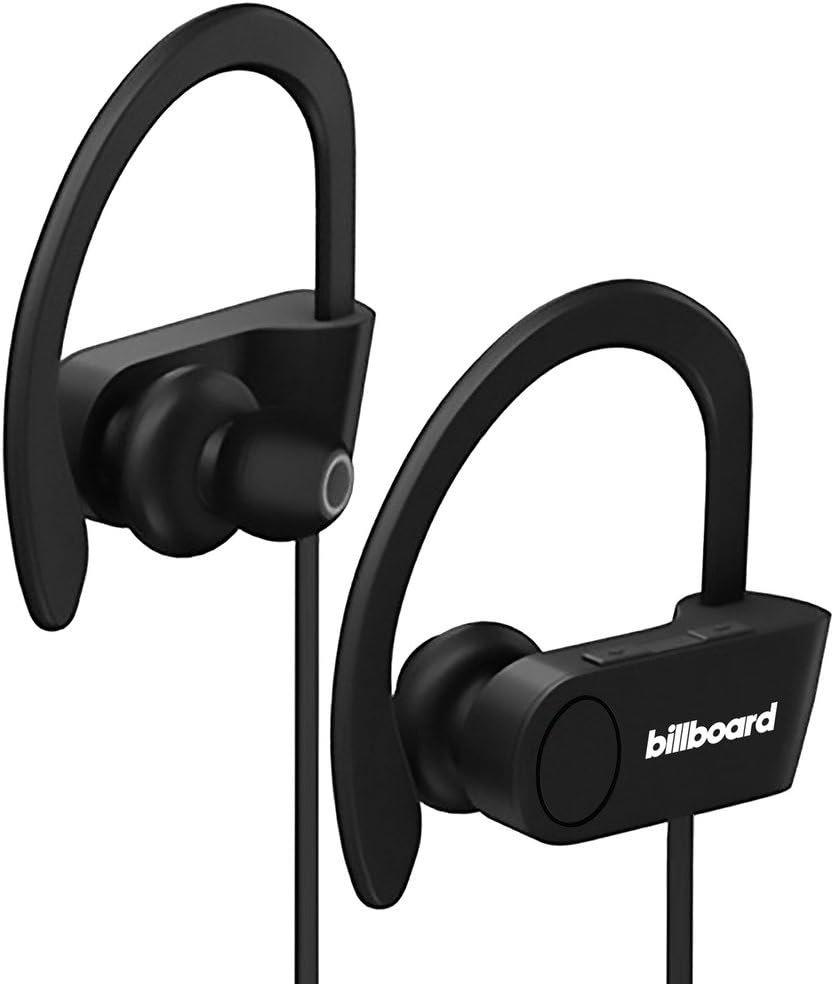
Image: Billboard Bluetooth Wireless Hook Over Earbuds, front view. These black earbuds feature an over-ear hook design for secure placement and a flat cord connecting the two earpieces.

Image: Billboard Bluetooth Wireless Hook Over Earbuds, showing the flat tangle-free cord. The design emphasizes a comfortable fit with the ear hooks and the practical flat cable.
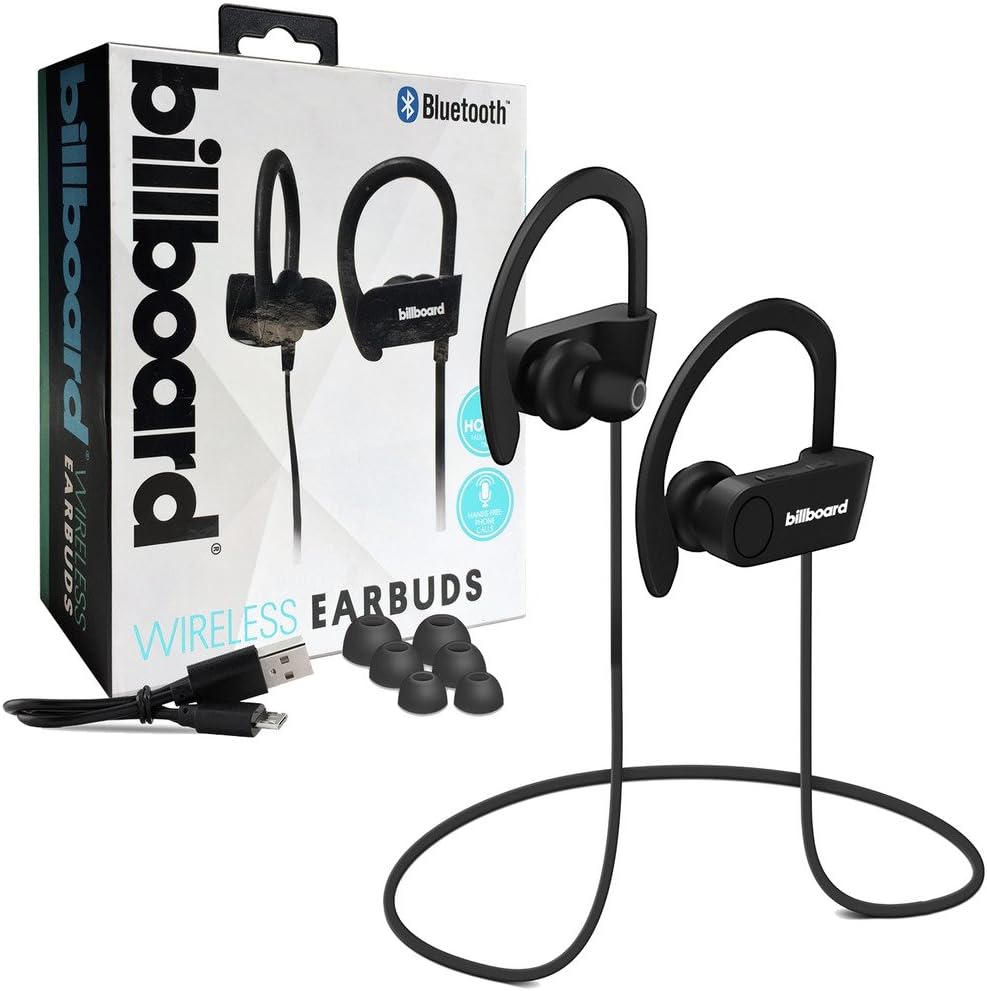
Image: Billboard Bluetooth Wireless Hook Over Earbuds packaging with included accessories. The box displays the earbuds, a charging cable, and additional ear tips, highlighting the product's features.
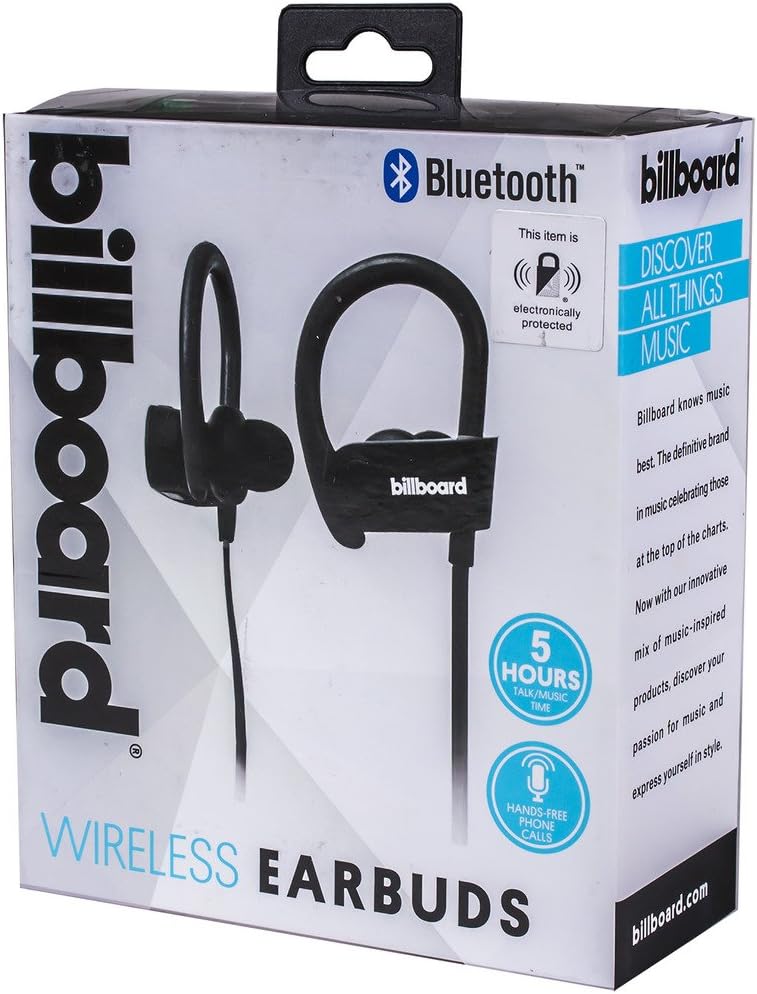
Image: Close-up of Billboard Bluetooth Wireless Hook Over Earbuds packaging, detailing features. The packaging highlights key features such as Bluetooth connectivity, 5 hours of talk/music time, and hands-free phone calls.
Asennus
1. Kuulokkeiden lataaminen
- Locate the Micro USB charging port on one of the earbuds (typically on the control module).
- Connect the provided Micro USB charging cable to the earbud's charging port.
- Kytke USB-kaapelin toinen pää USB-virtalähteeseen (esim. tietokoneen USB-porttiin tai seinäadapteriin).
- The LED indicator light will illuminate, typically red, to show that the earbuds are charging.
- Once fully charged, the LED indicator light will change color (e.g., turn blue or off). A full charge usually takes approximately 1-2 hours.
Huomautus: Varmista, että kuulokkeet on ladattu täyteen ennen ensimmäistä käyttökertaa optimaalisen akunkeston saavuttamiseksi.
2. Bluetooth-pariliitos
- Virta päälle: Press and hold the Multi-function button (usually the center button on the control module) for a few seconds until the LED indicator light flashes blue and red alternately, indicating pairing mode.
- Aktivoi Bluetooth: Siirry älypuhelimellasi tai muulla Bluetooth-yhteensopivalla laitteella Bluetooth-asetuksiin ja varmista, että Bluetooth on käytössä.
- Etsi Laitteet: Your device will automatically search for nearby Bluetooth devices.
- Select Earbuds: From the list of available devices, select "Billboard Earbuds" or a similar name.
- Vahvista pariliitos: Once successfully paired, the LED indicator light on the earbuds will typically flash blue slowly or turn off, and you will hear an audible confirmation.
- Jos sinulta kysytään salasanaa, kirjoita "0000" (neljä nollaa).
Huomautus: Kuulokkeet yrittävät automaattisesti muodostaa yhteyden uudelleen viimeksi pariliitettyyn laitteeseen, kun ne käynnistetään, jos laitteen Bluetooth on aktiivinen ja kantaman sisällä.
Käyttöohjeet
Hallitseeview
The control module on the earbud cord typically includes a Multi-function button (MFB) and Volume Up/Down buttons.
- Monitoimipainike (MFB): Power On/Off, Play/Pause, Answer/End Call, Reject Call.
- Äänenvoimakkuuden lisääminen (+): Increase volume, Next track.
- Äänenvoimakkuutta pienemmälle (-): Decrease volume, Previous track.
Virta päälle/pois
- Virta päälle: Press and hold the MFB for approximately 3 seconds until the LED flashes blue and you hear a power-on prompt.
- Virta pois: Press and hold the MFB for approximately 3-5 seconds until the LED flashes red and you hear a power-off prompt.
Musiikin toisto
- Toista/tauko: Paina MFB-painiketta kerran.
- Seuraava kappale: Pidä äänenvoimakkuuden lisäyspainiketta (+) painettuna.
- Edellinen kappale: Pidä äänenvoimakkuuden vähennyspainiketta (-) painettuna.
Puhelujen hallinta
- Puhelun vastaaminen/lopetus: Press the MFB once during an incoming call or during an active call.
- Hylkää puhelu: Press and hold the MFB for approximately 2 seconds during an incoming call.
- Uudelleenvalinta viimeinen numero: Double-press the MFB when no call is active.
Äänenvoimakkuuden säätö
- Lisää äänenvoimakkuutta: Press the Volume Up (+) button repeatedly.
- Vähennä äänenvoimakkuutta: Press the Volume Down (-) button repeatedly.
Huolto
- Puhdistus: Use a soft, dry cloth to clean the earbuds. Do not use abrasive cleaners or solvents.
- Varastointi: Säilytä nappikuulokkeita viileässä, kuivassa paikassa, poissa suorasta auringonvalosta ja äärimmäisistä lämpötiloista.
- Akun hoito: To preserve battery life, charge the earbuds regularly, even if not in frequent use. Avoid fully discharging the battery for extended periods.
- Veden altistuminen: Nämä nappikuulokkeet eivät ole vedenpitävät. Vältä altistumista vedelle tai liialliselle kosteudelle.
Vianetsintä
| Ongelma | Ratkaisu |
|---|---|
| Earbuds will not power on. | Ensure the earbuds are fully charged. Connect to a power source and check the charging indicator light. |
| Laitteen pariliitos ei onnistu. | Make sure the earbuds are in pairing mode (flashing blue and red). Ensure Bluetooth is enabled on your device and it is within range (typically 10 meters). Try turning both devices off and on again. |
| Ei ääntä tai äänenvoimakkuus on alhainen. | Check the volume levels on both the earbuds and your connected device. Ensure the earbuds are properly paired and connected. Try playing different audio sources. |
| Ajoittainen yhteys. | Move closer to your connected device. Avoid obstacles between the earbuds and the device. Ensure there is no interference from other wireless devices. |
Tekniset tiedot
- Merkki: Mainostaulu
- Malli: B073CCBSLL
- Väri: Musta
- Korvien sijoitus: In Ear (with Over-Ear Hook)
- Muototekijä: Kaksikorvainen
- Liitettävyys: Langaton Bluetooth
- Latausportti: Micro USB
- Battery Life (Talk/Music Time): Noin 5 tuntia
- Yhteensopivat laitteet: Universal/Smartphones
- Ominaisuudet: Tangle-Free Flat Cord, Built-in Microphone, Integrated Controls
Takuu ja tuki
For warranty information and customer support, please refer to the documentation included with your purchase or visit the official Billboard product support websivusto. Säilytä ostokuittisi mahdollisten takuuvaatimusten varalta.
Jos kohtaat ongelmia, joita ei ole käsitelty tässä käyttöoppaassa, ota yhteyttä asiakaspalveluun saadaksesi apua.


