1. Johdanto
The Escali Pico N115S is a compact digital kitchen and office scale designed for precise measurements. Despite its pocket-sized design, it offers an 11 lb (5 kg) capacity, making it suitable for various weighing tasks from food portioning to hobby use. Key features include tare functionality, parts counting, display hold, and automatic shut-off to conserve battery life.

Image: Escali Pico N115S Digital Scale highlighting its features such as pocket size, parts counting, unit selection, easy-to-read display, tare function, and audio control.
2. Asennus
2.1 Akun asennus
The Escali Pico N115S scale requires 3 AAA batteries (included). To install or replace batteries:
- Paikanna paristolokero vaa'an alapuolelta.
- Avaa paristolokeron kansi.
- Aseta 3 AAA-paristoa paikoilleen varmistaen oikea napaisuus (+/-).
- Sulje paristolokeron kansi kunnolla.
2.2 Ensimmäinen käyttökerta
Place the scale on a flat, stable surface before turning it on to ensure accurate readings.
3. Käyttöohjeet
3.1 Virta päälle/pois
Paina PÄÄLLÄ/NOLLA button to turn the scale on. The display will show '0.00' when ready. To turn the scale off, press and hold the PÄÄLLÄ/NOLLA button for a few seconds, or it will automatically shut off after five minutes of inactivity.
3.2 Taaratoiminto
The tare feature allows you to reset the scale to zero weight, enabling you to measure multiple items consecutively or subtract the weight of a container.
- Aseta tyhjä astia vaa'alle. Näytöllä näkyy sen paino.
- Paina PÄÄLLÄ/NOLLA -painiketta. Näyttö palautuu arvoon '0.00'.
- Add items to the container; only the weight of the added items will be displayed.
3.3 Yksikön valinta
The scale can measure in various units. Press the UNIT button to cycle through available measurement units: grams (g), pounds (lb), ounces (oz), and pounds + ounces (lb:oz).
3.4 Parts Counting (PCS)
This feature allows you to count large quantities of small items with accuracy.
- Paikka asample of 10 items on the scale.
- Paina PCS button to enter counting mode. The scale will calibrate based on the sample.
- Add the remaining items; the display will show the total quantity.
3.5 Näytön pito
The display hold function allows you to view weight measurements on screen even after removing large items that might obstruct the display.
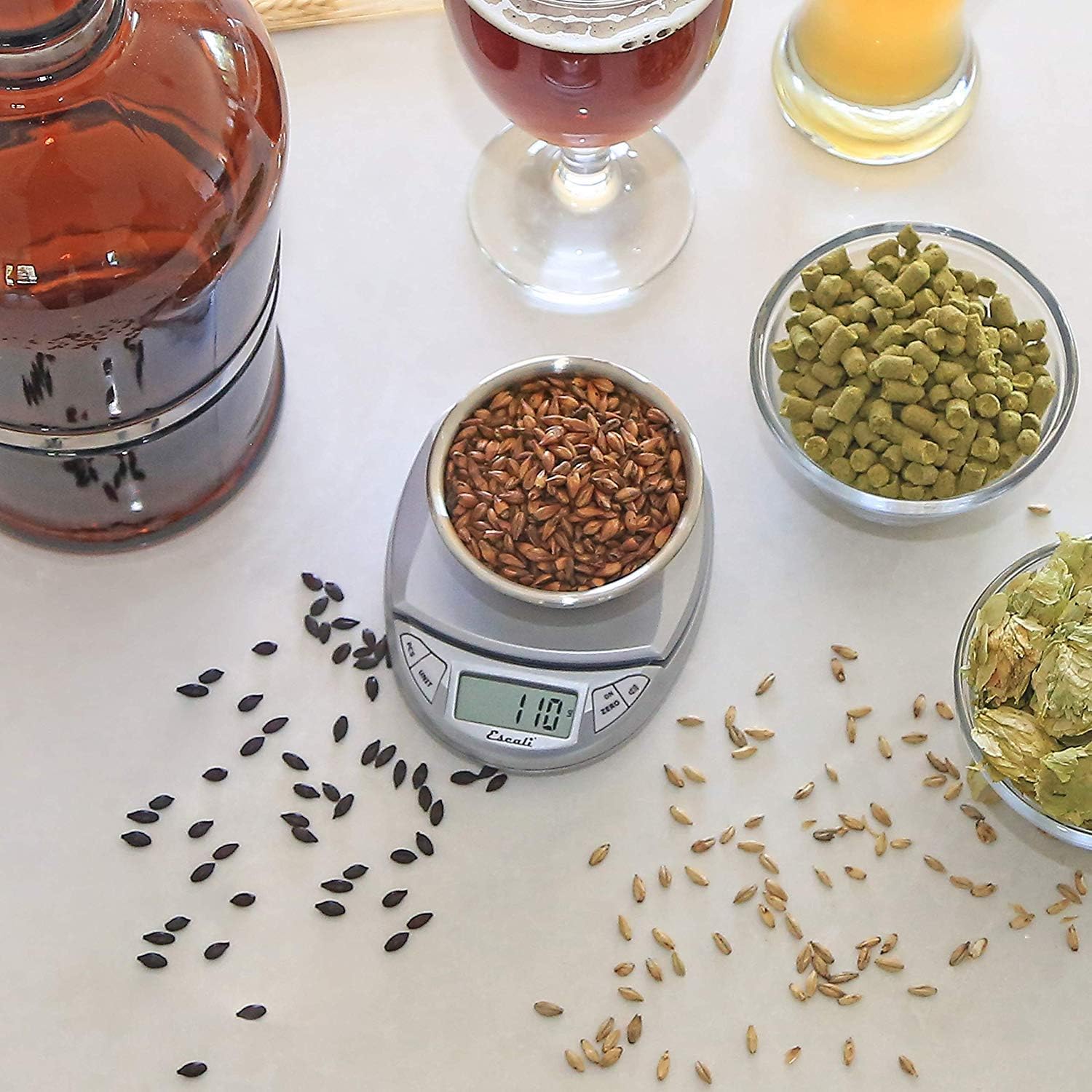
Image: Escali Pico N115S Digital Scale accurately weighing grains in a bowl, demonstrating its use for precise ingredient measurement in brewing.
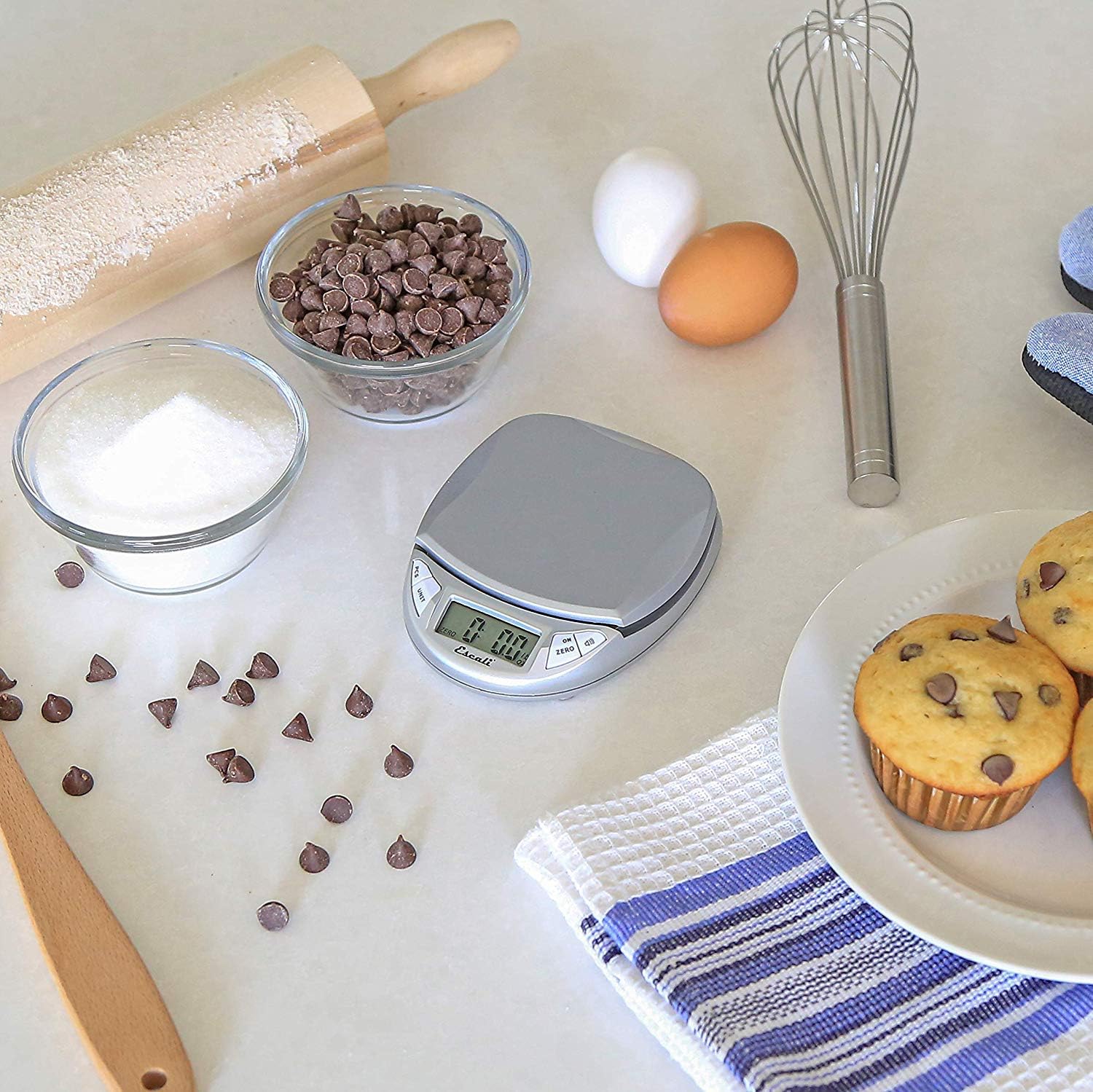
Image: Escali Pico N115S Digital Scale weighing sugar in a bowl, surrounded by other baking ingredients like chocolate chips, eggs, and muffins, illustrating its utility in baking.
3.6 Viralliset tuotevideot
Video: Yliview of the Escali Pico Digital Scale, demonstrating its compact design, tare function, unit conversion, and parts counting capabilities. This video highlights the scale's versatility for various weighing needs.
Video: A detailed demonstration of the Escali Pico Scale's features, including how to use the tare function, switch between measurement units (grams, pounds, ounces), and utilize the parts counting feature for small items. The video emphasizes the scale's ease of use and accuracy.
4. Huolto
4.1 Puhdistus
Puhdista vaaka pyyhkimällä se mainoksellaamp cloth. Do not immerse the scale in water or use abrasive cleaners, as this can damage the electronic components.
4.2 Varastointi
Store the scale in a dry, cool place. Its compact design allows for easy storage in a drawer or cabinet.
5. Vianmääritys
5.1 Epätarkat lukemat
- Varmista, että vaaka on asetettu tasaiselle, vakaalle ja vaakasuoralle alustalle.
- Vältä vaa'an sijoittamista voimakkaiden sähkömagneettisten kenttien tai tärisevien laitteiden lähelle.
- Check battery level; replace batteries if the low battery indicator appears.
5.2 Näyttö ei toimi
- Verify that the batteries are correctly installed and not depleted.
- If the display shows an error message, refer to the specific error codes in the full product manual (if available) or contact customer support.
6. Tekniset tiedot
- Merkki: Escali
- Malli: N115S
- Väri: Hopeanharmaa
- Painorajoitus: 11 puntaa (5 kg)
- Lukemisen tarkkuus: 0.1 unssia
- Näyttötyyppi: LCD
- Materiaali: Muovi
- Tuotteen mitat: 4.5 x 3.75 x 1 tuumaa
- Tuotteen paino: 6.2 unssia
- Akut: Vaatii 3 AAA-paristoa (mukana)
- Erikoisominaisuudet: Auto Shut Off, Tare Feature, Parts Counting, Display Hold
7. Takuu ja tuki
7.1 Takuutiedot
The Escali Pico N115S Digital Kitchen Scale is backed by a Elinikäinen rajoitettu takuu, reflecting its superior build quality and design for lasting performance. For detailed warranty terms and conditions, please refer to the official Escali websivustolla tai ota yhteyttä asiakastukeen.
7.2 Asiakastuki
For further assistance, technical support, or warranty claims, please visit the official Escali websivustolla tai ota yhteyttä heidän asiakaspalveluunsa. Yhteystiedot löytyvät yleensä tuotepakkauksesta tai valmistajan websivusto.


