
1. Johdanto
Thank you for choosing the Jectse 5G LTE Mobile Hotspot Router. This device provides high-speed portable Wi-Fi connectivity, allowing you to stay connected on the go. It supports up to 12 devices simultaneously and features WPA/WPA2 encryption for secure internet access. This manual will guide you through the setup, operation, and maintenance of your new mobile hotspot.
2. Turvallisuustiedot
- Älä altista laitetta äärimmäisille lämpötiloille, suoralle auringonvalolle tai kosteille ympäristöille.
- Vältä laitteen pudottamista tai altistamista voimakkaille iskuille.
- Use only the provided or approved charging cable and battery.
- Älä yritä purkaa tai korjata laitetta itse. Ota yhteyttä asiakastukeen, jos ongelmia ilmenee.
- Pidä laite poissa vedestä ja muista nesteistä.
3. Pakkauksen sisältö
Tarkista pakkauksesta seuraavat tuotteet:
- Jectse 5G LTE Mobile Hotspot Router
- USB-latauskaapeli
- Ladattava akku (3000 mAh)
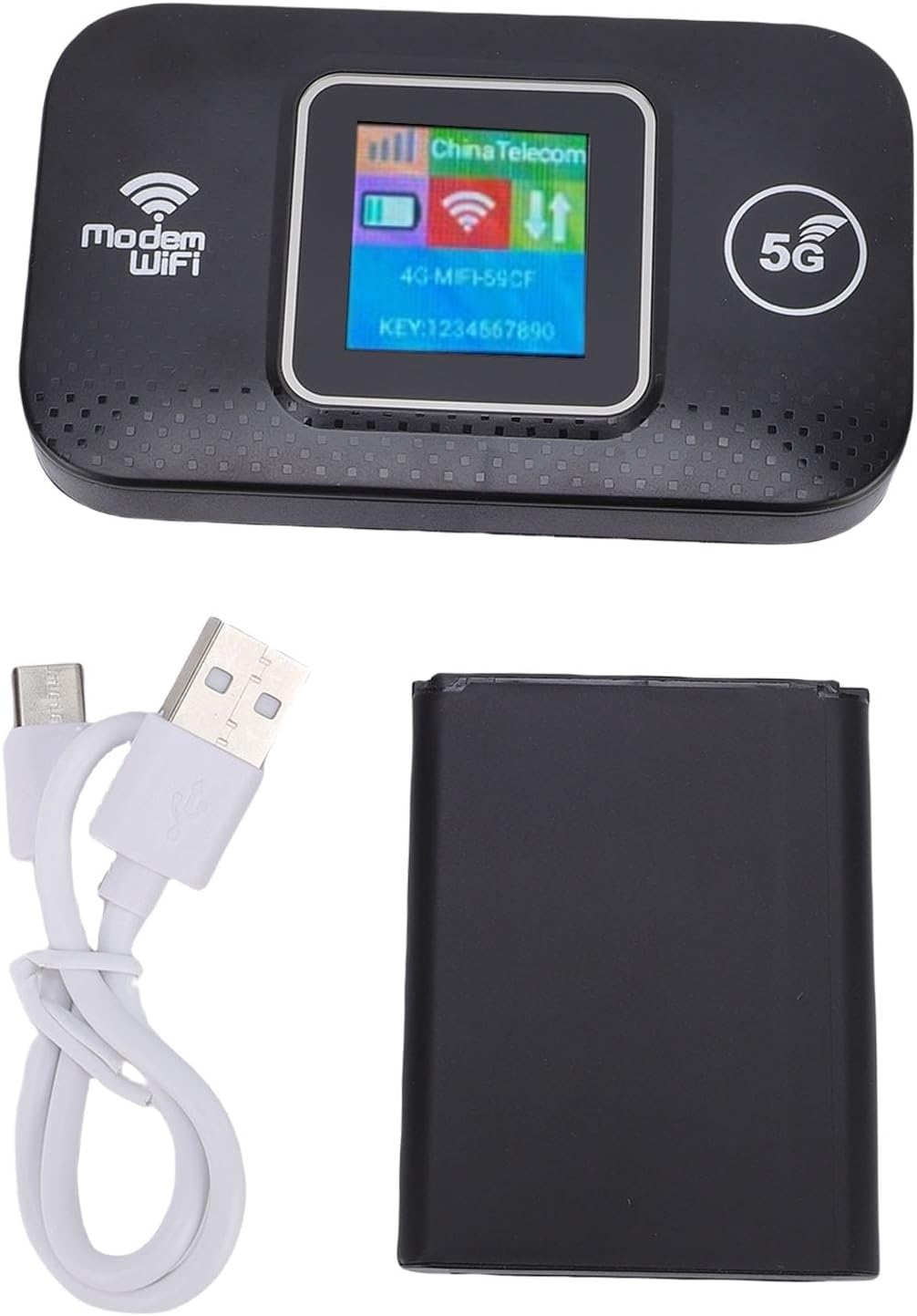
Image: The Jectse 5G LTE Mobile Hotspot Router, its USB charging cable, and the removable battery, illustrating the main components included in the package.
4. Tuote ohiview
The Jectse Mobile Hotspot is designed for ease of use and portability. It features a compact design with essential indicators and ports.

Kuva: Yliview of the mobile hotspot's features, highlighting SIM card plug-and-play, high-end chip for fast and stable performance, 150Mbps high speed, 3000mAh battery for durability, strong signal, and one-button start for convenience.
Laitteen osat:
- Näyttö: Shows network status, signal strength, battery level, and Wi-Fi information.
- Virtapainike: Käytetään laitteen kytkemiseen päälle/pois.
- SIM-korttipaikka: For inserting your 5G/LTE SIM card.
- USB-C-portti: Laitteen lataamiseen.

Kuva: Yksityiskohtainen view of the USB-C port located on the side of the mobile hotspot, used for charging the device.
5. Asennus
5.1 SIM-kortin asettaminen
- Varmista, että laitteen virta on katkaistu.
- Locate the SIM card slot, usually under the battery cover.
- Carefully insert your active 5G/LTE SIM card into the slot with the gold contacts facing down, ensuring it clicks into place.
5.2 Akun asettaminen paikalleen
- Avaa laitteen takana oleva paristolokeron kansi.
- Kohdista akun koskettimet lokeron sisällä olevien napojen kanssa.
- Gently press the battery into place and close the cover.
5.3 Käynnistäminen ja alkuyhteyden muodostaminen
- Pidä virtapainiketta painettuna, kunnes näyttö syttyy.
- Wait for the device to boot up and establish a network connection. The display will show signal strength and network type (e.g., 4G, 5G).
- On your smartphone, tablet, or laptop, search for available Wi-Fi networks.
- Select the Wi-Fi network name (SSID) displayed on the hotspot's screen.
- Enter the Wi-Fi password (KEY) shown on the hotspot's screen.
- Kun yhteys on muodostettu, voit aloittaa Internetin selaamisen.
6. Käyttöohjeet
6.1 Useiden laitteiden yhdistäminen
The Jectse Mobile Hotspot supports connecting up to 12 devices simultaneously. Simply follow the steps in Section 5.3 for each device you wish to connect.

Image: A visual representation of the mobile hotspot's capability to support multiple users, showing various devices like monitors, desktop PCs, laptops, and smartphones connected to the hotspot's Wi-Fi signal.
6.2 Network Security (WPA/WPA2)
Your mobile hotspot uses WPA and WPA2 encryption protocols to protect your network from unauthorized access. The default password is provided on the device screen. For enhanced security, it is recommended to change the default Wi-Fi password through the device's web management interface (if available, refer to advanced settings in a separate guide).
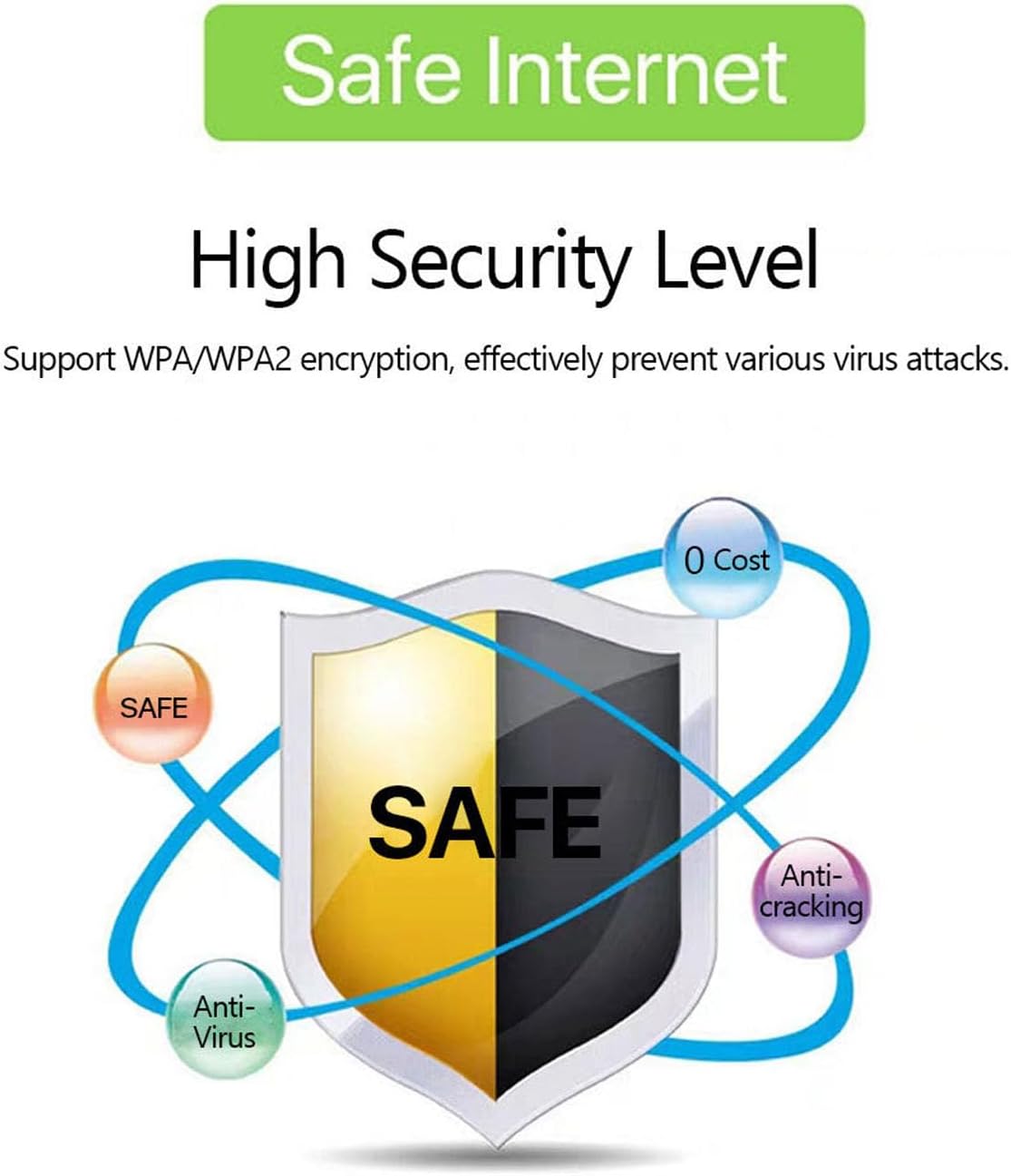
Image: A graphic emphasizing the high security level of the device, featuring a shield icon and text indicating support for WPA/WPA2 encryption to prevent virus attacks and ensure safe internet usage.
6.3 Akun käyttö ja lataaminen
The device is equipped with a 3000 mAh battery, providing extended usage time. When the battery level is low, connect the device to a power source using the provided USB charging cable.

Image: A visual depicting the mobile hotspot's battery life, showing a battery icon at 50% charge. The device features a 3000 mAh battery (note: image text states 3600mAh, but product description confirms 3000mAh) for extended use.
7. Huolto
7.1 Laitteen puhdistaminen
Puhdista laite pehmeällä, kuivalla liinalla. Älä käytä nestemäisiä puhdistusaineita tai aerosoleja, sillä ne voivat vahingoittaa laitetta.
7.2 Akun hoito
- Vältä akun usein toistuvaa täydellistä tyhjentymistä.
- Charge the battery regularly, even if the device is not in use, to maintain its lifespan.
- Säilytä laitetta viileässä ja kuivassa paikassa, kun sitä ei käytetä pitkään aikaan.
8. Vianmääritys
8.1 Ei Internet-yhteyttä
- Tarkista SIM-kortti: Varmista, että SIM-kortti on asetettu oikein ja että se on aktiivinen ja että datapaketti on voimassa.
- Signaalin voimakkuus: Verify that the device has sufficient signal strength. Move to an area with better network coverage if needed.
- Uudelleenkäynnistä laite: Turn the hotspot off and then on again.
- APN-asetukset: If issues persist, you may need to configure the Access Point Name (APN) settings manually. Refer to your mobile carrier's instructions for the correct APN.
8.2 Hidas internetyhteys
- Kytkettyjen laitteiden määrä: Too many devices connected simultaneously can reduce speed. Disconnect some devices.
- Verkon ruuhkat: Speed can be affected by network congestion in your area.
- Signaalin voimakkuus: Ensure good signal strength.
8.3 Ei voi muodostaa yhteyttä Wi-Fi-verkkoon
- Oikea salasana: Double-check that you are entering the correct Wi-Fi password (KEY) as displayed on the hotspot's screen.
- Laitteen läheisyys: Ensure your connecting device is within the Wi-Fi range of the hotspot.
- Käynnistä laitteet uudelleen: Käynnistä uudelleen sekä tukiasema että laite, johon yrität muodostaa yhteyden.
9. Tekniset tiedot
| Ominaisuus | Erittely |
|---|---|
| Mallinumero | Jectse57yq0tl4p8 |
| Yhteystekniikka | 5G LTE, Wi-Fi, USB |
| Suurin latausnopeus | Jopa 300 Mbps |
| Akun kapasiteetti | 3000 mAh |
| Tuetut laitteet | Jopa 12 samanaikaista yhteyttä |
| Suojausprotokollat | WPA, WPA2 |
| Tuetut LTE-kaistat | B1, B3, B5, B7, B8, B20, B38, B40, B41 |
10. Takuu ja tuki
10.1 Takuutiedot
This product comes with a 90-day warranty from the date of purchase. The warranty covers manufacturing defects and malfunctions under normal use. It does not cover damage caused by misuse, accidents, unauthorized modifications, or natural disasters.
10.2 Asiakastuki
If you encounter any issues or have questions regarding your Jectse 5G LTE Mobile Hotspot Router, please contact the seller or refer to the official Jectse support channels for assistance. Please have your model number (Jectse57yq0tl4p8) and purchase details ready when contacting support.