
Johdanto
This manual provides comprehensive instructions for the Anderic RRFA0318 Ceiling Fan Remote Control. This remote is designed as a direct replacement for specific Harbor Breeze ceiling fan models, offering full control over fan speeds, light functions, and airflow direction. Please read this manual carefully before use to ensure proper installation and operation.
Yhteensopivuus
The Anderic RRFA0318 remote control is compatible with the following Harbor Breeze ceiling fan models:
- Harbor Breeze Arbormere 60-inch Color-Changing Outdoor Matte Black with Driftwood Blades Ceiling Fan With Light (Item #5127845 | Model #43341)
- Harbor Breeze Queensdale Easy2Hang 60-inch Color-Changing Integrated LED Covered Outdoor Matte Black with Black Blades Ceiling Fan With Light (Item #5971303 | Model #43299)
- Harbor Breeze Queensdale Easy2Hang 60-inch Color-Changing Integrated LED Covered Outdoor White with White Blades Ceiling Fan With Light (Item #5979053 | Model #43377)
- Harbor Breeze Outermark Easy2Hang 60-inch Color-Changing Integrated LED Uncovered Outdoor Matte Black with Black Blades Ceiling Fan With Light (Item #5971304 | Model #43300)
- Harbor Breeze Outermark Easy2Hang 60-inch Color-Changing Integrated LED Uncovered Outdoor White with White Blades Ceiling Fan With Light (Item #5979051 | Model #43378)
This remote replaces original Harbor Breeze remotes 4L000016210 and A25-FA0198A.

Image: Comparison of the original Harbor Breeze remote (left) and the Anderic RRFA0318 replacement (right).
Tärkeimmät ominaisuudet
- Full Fan Control: Adjust fan speeds (6-speed), and change airflow direction (forward/reverse).
- Valon ohjaus: Dim lights and adjust color temperature (if supported by fan).
- Lisätoiminnot: Includes timer settings (2hr, 4hr, 8hr), Nature Breeze mode, Home Shield, and Walk Away delay functions.
- Käyttäjäystävällinen muotoilu: Features large, durable rubber buttons and dedicated keys for easy operation.
- Seinäkiinnitys: Comes with a full-plate wall mount and a built-in magnet for secure storage.
Asennus
1. Akun asennus
The remote control requires one A23 12-volt battery (not included) for operation. Follow these steps to install the battery:
- Paikanna paristolokeron kansi kaukosäätimen takaa.
- Liu'uta kansi auki.
- Insert one A23 12-volt battery, ensuring the correct polarity (+ and - ends match the markings inside the compartment).
- Liu'uta paristolokeron kansi takaisin paikalleen, kunnes se napsahtaa tukevasti.
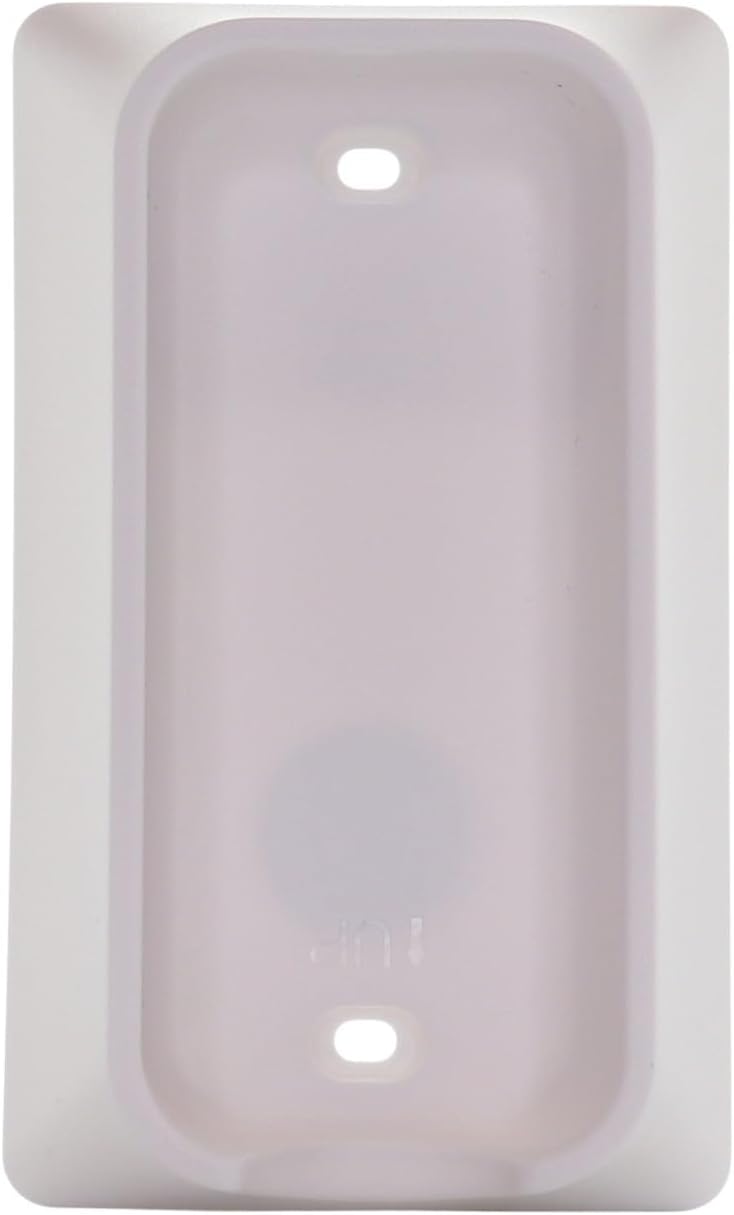
Image: Back of the remote control with the battery compartment open, indicating battery placement.
2. Pairing Instructions (Simple 3-Step Pairing)
To pair your Anderic RRFA0318 remote control with your ceiling fan receiver, follow these steps:
- Install a 12V 23A battery ensuring the correct polarization.
- Cycle the power to the fan. Turn off the power to your ceiling fan at the wall switch or circuit breaker, wait a few seconds, then turn it back on.
- 30 sekunnin sisällä of restoring power to the fan, locate the small "LEARN" key inside the battery compartment of the remote control and tap it once. The fan light should blink or the fan should respond, indicating successful pairing.

Image: Visual guide for the 3-step pairing process, showing the remote's front and the location of the 'LEARN' button.
Huomautus: The pairing process is identical to that of the original Harbor Breeze remote.
Käyttöohjeet
The Anderic RRFA0318 remote control provides intuitive control over your ceiling fan and light. Refer to the button layout for specific functions:

Kuva: Edessä view of the Anderic RRFA0318 remote control, displaying all control buttons.
- Tuulettimen nopeuden säätö: Käytä + ja - buttons next to the fan icon to increase or decrease fan speed.
- Tuuletin päällä/pois: Paina virtakuvake painiketta (ympyrä, jossa on pystysuora viiva) tuulettimen kytkemiseksi päälle tai pois päältä.
- Valo päällä/pois/himmennys: Paina hehkulamppukuvake button to turn the light on or off. Hold the button to dim or brighten the light.
- Värilämpötilan säätö: If your fan supports it, use the multi-color light bulb icon button to cycle through or adjust light color temperatures.
- Ilmavirta eteen/taakse: Käytä blue arrows (down) for forward mode (cooling) and red arrows (up) for reverse mode (warming).
- Ajastimen toiminnot: Paina 2 h, 4 h, tai 8 h buttons to set the fan to turn off automatically after the selected duration.
- Nature Breeze Mode: Paina wavy lines icon to activate a mode that simulates natural breezes by varying fan speed.
- Home Shield: Paina talon kuvake for security features (refer to your fan's manual for specific functionality).
- Walk Away Delay: Paina person walking icon to activate a delay function (refer to your fan's manual for specific functionality).
Huolto
- Puhdistus: Pyyhi kaukosäädin pehmeällä, kuivalla liinalla. Älä käytä hankaavia puhdistusaineita tai liuottimia.
- Akun vaihto: Replace the A23 12-volt battery when the remote's range decreases or it becomes unresponsive. Ensure proper disposal of old batteries according to local regulations.
- Varastointi: When not in use for extended periods, remove the battery to prevent leakage. Store the remote in a cool, dry place.
Vianetsintä
| Ongelma | Mahdollinen syy | Ratkaisu |
|---|---|---|
| Remote not responding to fan. | Battery is dead or incorrectly installed. Remote is not paired. Fan power is off. | Check battery polarity and replace if necessary. Re-pair the remote following the "Pairing Instructions" section. Ensure the fan's power is on. |
| Fan light not dimming or changing color. | Fan does not support dimming/color change. Incorrect button press. | Verify your ceiling fan model supports these features. For dimming, hold the light button. For color change, ensure you are pressing the correct multi-color light button. |
| Kaukosäätimen kantama on huono. | Low battery. Obstructions between remote and receiver. | Replace the A23 12-volt battery. Ensure there are no major obstructions (e.g., thick walls, large metal objects) between the remote and the fan's receiver. |
| Fan changes direction unexpectedly. | Accidental press of forward/reverse button. | Press the appropriate forward (blue arrows) or reverse (red arrows) button to set the desired direction. |
Tekniset tiedot
- Mallin nimi: RRFA0318
- Merkki: Anderic
- Yhteystekniikka: Radiotaajuus (RF)
- Ohjaimen tyyppi: Painikkeiden ohjaus
- Painikkeiden määrä: 14
- Virtalähde: 1 x A23 12-volt battery (not included)
- Suurin kantama: 30 jalkaa (noin 9 metriä)
- Väri: Valkoinen
- Tuotteen mitat (P x L x K): 6" x 2" x 1" (noin 15.24 cm x 5.08 cm x 2.54 cm)
Takuu ja tuki
The Anderic RRFA0318 remote control comes with a 1 Year Limited Anderic Warranty. For warranty claims or technical support, please contact Anderic customer service directly. Keep your purchase receipt as proof of purchase.
Lisätietoja saat osoitteesta Anderic-kauppa Amazonissa.