
Johdanto
Thank you for choosing the iFFALCON 55U75A 55-inch Smart TV. This manual provides essential information for setting up, operating, and maintaining your new television. Please read it thoroughly before use and keep it for future reference.

The iFFALCON 55U75A 55-inch Smart TV, showcasing sen tyylikäs muotoilu.
Turvallisuustiedot
Noudata aina tätä tuotetta käyttäessäsi perusturvallisuusohjeita tulipalon, sähköiskun ja loukkaantumisen riskin vähentämiseksi.
- Älä altista televisiota sateelle tai kosteudelle.
- Älä avaa kaappia; anna kaikki huoltotoimenpiteet pätevän henkilöstön tehtäväksi.
- Varmista oikea ilmanvaihto television ympärillä.
- Käytä ainoastaan valmistajan toimittamaa virtalähdettä ja kaapeleita.
- Pidä televisio poissa suorasta auringonvalosta, lämmönlähteistä ja voimakkaista magneettikentistä.
- Clean the TV with a soft, dry cloth. Avoid liquid cleaners.
Pakkauksen sisältö
Varmista, että pakkauksessa on kaikki tarvittavat osat:
- iFFALCON 55U75A 55-inch Smart TV
- Virtalähde
- Virtakaapeli
- Kaukosäädin
- Seiso
- Käyttöopas
Asennus
1. Jalustan asennus
TV-jalustan asentaminen:
- Aseta televisio varovasti kuvaruutu alaspäin pehmeälle ja tasaiselle alustalle, jotta kuvaruutu ei vaurioidu.
- Attach the stand legs to the designated slots on the bottom of the TV.
- Kiinnitä jalat mukana toimitetuilla ruuveilla.

Diagram showing the TV dimensions and how to attach the stand.
2. Oheislaitteiden liittäminen
Liitä ulkoiset laitteet televisioon käytettävissä olevien porttien avulla:
- HDMI: For high-definition audio and video devices like gaming consoles, Blu-ray players, or set-top boxes. The TV features 4 HDMI ports.
- USB: USB-tallennuslaitteiden liittämiseen median toistamista varten files.
- Wi-Fi: Yhdistä kotiverkkoosi käyttääksesi internetiä ja älytelevision ominaisuuksia.
- Bluetooth: For wireless connection to compatible audio devices or accessories.

Takaosa view of the TV, illustrating the various input and output ports.
3. Ensimmäinen käynnistys
After connecting all necessary cables, plug the power cable into an electrical outlet. Press the power button on the remote control or the TV to turn it on. Follow the on-screen instructions for initial setup, including language selection, network connection, and Google TV account setup.
Television käyttö
Kaukosäädin
The remote control allows you to navigate the TV's interface, adjust settings, and access smart features. Familiarize yourself with the buttons for power, volume, channel, input selection, and smart TV functions.
Google TV:n ominaisuudet
Your iFFALCON 55U75A comes with Google TV, offering a personalized entertainment experience. Access your favorite streaming services, apps, and content recommendations. Use Google Assistant for voice commands to search for movies, control smart home devices, and more.
Display Technology: QLED and 144Hz Native Refresh Rate
Experience vibrant and lifelike visuals with QLED technology, featuring advanced quantum crystal materials for richer colors and higher stability. The 144Hz native refresh rate ensures ultra-smooth motion, ideal for gaming and fast-paced action scenes, reducing blur and enhancing clarity.
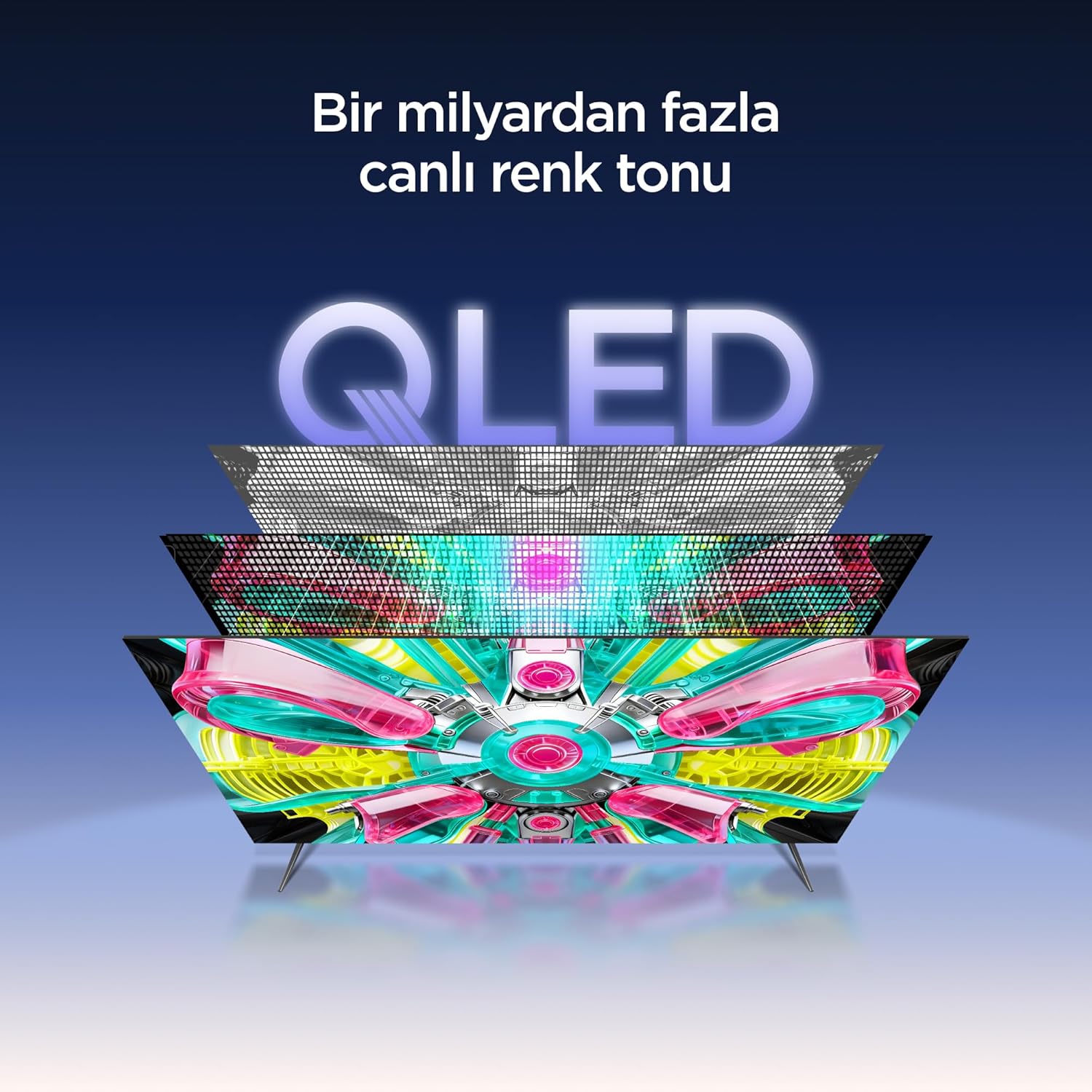
An illustration of the QLED display technology layers, providing over a billion vibrant color tones.
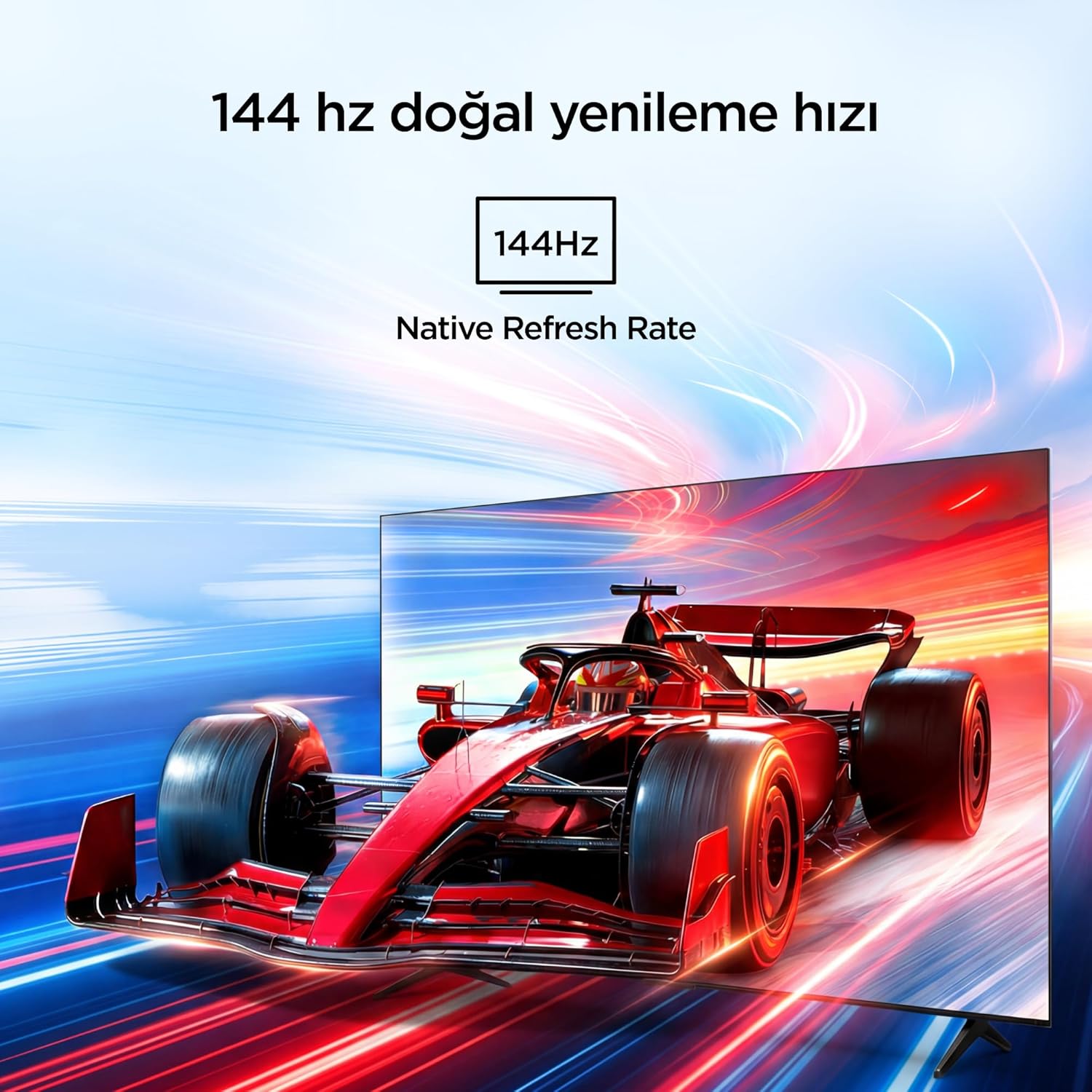
Visual representation of the 144Hz Native Refresh Rate, demonstrating smooth motion for gaming and action.
Audio Experience: Dolby Vision Atmos & DTS Virtual X
Immerse yourself in high-quality audio with Dolby Vision Atmos, delivering rich and captivating sound. DTS Virtual X provides virtual 3D sound, bringing the scene into your room with audio from above, the sides, and behind.

An image depicting the immersive audio experience provided by Dolby Vision Atmos.
AiPQ Pro -prosessori
The AiPQ Pro Processor, powered by artificial intelligence, optimizes contrast and color accuracy in every scene. It analyzes visual content and masterfully balances skin tones and color distribution for vivid and realistic visuals.
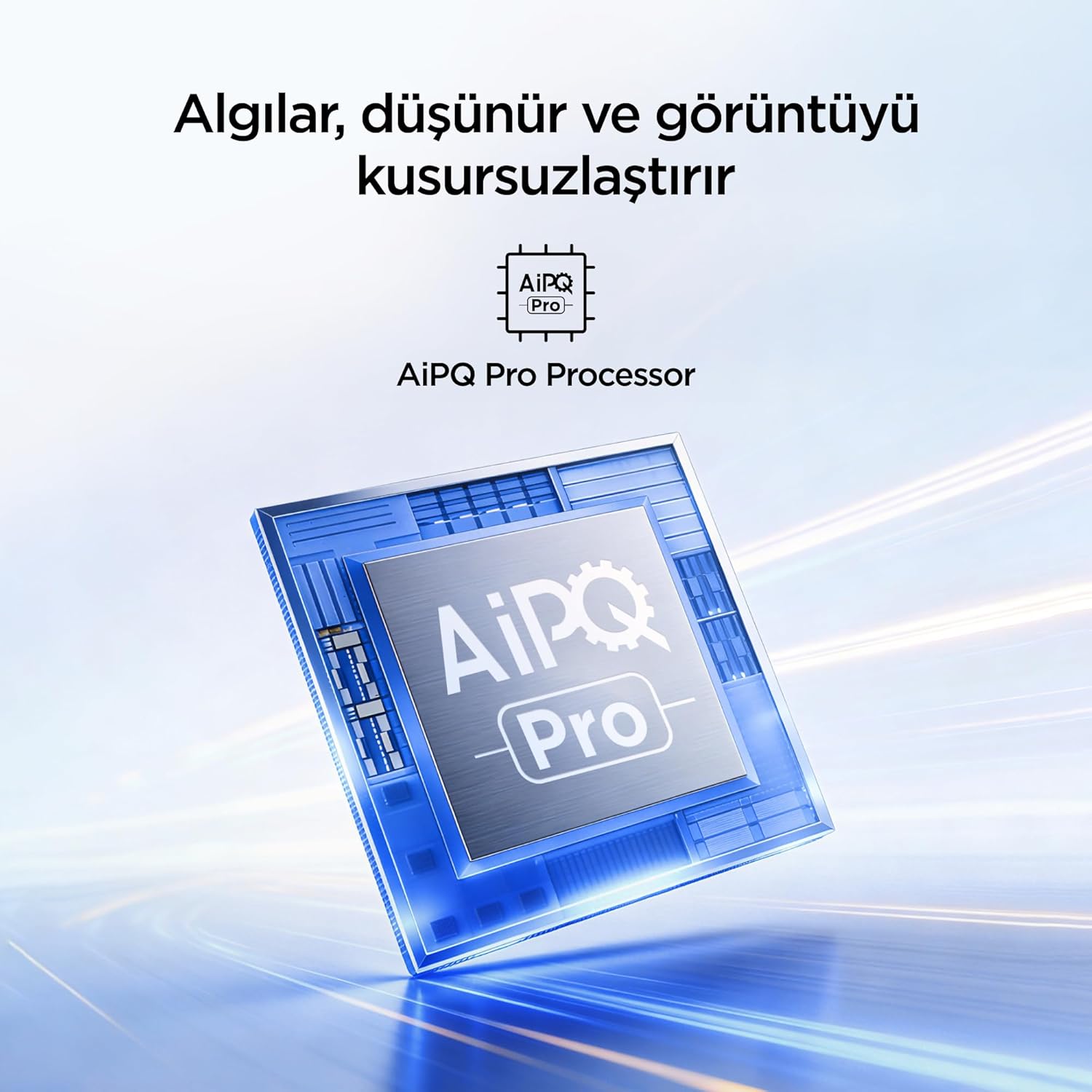
A visual of the AiPQ Pro Processor, highlighting its role in image optimization.
HVA Panel Technology
The HVA Panel offers 5x contrast enhancement, a low reflection film, and a wide viewing angle of over 178°. This technology provides powerful and accurate contrast, delivering sharper and more striking images.

Comparison illustrating the superior contrast and detail of HVA Panel Technology over conventional IPS panels.
Game Master & Gamebar
The Game Master feature, along with the dedicated Gamebar, provides special screen designs for gaming consoles. Comprehensive graphics and game modes allow for personalized settings, giving you an advantage when starting a game.

An image showing the Gamebar interface, designed for optimizing gaming experiences on consoles.
Multiple Eye Care
The TV is equipped with Multiple Eye Care technologies, such as low blue light and natural light optimization, to help reduce eye strain during long viewing sessions, providing a more comfortable experience.

Visual explanation of Multiple Eye Care features like low blue light and flicker-free viewing.
Huolto
Oikea huolto varmistaa televisiosi pitkän käyttöiän ja optimaalisen suorituskyvyn.
- Näytön puhdistaminen: Pyyhi näyttö varovasti pehmeällä, nukkaamattomalla liinalla. Pinttyneisiin tahroihin pyyhi kevyestiampKostuta liina vedellä tai erikoisnäytönpuhdistusaineella (älä koskaan suihkuta suoraan näytölle).
- Kaapin puhdistus: Pyyhi television kotelo pehmeällä, kuivalla liinalla.
- Ilmanvaihto: Varmista, että television takana olevat tuuletusaukot eivät ole tukossa ylikuumenemisen estämiseksi.
- Virtajohto: Tarkista virtajohto säännöllisesti vaurioiden varalta. Jos johto on vaurioitunut, ota yhteyttä asiakastukeen vaihtoa varten.
Vianetsintä
Jos television kanssa ilmenee ongelmia, tutustu seuraaviin yleisiin ongelmiin ja ratkaisuihin ennen kuin otat yhteyttä tukeen.
| Ongelma | Mahdollinen ratkaisu |
|---|---|
| Ei virtaa | Check if the power cord is securely plugged into the TV and the power outlet. Ensure the outlet is working. |
| Ei kuvaa, mutta ääni kuuluu | Check the input source. Ensure the external device is properly connected and powered on. |
| Ei ääntä, mutta kuva näkyy | Check the volume level and mute settings. Ensure audio cables are correctly connected. |
| Kaukosäädin ei toimi | Vaihda paristot. Varmista, ettei kaukosäätimen ja television infrapunatunnistimen välissä ole esteitä. |
| Wi-Fi-yhteysongelmia | Restart your router and modem. Check TV network settings and ensure the password is correct. |
Tekniset tiedot
| Ominaisuus | Yksityiskohta |
|---|---|
| Näytön koko | 55 tuumaa |
| Merkki | iFFALCON |
| Näyttötekniikka | QLED |
| Resoluutio | 4K |
| Päivitystaajuus | 144 Hz |
| Tärkeimmät ominaisuudet | 144Hz Native Refresh Rate, AiPQ Pro Processor, Bezel-less Design, Google Assistant, HVA Screen, Multi Eye Care, Free Sync |
| Yhteystekniikka | Bluetooth, HDMI, USB, Wi-Fi |
| Tuotteen mitat (S x L x K) | 7 S x 122.4 L x 70.8 K cm |
| Mallin nimi | 55U75A |
| Tuotteen paino | 13.5 kiloa |
| HDMI-portteja yhteensä | 4 |
| Energiatehokkuus | A+ |
| Väri | Musta |
| Mallin vuosi | 2026 |
| Valmistaja | iFFALCON |
| Alkuperämaa | Kiina |
Takuu ja tuki
Your iFFALCON 55U75A Smart TV comes with a 2 vuoden valmistajan takuu. For warranty claims, technical support, or service inquiries, please contact iFFALCON customer service. Refer to the warranty card included in your package for detailed terms and conditions.
For further assistance, visit the official iFFALCON websivustolla tai ota yhteyttä heidän valtuutettuihin huoltokeskuksiinsa.