
Johdanto
This manual provides essential instructions for the safe and efficient setup, operation, and maintenance of your Humanscale eFloat Go 2.0 Height Adjustable Table Base. Please read this manual thoroughly before installation and retain it for future reference.
Asennus ja kokoonpano
1. Nyrkkeilyn poistaminen
Carefully remove all components from the packaging. Inspect for any damage that may have occurred during transit. Keep all packaging materials until assembly is complete and the unit is confirmed to be working correctly.
2. Komponenttien tunnistaminen
Ensure all parts listed in the packing list are present. Refer to the diagram below for component identification.
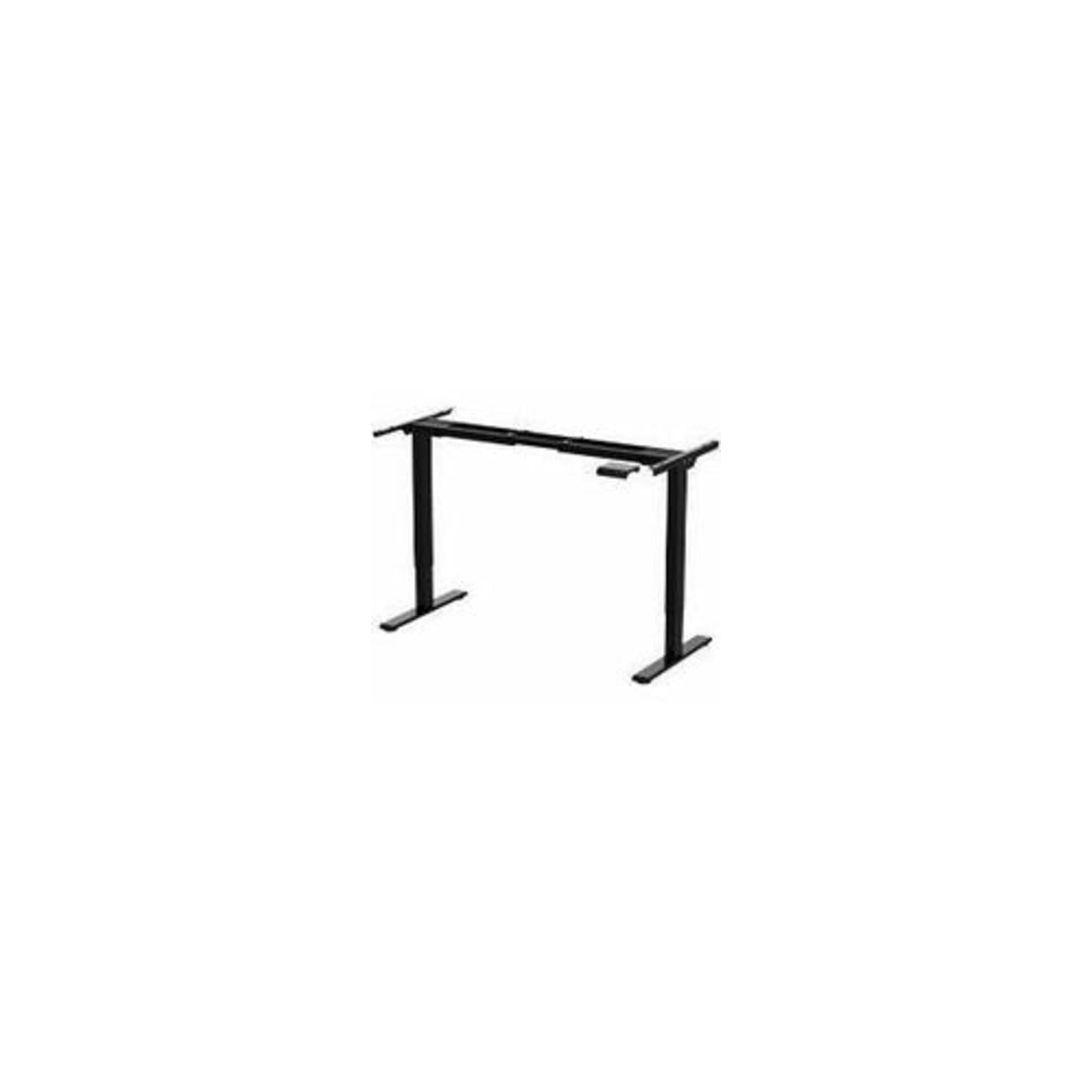
Image: The Humanscale eFloat Go 2.0 T-Shaped Table Base, showing the main structural components including the legs, crossbar, and feet. This image illustrates the base unit without a tabletop.
3. Kokoamisvaiheet
- Attach the feet to the bottom of each leg column using the provided screws. Ensure they are securely fastened.
- Connect the crossbar to the top of the leg columns. Align the pre-drilled holes and secure with the designated bolts.
- Mount your chosen tabletop (sold separately) to the assembled base. Use appropriate screws for your tabletop material, ensuring even distribution and secure attachment.
- Connect the power cable to the control box and then to a grounded electrical outlet.
Käyttöohjeet
1. Korkeuden säätö
The eFloat Go 2.0 base allows for smooth height adjustments. Use the control panel to raise or lower the desk.
- Nostaa: Press and hold the 'Up' arrow button on the control panel. Release the button when the desired height is reached.
- Laskea: Press and hold the 'Down' arrow button on the control panel. Release the button when the desired height is reached.
2. Turvallisuusohjeet
- Varmista, ettei pöydän ylä- tai alapuolella ole esteitä, kun säädät sen korkeutta.
- Do not place hands or other body parts in the path of moving parts.
- Älä ylikuormita pöytää. Katso teknisistä tiedoista suurin sallittu painokapasiteetti.
- Pidä lapset ja lemmikit poissa pöydältä käytön aikana.
Huolto
1. Puhdistus
To clean the table base, wipe surfaces with a soft, damp cloth. Avoid using abrasive cleaners or solvents, as these can damage the finish. Ensure the power is disconnected before cleaning.
2. Säännölliset tarkastukset
Periodically check all screws and bolts to ensure they remain tight. Loose fasteners can affect stability and operation. Do not attempt to lubricate internal components.
Vianetsintä
| Ongelma | Mahdollinen syy | Ratkaisu |
|---|---|---|
| Pöytä ei liiku | Virtajohto irti; Ylikuormitus; Moottorivirhe | Tarkista virtaliitäntä; Vähennä painoa pöydällä; Irrota pistoke 30 sekunniksi ja kytke se takaisin. |
| Uneven movement | Loose fasteners; Obstruction | Check and tighten all screws/bolts; Remove any obstructions. |
| Pöytä pysähtyy kesken liikkeen | Safety stop engaged (anti-collision); Overheating | Remove obstruction; Allow motor to cool down for 20 minutes. |
Tekniset tiedot
| Ominaisuus | Yksityiskohta |
|---|---|
| Merkki | Humanscale |
| Mallinumero | FYH12TB |
| Tuotteen mitat | 24 x 30 x 5 tuumaa |
| Väri | Multicolor (Base is Black) |
| Kohteiden määrä | 1 |
| Valmistaja | Humanscale |
Takuutiedot
Humanscale products are designed for durability and performance. For specific warranty details regarding your eFloat Go 2.0 table base, please refer to the official Humanscale warranty documentation provided with your purchase or visit the Humanscale website. Optional protection plans may be available for extended coverage.
Tuki ja yhteydenotto
If you require assistance, have questions, or need to report an issue, please contact Humanscale customer support. You can find contact information on the official Humanscale websivustolta tai valtuutetun jälleenmyyjän kautta.
Visit the official Humanscale store for more information: Humanscale-myymälä