
1. Johdanto
The Baseus Inspire XP1 Adaptive Noise Cancelling Earbuds are designed to provide a high-fidelity audio experience with advanced noise cancellation capabilities. Featuring Sound by Bose technology and Dolby Spatial Audio, these earbuds offer immersive sound and clear communication. This manual provides instructions for setup, operation, and maintenance to ensure optimal performance.
2. Pakkauksen sisältö
Varmista, että pakkauksessasi on kaikki tarvittavat osat:
- Baseus Inspire XP1 Noise Cancelling Wireless Earbuds
- Latauskotelo
- Korvatyynyt (S/M/L-koot)
- USB-C latauskaapeli
- Käyttöopas

Image: Package contents of the Baseus Inspire XP1 earbuds.
3. Tuote ohiview
The Baseus Inspire XP1 earbuds feature a contoured in-ear fit with umbrella-shaped liquid silicone tips for comfort and noise isolation. They are equipped with a 6-mic sound sensor array for clear calls and touch-sensitive surfaces for control.

Image: Baseus Inspire XP1 Earbuds.
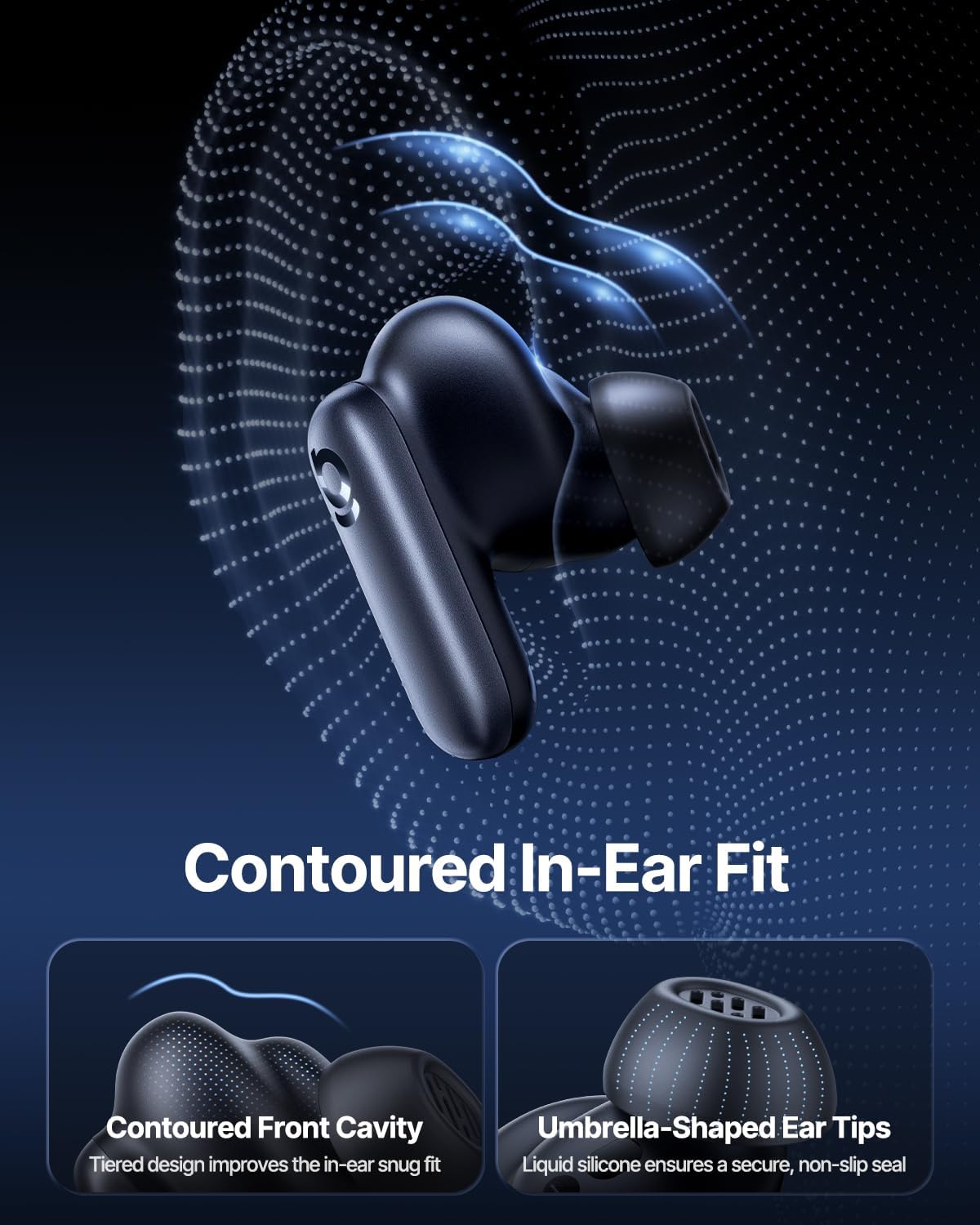
Image: Contoured In-Ear Fit and Umbrella-Shaped Ear Tips.
4. Asennus
4.1 Alkuperäinen pariliitos
- Lataa kuulokkeet: Place both earbuds into the charging case and close the lid. Connect the USB-C charging cable to the case and a power source. The indicator light on the case will show charging status.
- Ota pariliitostila käyttöön: Avaa latauskotelo. Nappikuulokkeet siirtyvät automaattisesti pariliitostilaan, minkä osoittaa vilkkuva valo nappikuulokkeissa tai kotelossa.
- Yhdistä Bluetoothin kautta: Siirry laitteellasi (älypuhelin, tabletti, kannettava tietokone) Bluetooth-asetuksiin ja ota Bluetooth käyttöön. Etsi "Baseus Inspire XP1" in the list of available devices and select it to connect.
- Vahvistus: Once connected, a voice prompt will confirm successful pairing, and the indicator light will turn solid or off.
4.2 Baseus App Installation
For full functionality, including Dolby Audio, custom EQ settings, and adaptive tuning, download the official Baseus App from your device's app store (iOS App Store or Google Play Store). The app allows for personalized control of your listening experience.
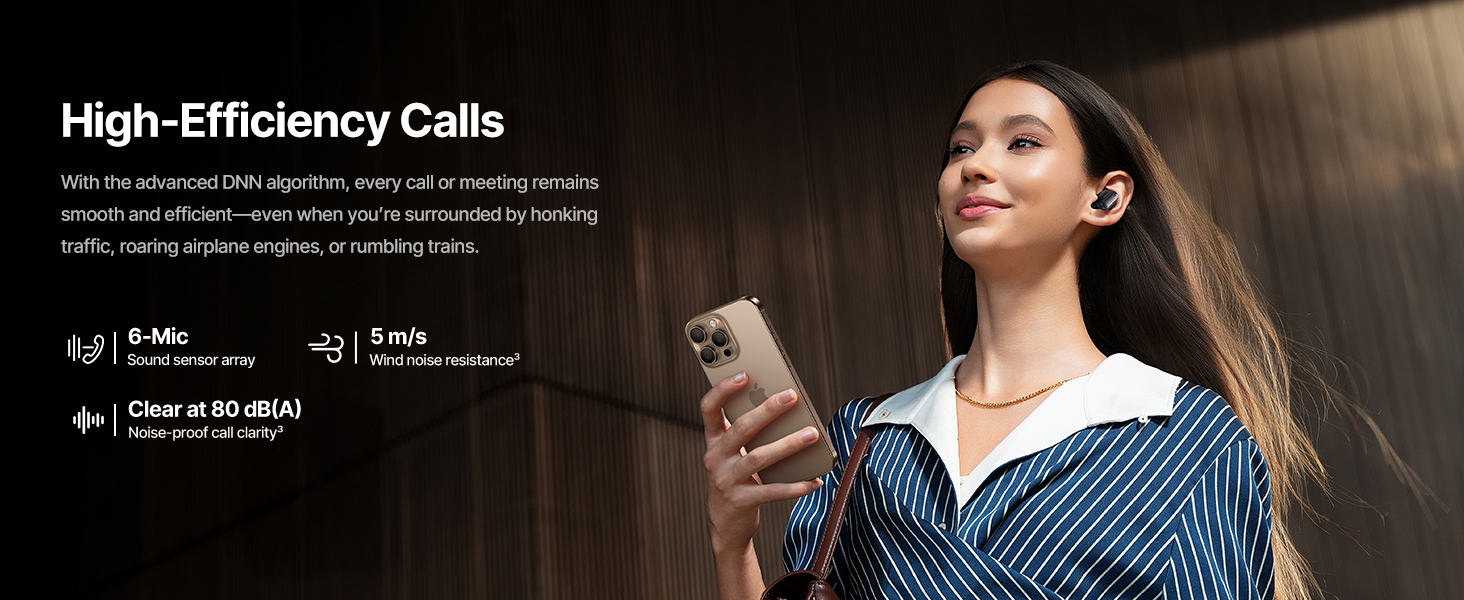
Image: Smart App Control interface.
5. Käyttöohjeet
5.1 Virta päälle/pois
- Virta päälle: Avaa latauskotelo, niin nappikuulokkeet käynnistyvät automaattisesti ja yrittävät muodostaa yhteyden viimeksi pariliitettyyn laitteeseen.
- Virta pois: Aseta nappikuulokkeet takaisin latauskoteloon ja sulje kansi. Ne sammuvat automaattisesti ja alkavat latautua.
5.2 Kosketusohjaimet
The earbuds feature touch-sensitive surfaces for various functions:
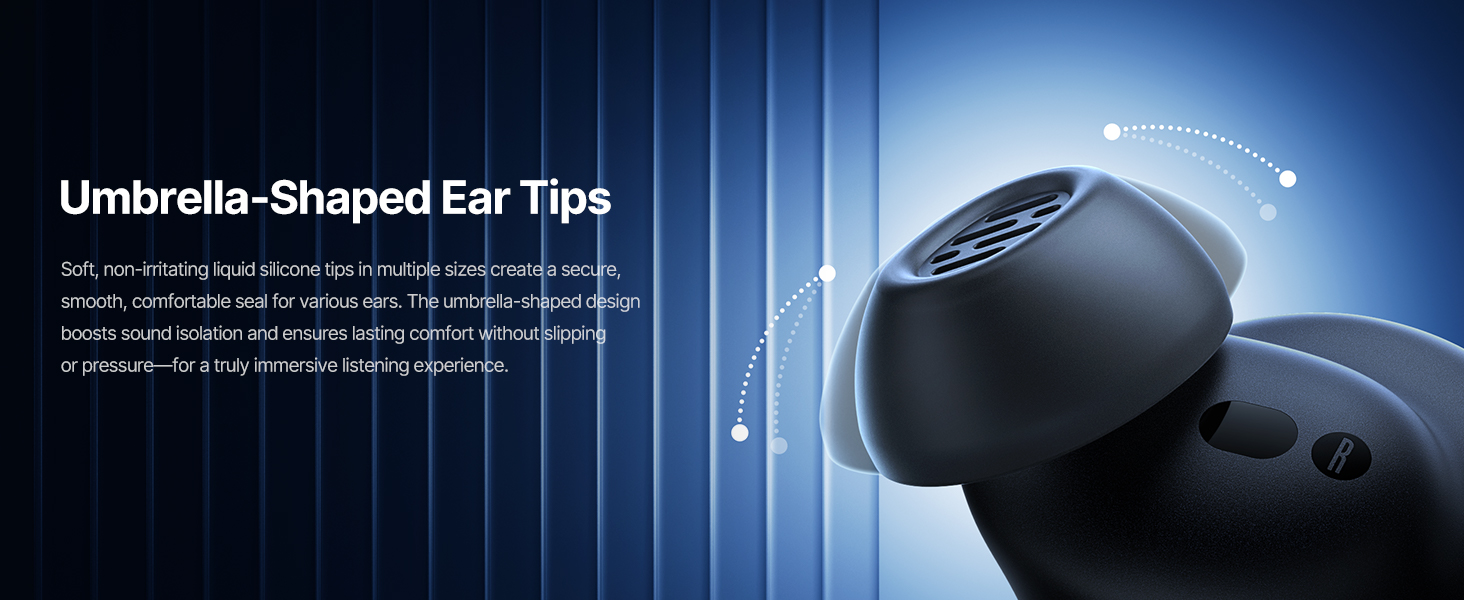
Image: Touch Control Guide.
- Toista/keskeytä musiikki: Kaksoisnapauta jompaakumpaa korvanappia.
- Puheluihin vastaaminen/lopetus: Kaksoisnapauta jompaakumpaa korvanappia.
- Hylkää puhelut: Napauta ja pidä painettuna jompaakumpaa kuuloketta 1.5 sekunnin ajan.
- Vaihda ANC/läpinäkyvyystila: Napauta ja pidä painettuna jompaakumpaa kuuloketta 1.5 sekunnin ajan.
- Aktivoi Voice Assistant: Napauta kumpaa tahansa korvanappia kolmoisnapauttamalla.
5.3 Adaptive Noise Cancellation (ANC) and Transparency Mode
The Inspire XP1 earbuds feature Premium Adaptive ANC, which dynamically adjusts noise reduction up to -50 dB based on your environment. Transparency Mode allows you to hear your surroundings without removing the earbuds.

Image: Premium Adaptive ANC in use.
Switch between ANC and Transparency Mode by tapping and holding the touch surface for 1.5 seconds, or manage settings via the Baseus App.
5.4 High-Efficiency Clear Calls
Equipped with a 6-mic sound sensor array and AI algorithms, the earbuds provide clear calls by reducing wind noise and environmental distractions up to 80 dB(A).
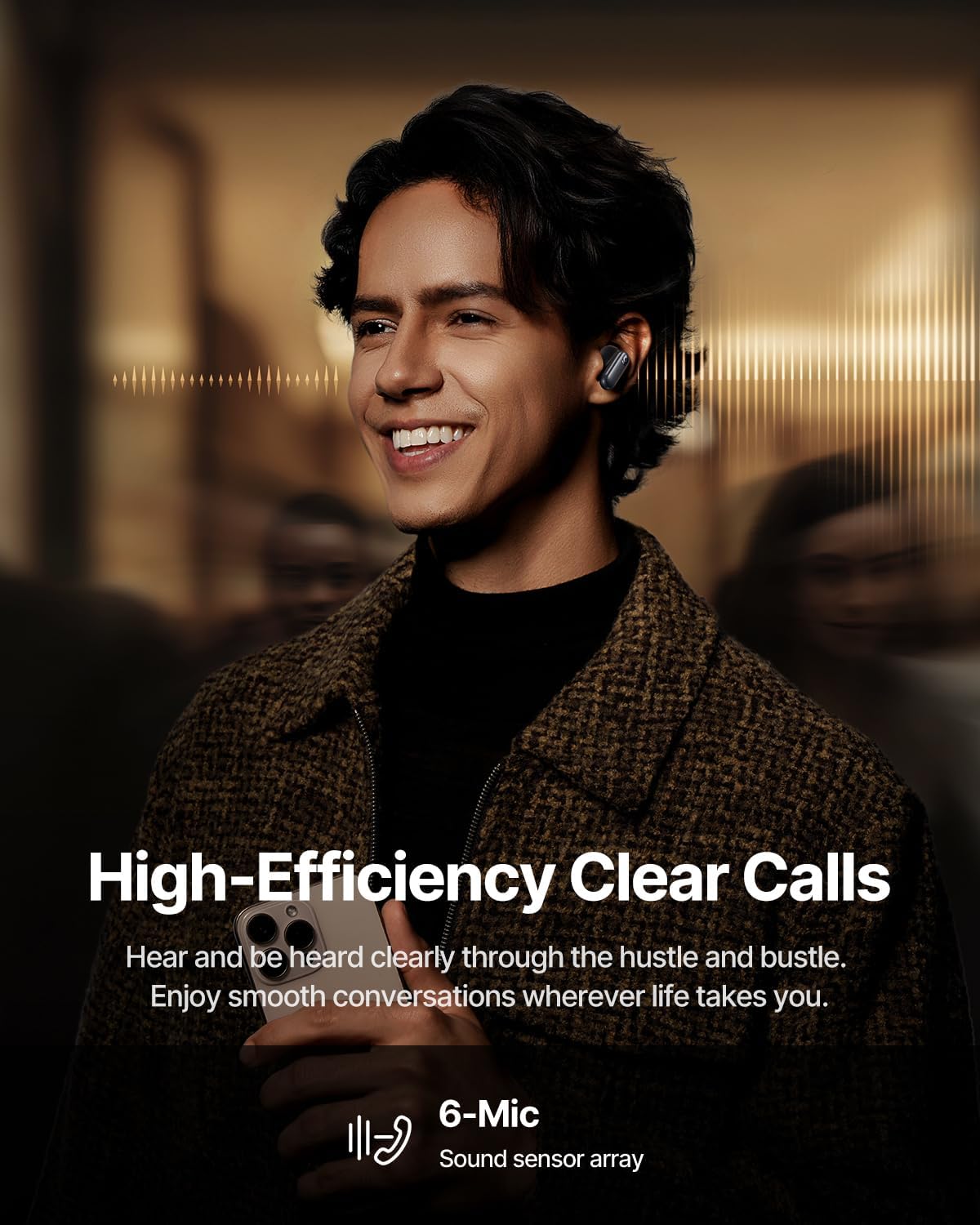
Image: High-Efficiency Clear Calls.
5.5 Lataus ja akunkesto
The earbuds offer extended playtime with the charging case:
- ANC pois päältä: Up to 8 hours per charge, and up to 45 hours with the charging case.
- ANC päällä: Up to 6 hours per charge, and up to 35 hours with the charging case.
- Pikalataus: 10 minuutin lataus antaa noin 2.5 tuntia toistoaikaa.

Image: Day-and-Night Playtime.
5.6 Instant Multipoint Connection
Utilize Baseus Smart-Connect and Bluetooth 6.1 for seamless switching between two paired devices, such as a phone and a laptop, enabling uninterrupted calls and multitasking.
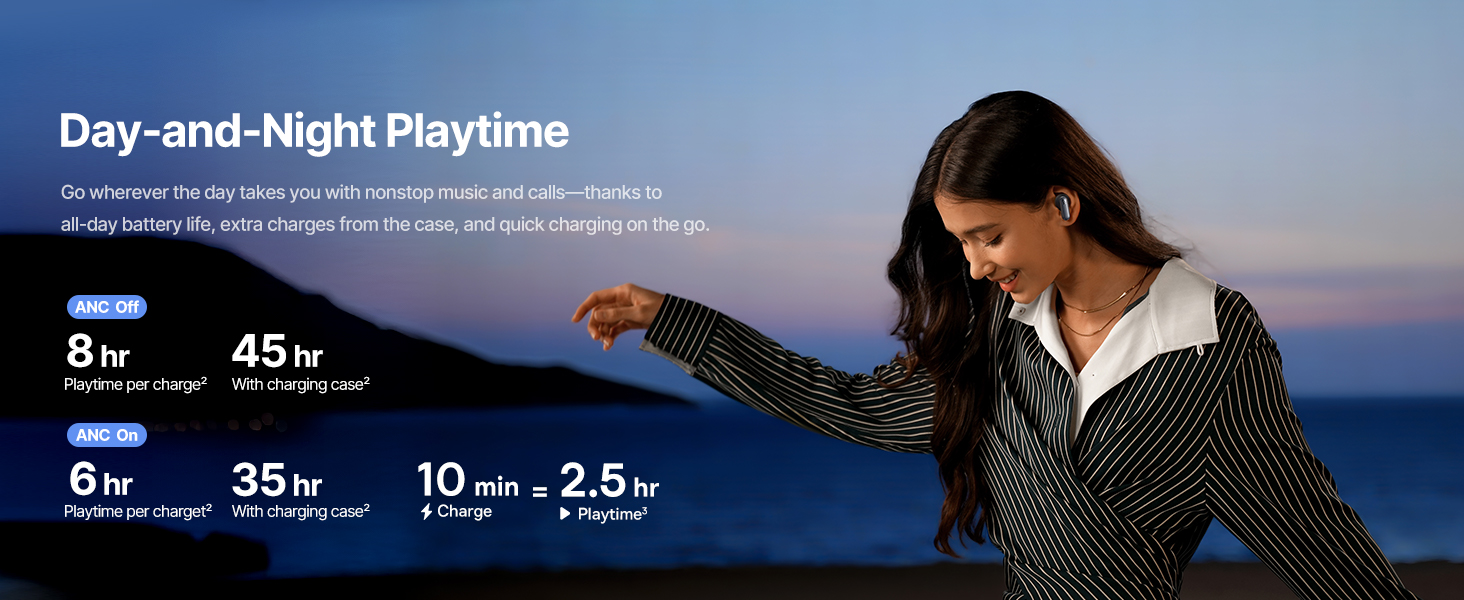
Image: Instant Multipoint Connection.
6. Huolto
- Puhdistus: Puhdista nappikuulokkeet ja latauskotelo säännöllisesti pehmeällä, kuivalla ja nukkaamattomalla liinalla. Älä käytä hankaavia materiaaleja tai voimakkaita kemikaaleja.
- Korvaosat: Remove and clean the silicone eartips with mild soap and water if necessary. Ensure they are completely dry before reattaching.
- Latausportit: Pidä USB-C-latausportti puhtaana pölystä ja roskista.
- Varastointi: When not in use, store the earbuds in their charging case to protect them and maintain battery life. Avoid extreme temperatures.
7. Vianmääritys
7.1 Kuulokkeet eivät muodosta pariliitosta
- Varmista, että nappikuulokkeet on ladattu ja latauskotelon kansi on auki.
- Sammuta ja kytke laitteesi Bluetooth päälle.
- Unohda laite Bluetooth-asetuksista ja yritä pariliitosta uudelleen.
- Try resetting the earbuds (refer to the Baseus App or Baseus support for specific reset instructions).
7.2 Ei ääntä tai äänenvoimakkuus on alhainen
- Tarkista äänenvoimakkuustasot sekä laitteestasi että nappikuulokkeista.
- Varmista, että nappikuulokkeet ovat kunnolla korvissasi.
- Verify that the earbuds are connected to the correct audio output on your device.
- Puhdista korvanappien kaiuttimista mahdolliset roskat.
7.3 Latausongelmat
- Varmista, että latauskaapeli on kytketty kunnolla sekä koteloon että virtalähteeseen.
- Kokeile toista USB-C-kaapelia ja virtalähdettä.
- Puhdista sekä nappikuulokkeiden että kotelon sisäpuolen latauskoskettimet.
8. Tekniset tiedot
Image: Product Specifications.
| Mallin nimi | Baseus Inspire XP1 |
| Yhteystekniikka | Bluetooth 6.1, Langaton |
| Langaton viestintätekniikka | Bluetooth 6.1 |
| Melunhallinta | Adaptive Noise Cancellation, Environmental Noise Cancellation |
| Ääniohjaimen koko | 10 millimetriä |
| Taajuusalue | 20 Hz–20,000 XNUMX Hz |
| Akunkesto (ANC pois päältä) | 8 tuntia (nappikuulokkeet), 45 tuntia (latauskotelolla) |
| Latausportti | USB-C |
| Valvontamenetelmä | Sovellus, kosketa |
| Materiaali | Silikoni |
| Tuotteen paino | 7.8 unssia |
9. Takuu ja tuki
Baseus products are covered by a limited warranty. For detailed warranty information, product support, or to contact customer service, please visit the official Baseus websivustolta tai katso pakkauksessa olevaa takuukorttia.
Voit myös vierailla Baseus-kauppa Amazonissa lisätietoja ja tuotetietoja varten.