
1. Tuote ohiview
The AJAZZ AJ139 V2 MC is a versatile tri-mode gaming mouse designed for precision and responsiveness. It features a PAW3311 sensor for accurate tracking, a 1000Hz return rate for smooth performance, and a long-lasting 500mAh battery. Its compact and lightweight design makes it suitable for extended use and portability.
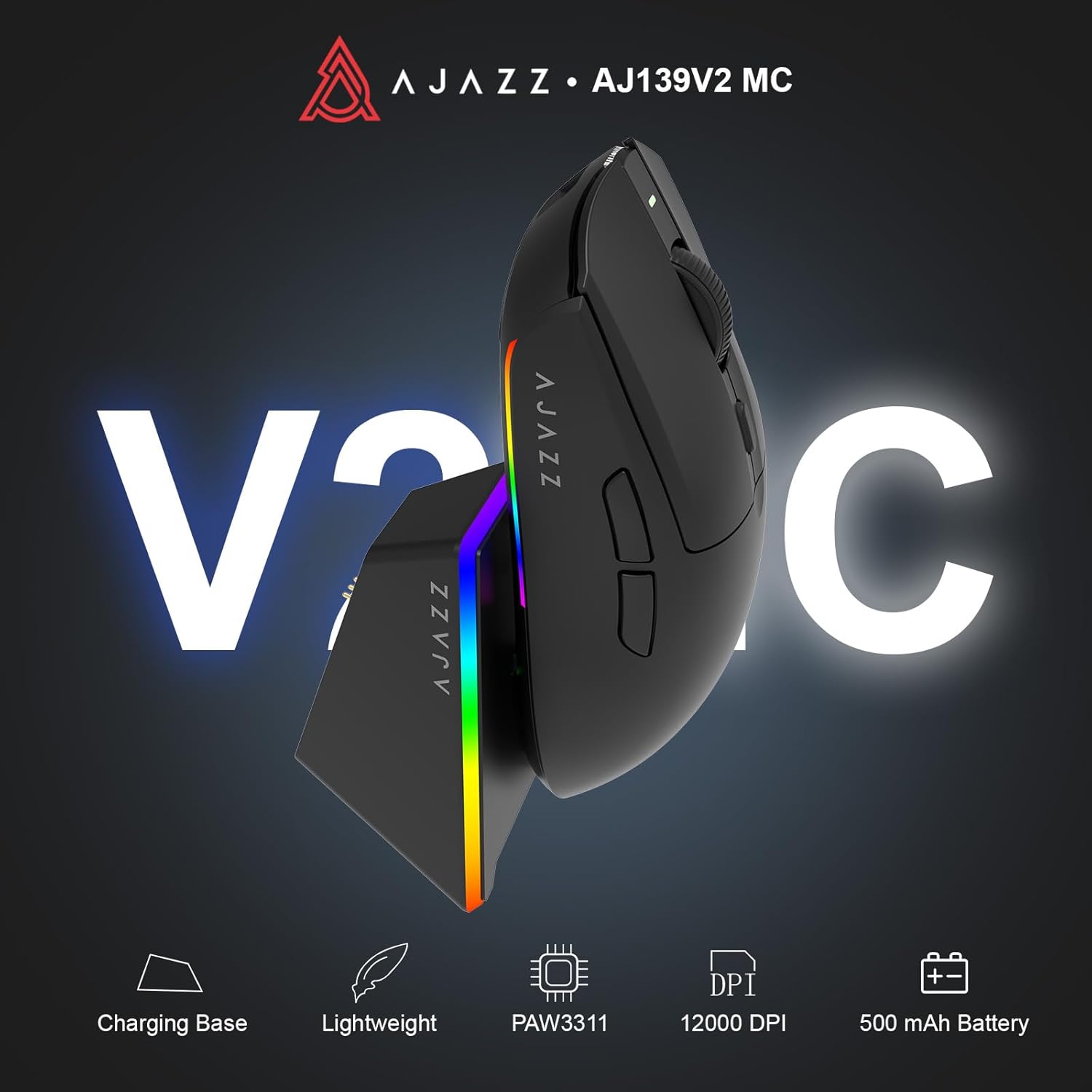
Figure 1.1: AJAZZ AJ139 V2 MC Gaming Mouse and Charging Dock.
Video 1.1: Ylilyöntiview of the AJAZZ AJ139 V2 MC Gaming Mouse, highlighting its features and design.
2. Pakkauksen sisältö
Varmista, että pakkauksessa on kaikki tarvittavat osat:
- AJAZZ AJ139 V2 MC -pelihiiri
- Lataustelakka
- USB-C latauskaapeli
- 2.4G USB Receiver (Dongle)
- Käyttöopas
3. Tärkeimmät ominaisuudet
- PAW3311 Sensor Technology: Equipped with the PAW3311 sensor, this mouse ensures precise tracking and accurate cursor control for optimal performance.
- High 1000Hz Return Rate: Experience smooth and responsive performance with a 1000Hz return rate, enhancing your gaming or work experience.
- Pitkäkestoinen 500 mAh akku: The integrated 500mAh battery provides extended power, ensuring uninterrupted use for prolonged periods.
- Kolmitilayhteys: Supports versatile connectivity options including Wired, 2.4G Wireless, and Bluetooth, adapting to various devices and setups.
- Kompakti ja kevyt muotoilu: Weighing approximately 66 grams, the mouse features a compact design for easy portability and comfortable use during long sessions.
- Mukautettava RGB-valaistus: Features integrated RGB lighting for personalized aesthetics.
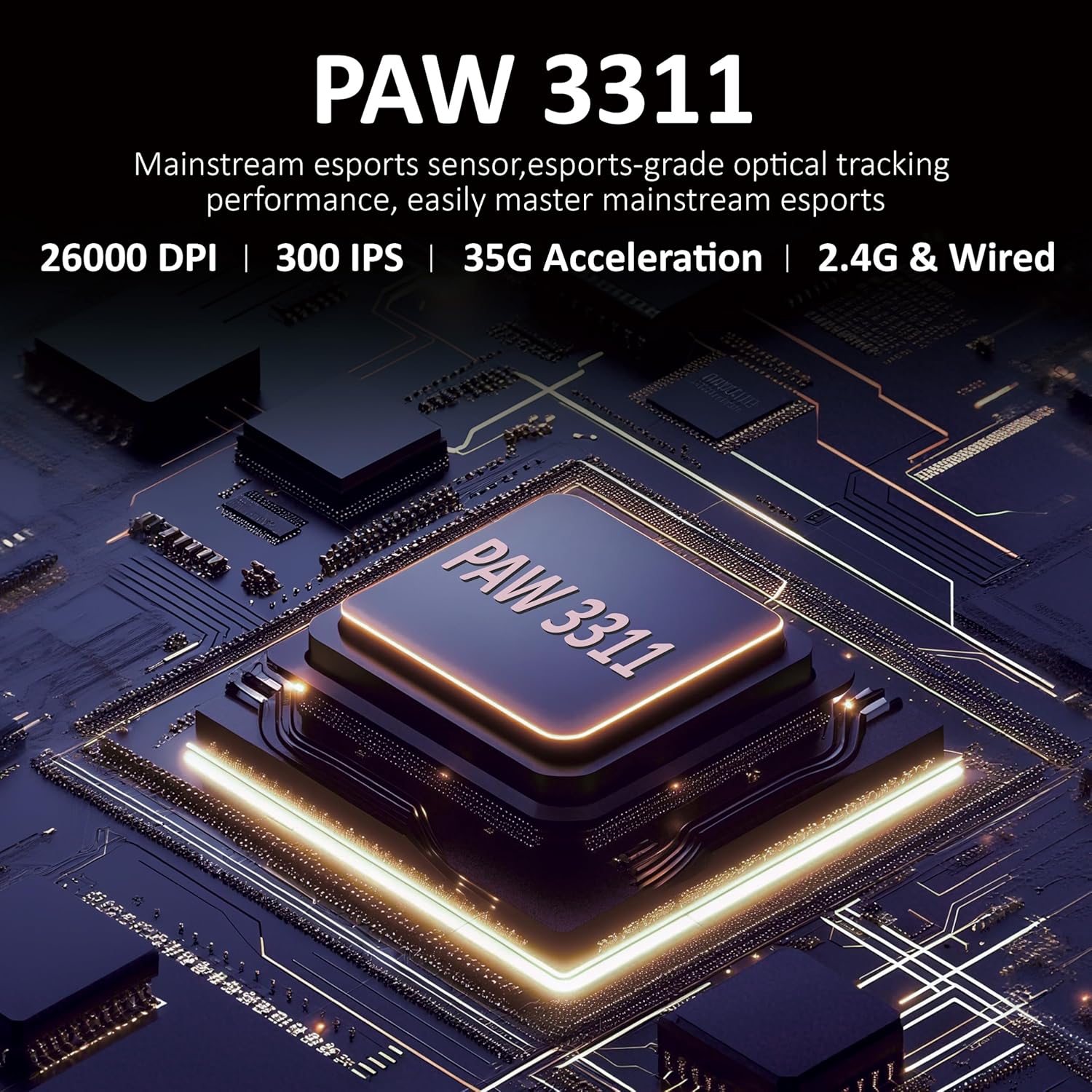
Kuva 3.1: Yksityiskohtainen view of the PAW3311 sensor technology.
Video 3.1: Demonstration of the mouse's 500mAh battery life.

Figure 3.2: The lightweight design of the AJAZZ AJ139 V2 MC mouse.
4. Asennusopas
4.1. Hiiren liittäminen
The AJAZZ AJ139 V2 MC offers three connection modes:
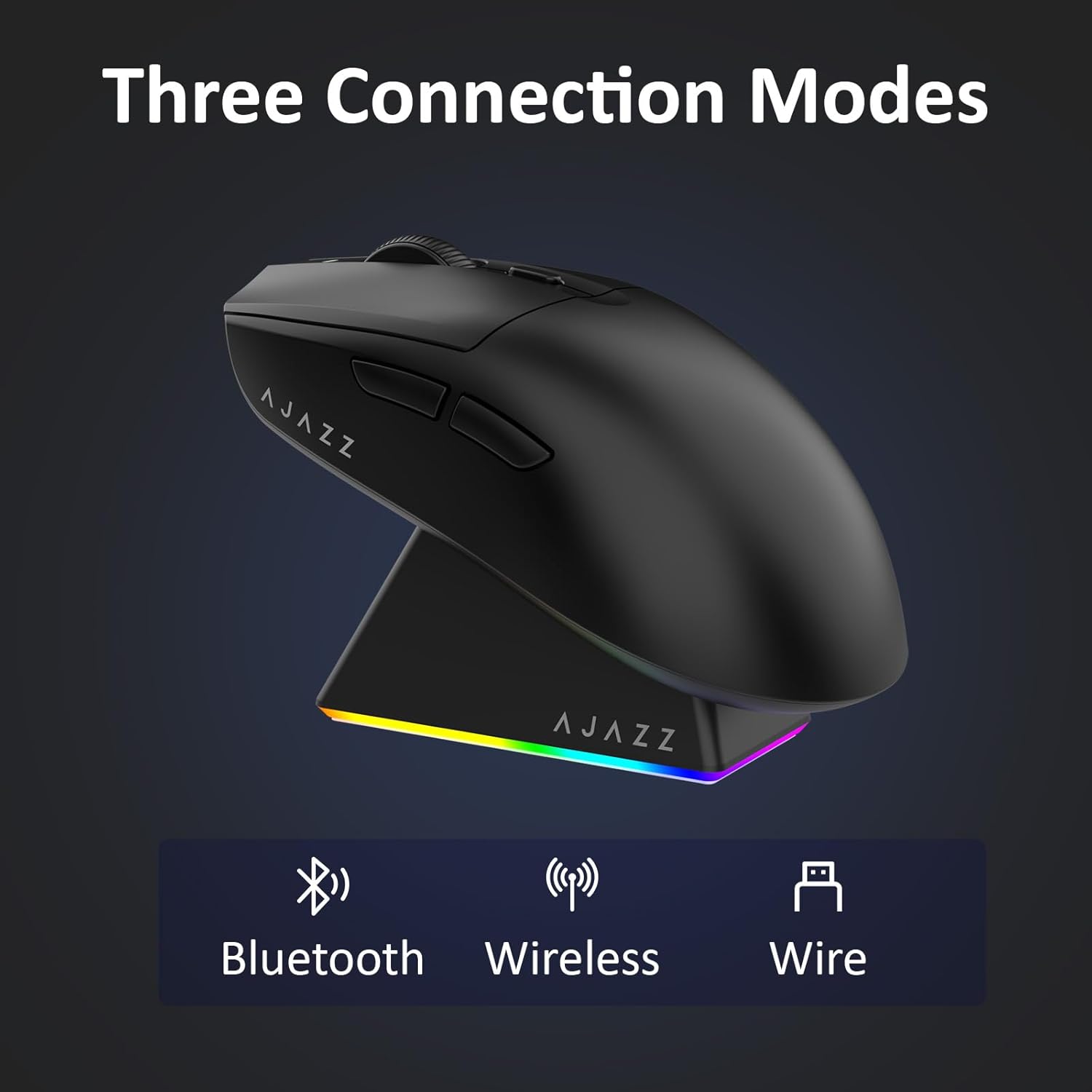
Figure 4.1: Visual representation of the three connection modes.
- 2.4G langaton tila:
- Paikanna hiiren pohjassa olevasta lokerosta 2.4G USB-vastaanotin.
- Liitä USB-vastaanotin tietokoneesi vapaaseen USB-porttiin.
- Liu'uta hiiren pohjassa oleva kytkin asentoon '2.4G'. Hiiri muodostaa yhteyden automaattisesti.
- Bluetooth-tila:
- Liu'uta hiiren pohjassa oleva kytkin BT-asentoon.
- Avaa laitteellasi Bluetooth-asetukset ja hae uusia laitteita.
- Select 'AJAZZ AJ139 V2 MC' from the list to pair.
- Langallinen tila:
- Connect the USB-C charging cable to the mouse and the other end to your computer's USB port.
- Hiiri toimii langallisena laitteena ja latautuu samanaikaisesti.
4.2. Hiiren lataaminen
The mouse can be charged using the included charging dock or directly via the USB-C cable.
- Latausaseman käyttö:
- Connect the USB-C charging cable to the charging dock and then to a power source (e.g., computer USB port, USB wall adapter).
- Place the mouse onto the charging dock, aligning the magnetic contacts. The RGB lighting on the dock and mouse will indicate charging status.
- Suora USB-C-lataus:
- Connect the USB-C charging cable directly to the mouse and a power source.
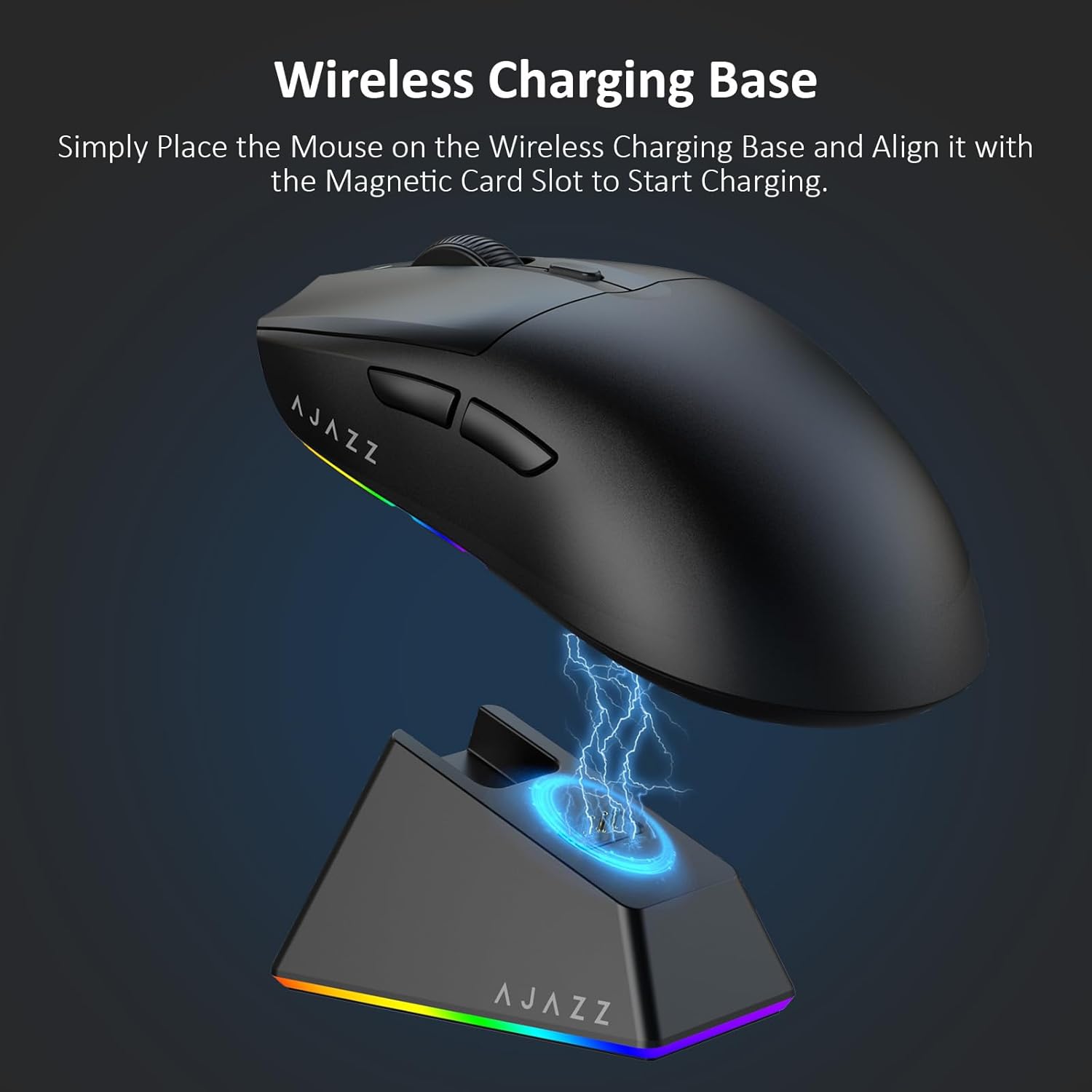
Figure 4.2: The mouse being charged on its wireless charging base.
5. Käyttöohjeet
5.1. DPI-säätö
The mouse features a dedicated DPI adjustment button on its underside, allowing you to cycle through different sensitivity levels. Press the button to change the DPI setting to suit your preference.
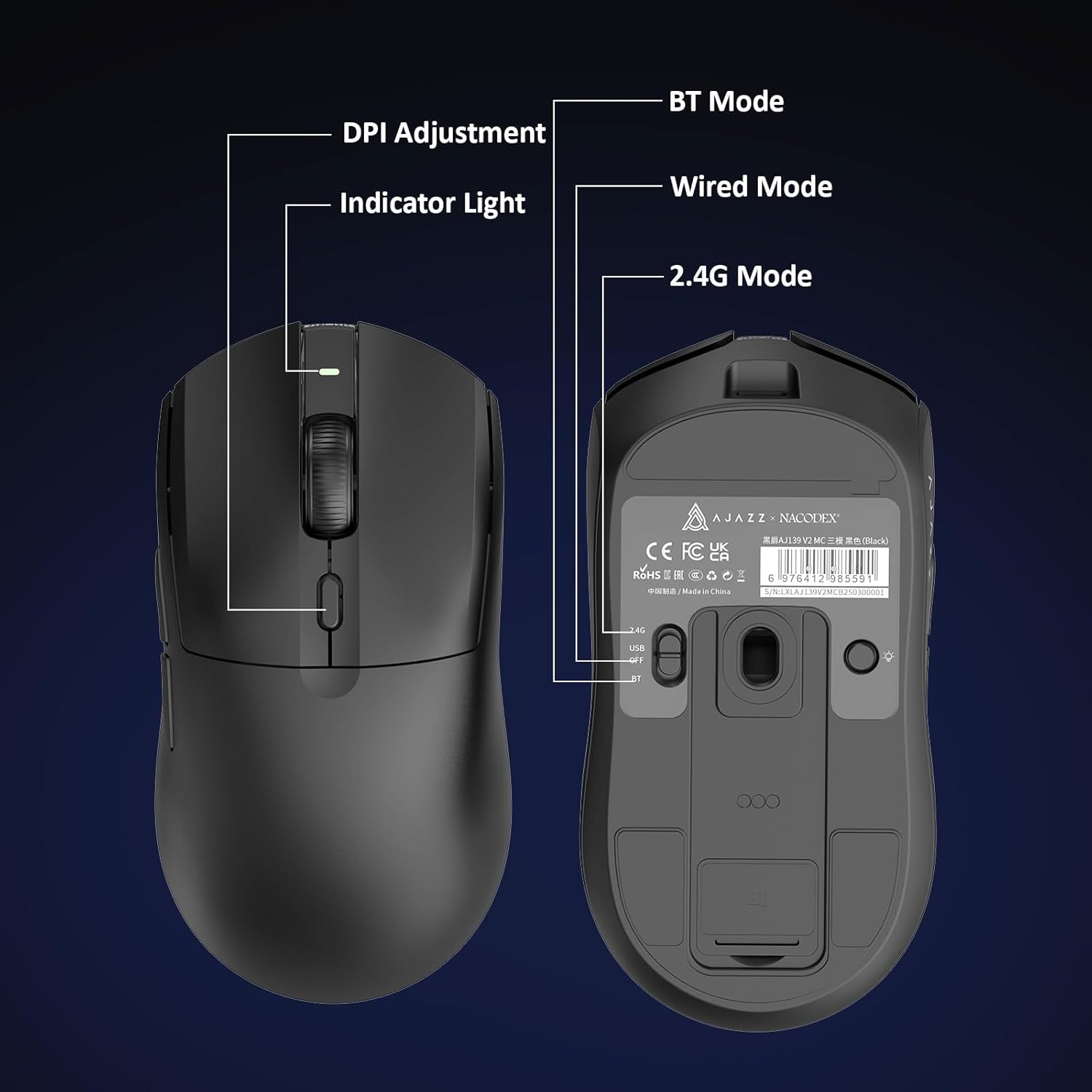
Figure 5.1: Location of the DPI adjustment button and connection mode switch on the mouse underside.
5.2. Painikkeiden toiminnot
The mouse is equipped with 6 programmable buttons:
- Vasen napsautuspainike
- Napsauta oikeaa painiketta
- Vierityspyörä (klikattava)
- DPI Adjustment Button (on underside)
- Two Side Buttons (typically for forward/backward navigation)
For advanced customization of button functions and macros, please refer to the official AJAZZ software (downloadable from the manufacturer's websivusto).
5.3. RGB-valaistuksen ohjaus
The mouse and charging dock feature customizable RGB lighting. Specific controls for lighting modes and colors are typically managed through the official AJAZZ software. A dedicated light button on the underside of the mouse allows for basic cycling or turning off the lighting.
6. Huolto
- Puhdistus: Puhdista hiiren pinta pehmeällä, kuivalla liinalla. Pinttyneeseen likaan käytä hieman kuivaa liinaa.amp kangasta voidaan käyttää varmistaen, ettei kosteutta pääse sisäisiin komponentteihin.
- Anturin hoito: Pidä hiiren pohjassa oleva optinen anturi puhtaana pölystä ja roskista, jotta seurantatarkkuus säilyy.
- Akun kesto: Pidentääksesi akun käyttöikää, vältä hiiren akun usein toistuvaa tyhjentämistä kokonaan. Lataa se, kun akun merkkivalo näyttää heikkoa varausta.
7. Vianmääritys
| Ongelma | Mahdollinen ratkaisu |
|---|---|
| Mouse not responding in 2.4G Wireless mode. | Ensure the 2.4G USB receiver is securely plugged into a USB port and the mouse switch is set to '2.4G'. Try a different USB port. |
| Mouse not pairing via Bluetooth. | Ensure the mouse switch is set to 'BT' and your device's Bluetooth is enabled and discoverable. Try unpairing and re-pairing the device. |
| Hiiri ei lataudu. | Verify the USB-C cable is properly connected to both the dock/mouse and the power source. Ensure the mouse is correctly seated on the charging dock's magnetic contacts. |
| Inconsistent tracking or cursor movement. | Puhdista hiiren pohjassa oleva optinen anturi. Varmista, että käytät hiirtä sopivalla alustalla (esim. hiirimatolla). |
| RGB-valaistus ei toimi. | Check the mouse's software settings for lighting control. Ensure the mouse has sufficient battery charge. |
8. Tekniset tiedot
| Ominaisuus | Erittely |
|---|---|
| Merkki | AJAZZ |
| Mallin nimi | Aj139 V2 MC |
| Väri | V2 MC Black |
| Yhteystekniikka | Bluetooth, USB, 2.4G Wireless |
| Liiketunnistustekniikka | Optinen (PAW3311-anturi) |
| Mouse Maximum Sensitivity | 12000 Dots per Inch (DPI) |
| Palautusprosentti | 1000 Hz |
| Akun kapasiteetti | 500 mAh |
| Painike Määrä | 6 |
| Käsien suuntautuminen | Oikein |
| Yhteensopivat laitteet | Pöytätietokone |
| Käyttöjärjestelmä | Windows |
| Alue | 10 metriä |
| Tuotteen paino | 4 unssia (noin 113 grammaa) |
| Tuotteen mitat P x L | 5"P x 2.5"L (noin 12.7 cm x 6.35 cm) |
| Kaunistusominaisuus | RGB valaistus |
| Kotelon materiaali | Muovi |
| Valmis | Matta |
9. Takuu ja tuki
This product comes with a standard manufacturer's warranty. For detailed warranty information, please refer to the official AJAZZ websivustoa tai ota yhteyttä jälleenmyyjään.
For technical support, troubleshooting assistance, or any product-related inquiries, please visit the AJAZZ official support page or contact their customer service team.
Verkkoresurssit:
AJAZZ Official Store