
CHEREEKI B0FHHKMP1X
CHEREEKI Digital LED Alarm Clock User Manual
Model: B0FHHKMP1X
Johdanto
Kiitos ostoksestasiasing the CHEREEKI Digital LED Alarm Clock. This manual provides detailed instructions for setting up and operating your new alarm clock. Please read it thoroughly before use and keep it for future reference.
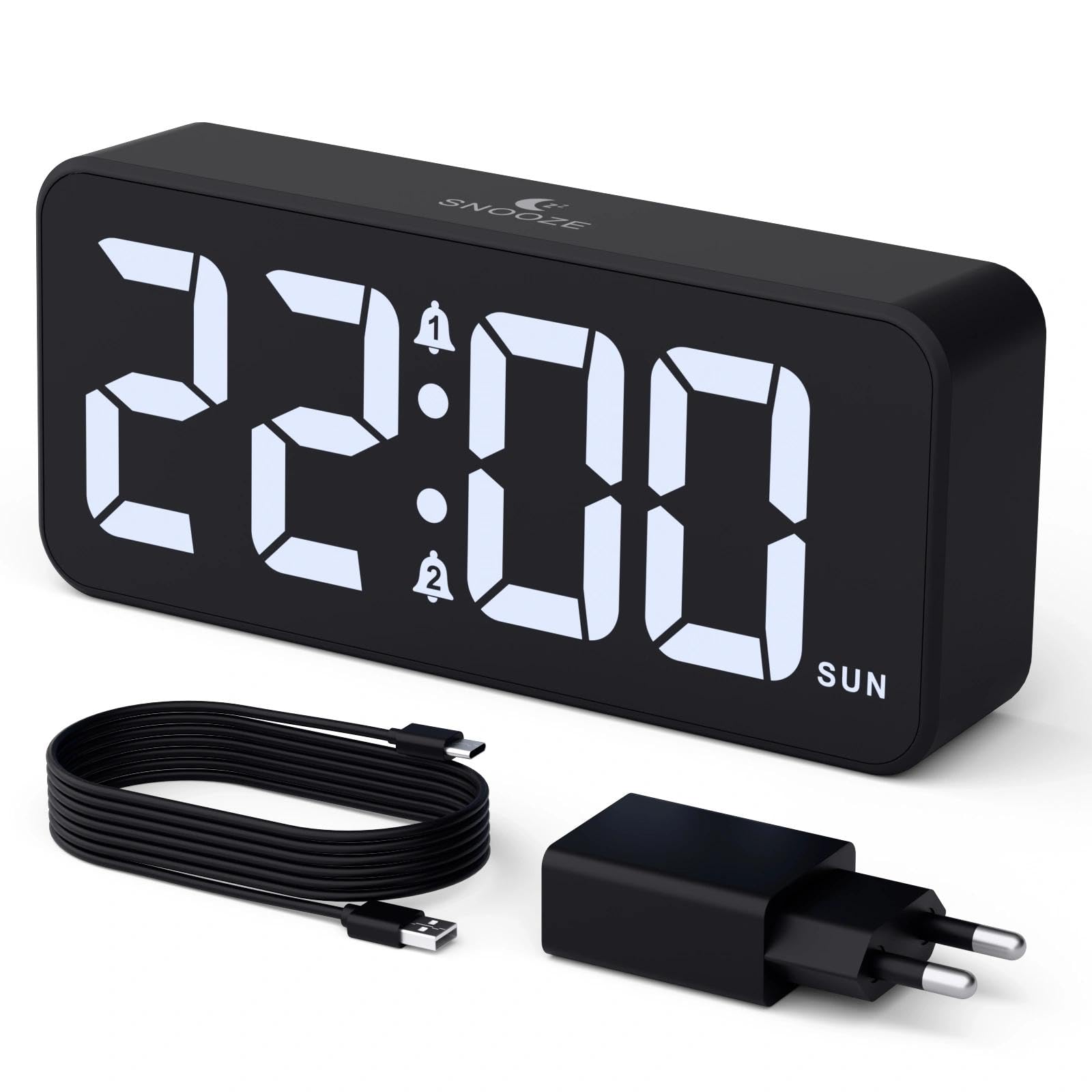
Image: The CHEREEKI Digital LED Alarm Clock, showcasing its large LED display and key features.
Turvallisuustiedot
- Ensure the power adapter and cable are compatible with the device's voltage requirements (5V/1A or 5V/2A).
- Älä altista laitetta vedelle tai liialliselle kosteudelle.
- Vältä sijoittamasta laitetta lämmönlähteiden lähelle tai suoraan auringonpaisteeseen.
- Älä yritä purkaa tai korjata laitetta itse. Ota yhteyttä asiakastukeen, jos ongelmia ilmenee.
- Pidä poissa lasten ulottuvilta.
Pakkauksen sisältö
- CHEREEKI Digital LED Alarm Clock
- Power Adapter (5V/1A or 5V/2A)
- USB-latauskaapeli (1.5 m)
- Käyttöopas
- CR2032 Backup Battery (pre-installed or included)

Kuva: Tuotepakkauksen sisältämien osien kuva.
Product Layout and Controls

Image: Rear panel of the alarm clock with labels for all buttons and ports.
- Ajan asetuspainike: Press to enter time setting mode.
- Hälytys 1 -painike: Press to set Alarm 1.
- Hälytys 2 -painike: Press to set Alarm 2.
- Ylös/alas -painikkeet: Adjust values during setting.
- Dimmer Knob: Rotate to adjust display brightness (0-100%).
- Äänenvoimakkuuden säädin: Rotate to adjust alarm volume (10 levels).
- USB-lähtöportti: Ulkoisten laitteiden lataamiseen.
- Type-C-tuloportti: For power supply to the alarm clock.
- DST Button: For Daylight Saving Time adjustment.
- Akkulokero: Houses the CR2032 backup battery.
Asennus
1. Virtaliitäntä
The alarm clock operates solely on AC power. Connect the provided USB cable to the Type-C input port on the back of the clock and plug the adapter into a standard wall outlet (5V/1A or 5V/2A). The display will light up.

Image: The alarm clock connected to a power source via its adapter.
2. Vara-akku
A CR2032 backup battery is included to retain time and alarm settings during power outages. This battery does not power the display or alarm functions; it only preserves memory. Ensure the battery is correctly installed in the compartment on the back of the clock.

Image: Close-up of the backup battery compartment, indicating its purpose to retain settings during power loss.
Käyttöohjeet
Kellonajan asettaminen
- Press the "TIME SET" button. The hour digits will flash.
- Use the "UP" or "DOWN" buttons to adjust the hour.
- Press "TIME SET" again to confirm the hour and move to minute setting. The minute digits will flash.
- Säädä minuutteja "YLÖS"- tai "ALAS"-painikkeilla.
- Press "TIME SET" once more to confirm the minutes and exit time setting mode.
Hälytysten asettaminen (Hälytys 1 ja hälytys 2)
This clock supports two independent alarms with three scheduling options.
- Press the "ALARM 1" or "ALARM 2" button. The alarm hour digits will flash.
- Use the "UP" or "DOWN" buttons to adjust the alarm hour.
- Press the respective alarm button again to confirm the hour and move to minute setting. The minute digits will flash.
- Use the "UP" or "DOWN" buttons to adjust the alarm minutes.
- Press the alarm button again to select the alarm schedule:
- Arkisin: Maanantaista perjantaihin
- Viikonloppuisin: lauantaista sunnuntaihin
- Päivittäin: Maanantaista sunnuntaihin
- Press the alarm button once more to confirm the schedule and exit alarm setting mode.
- To enable/disable an alarm, press the "ALARM 1" or "ALARM 2" button briefly outside of setting mode. An alarm icon will appear/disappear on the display.

Image: The alarm clock demonstrating dual alarm settings with various scheduling options.
Torkkutoiminto
When the alarm sounds, touch the top of the clock to activate the 5-minute snooze function. The alarm will temporarily stop and sound again after 5 minutes. To turn off the alarm completely, press any other button on the back of the clock.
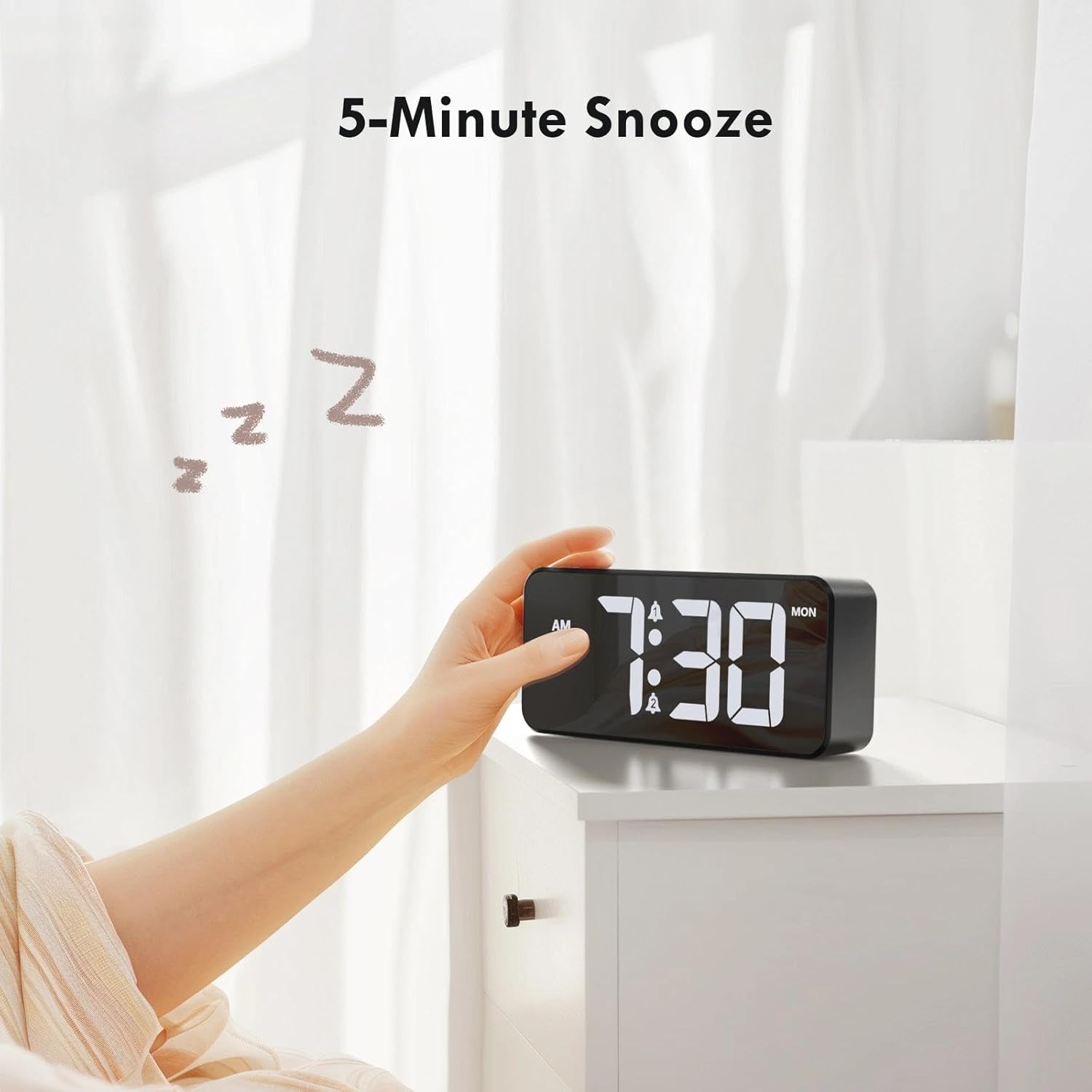
Image: A user activating the snooze function by touching the top of the alarm clock.
Näytön kirkkauden säätäminen
Rotate the "DIMMER" knob on the back of the clock to adjust the display brightness from 0% (off) to 100% (maximum brightness). This allows for comfortable viewkaikissa valaistusolosuhteissa.

Image: Visual representation of the adjustable brightness feature and the dimmer knob.
Hälytyksen äänenvoimakkuuden säätäminen
Rotate the "VOLUME" knob on the back of the clock to select one of the 10 available alarm volume levels. Choose a volume that suits your preference.

Image: The volume control knob and a visual scale indicating adjustable volume levels.
12/24 tunnin muoto
To switch between 12-hour and 24-hour time formats, press and hold the "TIME SET" button for a few seconds until the format changes. In 12-hour format, "AM" or "PM" indicators will be displayed.

Image: The alarm clock showing both 12-hour and 24-hour time display options.
USB-latausportti
The USB-A output port on the back of the clock allows you to charge other devices, such as smartphones or tablets. Simply connect your device's charging cable to this port.

Image: The alarm clock charging a smartphone via its integrated USB port.
Kesäaika (DST)
To adjust for Daylight Saving Time, press the "DST" button on the back of the clock. This will advance or set back the time by one hour. Press it again to revert.
Huolto
- Puhdista kellon pinta pehmeällä, kuivalla liinalla. Älä käytä hankaavia puhdistusaineita tai liuottimia.
- Pidä laite puhtaana pölystä ja roskista.
- If the backup battery needs replacement, use a CR2032 coin cell battery. Ensure correct polarity.
Vianetsintä
| Ongelma | Mahdollinen syy | Ratkaisu |
|---|---|---|
| Näyttö on pois päältä. | Not connected to power; Dimmer set to 0%. | Ensure the clock is plugged into a working power outlet. Rotate the Dimmer knob to increase brightness. |
| Hälytys ei soi. | Alarm not activated; Volume set to minimum. | Press the ALARM 1/2 button to activate the alarm (icon should appear). Rotate the Volume knob to increase volume. |
| Asetukset katoavat virrankatkaisun jälkeentage. | Varmuuskopioparisto on tyhjä tai puuttuu. | Vaihda CR2032-varmistusparisto. |
| USB-lataus ei toimi. | Clock not powered; Device cable faulty. | Ensure the alarm clock is powered. Try a different USB cable or device. |
Tekniset tiedot
- Merkki: CHEREEKI
- Malli: B0FHHKMP1X
- Väri: Musta
- Näyttötyyppi: Digitaalinen LED
- Materiaali: Akryylinitriilibutadieenistyreeni (ABS)
- Tuotteen mitat: 14.5 x 3.81 x 6.5 cm (5.7 x 1.5 x 2.5 tuumaa)
- Tuotteen paino: 230 grammaa (0.5 lbs)
- Virtalähde: Wired Electric (5V/1A or 5V/2A adapter)
- Vara-akku: CR2032 (for memory retention only)
- Erikoisominaisuudet: Adjustable Brightness, Dual Alarm, Snooze, USB Charging Port, 12/24H Format, Adjustable Volume, Day of Week Display
Takuu ja tuki
This CHEREEKI Digital LED Alarm Clock comes with a Elinikäinen takuu. For any product inquiries, technical support, or warranty claims, please contact CHEREEKI customer service through the retailer where you purchased the product or visit the official CHEREEKI websivustolta yhteystiedot.
Säilytä ostokuittisi takuun voimassaoloa varten.