
Johdanto
This manual provides essential information for setting up, operating, maintaining, and troubleshooting your TECNO Spark GO 2 smartphone. Please read this guide carefully to ensure optimal performance and longevity of your device.
Asennus
1. Pakkauksen purkaminen ja alkutarkastus
Poista kaikki osat varovasti pakkauksesta. Varmista, että kaikki "Mitä paketissa" -osiossa luetellut osat ovat mukana ja vahingoittumattomia.
2. SIM-kortin ja muistikortin asettaminen
- Etsi SIM-kortin alusta laitteen sivusta.
- Aseta mukana toimitettu SIM-kortin alustan poistotyökalu pieneen reikään alustan vieressä ja paina varovasti, kunnes alusta ponnahtaa ulos.
- Aseta Nano-SIM-korttisi ja/tai microSD-kortti (jos sellainen on) lokeron niille varattuihin paikkoihin ja varmista, että kortti on oikein päin.
- Työnnä alustaa varovasti takaisin laitteeseen, kunnes se napsahtaa paikalleen.
3. Laitteen lataaminen
Before first use, fully charge your TECNO Spark GO 2. Connect the provided USB cable to the phone's charging port and the power adapter. Plug the adapter into a wall outlet. The device supports 15W fast charging.

Yliview of TECNO Spark GO 2 features, including AI, durability, display, and battery.
4. Käynnistäminen ja alkuasetukset
Press and hold the Power button until the TECNO logo appears. Follow the on-screen instructions to select your language, connect to Wi-Fi, and set up your Google account.
Laitteen käyttö
1. Perusnavigointi
The TECNO Spark GO 2 features a responsive touchscreen. Use gestures such as tap, swipe, pinch-to-zoom, and long-press to navigate the interface, open apps, and interact with content.
2. Näytön ominaisuudet
Experience smooth visuals on the 6.67-inch Punch-Hole Display with a 120Hz refresh rate. This high refresh rate provides a fluid scrolling and viewkokemusta.

The 120Hz Dynamic Punch-hole Display offers smooth visuals.
3. Ella AI with Indian Language Support
Your device includes Ella, an AI assistant that supports voice commands in various Indian regional languages. Utilize Ella for productivity tasks and smart interactions.

Ella AI provides support for multiple Indian languages.
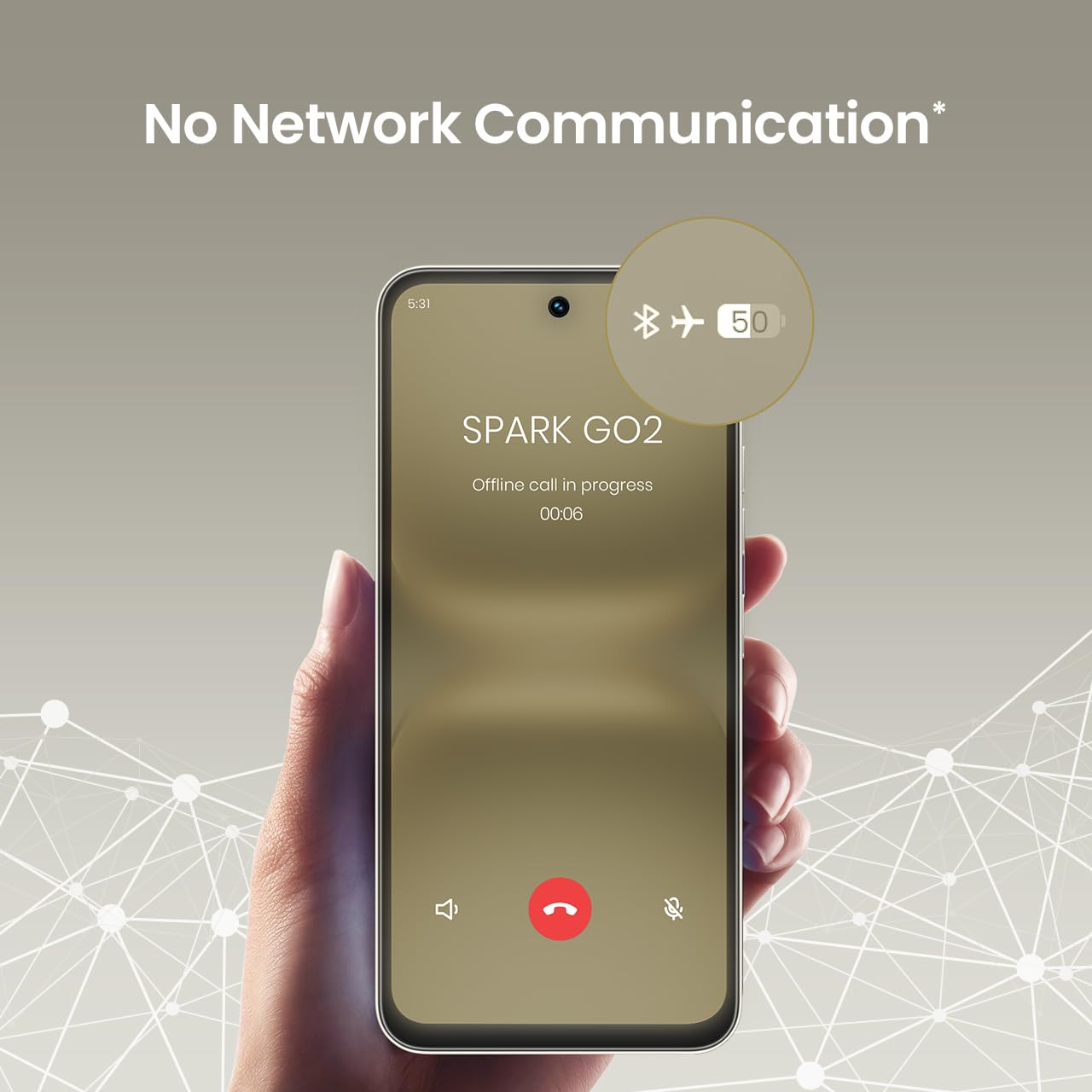
4. No Network Communication Feature
The TECNO Spark GO 2 features a unique 'No Network Communication' capability, allowing certain functions even in areas without cellular signal. Refer to the device's settings for details on how to utilize this feature.

The 'No Network Communication' feature allows limited functionality without cellular service.
5. Kameran käyttö
Your device is equipped with a 13MP main camera and an 8MP front camera. Open the Camera application to capture photos and videos. Explore various modes and settings for different photographic effects.
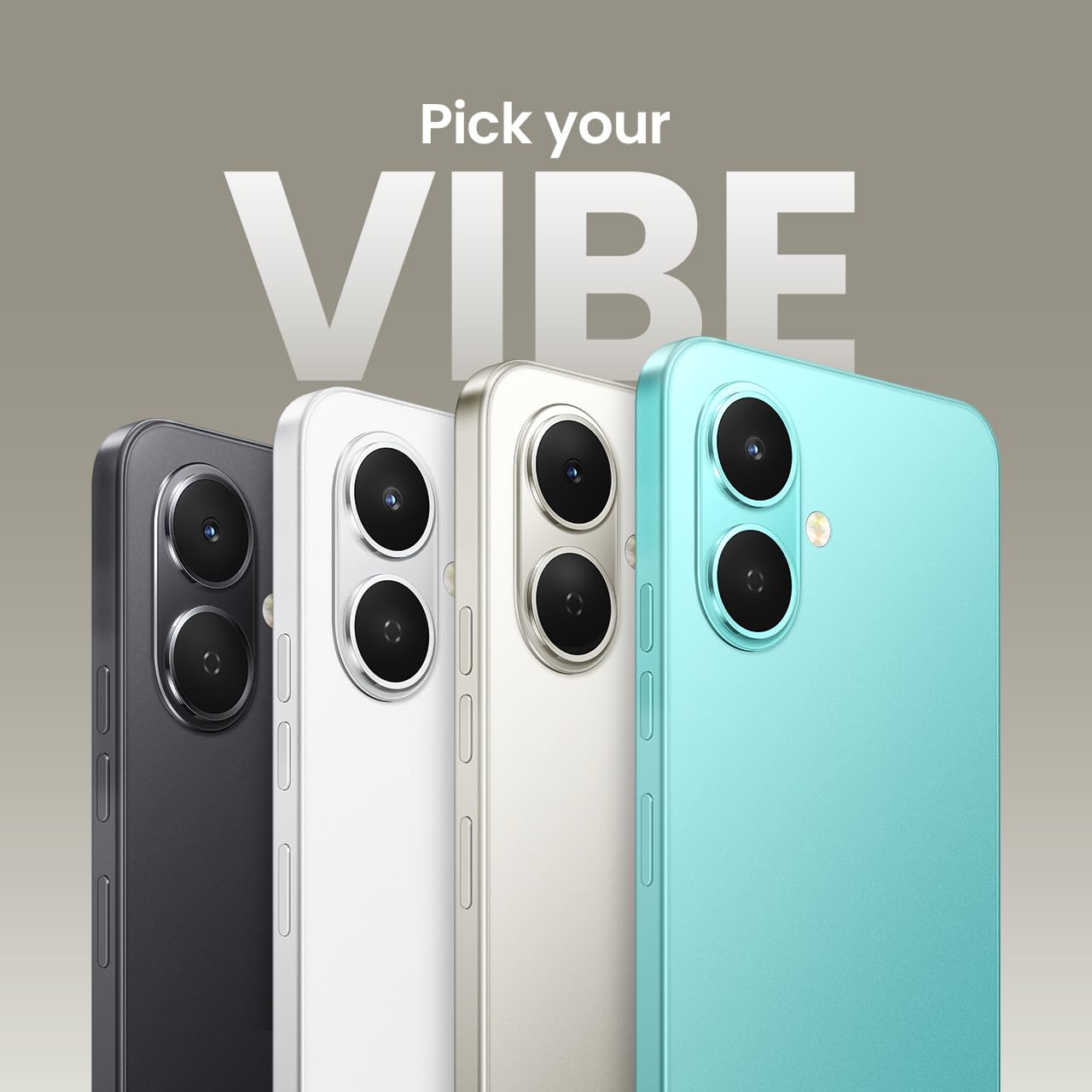
The TECNO Spark GO 2 features a 13MP main camera and an 8MP front camera.
6. AI Active Noise Cancellation
Benefit from AI Active Noise Cancellation during calls to ensure clearer audio by reducing background noise.

AI Active Noise Cancellation enhances call clarity.
Huolto
1. Kestävyys ja suojaus
The TECNO Spark GO 2 is IP64 rated and SGS certified, offering protection against dust and splashes. While durable, avoid submerging the device in water or exposing it to excessive dust.

The TECNO Spark GO 2 is IP64 rated for dust and splash resistance.
2. Akun hoito
To maximize battery life, avoid extreme temperatures. Use only the provided charger and cable. For optimal performance, keep the battery charge between 20% and 80% when possible.
11 000 mAh:n akku tukee 15 W:n pikalatausta.
3. Ohjelmistopäivitykset
Regularly check for and install software updates to ensure your device has the latest features, security patches, and performance enhancements. This contributes to the promised 4 years of lag-free performance.
4. Puhdistus
Puhdista puhelimen näyttö ja runko pehmeällä, nukkaamattomalla liinalla. Vältä voimakkaiden kemikaalien tai hankaavien materiaalien käyttöä.
Vianetsintä
1. Laite ei vastaa
Jos laite lakkaa reagoimasta, pakota uudelleenkäynnistys pitämällä virtapainiketta painettuna noin 10–15 sekuntia.
2. Akun nopea tyhjeneminen
Check for background apps consuming power. Adjust screen brightness, disable unnecessary features like GPS or Bluetooth when not in use, and ensure your software is up to date.
3. Verkkoyhteysongelmat
If you experience issues with cellular or Wi-Fi connectivity, try restarting your device. Verify that your SIM card is correctly inserted and that you are within network coverage. For Wi-Fi, ensure the router is functioning correctly.
4. Suorituskyvyn viive
Close unused applications, clear cache, and ensure sufficient storage space. The device is designed for lag-free performance for up to 4 years, supported by its UNISOC T7250 processor and up to 8GB RAM (including virtual RAM).

The TECNO Spark GO 2 is engineered for 4 years of lag-free performance.

The device offers up to 8GB RAM for smooth multitasking.
Tekniset tiedot
| Ominaisuus | Yksityiskohta |
|---|---|
| Käyttöjärjestelmä | Android 15 |
| RAM | 4 GB (Up to 8GB with virtual RAM) |
| Sisäinen tallennustila | 64 Gt |
| Mallinumero | KM4 |
| Tuotteen mitat | 16.6 x 7.7 x 0.8 cm |
| Tuotteen paino | 186 g |
| Akun teholuokitus | 5000 mAh |
| Lataustuki | 15 W pikalataus |
| Näyttö | 6.67" Punch-Hole Display, 120Hz Refresh Rate, 720 x 1600 Resolution |
| Pääkamera | 13 MP |
| Etukamera | 8 MP |
| Yhteydet | Bluetooth, Infrared, USB, Wi-Fi, 4G Carrier Aggregation 2.0 |
| Audio Jack | 3.5 mm |
| Erikoisominaisuudet | Ella AI with Indian Language Support, IP64 SGS Certified, No Network Communications, AI Active Noise Cancellation |
| Väri | Titaanin harmaa |
Mitä laatikossa on
The TECNO Spark GO 2 package typically includes the following items:
- TECNO Spark GO 2 Smartphone
- Puhelinkotelo
- Virtalähde
- SIM-lokeron poisto
- USB-kaapeli
Takuu ja tuki
For warranty information and customer support, please refer to the warranty card included with your product or visit the official TECNO Mobile India website. The manufacturer is G Mobiles India.
For technical assistance or service inquiries, please contact TECNO customer service through their official channels.