
Johdanto
This manual provides detailed instructions for the setup, operation, maintenance, and troubleshooting of your EVICIV 15.6" 1080P Portable Monitor. Please read this manual thoroughly before using the product to ensure proper functionality and to maximize your user experience.
Tuotteen ominaisuudet
- Universal Compatibility & VESA: Equipped with USB-C/Type-C and Mini HDMI ports, this portable monitor connects with laptops, smartphones, and gaming consoles. It includes a VESA interface (75x75@M4) for mounting options.
- Integrated Convenience: Features a built-in stand for adjustable viewing angles and integrated speakers for audio output, eliminating the need for external audio devices.
- Ultra-Slim & Portable: Weighing approximately 0.6 kilograms (1.46 pounds), this 15.6-inch monitor has an ultra-slim profile designed for portability.
- 15.6 tuuman IPS-näyttö: Provides a 1920x1080 FHD resolution IPS panel with a 178° viewing angle, offering consistent colors and visuals without distortion.
Experience vibrant and accurate colors with the monitor's 125% sRGB wider gamut, 350 Nits brightness, and 2000:1 contrast ratio, ensuring a true-to-life visual experience.
Pakkauksen sisältö
Varmista, että pakkauksessa on kaikki tarvittavat osat:
- EVICIV 15.6" Portable Monitor
- USB-C-USB-C-kaapeli
- Mini HDMI - HDMI-kaapeli
- USB-A-USB-C-virtajohto
- Virtalähde
- Käyttöopas
Asennusohjeet
Yhdistetään laitteisiin

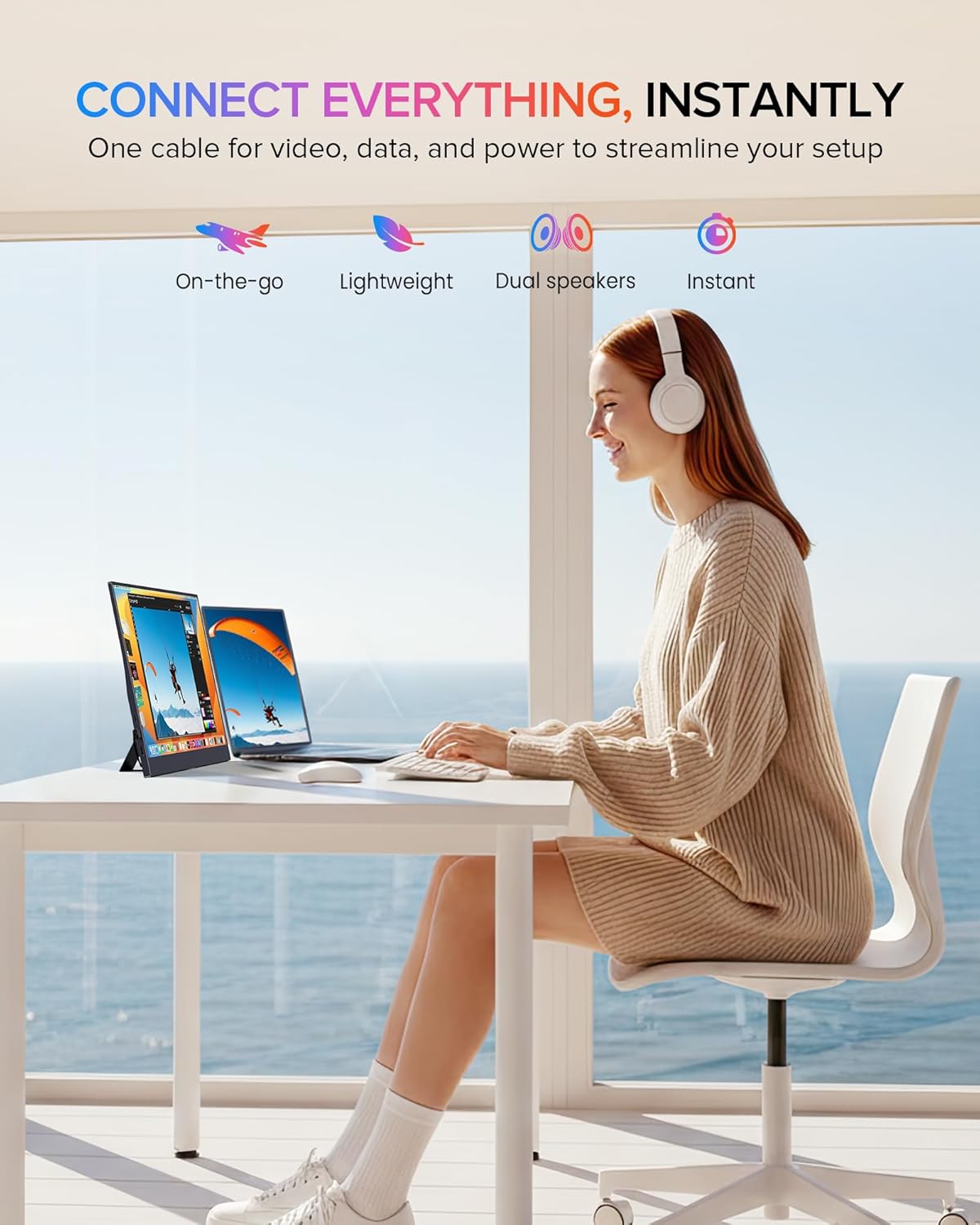
The monitor is equipped with full-featured USB-C ports and a Mini HDMI port, allowing plug-and-play connectivity with a wide range of devices including Android phones, tablets, laptops, MacBooks, Nintendo Switch, PS4/PS5, and PCs.
USB-C Connection (Full-featured USB-C)
For devices with a full-featured USB-C port (supporting DisplayPort Alternate Mode and power delivery), a single USB-C to USB-C cable can transmit video, audio, and power. Connect one end of the USB-C cable to your device's USB-C port and the other end to one of the monitor's USB-C ports.
Mini HDMI-liitäntä
For devices with an HDMI output, use the Mini HDMI to HDMI cable to connect your device to the monitor's Mini HDMI port. When using HDMI, the monitor requires external power. Connect the USB-A to USB-C power cable to the monitor's USB-C power input and plug the USB-A end into a power adapter or a powered USB port.
Näytön virran kytkeminen
The monitor can be powered via a full-featured USB-C connection from a compatible device or by using the provided USB-A to USB-C power cable and power adapter. Ensure the monitor receives adequate power for stable operation.
Using the Integrated Stand and VESA Mounting

Featuring an ultra-thin design and a flexible kickstand, the monitor can be adjusted from 0-70 degrees. It also includes VESA mounting holes (75x75@M4) for alternative setups.
Integroitu jalusta
The monitor features a flexible kickstand on the back. Gently pull out the stand and adjust it to your desired viewing angle, ranging from 0 to 70 degrees.
VESA-asennus
For alternative mounting solutions, the monitor is equipped with VESA mounting holes (75x75@M4). This allows for attachment to compatible desk arms or wall mounts (mounting hardware sold separately).
Näytön käyttö
On-Screen Display (OSD) -valikko
The monitor's settings can be adjusted using the OSD menu. The control buttons are typically located on the side of the monitor. Use the 'Pulley Button/Menu' to access the OSD and navigate through options. The 'Return/Power' button can be used to exit menus or power the monitor on/off.
Näyttötilat

The monitor supports various display configurations including Duplicate Mode, Extend Mode, and Vertical Mode, adapting to your workflow needs.
Depending on your connected device and operating system, you can configure the monitor to operate in different display modes:
- Kopiointitila: Displays the same content as your primary screen.
- Laajenna tila: Extends your desktop workspace across both screens.
- Pystysuuntainen tila: Allows the monitor to be used in a portrait orientation, often useful for coding or document viewing.
Äänilähtö
The monitor includes built-in stereo speakers for audio playback. Additionally, a 3.5mm audio jack is available for connecting external headphones or speakers.

The EVICIV portable monitor seamlessly integrates into various setups, offering an extended display for enhanced productivity or entertainment.
Huolto
Näytön puhdistaminen
Puhdista näyttöruutu pyyhkimällä se varovasti pehmeällä, nukkaamattomalla liinalla. Pinttyneiden tahrojen poistamiseksiampen the cloth slightly with water or a non-abrasive screen cleaner. Avoid using harsh chemicals, alcohol, or ammonia-based cleaners, as these can damage the screen surface. Ensure the monitor is powered off and unplugged before cleaning.
Näytön puhdistaminen casing, käytä pehmeää, kuivaa liinaa. Älä suihkuta puhdistusnesteitä suoraan näyttöön.
Vianetsintä
Jos kohtaat ongelmia näytön kanssa, noudata seuraavia yleisiä vianmääritysohjeita:
- Ei signaalia / Musta näyttö:
- Ensure all cables (USB-C, Mini HDMI) are securely connected to both the monitor and the source device.
- Varmista, että lähdelaite on päällä ja lähettää signaalia.
- If using HDMI, confirm the monitor is receiving external power.
- Try connecting the monitor to a different device or using different cables to rule out cable or source issues.
- Ei virtaa:
- Tarkista, onko virtalähde kytketty oikein toimivaan pistorasiaan ja näyttöön.
- If powering via USB-C, ensure the source device's USB-C port supports power delivery and is providing sufficient power.
- Press the power button on the monitor to ensure it is turned on.
- Poor Display Quality:
- Adjust the display settings via the OSD menu. Consider changing the screen setting to 'Movie' mode for improved display quality.
- Ensure the display resolution on your source device is set to 1920x1080 (FHD).
- Tarkista, onko näytössä tai kaapeleissa fyysisiä vaurioita.
- Ei ääntä:
- Verify that the volume on both the monitor and the source device is not muted and is turned up.
- Ensure the correct audio output device is selected in your source device's sound settings.
- Jos käytät ulkoisia kuulokkeita/kaiuttimia, varmista, että ne on kytketty oikein 3.5 mm:n ääniliitäntään.
Tekniset tiedot
| Ominaisuus | Erittely |
|---|---|
| Merkki | EVICIV |
| Näytön koko | 15.6 tuumaa |
| Resoluutio | FHD 1080p (1920 x 1080) |
| Kuvasuhde | 16:9 |
| Vastausaika | 1 millisekunti |
| Näytön tyyppi | IPS LCD |
| Viewkulma | 178 astetta |
| Tuotteen paino | 0.6 kiloa |
| Voitage | 5 volttia |
| HDMI-portteja yhteensä | 1 (Mini-HDMI) |
| USB-portteja yhteensä | 2 (USB Type-C) |
| Yhteystekniikka | USB-C, Mini HDMI |
| Laitteistoyhteydet | 3.5mm Audio, USB Type C, Mini HDMI |
Takuu ja asiakastuki
EVICIV is committed to providing comprehensive customer care. This product includes a 2-year support period. For any inquiries or assistance, please contact EVICIV customer support. We aim to address all inquiries efficiently, typically within an 8-hour timeframe.
Please refer to the contact information provided with your product packaging or visit the official EVICIV websivusto tukitietojen saamiseksi.