
1. Yliview
The Roku Select Series HD TV provides a streamlined entertainment experience. This 32-inch 720p HD television integrates the Roku operating system for easy access to streaming content, live TV, and various applications. It features a voice remote for convenient control and includes technologies like Bluetooth Headphone Mode and Dolby Audio for enhanced sound.
Tärkeimmät ominaisuudet
- Seamless Streaming: Fast Wi-Fi and quick app launches for immediate entertainment access.
- Extensive Content: Access to thousands of streaming apps, free movies, shows, and live TV channels.
- Mukautettava aloitusnäyttö: Organize apps and content for personalized viewing.
- Automaattiset ohjelmistopäivitykset: Ensures access to the latest features and applications.
- Älykkään kodin integrointi: Compatible with Roku Voice, Siri, Alexa, and Google Assistant for voice control. Supports Apple AirPlay for content sharing.
- Clear HD Picture: 720p HD resolution with Roku Smart Picture technology for optimized visuals.
- Voice Remote: Search, play, and control streaming with voice commands.
- Parannettu ääni: Designed for clear speech and louder sound with Dolby Audio technology.
- Bluetooth-kuuloketila: Private listening with wireless headphones.
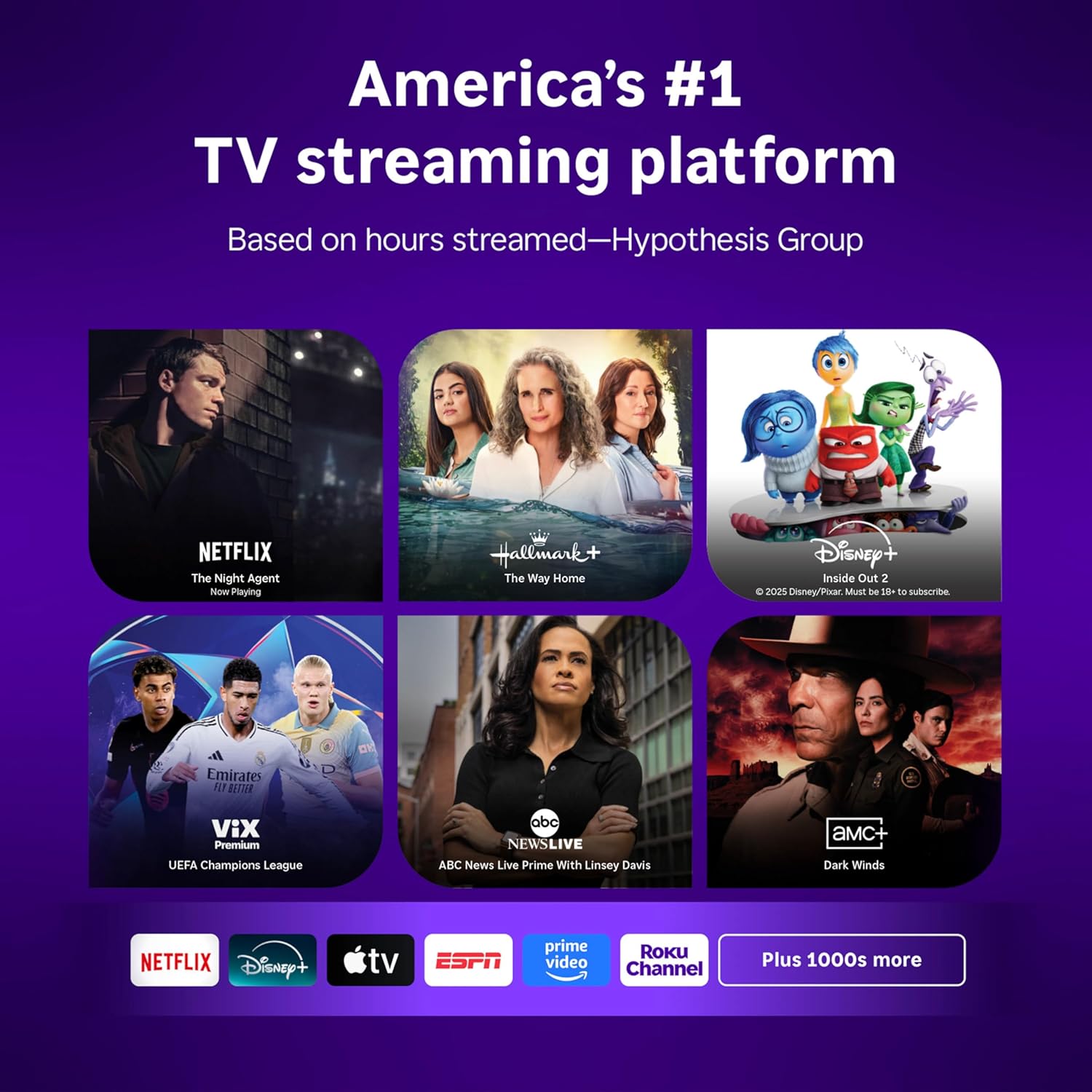
Image: Roku 32-inch Select Series HD Smart TV with included remote control.
2. Mitä laatikossa on
Varmista, että kaikki osat ovat mukana ennen asennuksen jatkamista.
- Roku Select Series 32" HD TV
- Jalustat ja ruuvit
- Roku Voice Remote with batteries (2 AAA)
- Virtakaapeli
- Käyttöopas (tämä asiakirja)

Image: Contents of the Roku Select Series TV packaging.
3. Asennus
3.1 Pakkauksesta purkaminen
Poista televisio ja kaikki lisävarusteet varovasti pakkauksesta. Säilytä pakkaus myöhempää kuljetusta tai huoltoa varten.
3.2 Jalustan kiinnitys
- Aseta televisio näyttö alaspäin pehmeälle ja puhtaalle alustalle naarmuuntumisen välttämiseksi.
- Kohdista TV-telineet television pohjassa olevien ruuvinreikien kanssa.
- Kiinnitä jalustat mukana toimitetuilla ruuveilla. Varmista, että ne on kiristetty tiukasti.
3.3 Oheislaitteiden liittäminen
Liitä laitteesi television takana oleviin asianmukaisiin portteihin.
- HDMI: Connect up to three HDMI devices (e.g., cable box, gaming console, Blu-ray player) to the HDMI ports.
- USB: Use the USB port for media playback or connecting compatible accessories.
- Optinen (S/PDIF): Ulkoiseen äänijärjestelmään liittämistä varten.
- Sähköjohto: Liitä virtajohto televisioon ja sitten pistorasiaan.
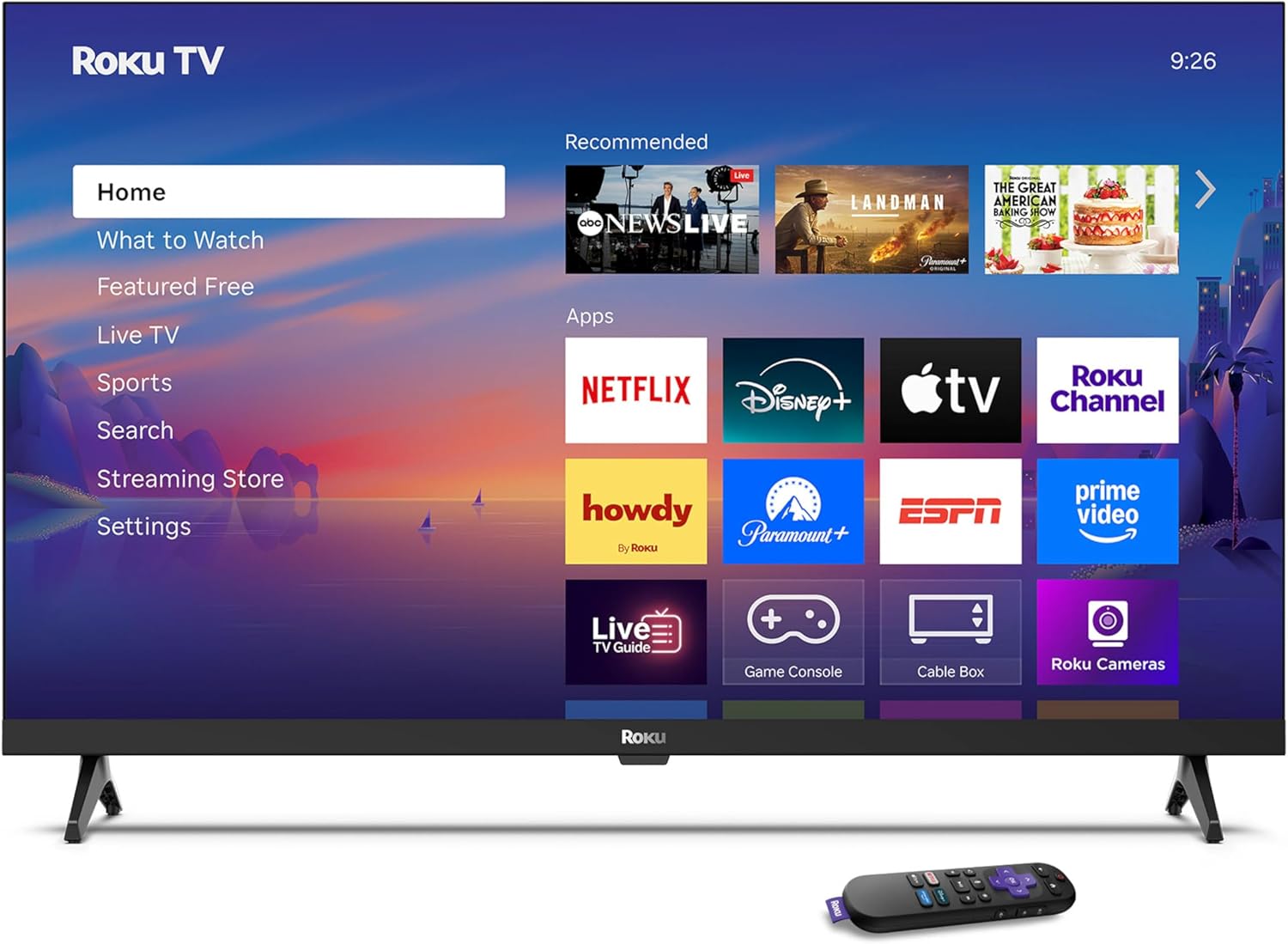
Image: Rear panel connections including HDMI, USB, and optical ports.
3.4 Ensimmäinen käynnistys ja verkkoyhteys
- Plug in the TV and press the power button on the remote or TV.
- Follow the on-screen instructions to select your language and connect to your Wi-Fi network.
- Activate your Roku account or create a new one.
Video: Yliview of the Roku TV operating system, demonstrating its user interface and features. This video is provided by Roku, Inc.
4. Käyttöohjeet
4.1 Äänikaukosäätimen käyttö
The Roku Voice Remote allows for intuitive control of your TV and streaming content.
- Äänihaku: Press and hold the voice button and speak your command to search for content, launch apps, or control playback.
- Navigointi: Käytä suuntapainiketta valikoiden selaamiseen ja kohteiden valitsemiseen.
- Sovelluksen pikanäppäimet: Omistetut painikkeet tarjoavat nopean pääsyn suosittuihin suoratoistopalveluihin.

Image: Features of the Roku Voice Remote, highlighting voice control and shortcut buttons.
4.2 Navigating the Home Screen
The Roku Home Screen provides access to all your installed apps, inputs, and settings.
- Kotiin: Returns you to the main home screen.
- Mitä katsella: Discover recommended content.
- Live-TV: Access free live television channels.
- Suoratoistokauppa: Browse and add new streaming channels.
- Asetukset: Adjust TV and system preferences.

Image: The Roku TV home screen interface.
4.3 Kuva- ja ääniasetusten säätäminen
Mukauta omasi viewkuuntelukokemusta asetusvalikon kautta.
- Kuvatila: Select from predefined modes like Standard, Vivid, Sports, or Movie. Roku Smart Picture automatically optimizes settings.
- Äänitila: Valitse ääni profiles or enable features like Night Mode for reduced volume fluctuations.
- Bluetooth-kuuloketila: Pair your wireless headphones for private audio.

Image: Picture mode settings on the Roku TV.

Image: Bluetooth Headphone Mode in use.

Image: Dolby Audio technology for clear sound.
5. Huolto
5.1 Näytön puhdistaminen
Puhdista TV-ruutu pyyhkimällä se varovasti pehmeällä, kuivalla ja nukkaamattomalla liinalla. Pinttyneisiin tahroihin hankaa kevyestiampKostuta liina vedellä tai näytönpuhdistusaineella. Vältä voimakkaiden kemikaalien tai hankaavien materiaalien käyttöä.
5.2 Ohjelmistopäivitykset
Your Roku TV automatically receives software updates when connected to the internet. These updates provide new features, performance improvements, and bug fixes. Ensure your TV remains connected to the internet for optimal performance.
6. Vianmääritys
Jos kohtaat ongelmia Roku TV:n kanssa, katso seuraavia yleisiä ratkaisuja:
- Ei virtaa: Varmista, että virtajohto on kytketty kunnolla sekä televisioon että toimivaan pistorasiaan. Kokeile toista pistorasiaa.
- Ei kuvaa/ääntä: Varmista, että oikea tulolähde on valittu. Tarkista kaikki kaapeliliitännät (HDMI, ääni). Käynnistä televisio uudelleen irrottamalla se pistorasiasta 30 sekunniksi ja kytkemällä se takaisin.
- Kaukosäädin ei toimi: Replace the AAA batteries in the remote. Ensure there are no obstructions between the remote and the TV. For voice remote issues, re-pair the remote if necessary (refer to Roku support for specific steps).
- Verkkoyhteysongelmat: Restart your Wi-Fi router and modem. Go to the TV's settings menu, then Network, and try reconnecting to your Wi-Fi network.
- Sovellus ei lataudu/kaatuu: Try restarting the app. If the issue persists, remove the app from the home screen, restart the TV, and then re-add the app from the Streaming Store.
7. Tekniset tiedot
| Ominaisuus | Yksityiskohta |
|---|---|
| Näytön koko | 32 tuumaa |
| Näyttötekniikka | LED |
| Resoluutio | 720p |
| Päivitystaajuus | 60 Hz |
| Erikoisominaisuudet | Bluetooth Headphone Mode, Dolby Audio, Voice Remote |
| Yhteystekniikka | Bluetooth, WiFi |
| HDMI-portteja yhteensä | 3 |
| USB-portteja yhteensä | 1 |
| Äänitulo | HDMI |
| Käyttöjärjestelmä | Roku OS |
| Asennustyyppi | Pöytäkiinnitys, Seinäkiinnitys |
| VESA-kiinnitysstandardi | 200 x 200 mm |
| Tuotteen mitat (S x L x K) | 7" S x 28.3" L x 18.3" K |
| Tuotteen paino | 7.5 puntaa |
| Mallinumero | 32R2D5 |
| UPC | 829610008974 |
8. Takuutiedot
8.1 Rajoitettu takuu
Roku warrants the hardware against defects in materials and workmanship under normal use for a period of one (1) year from the date of purchase ("Warranty Period"). If Roku determines that the device’s hardware is defective during the Warranty Period, Roku’s sole obligation, and your exclusive remedy, will be to either repair or replace the unit with either a new or rebuilt device, at its option. This warranty applies if the product is used in accordance with the provided documentation.
8.2 Palautusehdot
You may return a device for any reason:
- Within thirty (30) days from the date of purchase from Roku.
- Within the applicable return period if purchased from an authorized reseller or distributor.
Additional details regarding product returns can be found on the Roku support site.
9. Tukea
For further assistance, troubleshooting guides, and frequently asked questions, please visit the official Roku support websivusto: