
Johdanto
This manual provides essential information for the assembly, operation, maintenance, and troubleshooting of your Deli Gaming Table E91511. Please read these instructions carefully before assembly and use to ensure proper function and longevity of your product.
Turvallisuusvaroitukset
- Kokoa työpöytä aina mukana toimitettujen ohjeiden mukaisesti.
- Ensure the desk is properly anchored to the floor to prevent tipping, especially when using heavy setups.
- Be cautious when moving the desk, as it may require two people due to its size and weight.
- Älä ylikuormita pöytää sen sallitun painokapasiteetin yli.
- Pidä pienet osat poissa lasten ulottuvilta asennuksen aikana.
Pakkauksen sisältö
Before beginning assembly, verify that all components are present and undamaged. Refer to the included assembly instructions for a detailed list of parts and hardware. Typically, the package includes:
- Desktop surface (Metal and Composite)
- Desk legs (K-type carbon steel frame)
- Crossbars and support beams
- Kokoonpanotarvikkeet (ruuvit, pultit, aluslevyt)
- Assembly tools (if included, otherwise standard tools like a screwdriver may be required)
- Käyttöohje
Asennus ja kokoonpano
The Deli Gaming Table E91511 is designed for quick assembly with minimal tools. Follow the step-by-step instructions provided in the separate assembly guide included with your product. Ensure you have adequate space for assembly and consider having a second person assist with lifting and positioning larger components.
Yleiskokouksen vaiheet:
- Pura kaikki osat pakkauksesta ja aseta ne puhtaalle, pehmeälle alustalle naarmuuntumisen estämiseksi.
- Attach the K-shaped table legs to the main support frame using the provided hardware. Ensure all connections are secure.
- Carefully place the desktop surface onto the assembled leg frame. Align the pre-drilled holes.
- Secure the desktop to the frame using the remaining hardware. Do not overtighten.
- Verify all screws and bolts are tightened and the desk is stable before placing any equipment on it.

Image: Close-up of the K-shaped table legs, demonstrating the stable structure.
Käyttöohjeet
The Deli Gaming Table E91511 offers a spacious and stable surface for various uses, including gaming, streaming, home office work, and student workstations.
- Wider Gaming Surface: The 120 cm width accommodates dual monitors or extra peripherals, providing amptilaa asetuksille.
- Ergonominen muotoilu: The desk is designed for comfortable use, allowing for extended periods of activity without discomfort.
- Kaapelin hallinta: Utilize the integrated 3D cable management box (if applicable) to keep your cables organized and your workspace tidy.
- Kantavuus: The desk is engineered for heavy setups and consistent use. Ensure weight is distributed evenly.
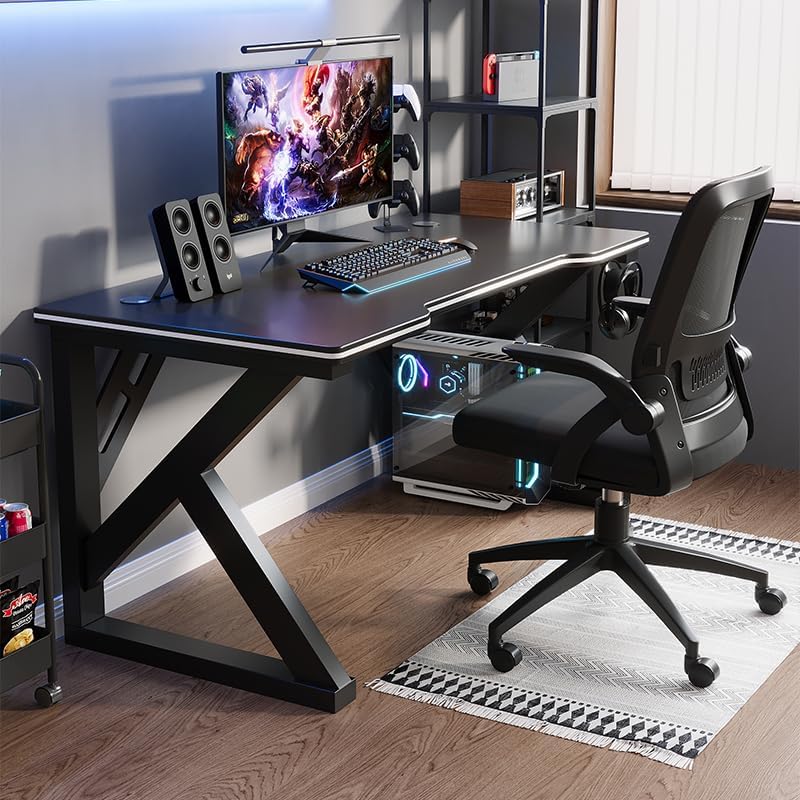
Image: A gaming setup on the Deli Gaming Table, illustrating its spacious surface.

Kuva: Ylhäältä alas view of a user at the Deli Gaming Table, highlighting ergonomic design.
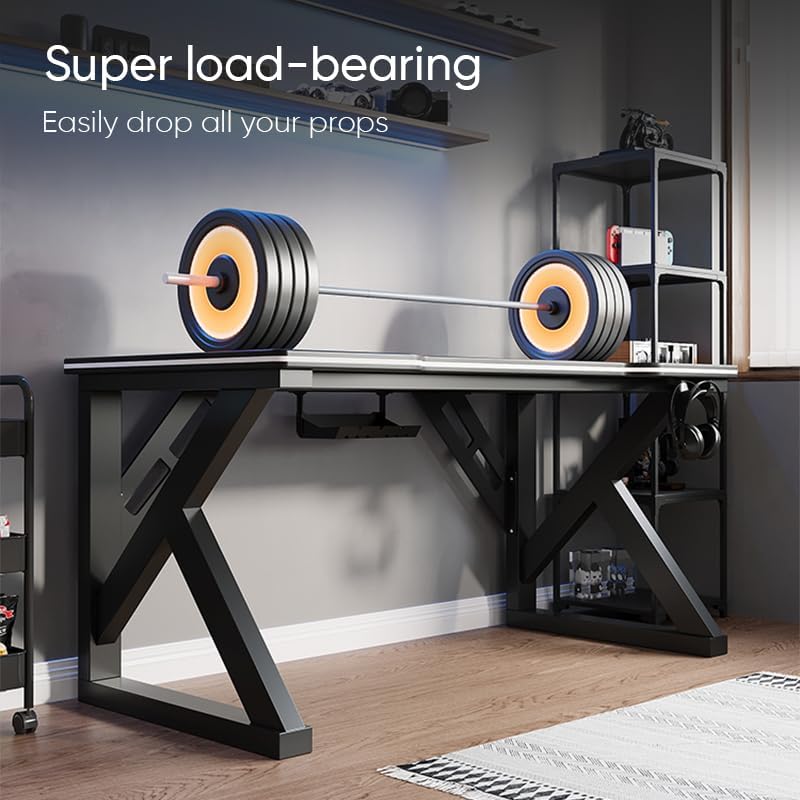
Image: The Deli Gaming Table demonstrating its load-bearing capability.
Huolto
Regular maintenance will help preserve the appearance and functionality of your Deli Gaming Table.
- Puhdistus: Wipe the desktop surface and legs with a soft, damp cloth. Avoid abrasive cleaners or harsh chemicals that could damage the painted finish or material.
- Roiskeet: Puhdista roiskeet välittömästi, jotta pinta ei tahraannu tai vahingoitu.
- Laitteiston tarkistus: Tarkista säännöllisesti kaikkien ruuvien ja pulttien kireys. Kiristä tarvittaessa vakauden säilyttämiseksi.
- Ruosteenesto: While the desk is made of metal, prolonged exposure to moisture can lead to rust. Keep the desk in a dry environment and wipe away any moisture promptly.
Vianetsintä
Desk is unstable or wobbly:
- Varmista, että kaikki kokoonpanoruuvit ja -pultit on kiristetty kokonaan.
- Check that the desk is on a level surface. Adjust floor glides if present.
- Verify that all parts are correctly assembled according to the instruction manual.
Osia puuttuu tai on vaurioitunut:
- Review the package contents list in your assembly manual.
- Contact customer support with your model number and a description of the missing or damaged part.
Kokoamisen vaikeus:
- Lue kokoamisohjeet huolellisesti uudelleen ja kiinnitä huomiota piirustuksiin.
- Varmista, että käytät jokaisessa vaiheessa oikeita laitteita.
- If issues persist, consider seeking assistance from another person.
Tekniset tiedot

Image: Dimensions of the Deli Gaming Table.
| Ominaisuus | Yksityiskohta |
|---|---|
| Mallinumero | E91511 |
| Mitat (L x S x K) | 120 cm x 60 cm x 75 cm |
| Väri | Musta |
| Materiaalityyppi | Metal and Composite (E1 grade material) |
| Rungon materiaali | K-type Carbon Steel Frame |
| Viimeistelytyyppi | Maalattu |
| Tuotteen paino | 13000 grammaa |
| Asennus vaaditaan | Kyllä |
| Suositellut käyttötavat | Gaming, Streaming, Home Office, Student Workstation |
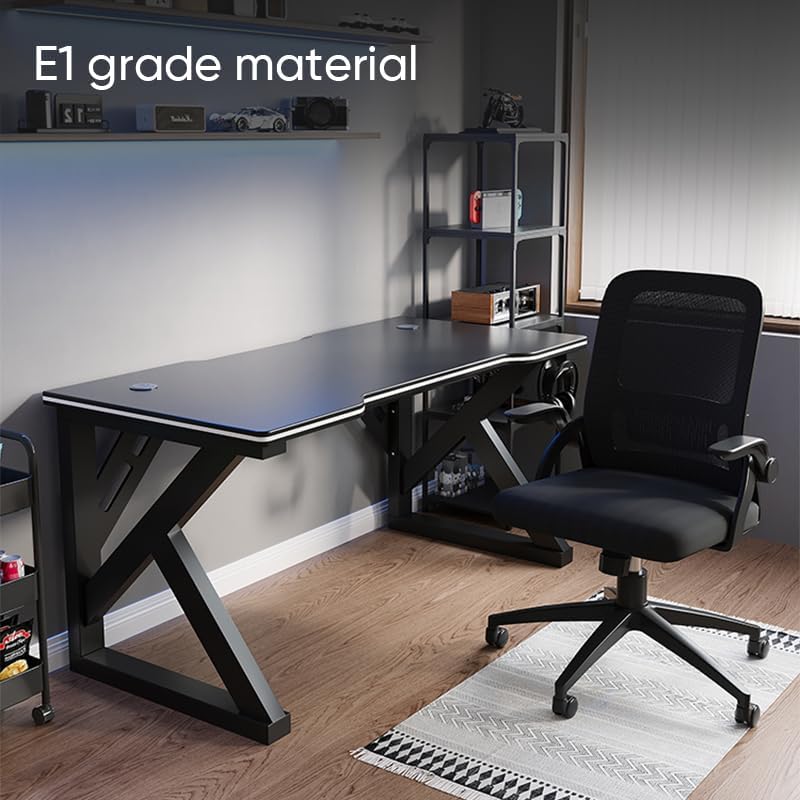
Image: The Deli Gaming Table highlighting E1 grade material.
Takuutiedot
For specific warranty details regarding your Deli Gaming Table E91511, please refer to the warranty card included with your purchase or visit the official Deli websivusto. Takuuehdot kattavat tyypillisesti valmistusvirheet normaaleissa käyttöolosuhteissa.
Asiakastuki
If you have any questions, require assistance with assembly, or need to report a missing/damaged part, please contact Deli customer support through the following channels:
- Websivusto: Visit the official Deli webtukiresurssien ja yhteydenottolomakkeiden sivusto.
- Sähköposti: Refer to your purchase documentation for customer service email addresses.
- Puhelin: Check the product packaging or official websivusto asiakaspalvelun puhelinnumeroille.
Please have your model number (E91511) and proof of purchase ready when contacting support.