
KOORUI S2721XO 27-Inch QD-OLED Gaming Monitor User Manual
Malli: S2721XO
1. Johdanto
This manual provides instructions for the setup, operation, maintenance, and troubleshooting of your KOORUI S2721XO 27-inch QD-OLED Gaming Monitor. Please read this manual thoroughly before using the product to ensure proper function and safety.
The KOORUI S2721XO monitor features a 27-inch QD-OLED panel with QHD (2560x1440) resolution, a 240Hz refresh rate, and a 0.03ms (GtG) response time. It supports HDR True Black 400 and AdaptiveSync technology for a smooth visual experience. Connectivity options include HDMI 2.1 and DisplayPort 1.4.
2. Turvallisuustiedot
- Varmista, että näyttö on asetettu vakaalle ja tasaiselle alustalle vahingossa tapahtuvien putoamisten estämiseksi.
- Älä altista näyttöä sateelle tai kosteudelle sähköiskun välttämiseksi.
- Pidä tuuletusaukot vapaina ylikuumenemisen estämiseksi.
- Use only the power adapter provided with the monitor.
- Vältä koskettamasta näyttöä terävillä esineillä.
- Irrota virtajohto pistorasiasta ennen puhdistamista tai jos näyttöä ei käytetä pitkään aikaan.
3. Asennus
3.1 Pakkauksen sisältö
Varmista, että pakkauksessa on kaikki osat:
- KOORUI S2721XO Monitor
- Näytön jalusta (jalusta ja kaula)
- Virtakaapeli
- DisplayPort-kaapeli (1.8 m)
- Käyttöopas (tämä asiakirja)
3.2 Jalustan kokoaminen
- Kiinnitä jalustan kaula näyttöpaneeliin. Varmista, että se napsahtaa tukevasti paikalleen.
- Attach the stand base to the stand neck. Tighten any screws as necessary.
Alternatively, the monitor supports VESA 100x100mm mounting for compatible wall mounts or monitor arms.
Kuva 3.2.1: Takaosa view of the monitor with VESA mount and stand attachment.

Kuva 3.2.2: Takaosa view näytön jalusta koottuna.
3.3 Laitteen yhdistäminen
The monitor provides multiple input options:
- HDMI 2.1: Connect to a PC or gaming console using an HDMI 2.1 cable. The monitor has two HDMI 2.1 ports.
- DisplayPort 1.4: Connect to a PC using a DisplayPort 1.4 cable. A DisplayPort cable is included.
- Äänilähtö: Liitä ulkoiset kaiuttimet tai kuulokkeet 3.5 mm:n ääniliitäntään.

Kuva 3.3.1: Näytön tuloportit.
Kun olet kytkenyt videokaapelin, kytke virtajohto näyttöön ja sitten pistorasiaan.
4. Käyttö
4.1 Virta päälle/pois
Paina virtapainiketta (yleensä näytön takana tai pohjassa) kytkeäksesi näytön päälle tai pois päältä. Virran merkkivalo palaa, kun näyttö on päällä.
4.2 On-Screen Display (OSD) -valikko
The monitor features a joystick controller for navigating the OSD menu. This allows for easy adjustment of various settings.
- Paina joystickia: Avaa OSD-valikon.
- Liikuta joystickia ylös/alas: Navigoi valikkovaihtoehtojen välillä.
- Liikuta joystickia vasemmalle/oikealle: Säätää arvoja tai siirtyy alivalikoihin.
- Paina uudelleen: Vahvistaa valinnan tai poistuu alivalikosta.
4.3 Näyttöasetukset
Adjust the following settings via the OSD menu for optimal performance:
- Resoluutio: Set to 2560x1440 (QHD) for the native display resolution.
- Päivitystaajuus: Select 240Hz for the smoothest motion.
- AdaptiveSync: Enable AdaptiveSync (FreeSync compatible) to eliminate screen tearing and stuttering during gaming.
- HDR True Black 400: Aktivoi HDR parantaaksesi kontrastia ja värisyvyyttä yhteensopivassa sisällössä.
- Värivalikoima: Adjust color settings, including DCI-P3 99% and sRGB 100% modes, for accurate color reproduction.
- Kirkkaus/kontrasti: Fine-tune display brightness (average 280 nits) and contrast levels.
- Image Retention Refresh: This feature helps prevent burn-in on the OLED panel. It is recommended to keep this enabled.
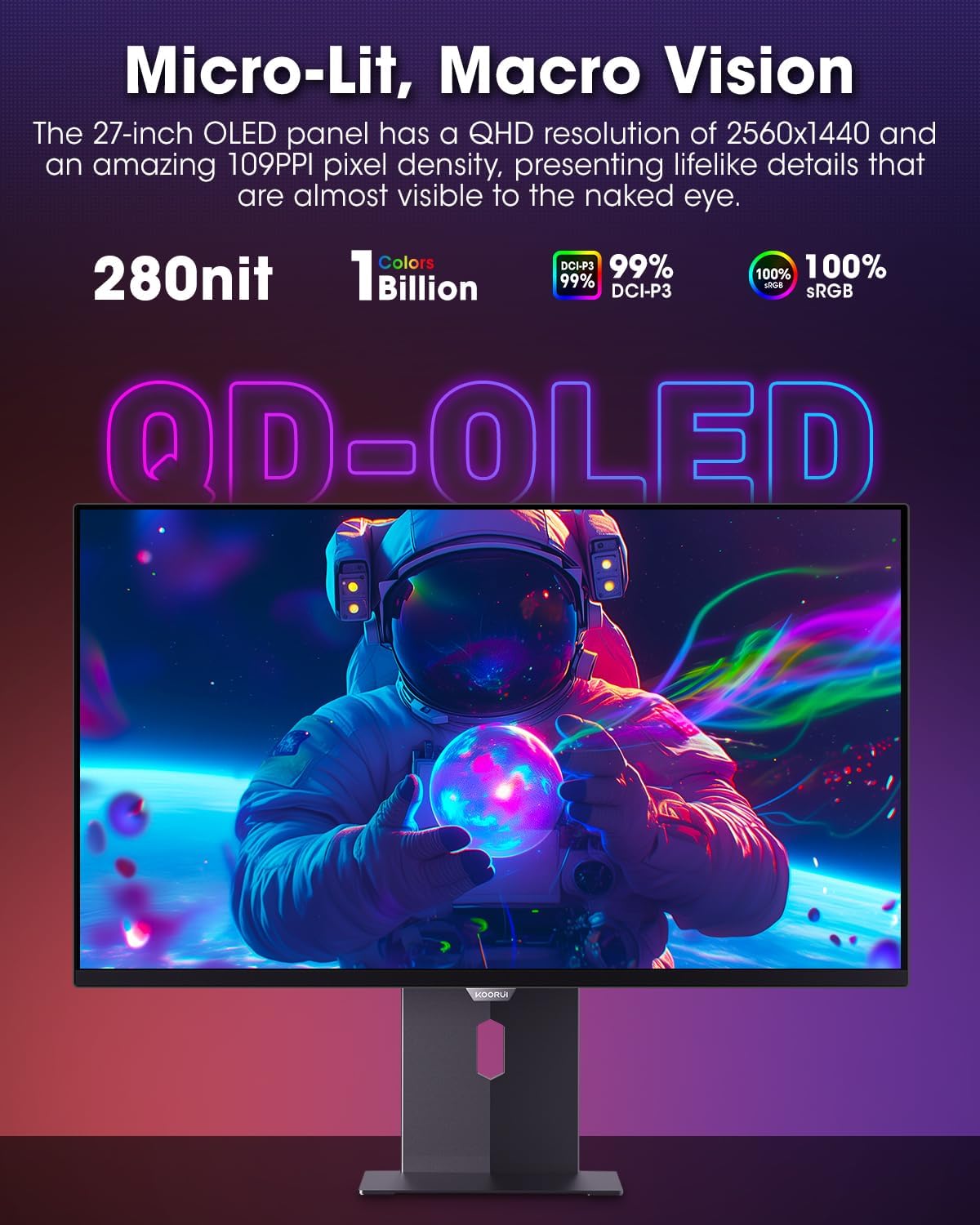
Figure 4.3.1: The QD-OLED panel delivers vivid colors and deep blacks.

Figure 4.3.2: High refresh rate and low response time for smooth gaming.
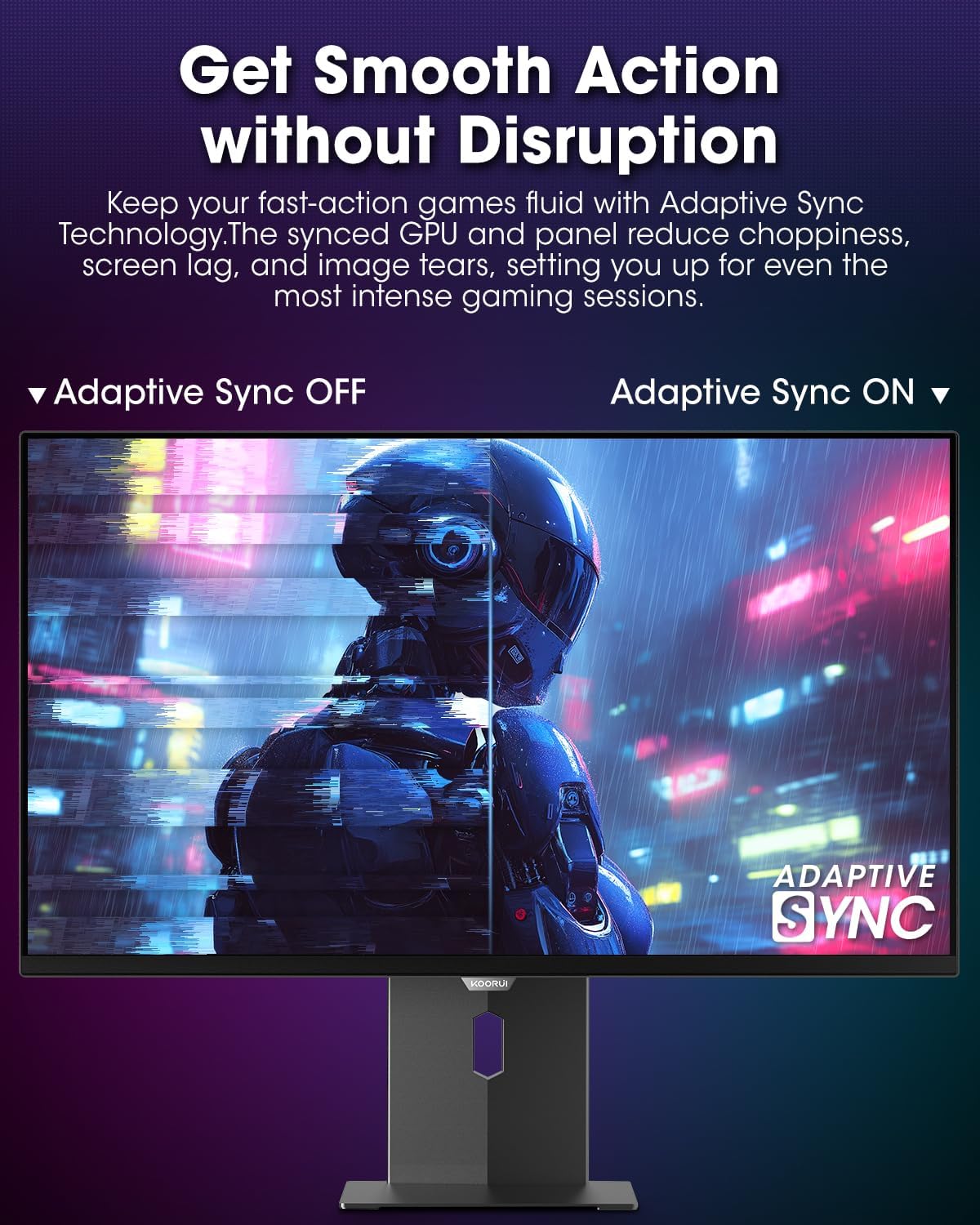
Figure 4.3.3: AdaptiveSync technology prevents screen tearing.
4.4 Ergonomiset säädöt
Näytön jalusta mahdollistaa useita säätöjä parantaakseen viewmukavuutta:
- Korkeuden säätö: Nosta tai laske näyttö silmien tasolle.
- Kallistaa: Säädä näytön kulmaa eteen- tai taaksepäin.
- Kääntyvä: Käännä näyttöä vaakasuunnassa.
- Pivot: Käännä näyttöä pystysuunnassa (pystysuunta).

Kuva 4.4.1: Näytön kallistuksen säätö.

Kuva 4.4.2: Näytön kääntö pystyasentoon.
5. Huolto
- Näytön puhdistaminen: Käytä pehmeää, nukkaamatonta liinaa kevyesti dampvedellä tai näytönpuhdistusaineella. Älä suihkuta puhdistusainetta suoraan näytölle.
- C:n puhdistaminenasing: Pyyhi näyttö casinpehmeällä, kuivalla liinalla. Vältä hankaavia puhdistusaineita.
- Ilmanvaihto: Ensure the monitor's ventilation holes are not blocked to prevent overheating.
- Virta pois: Sammuta näyttö aina ja irrota se pistorasiasta ennen puhdistamista.
6. Vianmääritys
| Ongelma | Mahdollinen syy | Ratkaisu |
|---|---|---|
| Ei kuvaa näytöllä | Virtajohto irti; Videokaapeli irti; Väärä tulolähde valittu. | Tarkista virta- ja videokaapelien liitännät; Valitse oikea tulolähde OSD-valikosta. |
| Kuvan välkkyminen tai repeäminen | AdaptiveSync not enabled; Graphics card driver issues. | Enable AdaptiveSync in OSD menu; Update graphics card drivers. |
| Värit näyttävät vääriltä | Color settings misconfigured; Faulty video cable. | Reset color settings in OSD menu; Try a different video cable. |
| Näyttö ei käynnisty | Virtajohto ei ole kytketty; pistorasia ei toimi. | Ensure power cable is securely connected; Test power outlet with another device. |
7. Tekniset tiedot
| Ominaisuus | Yksityiskohta |
|---|---|
| Merkki | KOORUI |
| Mallinumero | S2721XO |
| Näytön koko | 27 tuumaa |
| Näytön tyyppi | QD-OLED |
| Resoluutio | QHD Wide 1440p (2560 x 1440 Pixels) |
| Päivitystaajuus | 240 Hz |
| Vastausaika | 0.03 Milliseconds (GtG) |
| Kontrastisuhde | 20,000,000:1 |
| Kirkkaus | 350 candela_per_square_meter (average 280 nits) |
| Värivalikoima | 99 % DCI-P3 |
| HDR-tuki | HDR True Black 400 |
| Mukautuva synkronointi | FreeSync-yhteensopiva |
| Yhteydet | 2 x HDMI 2.1, 1 x DisplayPort 1.4, 1 x Äänilähtö |
| Ergonomia | Tilt, Height, Swivel, Pivot Adjustment |
| VESA-teline | 100x100mm |
| Tuotteen mitat | 21.58 x 61 x 51.2 cm; 8.96 kg |

Kuva 7.1: Näytön mitat.
8. Takuu ja tuki
8.1 Takuutiedot
The KOORUI S2721XO monitor comes with a 1 vuoden rajoitettu takuu. Please retain your proof of purchase for warranty claims. For detailed warranty terms and conditions, refer to the official KOORUI websivustolla tai ota yhteyttä asiakastukeen.
8.2 Asiakastuki
For technical assistance, troubleshooting, or warranty inquiries, please contact KOORUI customer support. Refer to the contact information provided on the official KOORUI websivustolta tai ostodokumentaatiostasi.
You can also find additional support resources and FAQs on the KOORUI brand store on Amazon: KOORUI Amazon Store
9. Tuotevideot
KOORUI 4K OLED Gaming Monitor 240Hz (Seller Video)
Tämä video tarjoaa lopputuloksenview of the KOORUI OLED Gaming Monitor, highlighting its key features such as high refresh rate and OLED display technology. While the title mentions "4K", the video content is generally applicable to high-performance OLED gaming monitors from KOORUI, including the S2721XO model's features like 240Hz refresh rate and fast response time.