
1. Johdanto
Thank you for choosing the Hwagol Military Smartwatch. This device is designed to enhance your daily life with smart features, fitness tracking, and communication capabilities. This manual provides essential information for setting up, operating, and maintaining your smartwatch. Please read it carefully before use to ensure optimal performance and longevity of your device.
2. Turvallisuustiedot
- Älä yritä purkaa, korjata tai muokata laitetta. Tämä voi aiheuttaa vaurioita, sähköiskun tai tulipalon.
- Pidä laite poissa äärimmäisistä lämpötiloista, suorasta auringonvalosta ja korkeasta kosteudesta.
- Vältä laitteen altistamista voimakkaille iskuille tai pudotuksille.
- Use only the provided charging cable. Using unauthorized chargers may damage the device or cause safety hazards.
- This device is water-resistant, but not waterproof. Avoid prolonged submersion or use in hot water.
- Keskustele terveydenhuollon ammattilaisen kanssa ennen minkään uuden liikuntaohjelman aloittamista, erityisesti jos sinulla on ennestään terveysongelmia. Kellon tarjoamat terveystiedot ovat vain viitteellisiä, eikä niitä tule käyttää lääketieteelliseen diagnoosiin tai hoitoon.
3. Pakkauksen sisältö
Varmista, että pakkauksessasi on kaikki seuraavat osat:
- Hwagol Military Smartwatch
- Silikonihihna
- Latauskaapeli
- Käyttöopas
Jos jokin tuote puuttuu tai on vaurioitunut, ota yhteyttä asiakaspalveluun.
4. Tuote ohiview
The Hwagol Military Smartwatch features a robust design with a round digital display and intuitive controls.
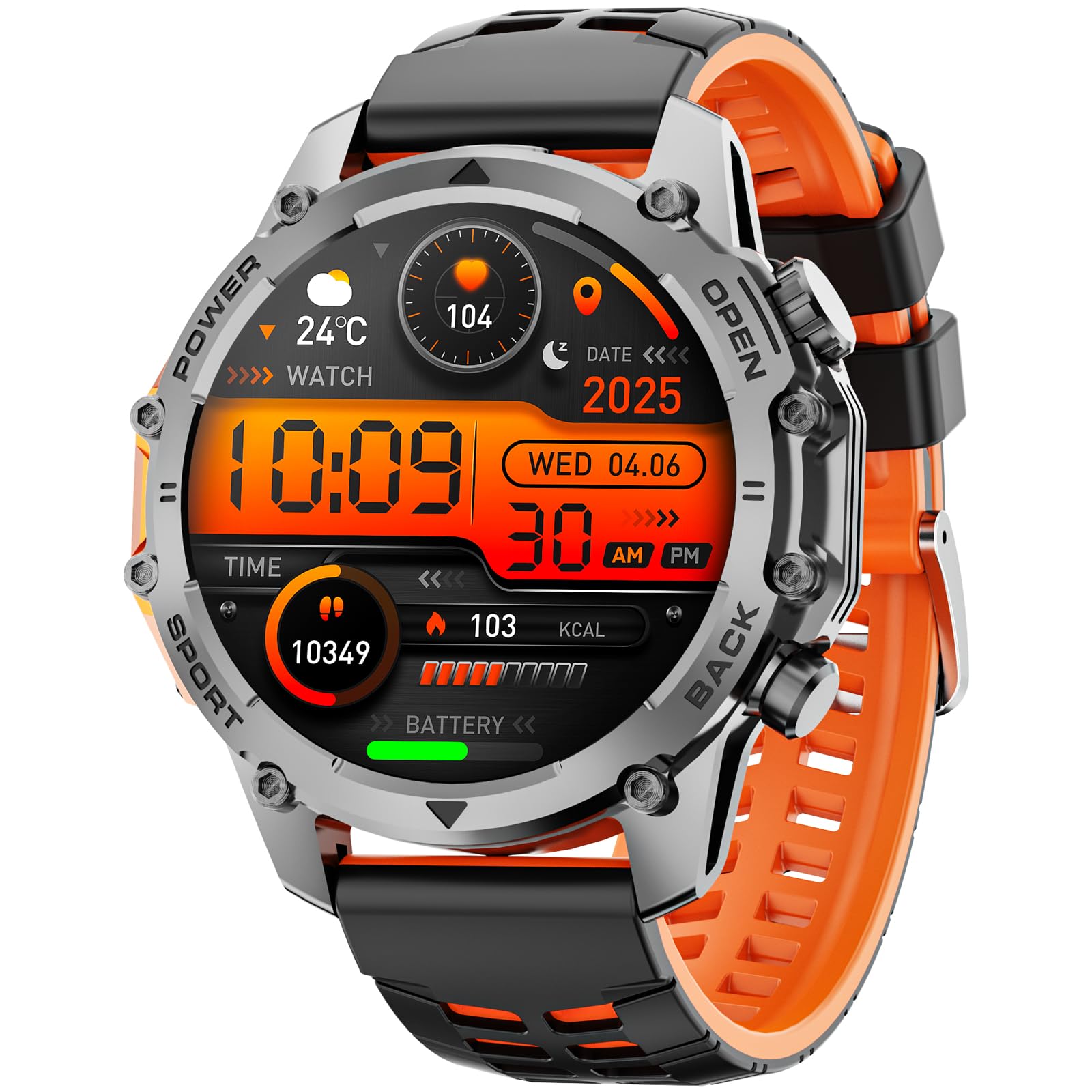
Kuva: Edessä view of the Hwagol Military Smartwatch, showcasing its round display and rugged design.
4.1 Fyysiset komponentit
- Näyttö: Digital touchscreen for interactive control and information display.
- Painikkeet: Side buttons for power, menu navigation, and quick access to functions.
- Anturit: Located on the back for heart rate monitoring and other health tracking.
- Latausportit: Magnetic charging pins on the back of the watch.
- Hihna: Durable silicone strap for comfortable wear.
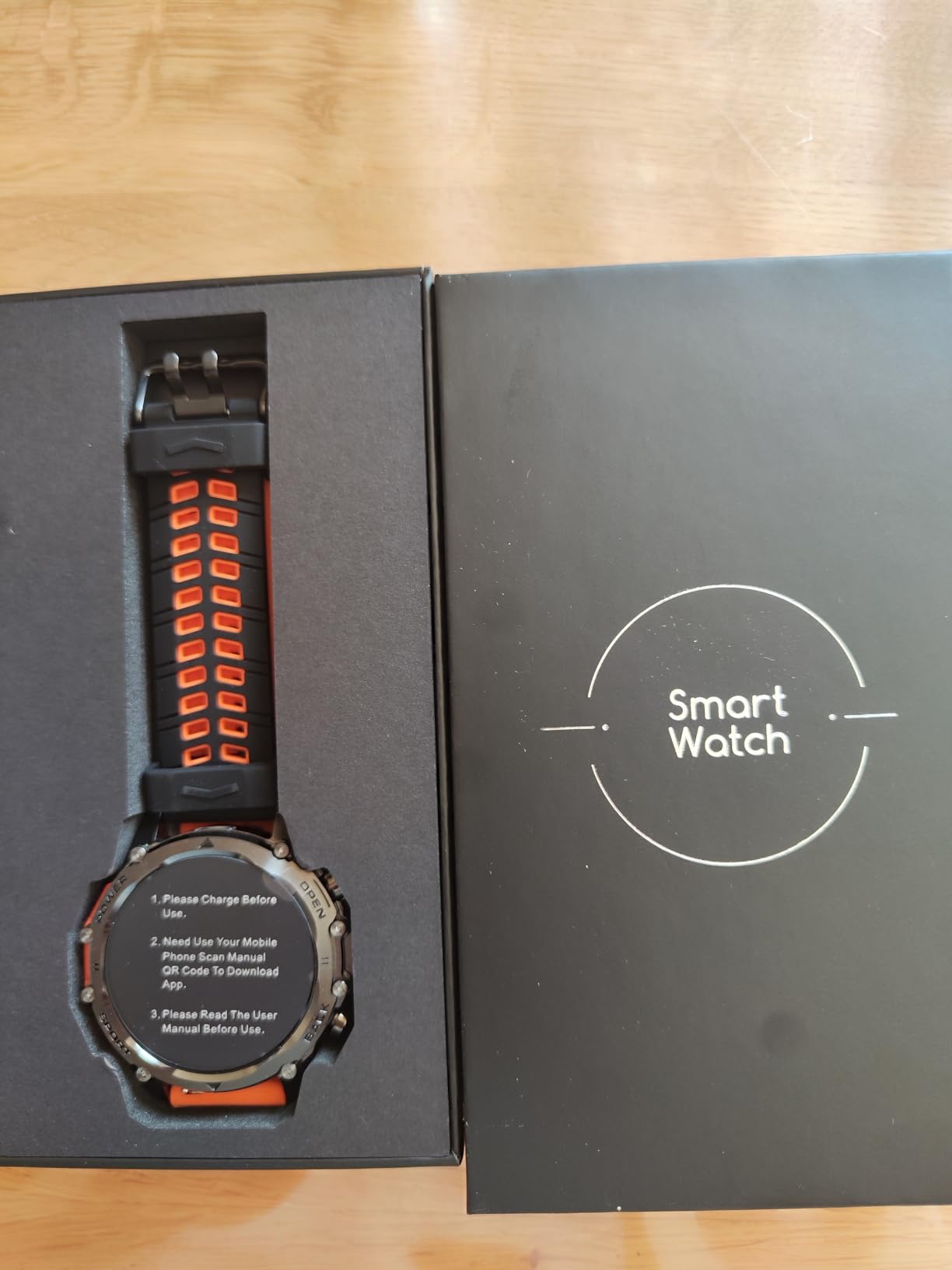
Kuva: Selkä view of the Hwagol Military Smartwatch, showing the heart rate sensors and charging contacts.
5. Asennus
5.1 Älykellon lataaminen
- Liitä latauskaapelin USB-pää virtalähteeseen (suositus 5V/1A) tai tietokoneen USB-porttiin.
- Align the magnetic pins of the charging cable with the charging contacts on the back of your smartwatch. The cable will snap into place.
- Kellon näytössä näkyy latauksen ilmaisin. Täysi lataus kestää yleensä noin 2 tuntia.
- Kun lataus on täynnä, irrota latauskaapeli.
A full charge provides approximately 5-7 days of typical use, depending on feature usage.
Image: The magnetic charging cable for the Hwagol Military Smartwatch.
5.2 Sovelluksen lataaminen ja asentaminen
To unlock the full functionality of your smartwatch, you need to install the companion application, Fitcloudpro, älypuhelimellasi.
- Scan the QR code provided in the user manual (if available) or search for "Fitcloudpro" in your smartphone's app store (Google Play Store for Android, Apple App Store for iOS).
- Download and install the "Fitcloudpro" application.
- Avaa sovellus ja luo tili tai kirjaudu sisään noudattamalla näytön ohjeita.
5.3 Yhdistäminen älypuhelimeen
Ensure your smartphone's Bluetooth is enabled before proceeding.
- Open the Fitcloudpro app on your smartphone.
- Siirry sovelluksessa kohtaan "Laite" tai "Lisää laite".
- The app will search for available devices. Select "Hwagol Smartwatch" or a similar device name from the list.
- Vahvista pariliitospyyntö sekä älypuhelimellasi että älykellolla, jos sitä pyydetään.
- Once successfully paired, the app will synchronize data with your smartwatch.
6. Käyttöohjeet
6.1 Perusnavigointi
- Virta päälle/pois: Press and hold the power button (usually the top right button) to turn the watch on or off.
- Herätysnäyttö: Raise your wrist or press any button to wake the screen.
- Kosketusnäytön eleet:
- Pyyhkäise ylös/alas: Selaa valikoita tai ilmoituksia.
- Pyyhkäise vasemmalle/oikealle: Access quick panels or different function screens.
- Napauta: Valitse kohde tai vahvista toiminto.
- Painikkeiden toiminnot: Buttons provide shortcuts to specific functions or return to the home screen. Refer to the watch's on-screen prompts for specific button assignments.
6.2 Viestintäominaisuudet
- Puhelujen soittaminen/vastaanottaminen: Once paired via Bluetooth, you can make and receive calls directly from your smartwatch. The watch acts as a Bluetooth speaker and microphone for your phone.
- Ilmoitukset: Receive notifications for calls, SMS messages, and various app alerts directly on your watch. Ensure notification permissions are enabled in the Fitcloudpro app.
- Viestin näyttö: Short messages can be read directly on the watch screen.
6.3 Kunto- ja terveysseuranta
The smartwatch tracks various health and fitness metrics:
- Step Counter (Pedometer): Tallentaa päivittäiset askeleesi, matkasi ja kulutetut kalorit.
- Sykemittaus: Continuously or periodically measures your heart rate.
- Unenseuranta: Seuraa unirytmiäsi, mukaan lukien syvää unta, kevyttä unta ja heräämisaikoja.
- Urheilutilat: Offers various sports modes to track specific activities. While the watch does not have built-in GPS, it can utilize your phone's GPS for route tracking during outdoor activities when connected.
- Muut toiminnot: May include blood oxygen monitoring, breathing exercises, sedentary reminders, and more.
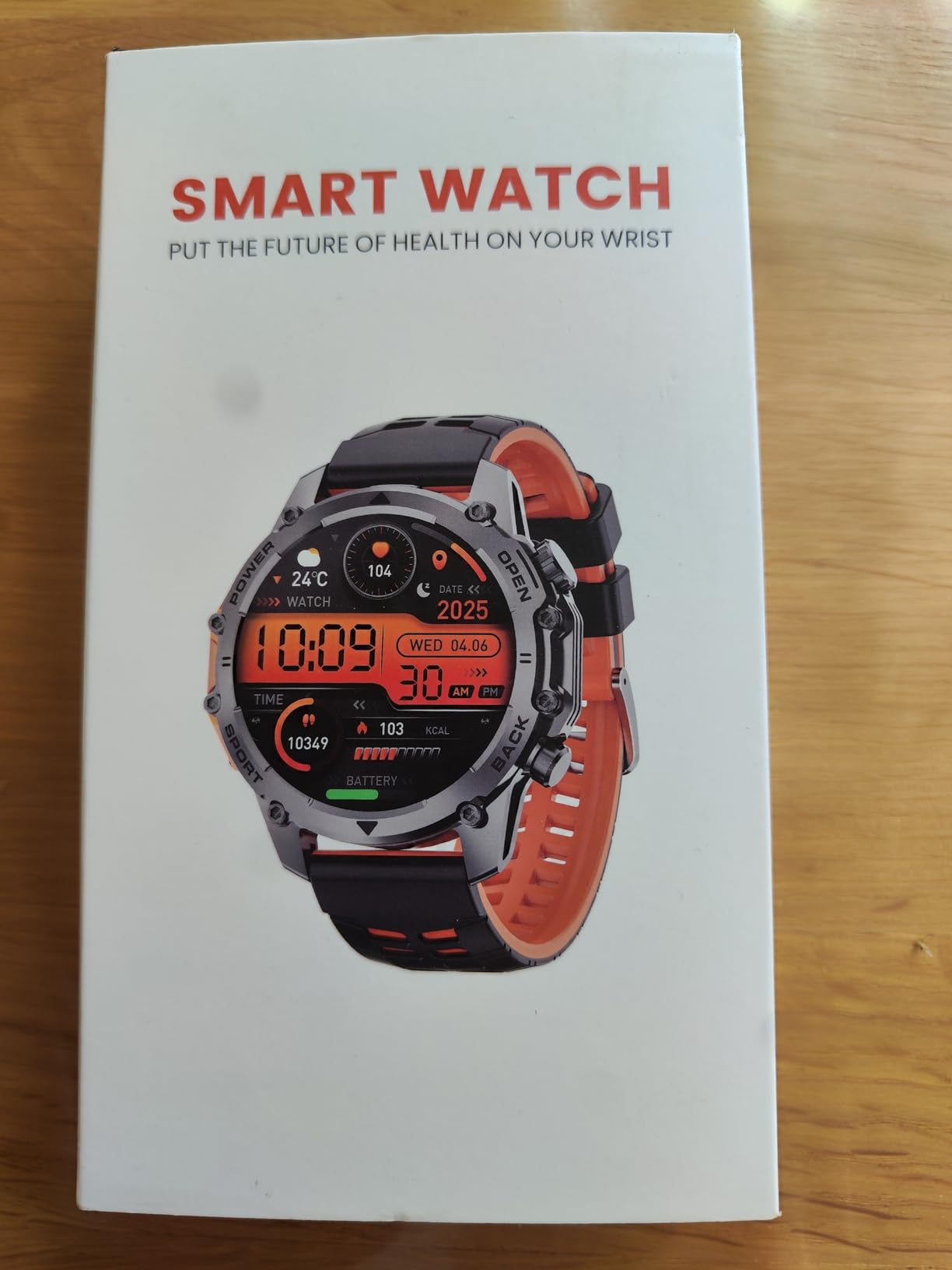
Image: The Hwagol Military Smartwatch worn on a wrist, showing a digital watch face.
KOSKAAN räätälöintiä
- Kellotaulut: Customize your watch face through the Fitcloudpro app. You can choose from a variety of pre-installed faces or download new ones from the app's watch face library.
- Hälytykset: Set alarms via the app or directly on the watch.
- Kirkkaus: Säädä näytön kirkkautta optimaalisen näkyvyyden saavuttamiseksi.
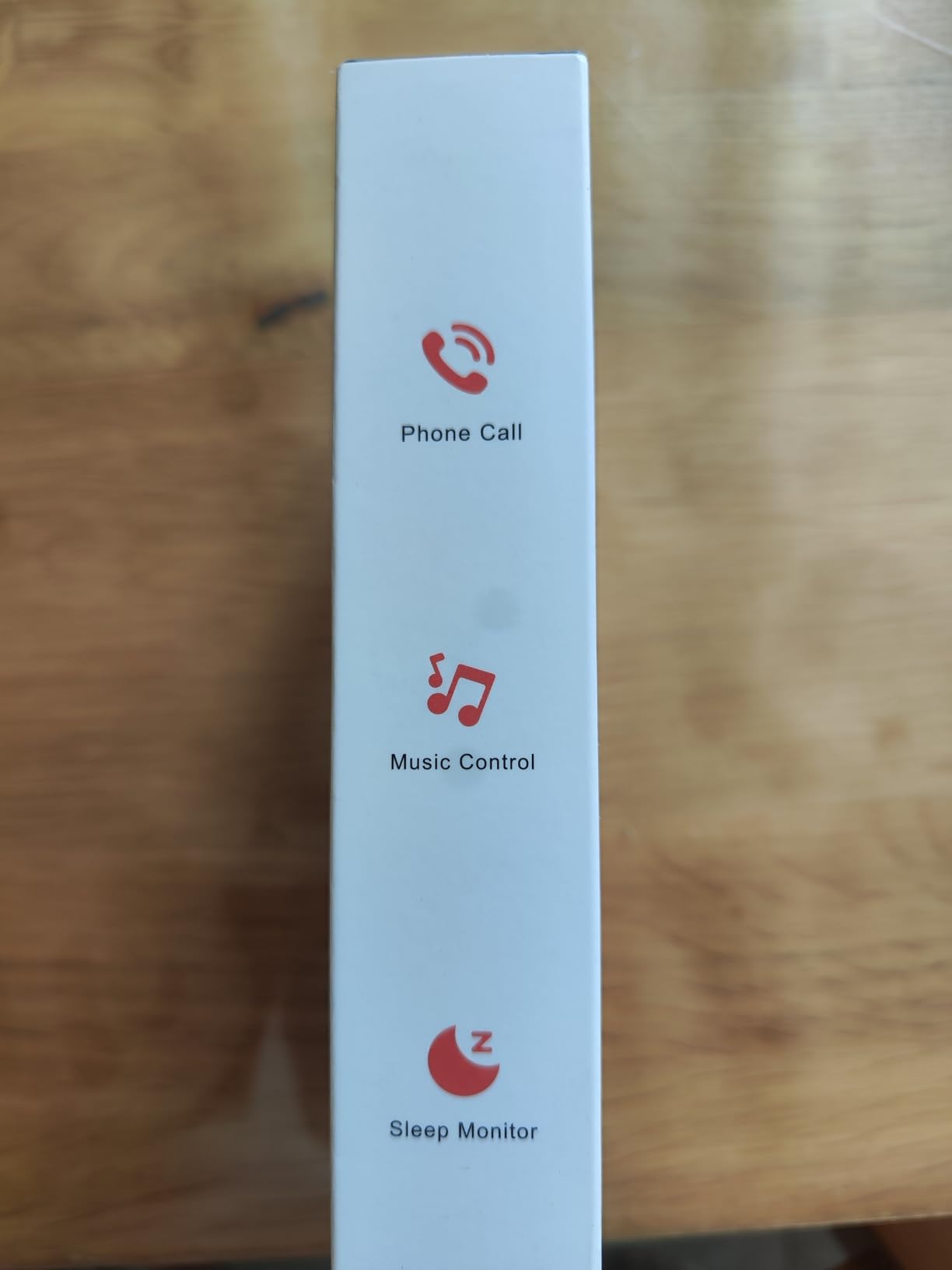
Image: The Hwagol Military Smartwatch displaying a customizable digital watch face.
7. Huolto
7.1 Laitteen puhdistaminen
- Pyyhi kellon näyttö ja runko pehmeällä, nukkaamattomalla liinalla.
- Pinttyneille tahroille, dampKostuta liinaa kevyesti vedellä. Älä käytä voimakkaita kemikaaleja tai hankaavia materiaaleja.
- Puhdista latauskoskettimet säännöllisesti varmistaaksesi oikean latauksen.
7.2 Akun hoito
- Vältä akun usein toistuvaa täydellistä tyhjentymistä.
- Charge the watch regularly, even if not in use for extended periods, to maintain battery health.
- Säilytä laitetta viileässä, kuivassa paikassa, kun sitä ei käytetä.
8. Vianmääritys
| Ongelma | Mahdollinen ratkaisu |
|---|---|
| Kello ei käynnisty | Varmista, että kello on täyteen ladattu. Paina virtapainiketta useita sekunteja. |
| Ei voi yhdistää älypuhelimeen | Ensure Bluetooth is enabled on your phone. Restart both the watch and phone. Make sure the Fitcloudpro app is open and searching for devices. Ensure the watch is not already paired with another device. |
| Epätarkat terveystiedot | Ensure the watch is worn snugly on your wrist, not too tight or too loose. Clean the sensors on the back of the watch. Note that data is for reference and not medical grade. |
| Ilmoituksia ei vastaanotettu | Check notification permissions in the Fitcloudpro app and your phone's settings. Ensure the watch is connected via Bluetooth. |
| Lyhyt akunkesto | Reduce screen brightness, limit continuous heart rate monitoring, and disable unnecessary features. Ensure background app usage is optimized on your phone. |
9. Tekniset tiedot
| Ominaisuus | Erittely |
|---|---|
| Mallinumero | 607603238276 |
| Merkki | Hwagol |
| Näytön tyyppi | Digitaalinen |
| Muoto | Pyöristää |
| Bandin materiaali | Silikoni |
| Akun koostumus | Litium-ioni |
| Latausaika | Noin 2 tuntia |
| Tyypillinen akun kesto | 5-7 päivää |
| Yhteydet | Bluetooth |
| GPS -toiminnallisuus | No built-in GPS (supports connected GPS via smartphone) |
| Vedenkestävyystaso | Vedenkestävä |
| Syöttötapa | Painikkeet, Kosketusnäyttö |
| Tuettu sovellus | Fitcloudpro (for time display, fitness tracking) |
| Yhteensopivat laitteet | Älypuhelimet (iOS ja Android) |
| Paino | 100 grammaa |
10. Takuu ja tuki
Your Hwagol Military Smartwatch is covered by a standard manufacturer's warranty. Please refer to the warranty card included in your package or contact your retailer for specific warranty terms and conditions.
For technical support, troubleshooting assistance, or warranty claims, please contact Hwagol customer service through the contact information provided on the product packaging or the official Hwagol websivusto.