
CFIAI PB-08
CFIAI kannettavan laturin varavirtalähde PB-08 käyttöohje
Malli: PB-08
1. Johdanto
Thank you for choosing the CFIAI Portable Charger Power Bank PB-08. This device is designed to provide reliable and efficient power for your mobile devices on the go. Featuring a 15000mAh capacity, 22.5W fast charging, and built-in cables, it offers convenience and versatility. Please read this manual thoroughly to ensure proper use and maintenance of your power bank.
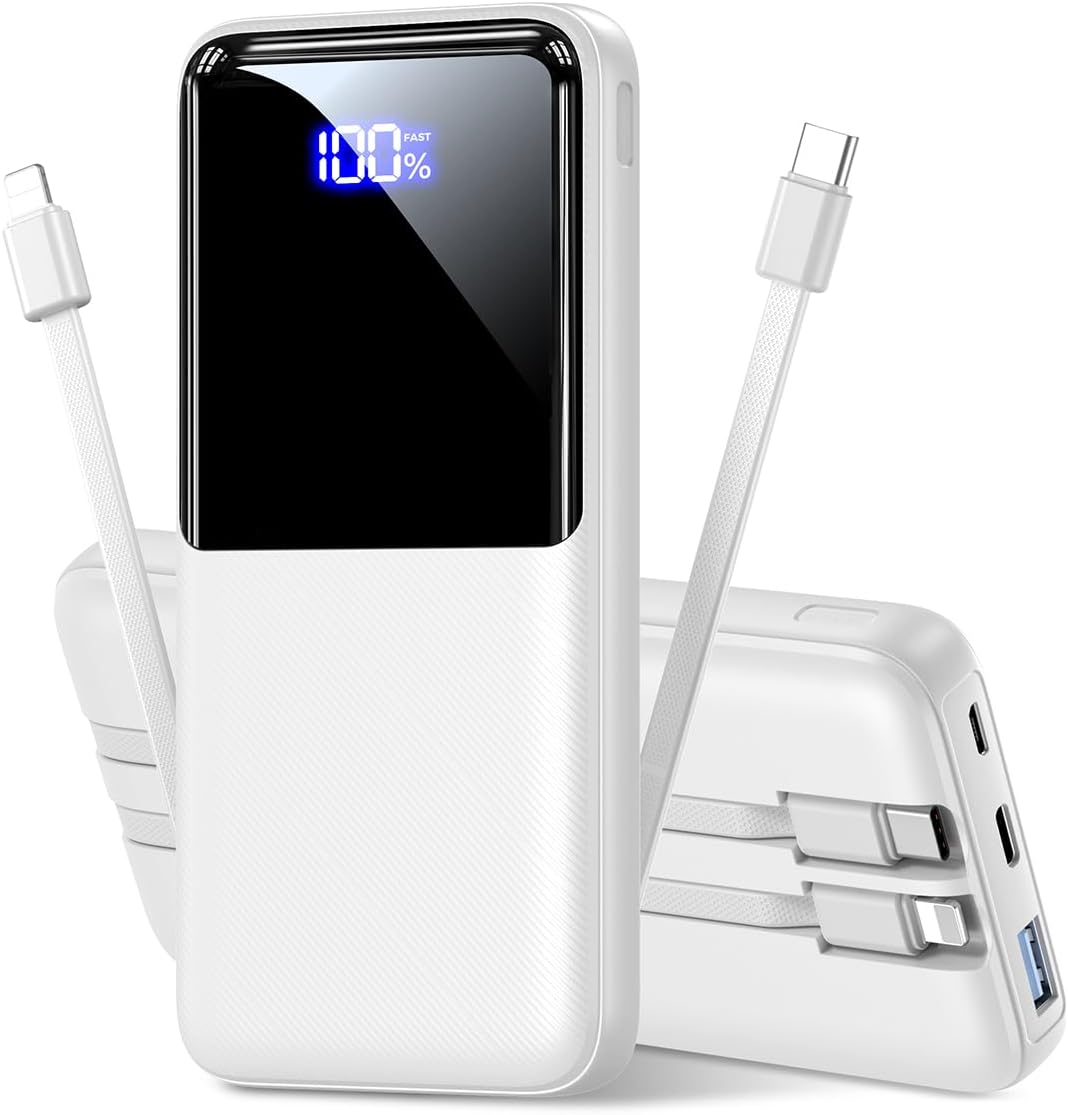
Kuva 1.1: Edessä view of the CFIAI Portable Charger Power Bank PB-08, displaying its digital charge indicator.
2. Turvallisuustiedot
Laitteen turvallisen käytön varmistamiseksi ja vaurioiden tai henkilövahinkojen välttämiseksi noudata seuraavia turvaohjeita:
- Älä altista varavirtalähdettä äärimmäisille lämpötiloille (yli 60 °C / 140 °F tai alle 0 °C / 32 °F), suoralle auringonvalolle tai tulelle.
- Avoid dropping, disassembling, or attempting to repair the device yourself. Unauthorized repairs can void the warranty and pose safety risks.
- Pidä varavirtalähde poissa vedestä, kosteudesta ja syövyttävistä aineista.
- Käytä vain sertifioituja latauskaapeleita ja -sovittimia.
- Do not operate the power bank if it has been damaged in any way.
- Pidä poissa lasten ulottuvilta.
- Hävitä varavirtalähde vastuullisesti paikallisten määräysten mukaisesti.
3. Pakkauksen sisältö
Pura pakkausta pakkauksesta ja tarkista, että kaikki osat ovat mukana:
- 1x CFIAI Portable Charger Power Bank PB-08
- 1x USB-C-latauskaapeli
- 1x Käyttöohje (tämä asiakirja)
4. Tuote ohiview
The CFIAI PB-08 Power Bank is equipped with multiple features for convenient and efficient charging:
- Kapasiteetti 15000mAh: Tarjoaa useita latauskertoja useimmille älypuhelimille.
- Sisäänrakennetut kaapelit: Includes integrated USB-C and iOS (Lightning) cables for direct device charging without needing extra cords.
- 22.5 W nopea lataus: Supports various fast charging protocols (PD/QC/FCP/AFC/SSCP) for rapid power delivery.
- Digitaalinen LED-näyttö: Näyttää jäljellä olevan akun prosentintage reaaliajassa.
- Useita lähtöportteja: In addition to built-in cables, features a USB-A output port and a Type-C In/Output port.
- Kompakti ja kevyt: Designed for portability, suitable for travel and daily use.
- Suojaukset: Enhanced chip provides multiple safety systems including overcharge, overcurrent, and short circuit protection.

Kuva 4.1: ohiview of the power bank's input and output options, including built-in cables.
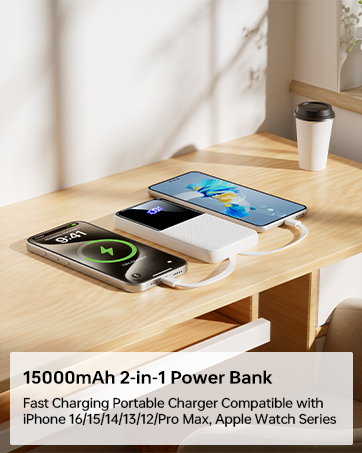
Image 4.2: The power bank's compact size makes it suitable for air travel (15,000mAh capacity is generally safe for carry-on luggage).
5. Asennus
5.1 Varavirtalähteen alkulataus
Before first use, fully charge your CFIAI Power Bank. This ensures optimal battery performance.
- Connect the provided USB-C charging cable to the power bank's Type-C In/Output port.
- Liitä USB-C-kaapelin toinen pää yhteensopivaan USB-seinäsovittimeen (ei sisälly toimitukseen) tai tietokoneen USB-porttiin.
- The digital LED display will show the charging progress. The power bank is fully charged when the display shows 100%.
Alternatively, you can use a Micro USB cable to charge the power bank via its Micro Input port.
6. Käyttöohjeet
The CFIAI Power Bank allows you to charge up to four devices simultaneously.
6.1 Charging Devices Using Built-in Cables
The power bank features integrated USB-C and iOS (Lightning) cables for direct connection to your devices.
- Identify the correct built-in cable for your device (USB-C for Android/newer devices, iOS for Apple devices).
- Gently pull out the desired built-in cable from its storage slot.
- Liitä kaapeli laitteesi latausporttiin.
- Varavirtalähde alkaa ladata laitettasi automaattisesti. Digitaalinen näyttö näyttää varavirtalähteen jäljellä olevan varauksen.
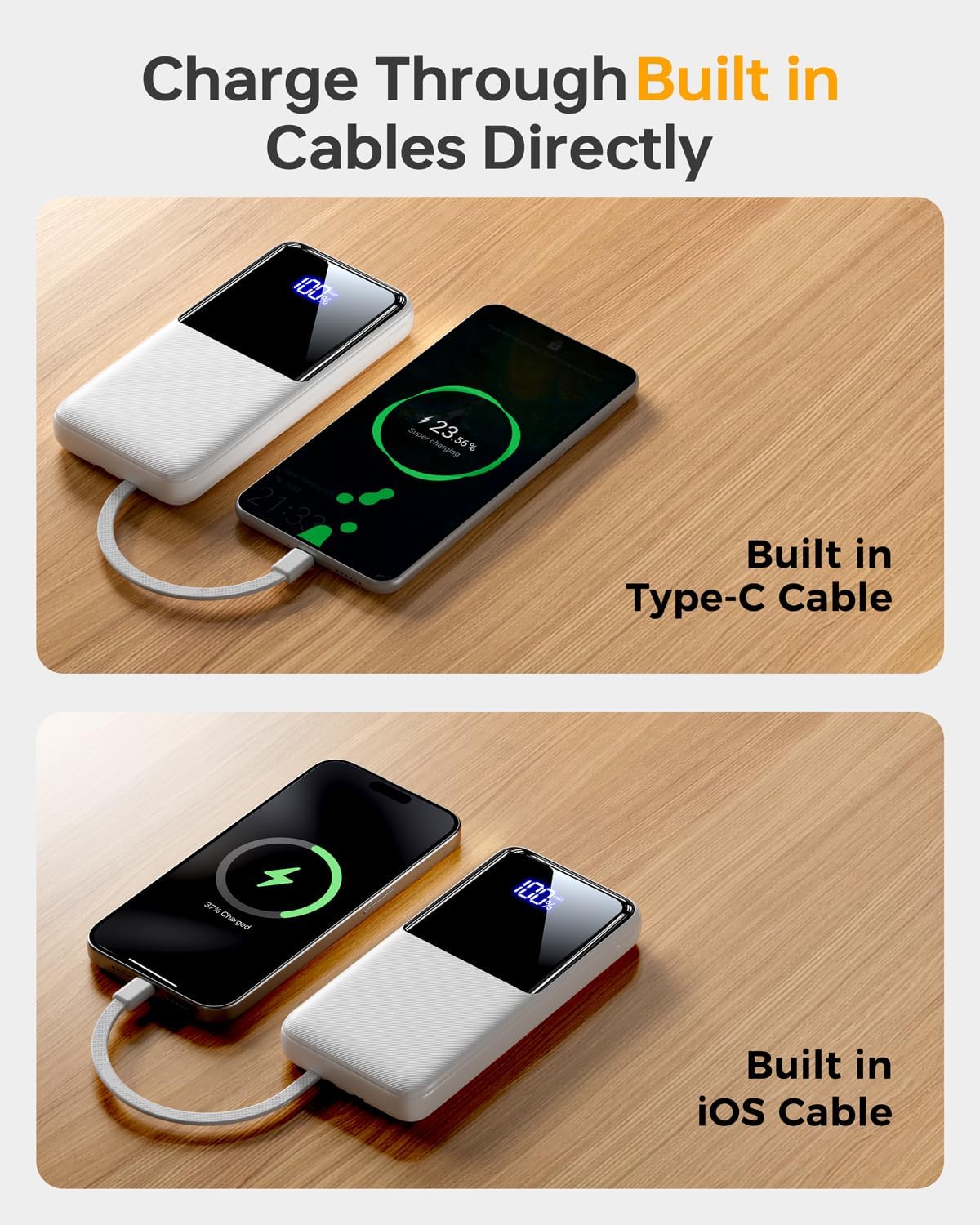
Image 6.1: Charging a device using the built-in USB-C cable.
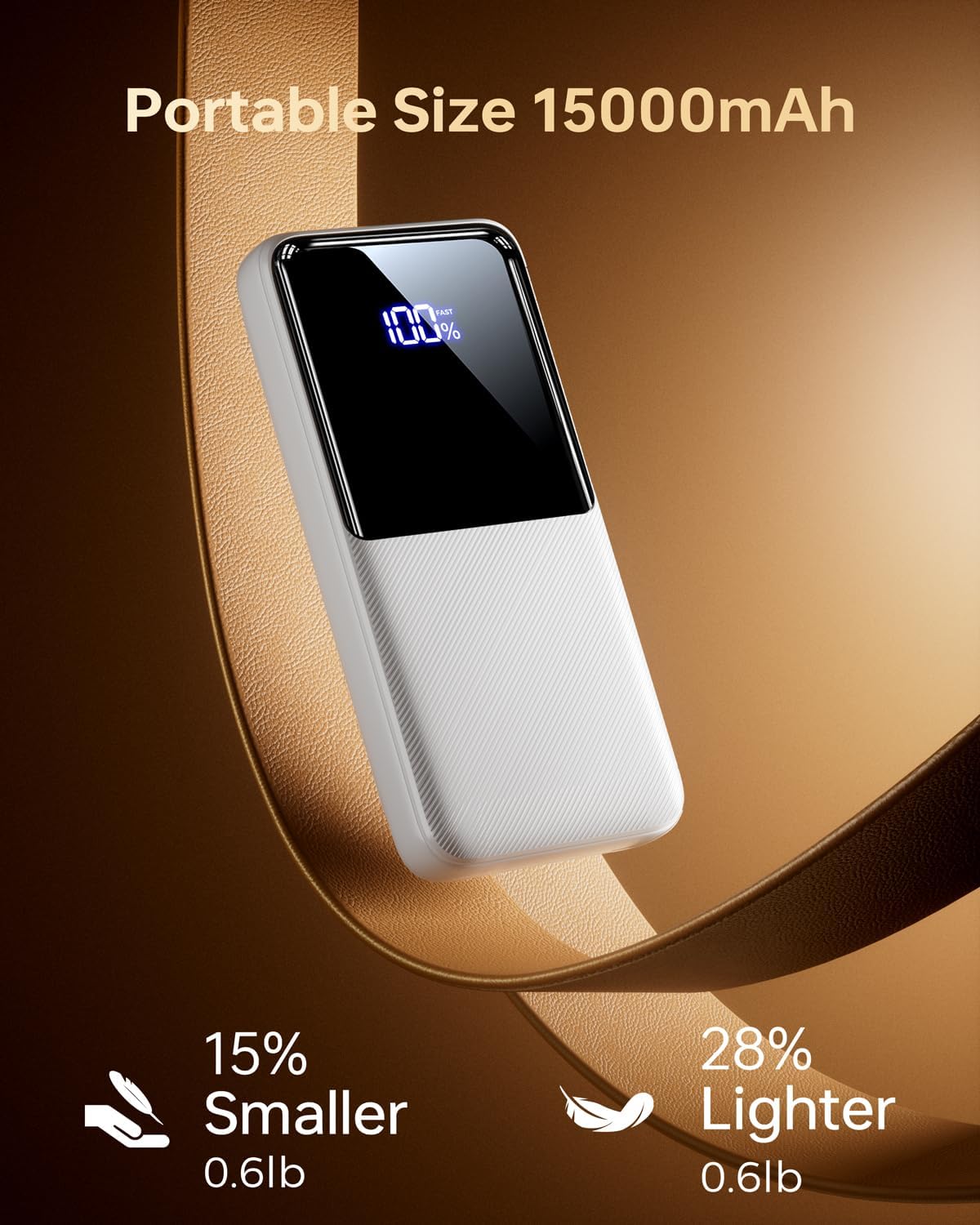
Image 6.2: Charging a device using the built-in iOS (Lightning) cable.
6.2 Charging Devices Using External Ports
You can also use your own cables with the power bank's external ports.
- Connect your device's charging cable to either the USB-A output port or the Type-C In/Output port on the power bank.
- Liitä kaapelin toinen pää laitteeseesi.
- Varavirtalähde alkaa latautua automaattisesti.
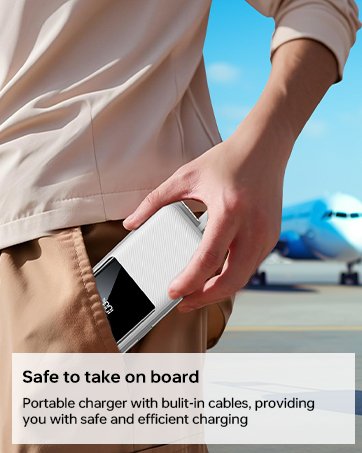
Image 6.3: The power bank simultaneously charging multiple devices.
6.3 Ylläpitolataustila
For low-power devices such as earbuds or smartwatches, the power bank supports a trickle-charging mode to prevent overcharging and extend battery life. This mode activates automatically when a low-power device is connected.
7. Huolto
Follow these guidelines to maintain your power bank's performance and longevity:
- Puhdista varavirtalähde pehmeällä, kuivalla liinalla. Älä käytä voimakkaita kemikaaleja tai hankaavia materiaaleja.
- Säilytä varavirtalähdettä viileässä, kuivassa paikassa, poissa suorasta auringonvalosta ja äärimmäisistä lämpötiloista.
- Jos varavirtalähdettä ei käytetä pitkään aikaan, lataa se vähintään kerran kolmessa kuukaudessa akun kunnon ylläpitämiseksi.
- Avoid bending the built-in cables excessively at sharp angles to prevent damage.
8. Vianmääritys
Jos kohtaat ongelmia varavirtalähteen kanssa, katso seuraavia yleisiä ratkaisuja:
| Ongelma | Mahdollinen syy | Ratkaisu |
|---|---|---|
| Virtapankki ei lataudu | Charging cable is faulty or not properly connected. Wall adapter is not working. | Ensure the charging cable is securely connected. Try a different cable or wall adapter. |
| Laite ei lataudu virtapankista | Power bank battery is depleted. Device cable is faulty or not properly connected. Device is incompatible. | Recharge the power bank. Ensure the device's charging cable is securely connected. Verify device compatibility. |
| Hidas lataus | Cable or adapter used does not support fast charging. Device does not support fast charging. | Use a fast-charging compatible cable and adapter. Ensure your device supports fast charging protocols. |
| Digitaalinen näyttö ei toimi | Power bank is completely discharged. Internal malfunction. | Attempt to charge the power bank. If the issue persists, contact customer support. |
If the problem persists after attempting these solutions, please contact CFIAI customer support for further assistance.
9. Tekniset tiedot
| Ominaisuus | Yksityiskohta |
|---|---|
| Mallinumero | PB-08 |
| Akun kapasiteetti | 15000 mAh |
| Tuotteen mitat | 5.9 x 2.69 x 0.6 tuumaa |
| Tuotteen paino | 10.9 unssia |
| Tuloportit | Micro USB, USB Type-C |
| Lähtöportit | USB Type-A, USB Type-C (built-in), iOS (built-in) |
| Pikalataus | 22.5W (PD/QC/FCP/AFC/SSCP compatible) |
| Erikoisominaisuudet | Built-in Cables, Digital Display, Fast Charging, Lightweight, Pocket Size |
| Väri | Purewhite |
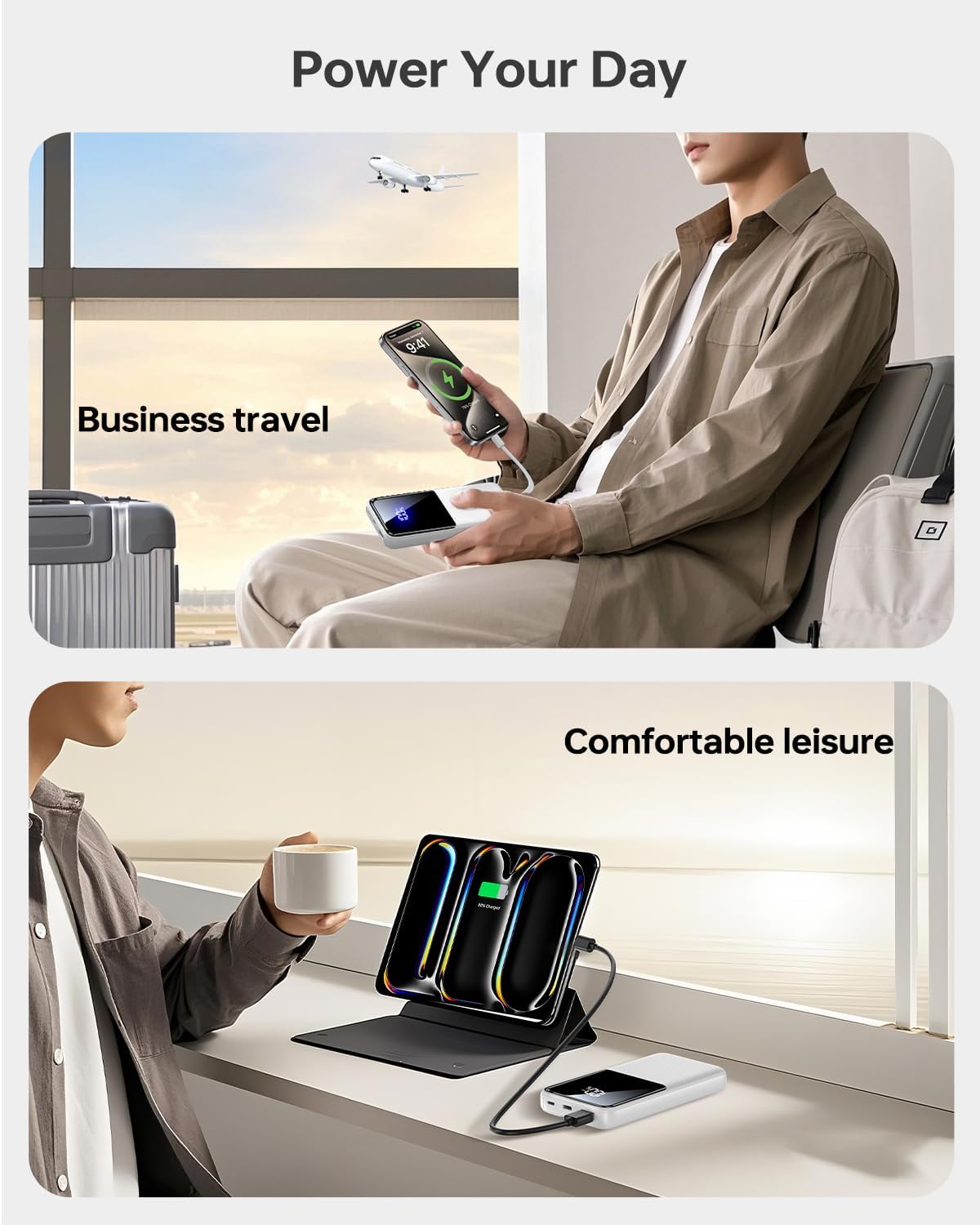
Image 9.1: The power bank offers broad compatibility with various mobile devices.
10. Takuu ja tuki
CFIAI provides a 12-month care plan for this product. For warranty claims, technical support, or any inquiries, please contact CFIAI customer service.
- Asiakaspalvelu: Saatavilla 24 tuntia vuorokaudessa.
- Vaihtopalvelu: 30-day exchange service.
- Hoitosuunnitelma: 12-months.
For more information, visit the official CFIAI store: CFIAI Store on Amazon
Ask a question about this manual
Ask about setup, troubleshooting, compatibility, parts, safety, or missing instructions. Manuals+ will review the question and use this page’s manual context to help answer it.