
Johdanto
Welcome to the user manual for your new DIALN X65 Unlocked Smartphone. This guide provides essential information to help you set up, operate, maintain, and troubleshoot your device. Please read this manual carefully to ensure optimal performance and longevity of your smartphone.
The DIALN X65 features a 6.5-inch display, runs on Android 13, and offers 32GB of internal storage, expandable via microSD. It is equipped with a 13MP camera and a 4500mAh battery.
Mitä laatikossa on
Upon unboxing your DIALN X65, verify that all items are present:
- Älypuhelin DIALN X65
- Latauskaapeli
- Käyttöopas (tämä asiakirja)
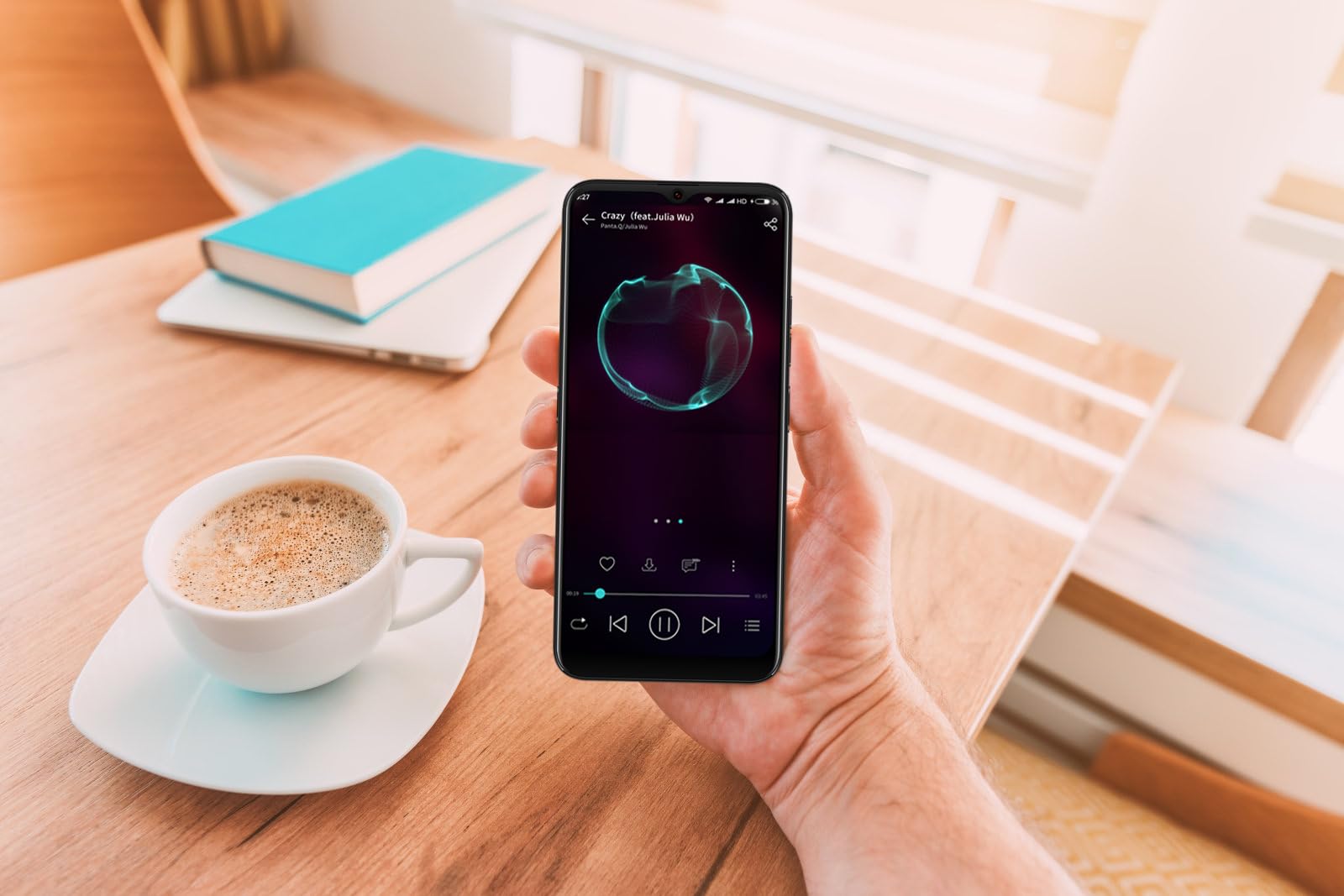
Image: The DIALN X65 smartphone displayed with its charging cable and user manual, as typically found in the product packaging.
Asennus
1. Insert SIM Card and MicroSD Card (Optional)
- Etsi SIM-kortin alusta puhelimesi sivusta.
- Insert the SIM ejector tool (not included, a paperclip can be used) into the small hole on the tray to open it.
- Aseta Nano-SIM-korttisi ja/tai microSD-korttisi korttipaikkaan kultaiset koskettimet alaspäin ja varmista, että ne ovat oikein päin.
- Työnnä pidike varovasti takaisin puhelimeen, kunnes se napsahtaa paikalleen.
2. Alkulataus
Before first use, it is recommended to fully charge your DIALN X65. Connect the charging cable to the phone's charging port and plug the other end into a power adapter (not included) or a USB port. The battery indicator on the screen will show charging progress. A full charge typically takes approximately 2 hours.
3. Virta päälle/pois
- Virran kytkeminen: Press and hold the Power button (located on the right side) until the DIALN logo appears on the screen.
- Virran sammuttaminen: Press and hold the Power button until the power options menu appears. Tap 'Power off' and confirm.
- Käynnistää uudelleen: Press and hold the Power button until the power options menu appears. Tap 'Restart' and confirm.
4. Ohjattu alkuasetustoiminto
The first time you power on your phone, you will be guided through an initial setup process. Follow the on-screen prompts to:
- Valitse kieli.
- Yhdistä Wi-Fi-verkkoon.
- Kirjaudu sisään Google-tililläsi tai luo uusi.
- Määritä näytön lukitus (PIN-koodi, kuvio, salasana tai kasvojentunnistus).
- Review ja hyväksy käyttöehdot.
Operating Your DIALN X65
1. Perusnavigointi
- Kosketa: Napauta kuvaketta avataksesi sovelluksen tai valitaksesi kohteen.
- Pyyhkäise: Vedä sormeasi näytön poikki vierittääksesi tai siirtyäksesi näyttöjen välillä.
- Hyppysellinen: Lähennä tai loitonna valokuvia kahdella sormella ja web sivuja.
- Aloitusnäyttö: Sovellustesi ja widgetiesi keskipiste. Pyyhkäise vasemmalle tai oikealle päästäksesi lisäaloitusnäyttöihin.
- Ilmoituspaneeli: Pyyhkäise näytön yläreunasta alaspäin päästäksesi ilmoituksiin ja pika-asetuksiin.
2. Puhelut ja yhteystiedot
- Soittaminen: Avaa 'Puhelin'-sovellus, anna numero ja napauta soittokuvaketta.
- Puheluun vastaaminen: Swipe up on the green phone icon when a call comes in.
- Yhteystietojen hallinta: Open the 'Contacts' app to add, edit, or delete contacts.
3. Viestit
Open the 'Messages' app to send and receive SMS/MMS messages. Tap the '+' icon to compose a new message, enter the recipient's number or select from contacts, and type your message.
4. Internet ja yhteydet
- Wi-Fi: Siirry kohtaan Asetukset > Verkko ja internet > Wi-Fi. Ota Wi-Fi käyttöön ja valitse haluamasi verkko.
- Bluetooth: Go to Settings > Connected devices > Connection preferences > Bluetooth. Turn Bluetooth on to pair with other devices.
- Mobiilidata: Go to Settings > Network & internet > Mobile network. Ensure mobile data is enabled for internet access via your SIM card.
5. Kamera
Open the 'Camera' app to capture photos and videos. Tap the shutter button to take a photo. Swipe left or right to switch between photo, video, and other modes. Use the front camera for selfies.
6. Kasvojentunnistus
To set up Face Unlock, go to Settings > Security & privacy > Device unlock > Face unlock. Follow the on-screen instructions to register your face. Once set up, you can unlock your phone by looking at the front camera.
7. Tallennuksen hallinta
Your DIALN X65 comes with 32GB of internal storage. You can expand this up to 256GB using a microSD card. To check storage usage, go to Settings > Storage. Regularly clear unnecessary fileja sovelluksia optimaalisen suorituskyvyn ylläpitämiseksi.
Huolto
1. Laitteen puhdistaminen
Use a soft, lint-free cloth to clean the screen and body of your phone. Avoid using harsh chemicals or abrasive materials, as these can damage the display and finish. Do not expose the phone to excessive moisture.
2. Ohjelmistopäivitykset
Regularly check for and install software updates to ensure your phone has the latest features, security patches, and performance improvements. Go to Settings > System > System update to check for available updates.
3. Akun hoito
- Vältä äärimmäisiä lämpötiloja, sillä ne voivat lyhentää akun käyttöikää.
- Älä anna akun tyhjentyä kokonaan usein.
- Use the provided charging cable or a compatible, certified charger.
- Unplug the charger once the battery is full to prevent overcharging.
4. Tallennustilan optimointi
To keep your phone running smoothly, regularly review and delete unused apps, old photos, videos, and downloaded files. Consider moving large media filemicroSD-kortille tai pilvitallennustilaan.
Vianetsintä
Yleisiä ongelmia ja ratkaisuja:
- Puhelin ei käynnisty: Varmista, että akku on ladattu. Liitä laturiin vähintään 15 minuutiksi ja yritä sitten käynnistää laite uudelleen.
- Poor Signal/No Network: Check if your SIM card is properly inserted. Ensure mobile data is enabled in settings. Try restarting the phone. If issues persist, contact your network provider.
- Sovellusten kaatuminen/jäätyminen: Sulje sovellus ja avaa se uudelleen. Tyhjennä sovelluksen välimuisti (Asetukset > Sovellukset > [Sovelluksen nimi] > Tallennustila ja välimuisti > Tyhjennä välimuisti). Jos ongelma jatkuu, poista sovellus ja asenna se uudelleen.
- Akku tyhjenee nopeasti: Reduce screen brightness, disable unused features like Bluetooth or GPS, close background apps, and check for apps consuming excessive power in battery settings.
- Kosketusnäyttö ei reagoi: Restart the phone. If the issue persists, a factory reset might be necessary (see below).
Factory Reset (Data Erase)
Tehdasasetusten palautus poistaa kaikki tiedot puhelimestasi ja palauttaa sen alkuperäisiin tehdasasetuksiin. Varmuuskopioi kaikki tärkeät tiedot ennen jatkamista.
- Siirry kohtaan Asetukset > Järjestelmä > Nollausasetukset.
- Tap 'Erase all data (factory reset)'.
- Vahvista päätöksesi ja anna PIN-koodisi/kuviosi/salasanasi pyydettäessä.
- Puhelin käynnistyy uudelleen ja aloittaa nollausprosessin.
Tekniset tiedot
| Ominaisuus | Erittely |
|---|---|
| Mallin nimi | X65 |
| Käyttöjärjestelmä | Android 13.0 |
| Näytön koko | 6.5 tuumaa |
| Resoluutio | 1280 x 720 |
| Prosessori | Quad Core 2.26GHz (MediaTek) |
| RAM | 3 Gt |
| Sisäinen tallennustila | 32 Gt (laajennettavissa jopa 256 Gt:iin microSD-kortin avulla) |
| Pääkamera | 13 MP |
| Akun kapasiteetti | 4500 mAh |
| Yhteydet | 4G LTE, Wi-Fi, Bluetooth |
| Erikoisominaisuudet | Expandable Storage, Face Unlock, Built-in GPS |
| Mitat | 6.5 x 3 x 6.5 tuumaa |
| Paino | 6.5 unssia |
Takuu ja tuki
Your DIALN X65 Smartphone is covered by a limited manufacturer's warranty. Please refer to the warranty card included with your product for specific terms and conditions, including warranty period and coverage details. For technical support, service, or further inquiries, please visit the official DIALN website or contact customer service through the contact information provided on the product packaging or official websivusto.